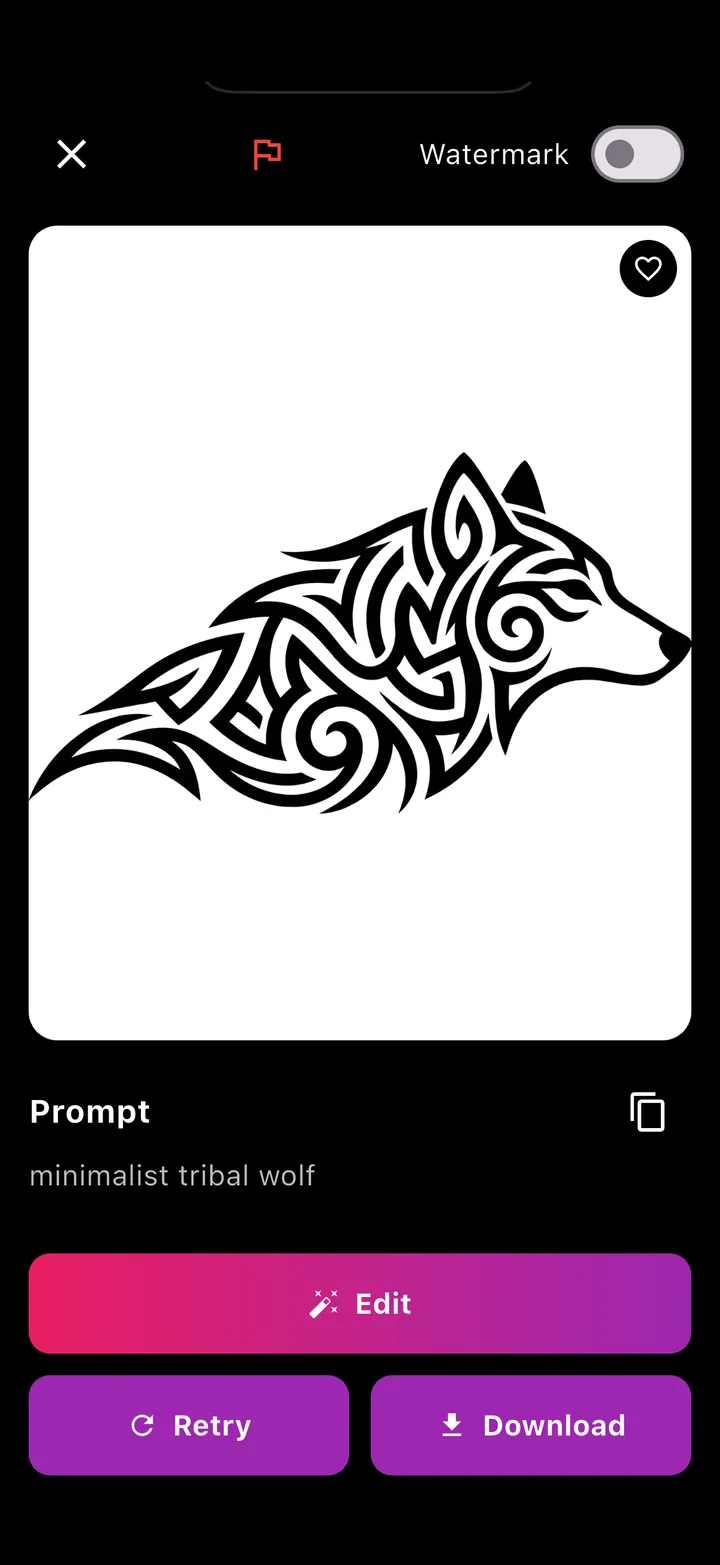
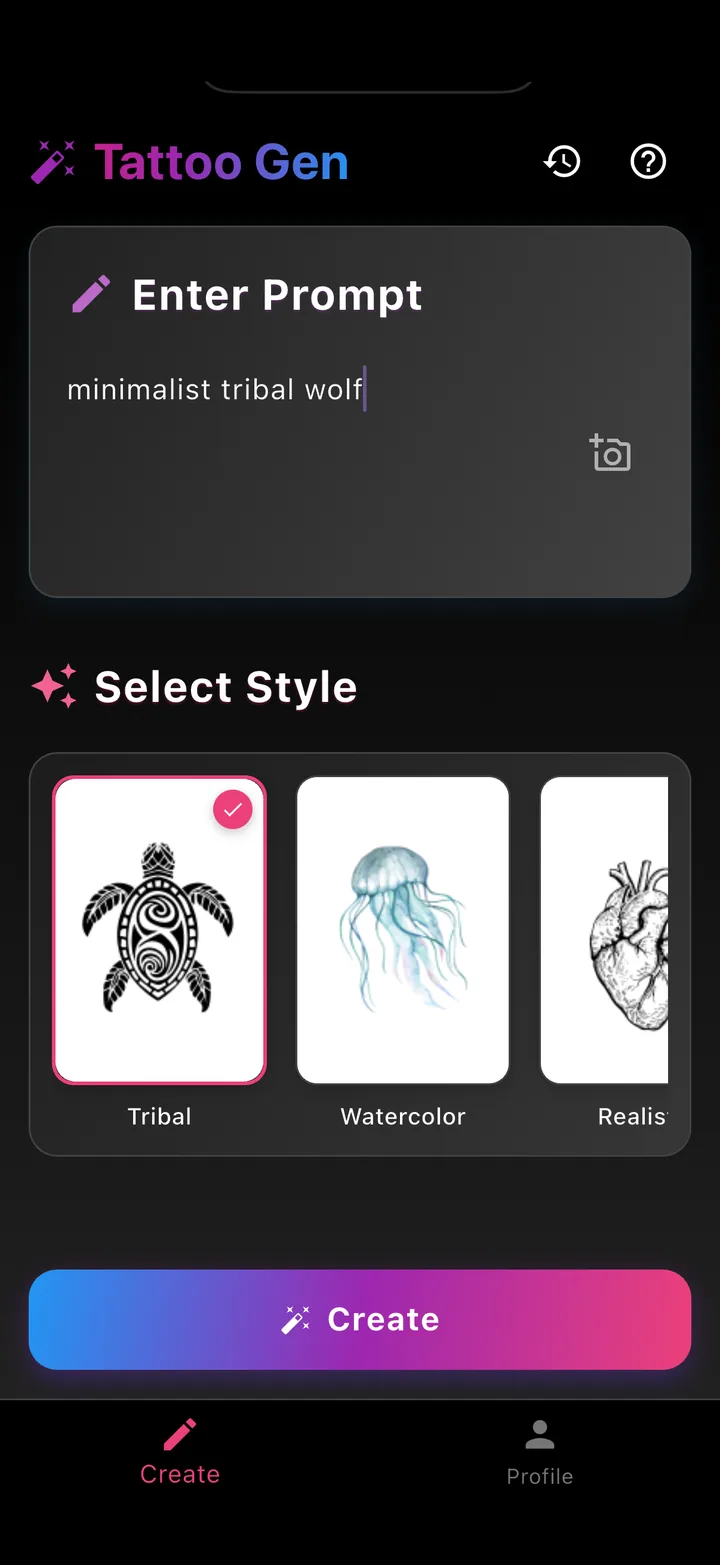
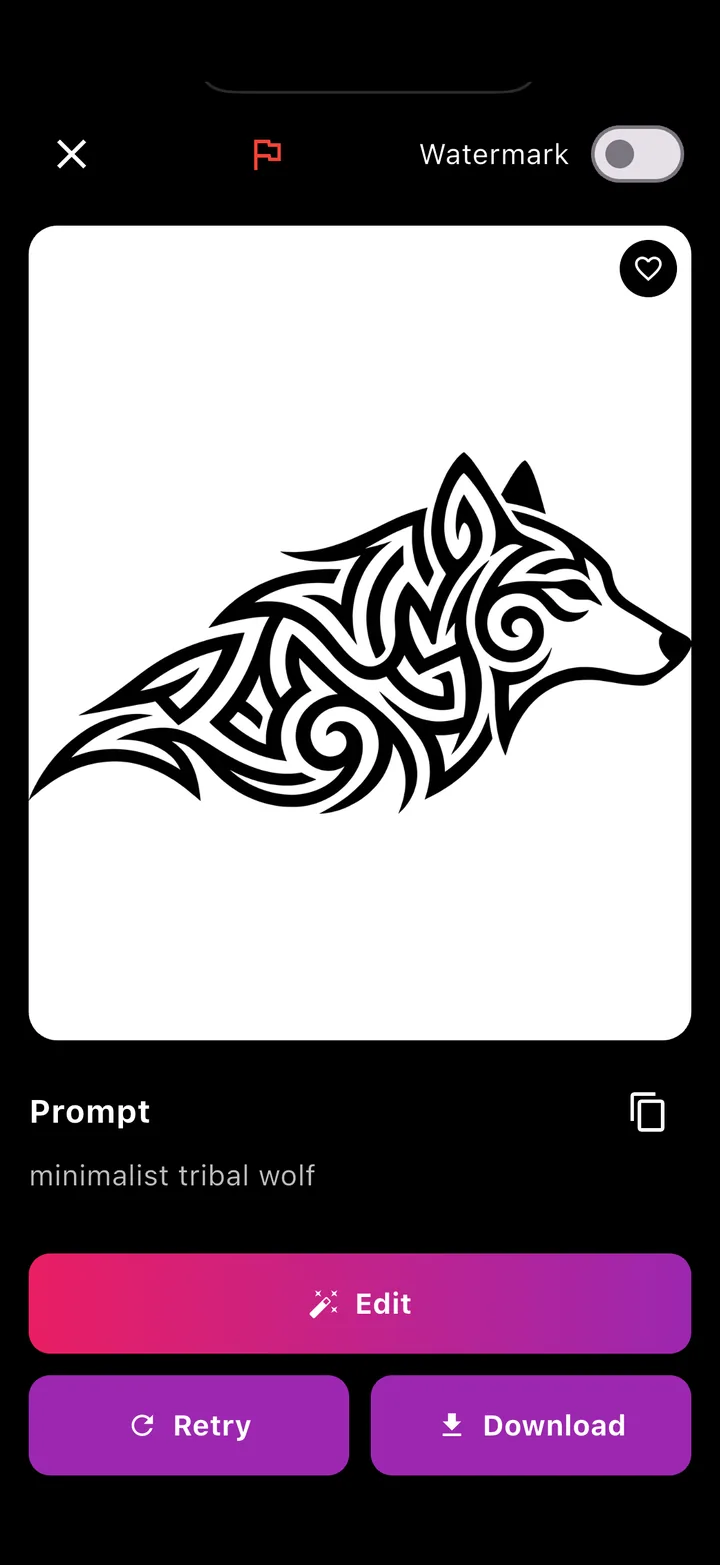
Write the idea, pick one of nine styles and TatuaIA draws the tattoo in seconds. Not quite right? Change it with words or try again. Then download it and take it to your tattoo artist.
Nine styles: tribal, watercolor, realistic, minimalist, geometric…
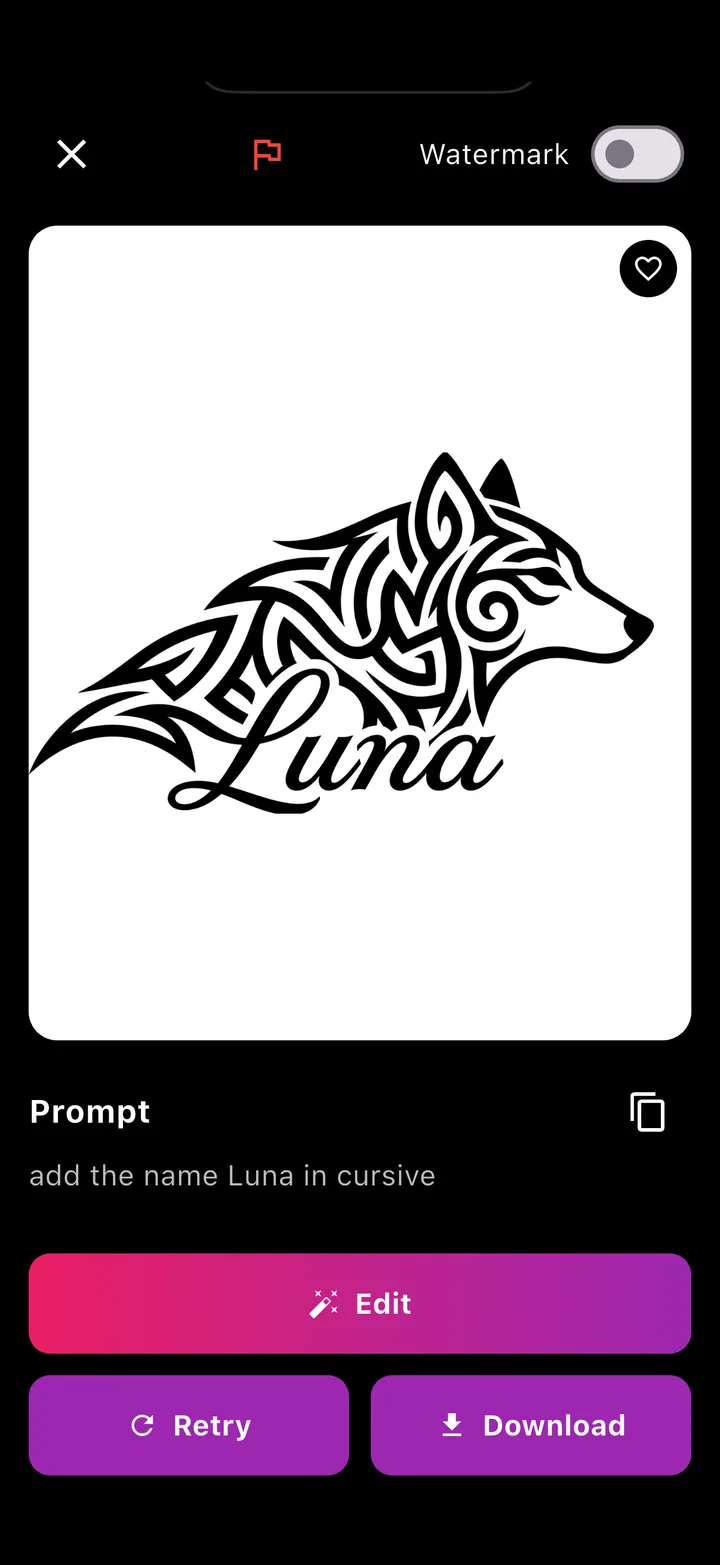
Edit the design by writing what to change
Your first designs are free
For iPhone and Android
Ready to download
Tribal style
Nine styles, from tribal to trash polka
Tribal
Watercolor
Realistic
Minimalist
Biomechanical
Fluorescent
Geometric
Pointillism
Trash polka
See the tattoo before you get it
A vague idea becomes a real drawing you can look at, change and show around, without sitting in the chair.
You have an idea in mind
“A wolf howling at the moon”, “a fine-line rose with a long stem”. Write it, pick the style and see what it becomes. Then change the details with words.
The same subject in nine different styles
Written edits: “add the name Luna in cursive”
You don't know what to get yet
Start from the ready-made examples, try one subject in several styles and retry until you find the design that feels like you.
Example ideas one tap away
Every design stays in your history
For your tattoo artist
Download the design in high quality and bring it to the studio: a clear reference your artist can adapt to your body.
Download and share in one tap
A reference for the stencil and the quote
How it works
1
Describe the tattoo and pick a style
Write the idea in your own words and tap one of nine styles: tribal, watercolor, realistic, minimalist, biomechanical, fluorescent, geometric, pointillism or trash polka.
2
Tap Create
In seconds TatuaIA draws the tattoo on a clean white background, the way you'd see it on your artist's sheet.
3
Edit, download, take it to the studio
Write what to change (“smaller”, “add a date”), retry with the same sentence, or download the design and share it.
Everything TatuaIA does
From a sentence to a design
Describe the tattoo the way you'd tell a friend. No expert prompts: a subject and a few details are enough.
“Add the name Luna in cursive”, “remove the background”, “thinner lines”. Write the change and TatuaIA applies it to the design.
Photo → tattoo
Take or upload a photo and TatuaIA turns it into a tattoo design in the style you choose.
Download and share
Save the design in high quality to your phone or share it directly. With Pro, no watermark.
Design history
Every tattoo you create stays in your history: reopen it, edit it or download it whenever you want.
Frequently asked questions
Is TatuaIA free?
Yes. Your first designs are free, and free images carry a small watermark. To create without limits, edit designs and download them without the watermark there's TatuaIA Pro, a subscription you activate in the app and cancel anytime from your App Store or Google Play account.
Which tattoo styles can I choose?
Nine: tribal, watercolor, realistic, minimalist, biomechanical, fluorescent, geometric, pointillism and trash polka. The same subject changes a lot from one style to another: try the same prompt in two or three styles before you decide.
Can I edit the design after creating it?
Yes. Tap Edit and write what to change, for example “add the name Luna in cursive” or “remove the background”. You can also tap Retry to get another version of the same idea.
Can I start from a photo?
Yes: take or upload a photo and TatuaIA turns it into a tattoo design in the style you choose. You can also attach a reference image to your description.
Can I actually get the design tattooed?
The design is yours: download it and take it to your tattoo artist, who will adapt it to the body area, the size and their technique. Treat it as a faithful reference, not a ready-made stencil: the artist has the final say on the linework.
Does it work on Android?
Yes. TatuaIA is available for iPhone and iPad on the App Store and for Android on Google Play.
Which languages can I write in?
Write the description in your own language. The app is available in English, Italian, Spanish, Portuguese, French and German.
What is it called in the stores?
On the App Store it's listed as “Tattoo AI: Maker & Creator” and on Google Play as “Tattoo AI”. Once installed, it shows on your phone as Tattoo Gen.
What happens to my descriptions and designs?
Your description is sent to our servers only to generate the design, which stays saved in your history. You'll find the details in our privacy policy.
Your next tattoo starts with a sentence
Download TatuaIA and create your first designs for free today.