Name tattoos
Name tattoo ideas: fonts and designs for the name you carry
A name tattoo works when the font suits the person and the name reads perfectly: “Olivia” in script with an olive branch, “Mateo” in a fine serif, “Lucas” with baby footprints, “Luna” with a crescent moon. With TatuaIA you type the name in quotes, choose a font and a detail, and compare versions in seconds.

Name designs created with TatuaIA
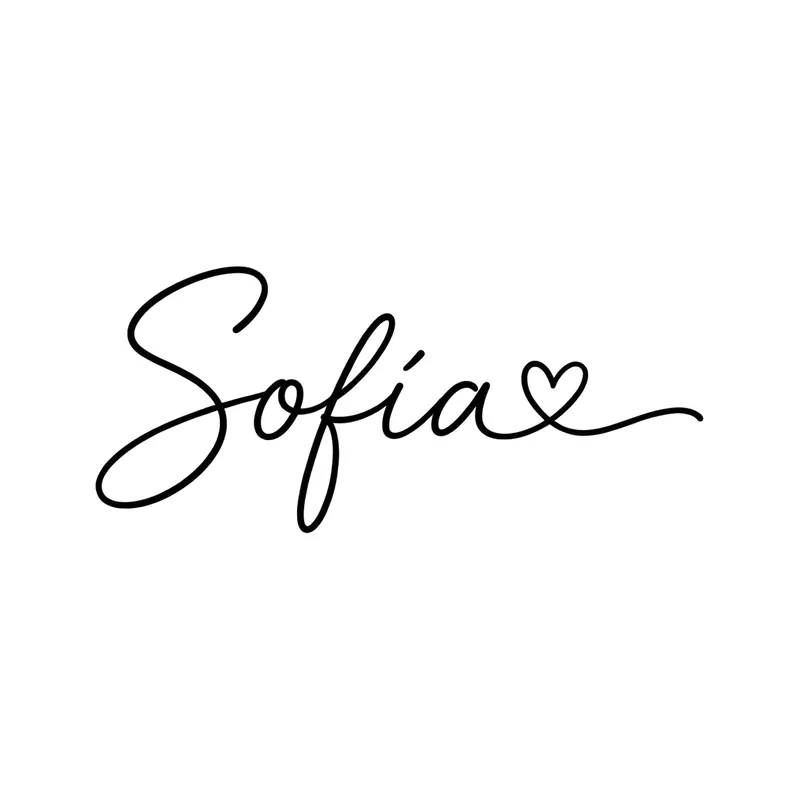
“Sofía” with a heart · script 
“Mateo” · serif 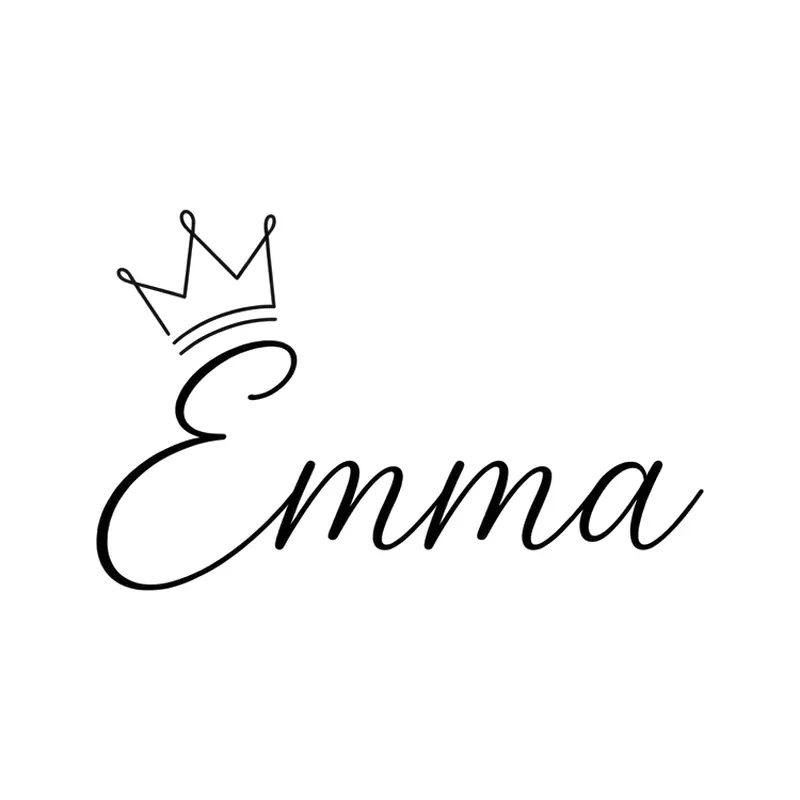
“Emma” with a crown · script 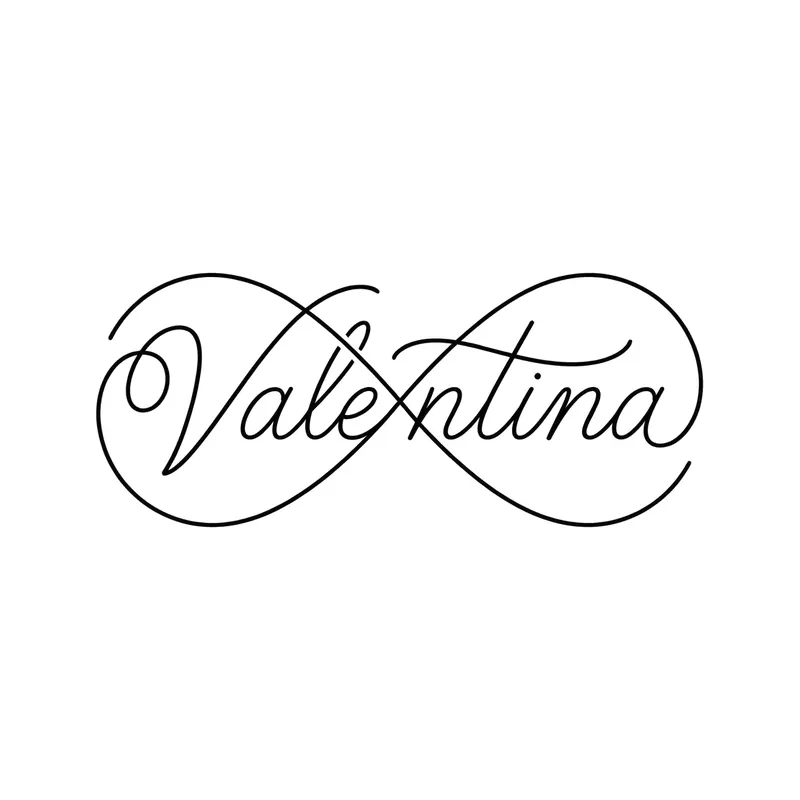
“Valentina” as an infinity loop · script 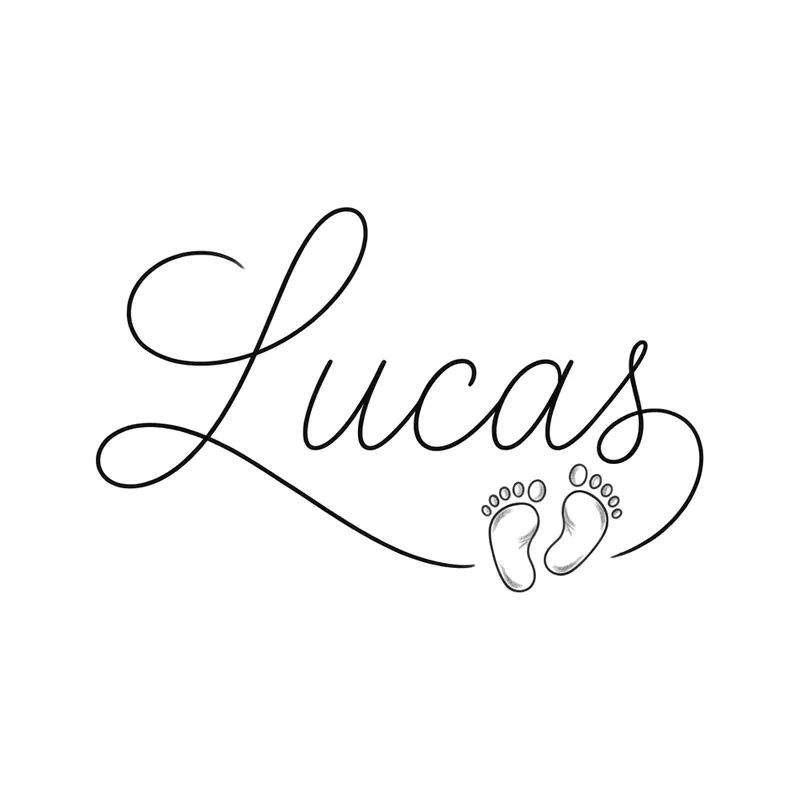
“Lucas” with baby footprints · script 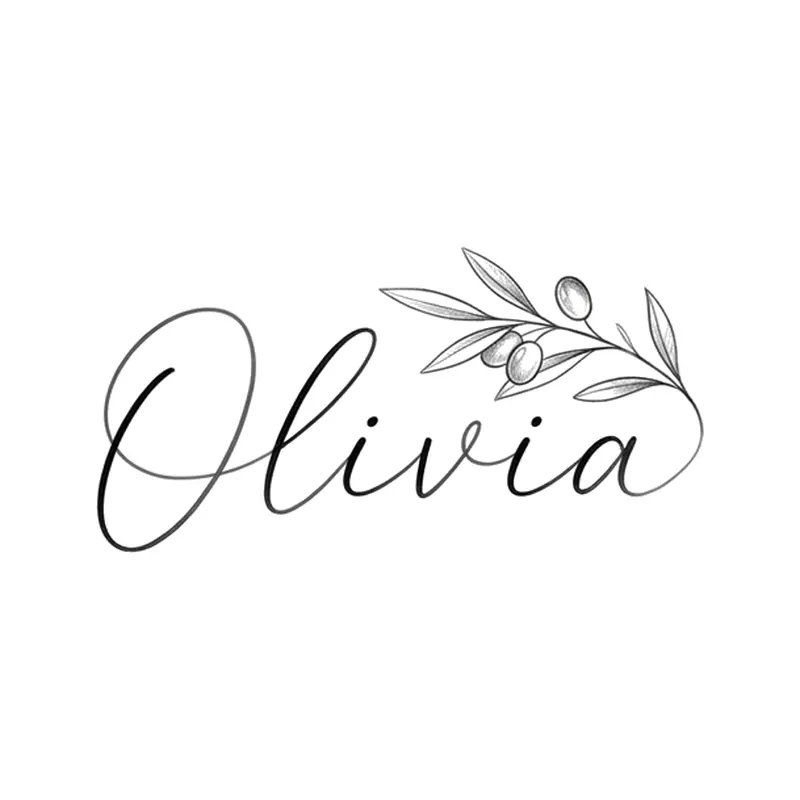
“Olivia” with an olive branch · script 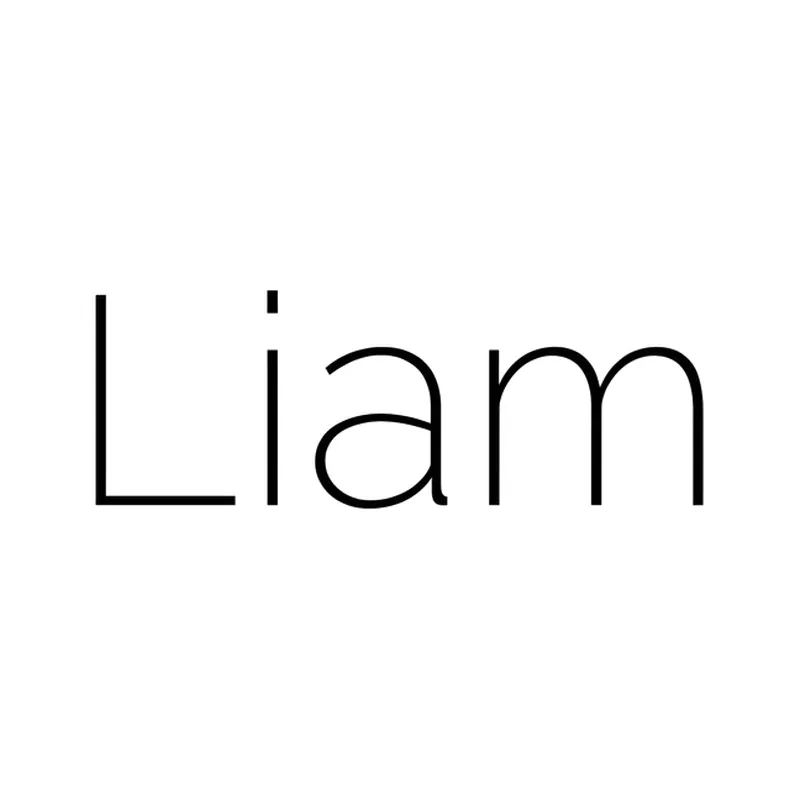
“Liam” · sans-serif 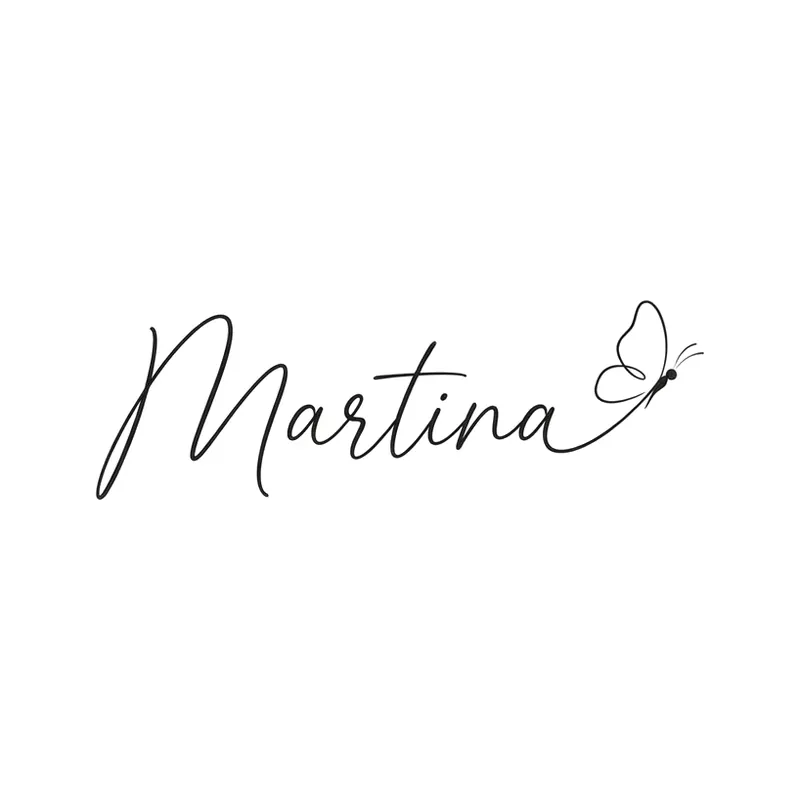
“Martina” with a butterfly · script 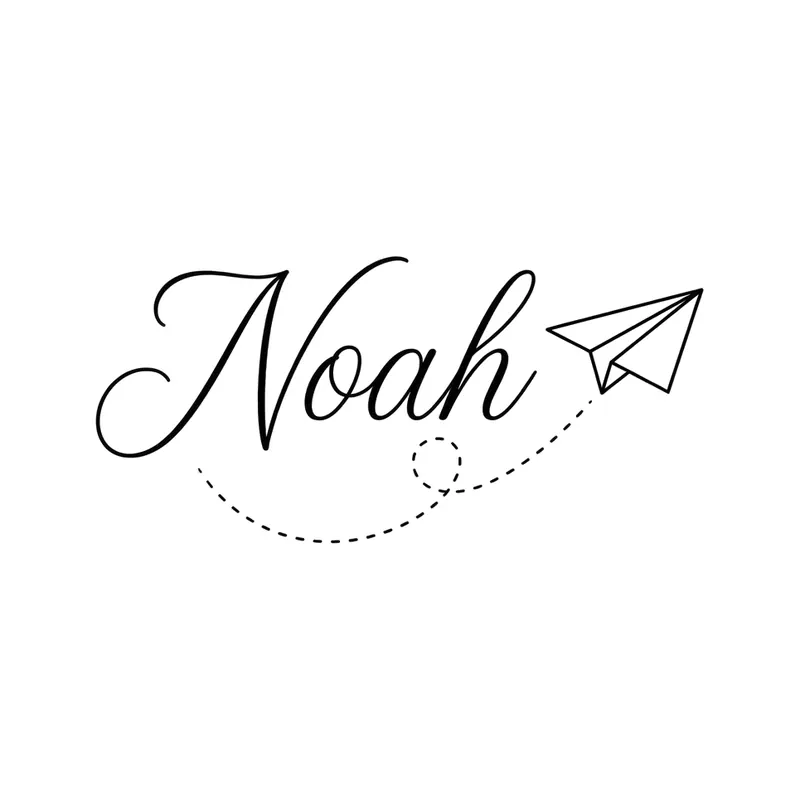
“Noah” with a paper plane · script 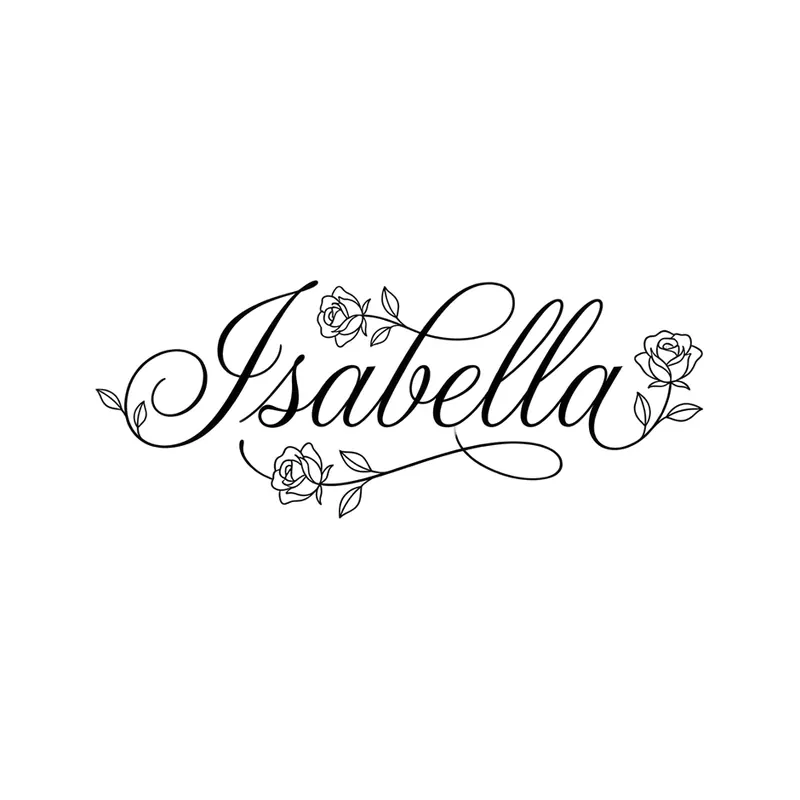
“Isabella” with roses · script 
“Daniel” · blackletter 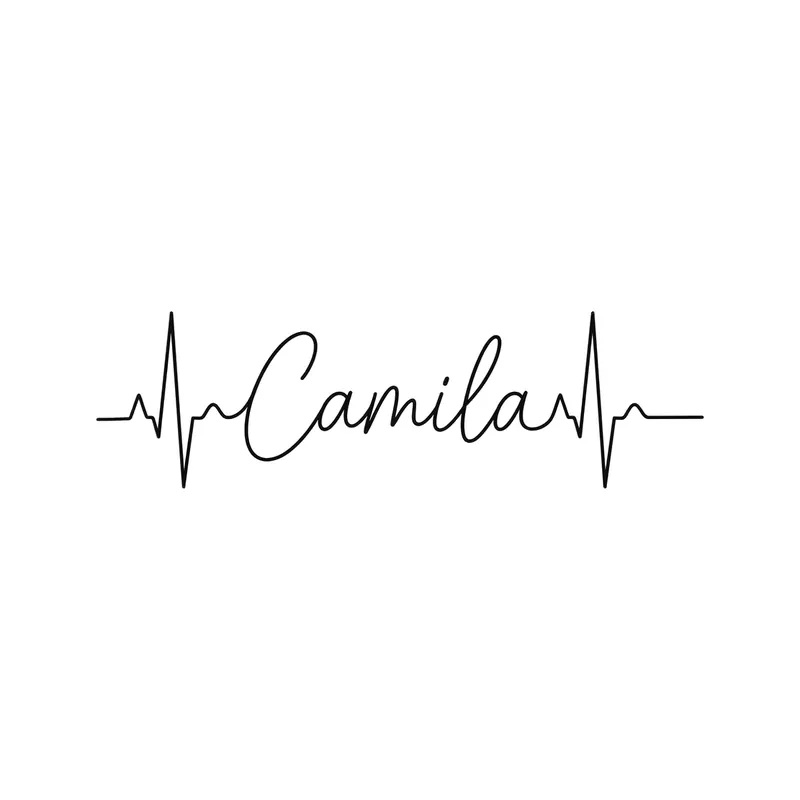
“Camila” in a heartbeat line · script 
“Leo” with a lion · serif 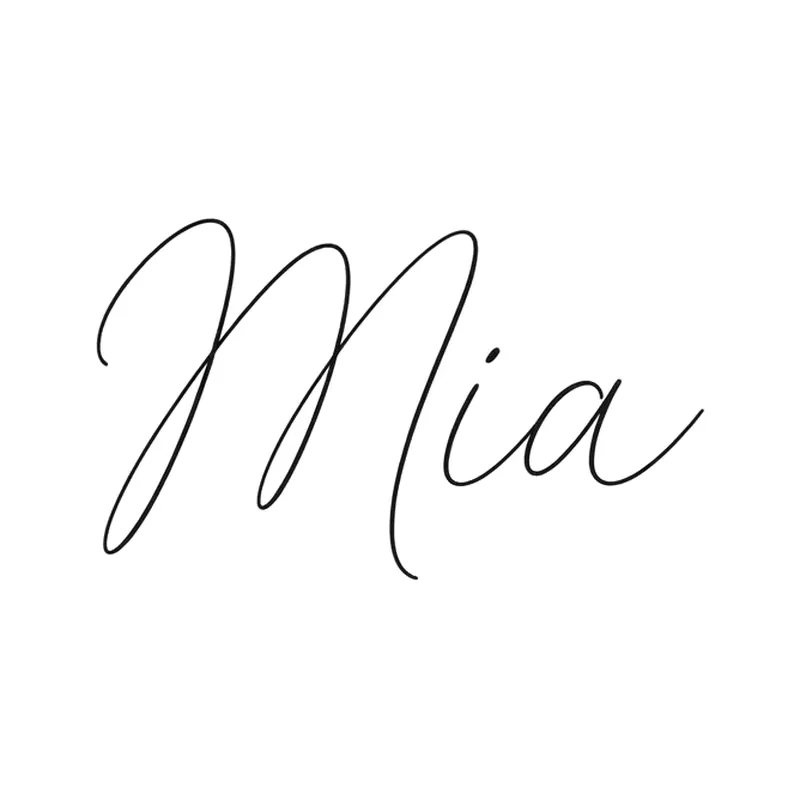
Tiny “Mia” · script 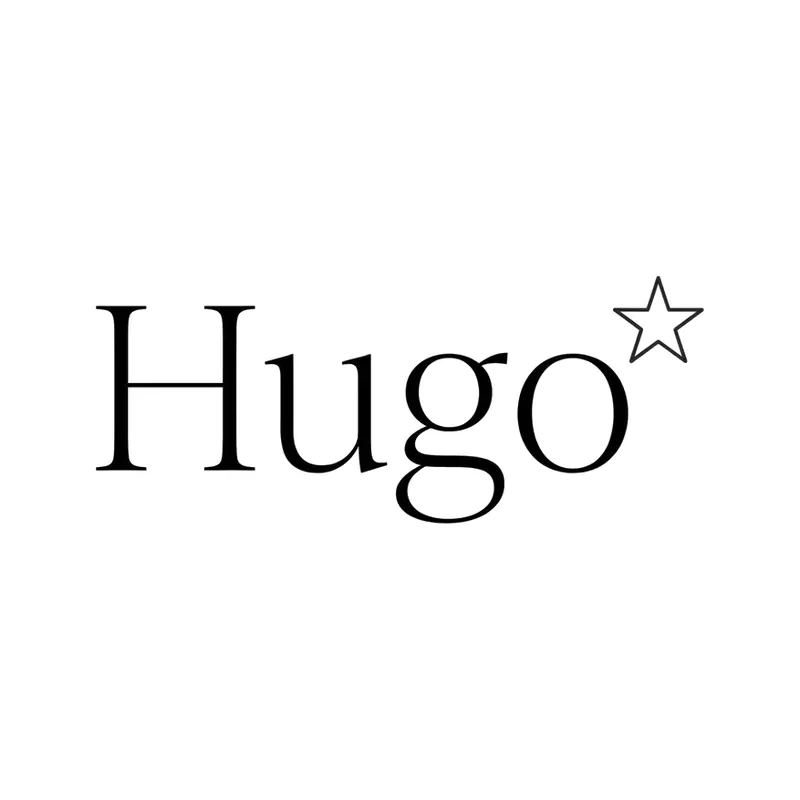
“Hugo” with a star · serif 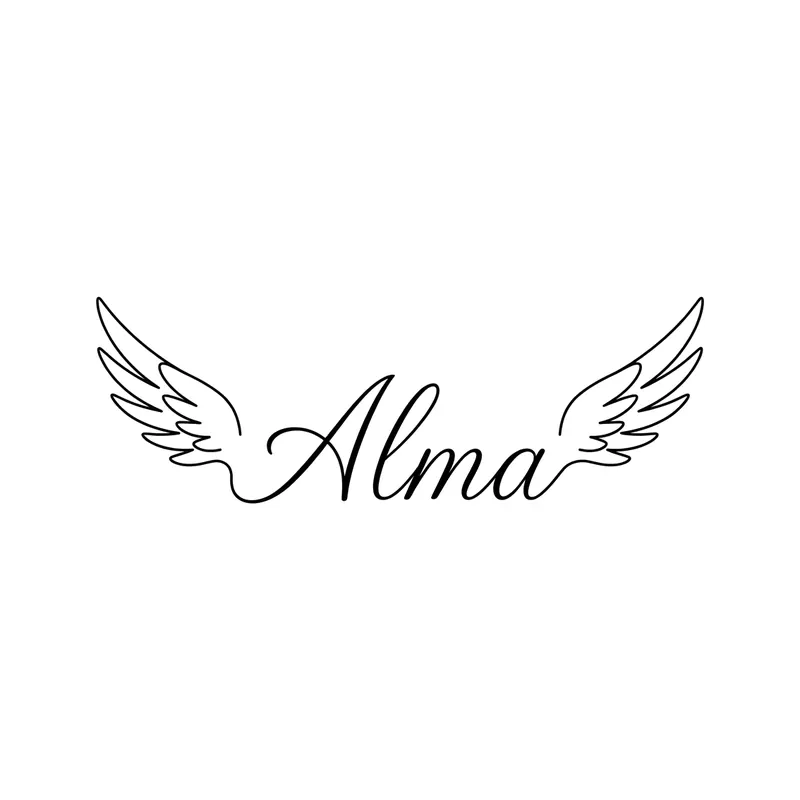
“Alma” between wings · script 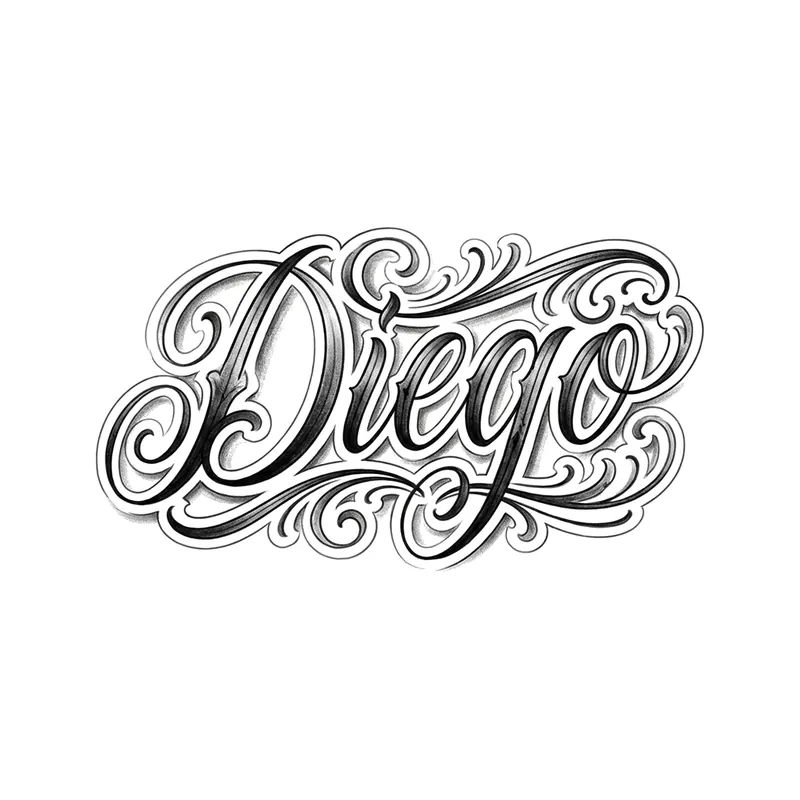
“Diego” · chicano lettering 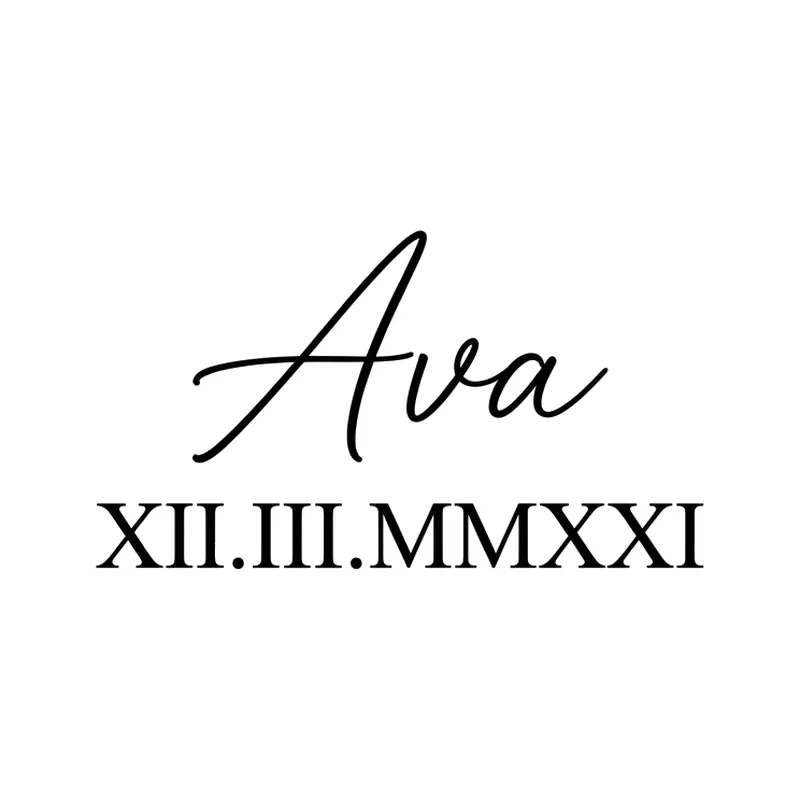
“Ava” with a Roman numeral date · script 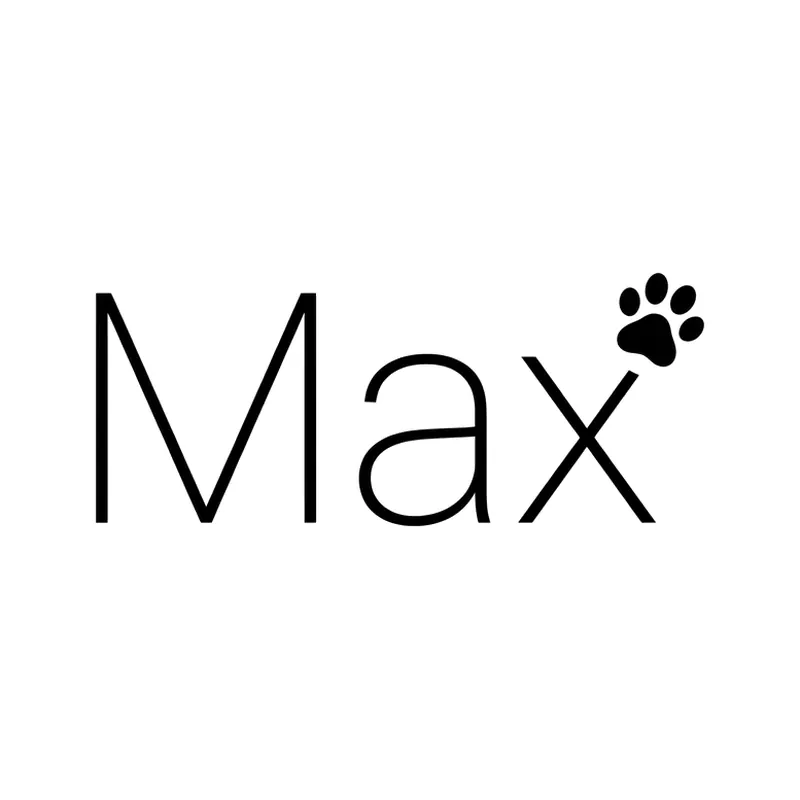
“Max” with a paw print · sans-serif 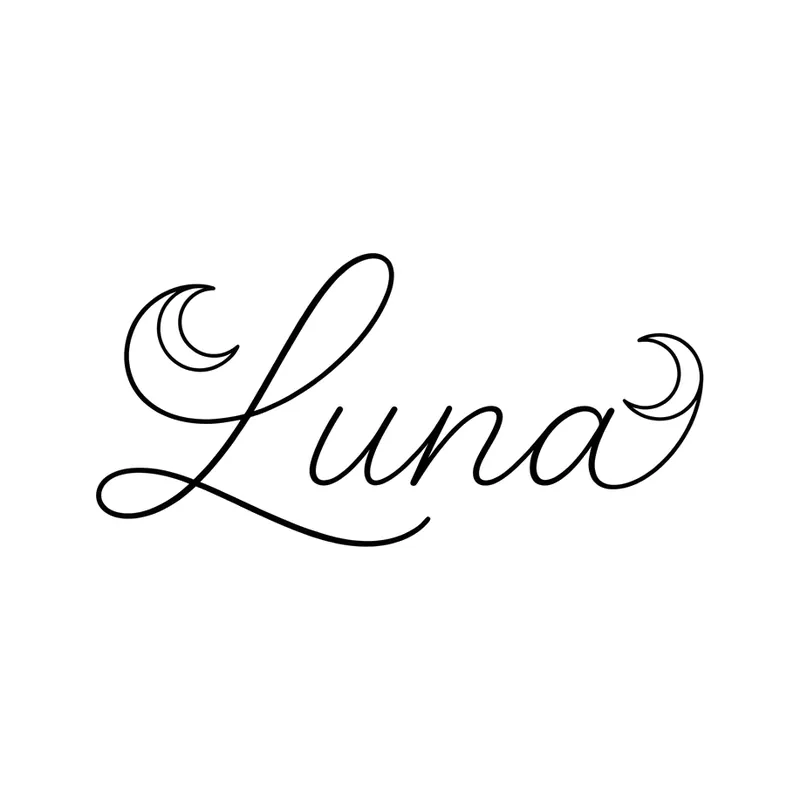
“Luna” with a crescent moon · script
How to create a name tattoo with TatuaIA
- 1
Type the name in quotes
For example: the name “Valentina” in flowing cursive forming an infinity loop. Include accents exactly as you want them.
- 2
Pick a font and a detail
Script, serif, sans-serif, blackletter or chicano; and if you like a crown, wings, footprints, a date or a heartbeat.
- 3
Proofread and download
Check every letter. If something is off, tap Try again or Edit, then download the design for your artist.
Ideas by who it’s for
The same name changes a lot depending on the font and the detail next to it.
- Kids: name with baby footprints, a birth date in Roman numerals or a paper plane
- Partner: name inside an infinity loop or a heartbeat line, or with their initial
- Mom or grandma: name in script with a rose, wings or a feather
- Pets: name with a paw print or a small silhouette
- Names that are words: “Luna” with a moon, “Alma” between wings, “Leo” with a lion
Font, size and placement
Thin script is the most popular choice for the wrist, forearm and collarbone; serif and sans-serif stay clean and readable at any size; blackletter and chicano need more room. A long name needs more width so the letters don’t close up over the years. Adding a date? Convert it first with our Roman numeral tattoo generator, and find more lettering in the script tattoo ideas.
Frequently asked questions
Is the design unique?
Yes: TatuaIA doesn't pull designs from a catalog, it draws each one from scratch based on your description. Even if you repeat the same sentence you get a different version every time, and with Edit you can make it even more yours (a name, a date, a detail only you understand).
Can I take the design to my tattoo artist?
Yes, that's what it's for: download it and show it at the studio. Your artist will adapt it to the placement, the real size and their technique. Treat it as a faithful reference, not a ready-made stencil: the final say on the linework belongs to whoever tattoos it.
How much does it cost?
With TatuaIA your first designs are free (with a small watermark). To create without limits, edit and download without the watermark there's TatuaIA Pro, a subscription you'll see priced for your country in the app and can cancel anytime. The price of the actual tattoo is set by the studio: it depends on size, placement and hours of work.
Does the AI spell the name correctly?
Almost always, especially when the name is in quotes, but it can get a letter or an accent wrong. Always proofread the design before getting it tattooed and, if something is off, ask for the fix with Edit.
Can I add a date?
Yes: write it in the description (“with the date 03.12.2021 underneath”) or as Roman numerals you’ve already converted (“XII.III.MMXXI”). Compare every digit or letter with the real date.
More tools
- Small tattoo ideas: designs you can create with AI
- Script tattoo ideas: try the words and the font before you ink them
- Fine line tattoo ideas: delicate designs you can create with AI
- Tribal tattoo ideas: designs you can create with AI
- Tattoo stencil ideas: clean line art you can create yourself
- Roman numeral tattoo generator: convert your date, then design it
- Birth flower tattoo generator: find your month, then design it
- Morse code tattoo generator: translate your word, then design it
- Coordinates tattoo generator: format your place, then design it
- Binary code tattoo generator: turn a word into 0s and 1s
- Heartbeat tattoo generator: a name, a word or a heart in the line
- Sound wave tattoo generator: turn a voice note into a tattoo
- Tattoo font generator: see your words in 8 tattoo lettering styles
- Tattoo ideas: a gallery of designs to filter and customize
- TatuaIA home

See the name before you ink it
Type the name, choose the font and compare versions in seconds.