Fine line · Minimalist
Fine line tattoo ideas: delicate designs you can create with AI
Fine line tattoos use very thin lines and no heavy fill: flowers, butterflies, constellations, one-line portraits. With TatuaIA you write “fine line” in your description, pick the minimalist style and get a clean design on a white background in seconds, ready to adjust with words and take to your tattoo artist.

Fine line tattoo ideas created with TatuaIA
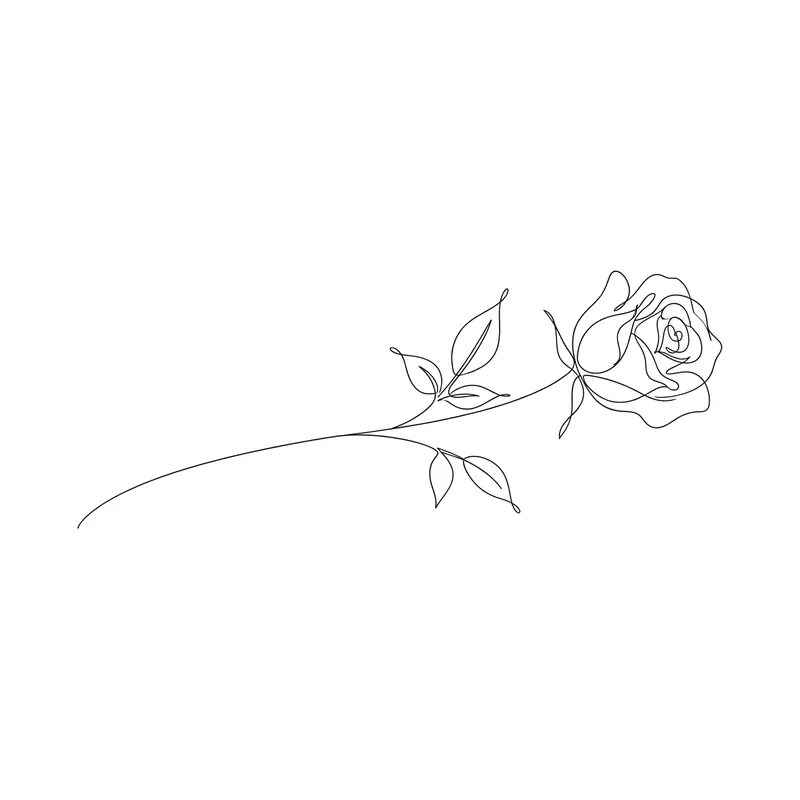
Long-stemmed rose · fine line 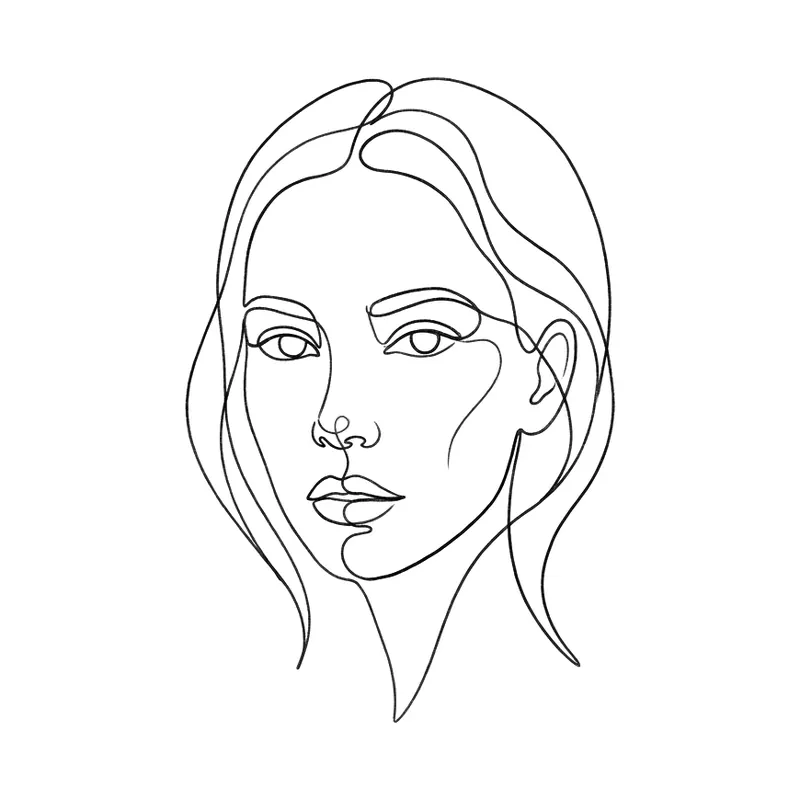
One-line woman's face · fine line 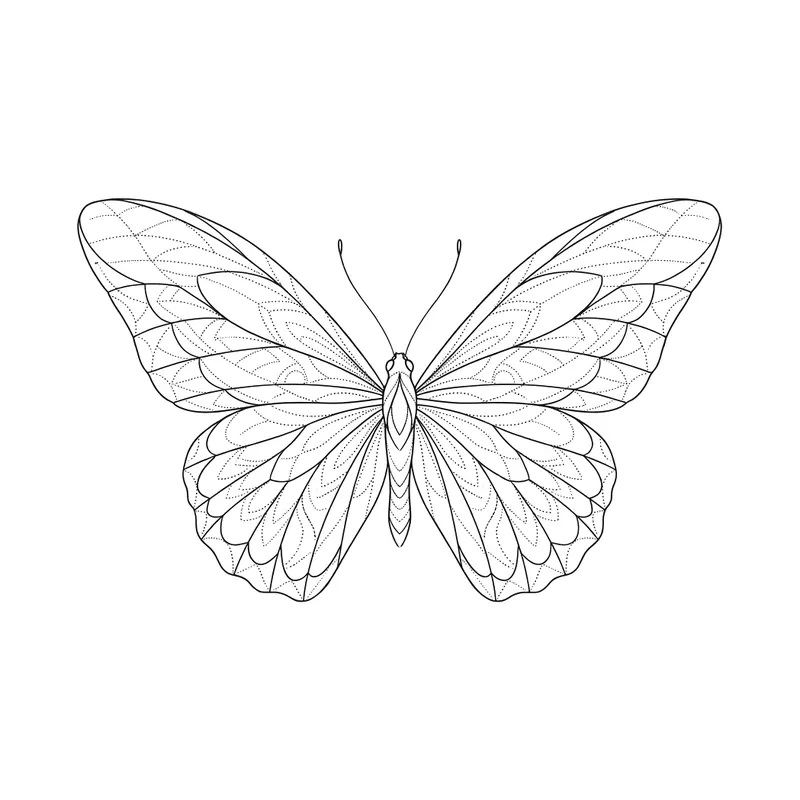
Butterfly · fine line 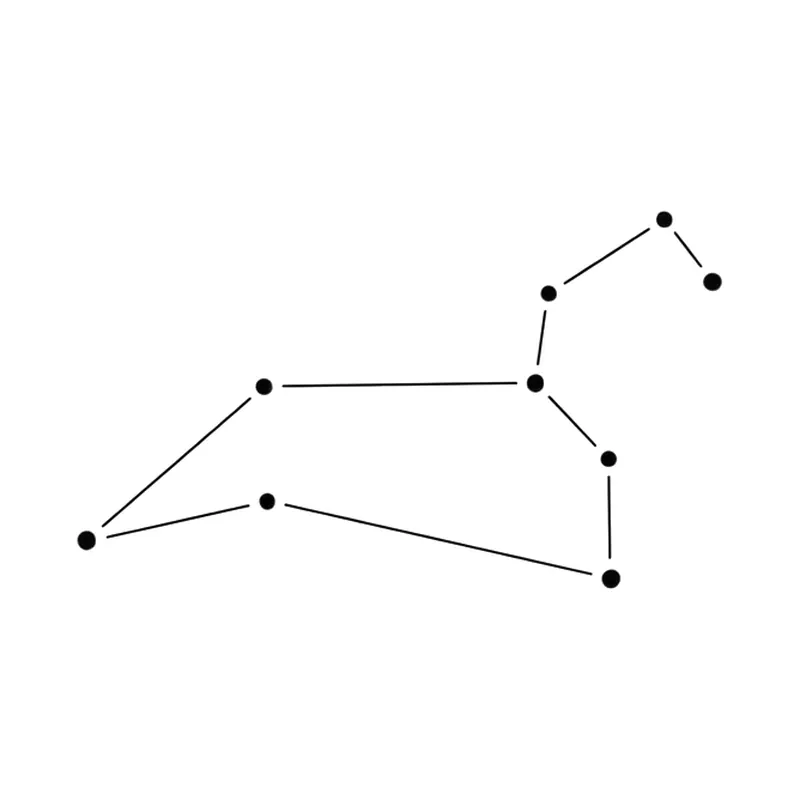
Leo constellation · fine line 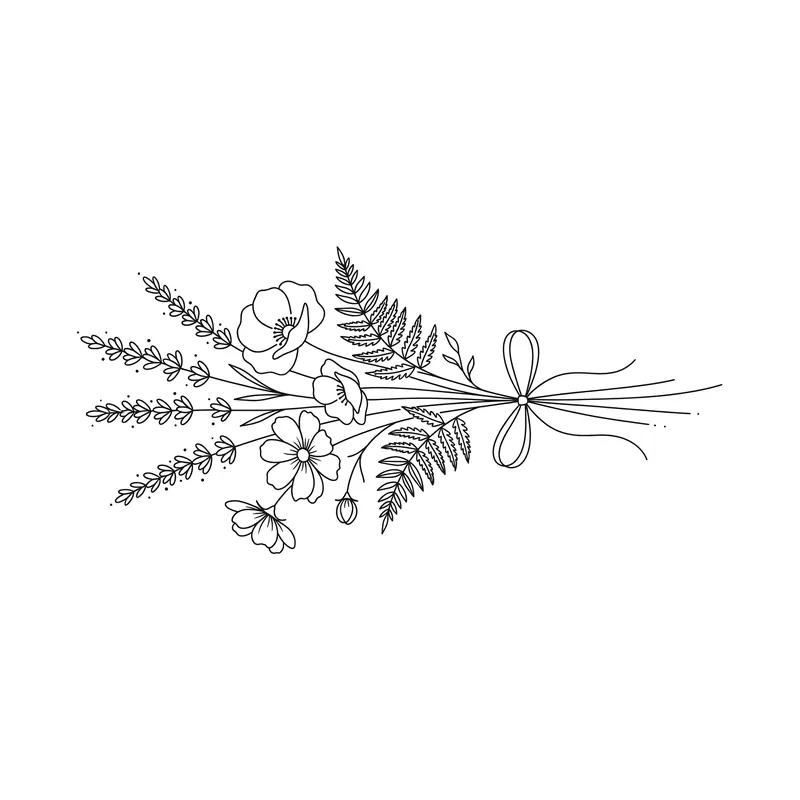
Wildflower bouquet · fine line 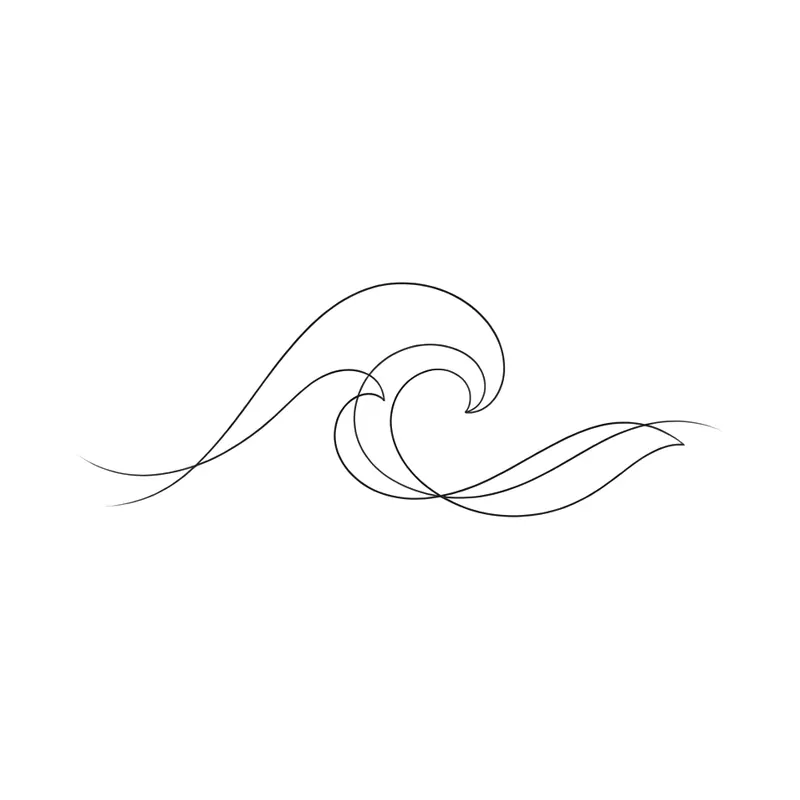
Ocean wave · fine line 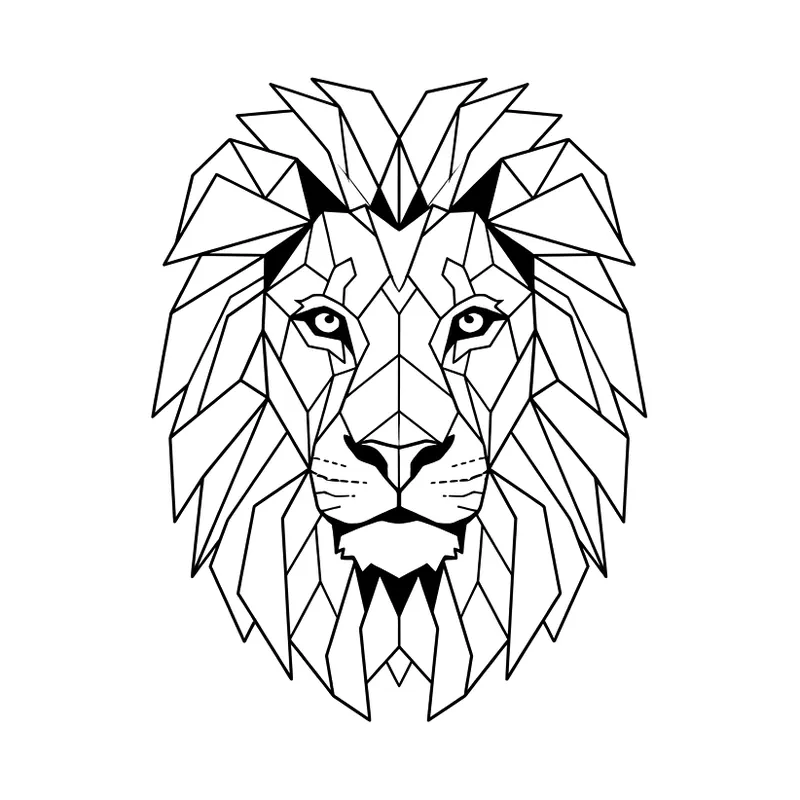
Geometric lion · geometric 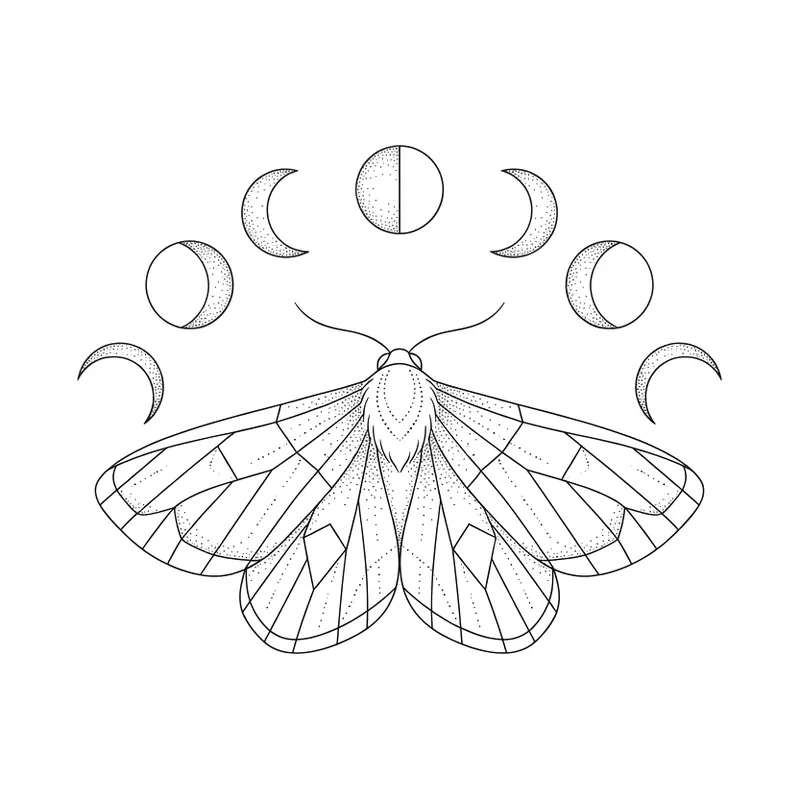
Moth and moon phases · fine line 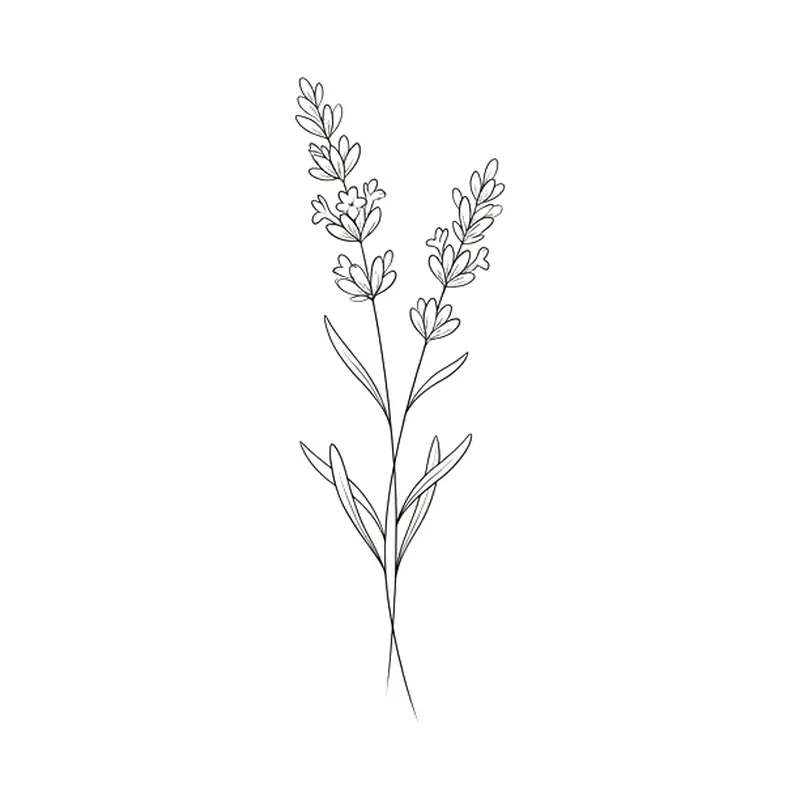
Sprig of lavender · fine line 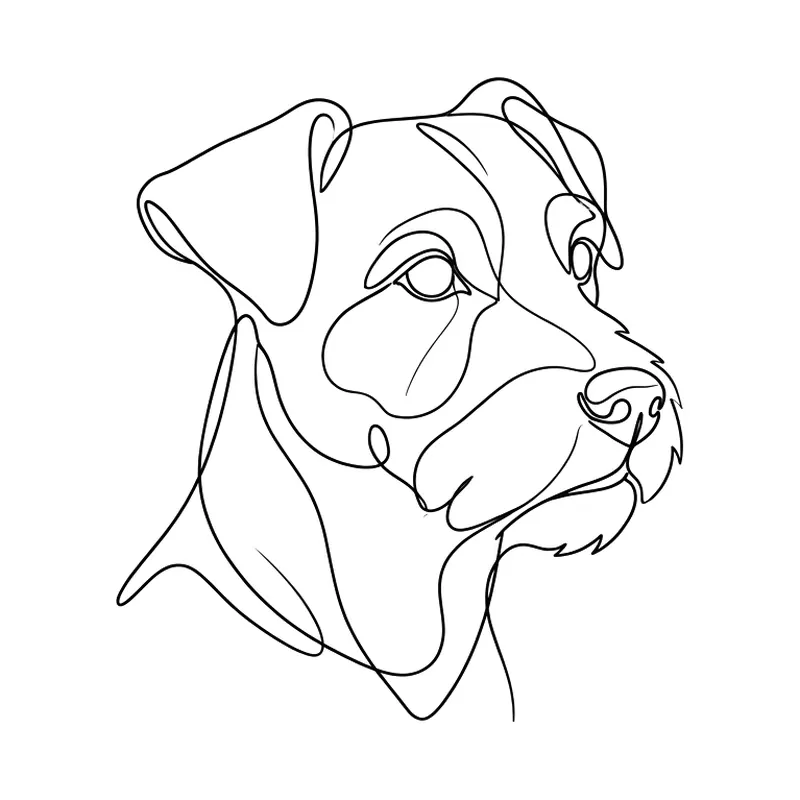
One-line dog · fine line 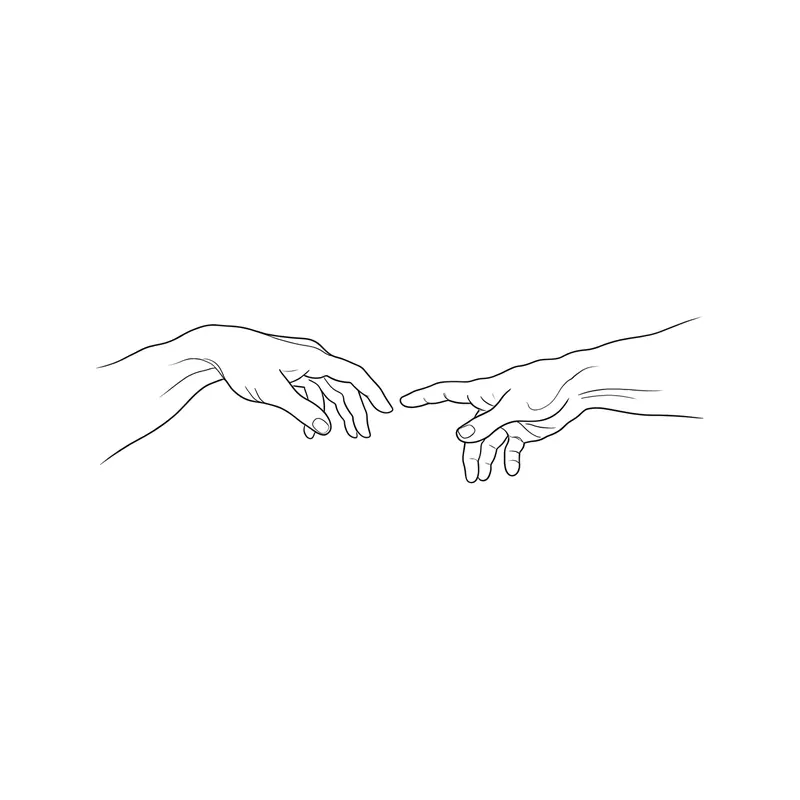
Two hands almost touching · fine line 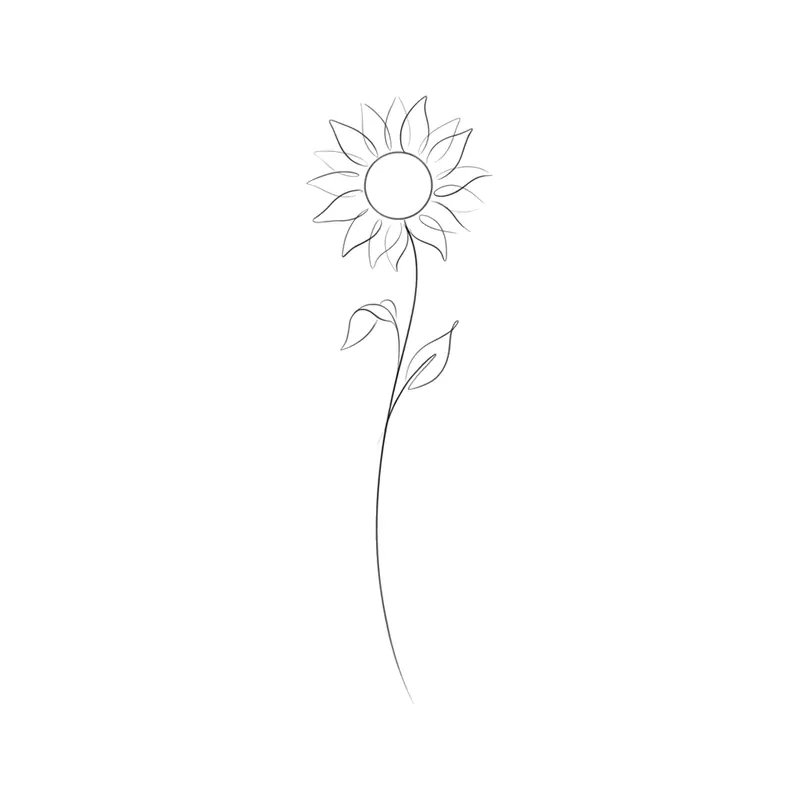
Long-stemmed sunflower · fine line 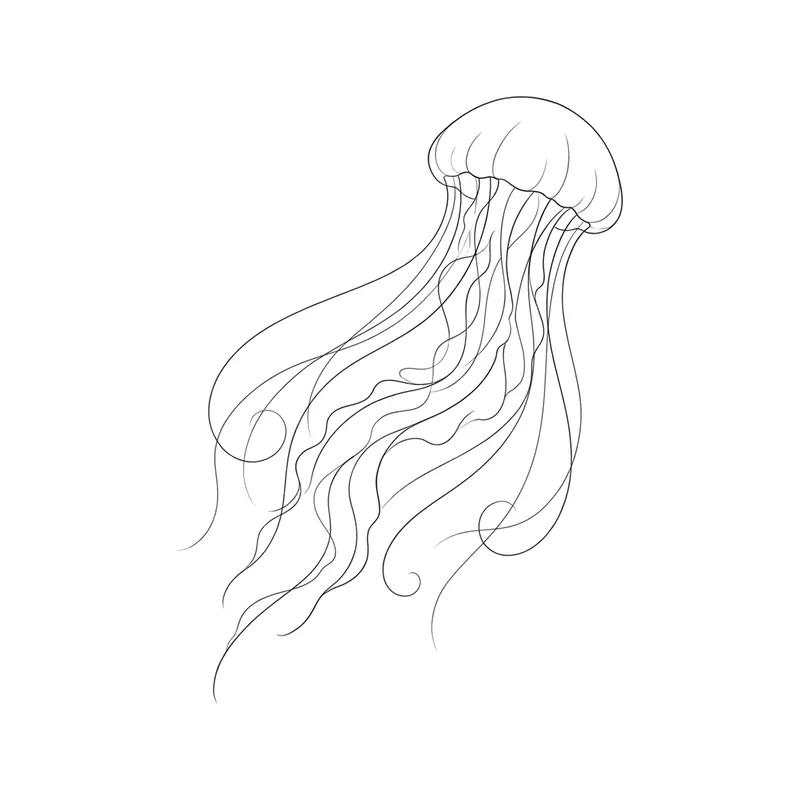
Jellyfish · fine line 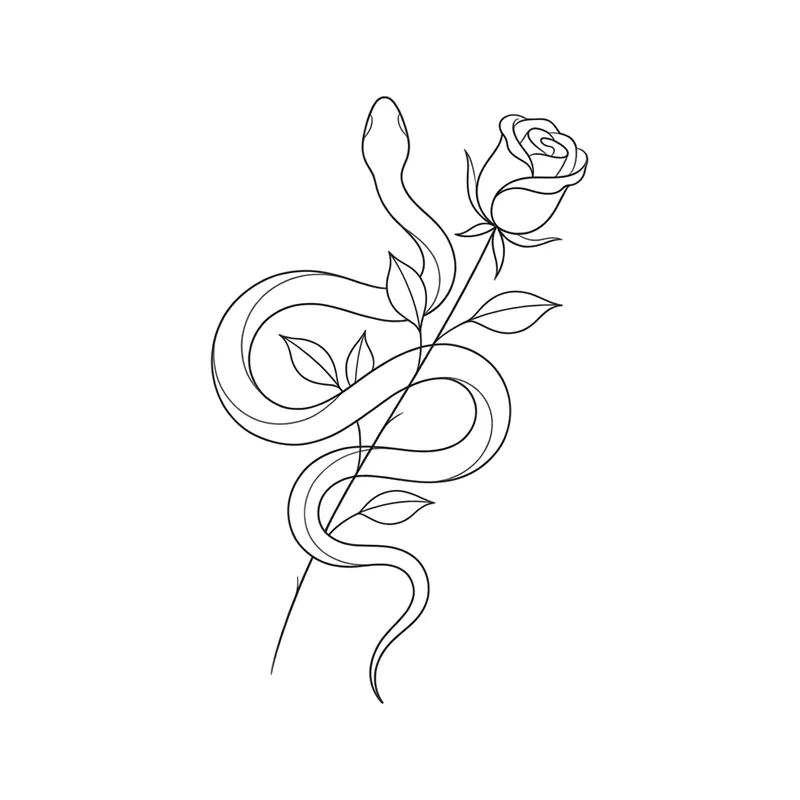
Snake wrapped around a rose · fine line 
Mountains and forest in a circle · fine line 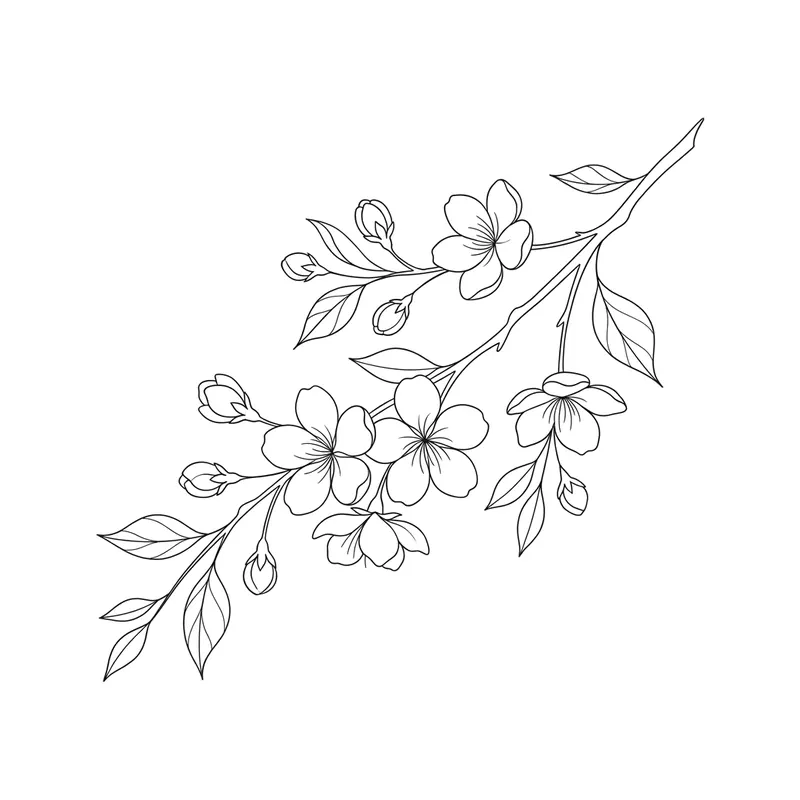
Cherry blossom branch · fine line 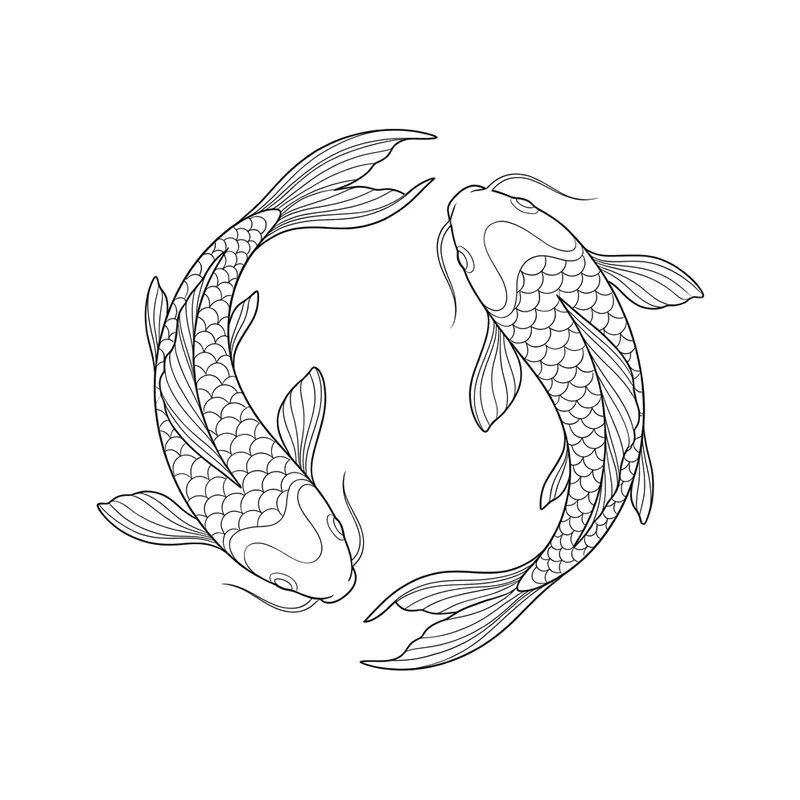
Two koi fish in a circle · fine line 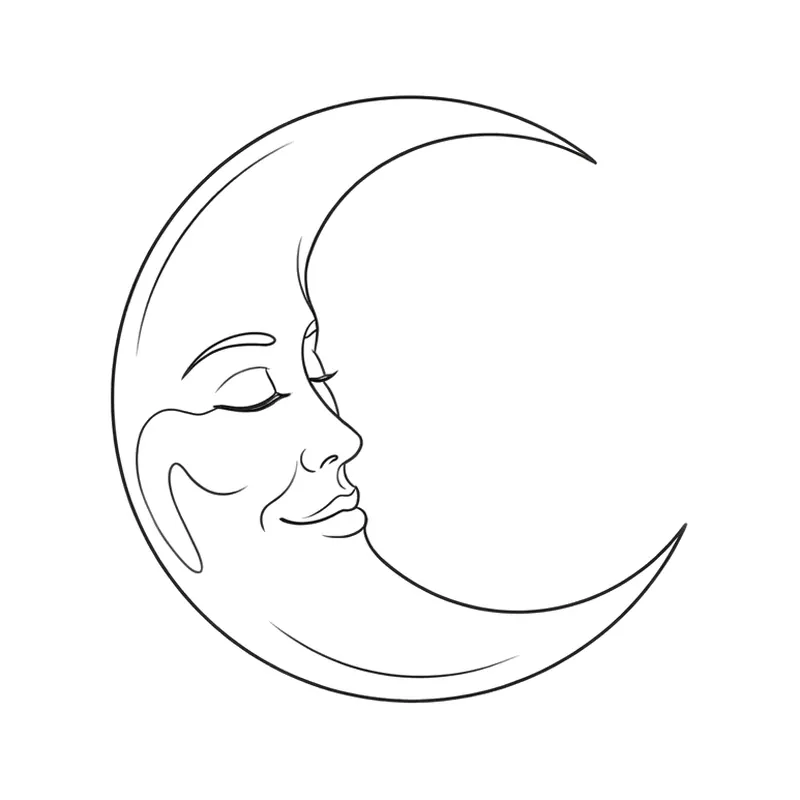
Crescent moon with a face · fine line 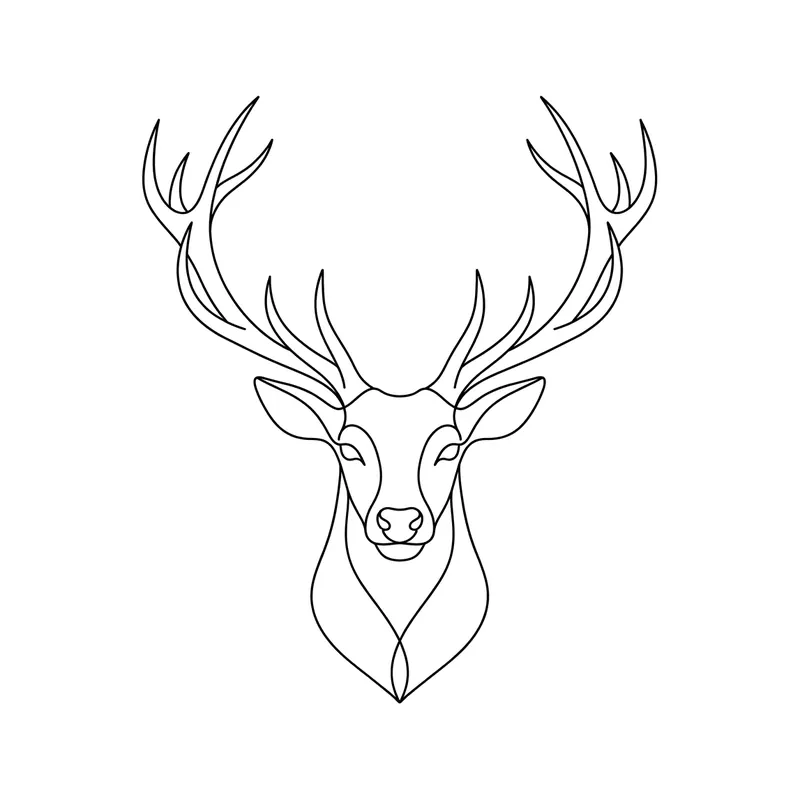
Deer head with antlers · fine line 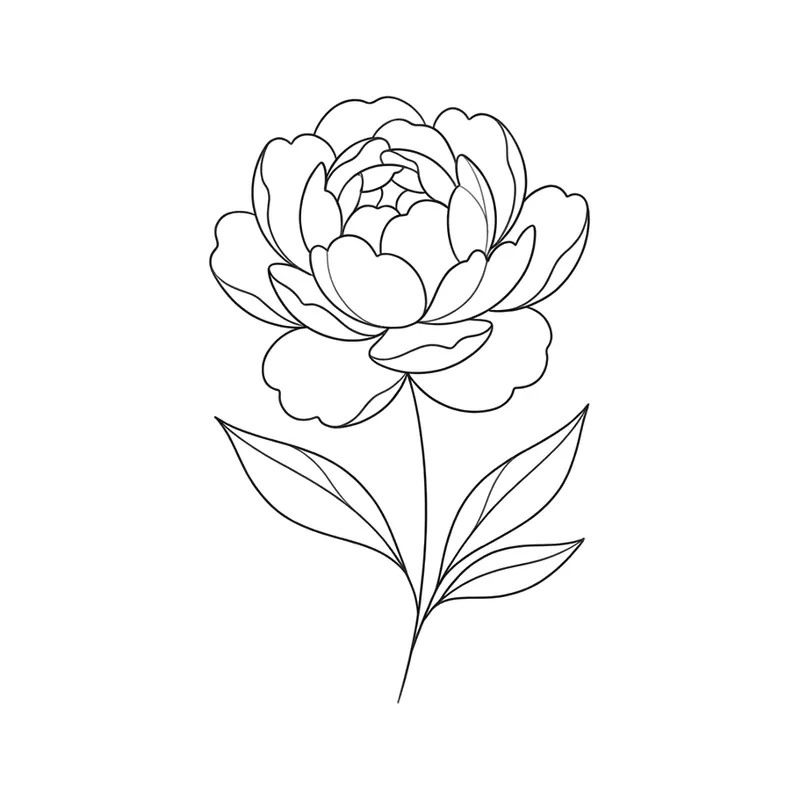
Peony · fine line
How to create a fine line tattoo with TatuaIA
- 1
Write “fine line” and the subject
For example: “fine line rose with a long stem” or “woman’s face drawn with one continuous line”.
- 2
Pick the minimalist style
It keeps the linework cleanest. For animals and bold shapes, try geometric too.
- 3
Lighten it if needed
With Edit, ask for “thinner lines”, “less detail” or “no shading”, then download the design.
Fine line vs. minimalist
Fine line describes the technique: thin needles and delicate lines. Minimalist describes the design: few elements and lots of empty space. They often go together, but a fine line piece can be richly detailed (a bouquet, a constellation) and a minimalist one can use bolder lines.
Good to know first
Very thin lines look elegant but can soften and fade more than solid linework over the years. If your design has lots of tiny details, your artist may suggest going a bit bigger. Looking for a clean outline your artist can trace? See our tattoo stencil ideas.
- Classics: rose, lavender, butterfly, moth, wave
- One-line art: faces, animals, hands
- Constellations and zodiac signs
- Wildflower bouquets and cherry blossom branches
Frequently asked questions
Is the design unique?
Yes: TatuaIA doesn't pull designs from a catalog, it draws each one from scratch based on your description. Even if you repeat the same sentence you get a different version every time, and with Edit you can make it even more yours (a name, a date, a detail only you understand).
Can I take the design to my tattoo artist?
Yes, that's what it's for: download it and show it at the studio. Your artist will adapt it to the placement, the real size and their technique. Treat it as a faithful reference, not a ready-made stencil: the final say on the linework belongs to whoever tattoos it.
How much does it cost?
With TatuaIA your first designs are free (with a small watermark). To create without limits, edit and download without the watermark there's TatuaIA Pro, a subscription you'll see priced for your country in the app and can cancel anytime. The price of the actual tattoo is set by the studio: it depends on size, placement and hours of work.
Do fine line tattoos fade?
Thin lines tend to lighten and spread more than solid lines, especially on hands, fingers and sun-exposed areas. A lot depends on the artist’s technique and on aftercare: ask them which size and placement suit your design.
Which TatuaIA style should I use for fine line?
Choose minimalist and write “fine line” or “thin lines” in your description. For bold shapes such as animals and symbols, also try geometric.
More tools
- Small tattoo ideas: designs you can create with AI
- Script tattoo ideas: try the words and the font before you ink them
- Tribal tattoo ideas: designs you can create with AI
- Tattoo stencil ideas: clean line art you can create yourself
- Roman numeral tattoo generator: convert your date, then design it
- Name tattoo ideas: fonts and designs for the name you carry
- Birth flower tattoo generator: find your month, then design it
- Morse code tattoo generator: translate your word, then design it
- Coordinates tattoo generator: format your place, then design it
- Binary code tattoo generator: turn a word into 0s and 1s
- Heartbeat tattoo generator: a name, a word or a heart in the line
- Sound wave tattoo generator: turn a voice note into a tattoo
- Tattoo font generator: see your words in 8 tattoo lettering styles
- Tattoo ideas: a gallery of designs to filter and customize
- TatuaIA home

Your fine line tattoo, drawn in seconds
Describe the idea, pick the minimalist style and download the design.