Coordinates tattoos
Coordinates tattoo generator: format your place, then design it
A coordinates tattoo marks a place with two numbers: latitude (N or S) and longitude (E or W). Paste your place's coordinates into the generator and it formats them for you: the Statue of Liberty is 40°41'21" N 74°02'40" W in degrees, minutes and seconds, or 40.6892° N 74.0444° W in decimal degrees. Then send them to TatuaIA and add a compass, a wave or a heart.

In decimal degrees: 40.6892° N 74.0444° W
TatuaIA opens with your coordinates already written. Your first designs are free.
Works in your browser: nothing you type is sent or saved.
Coordinates designs created with TatuaIA
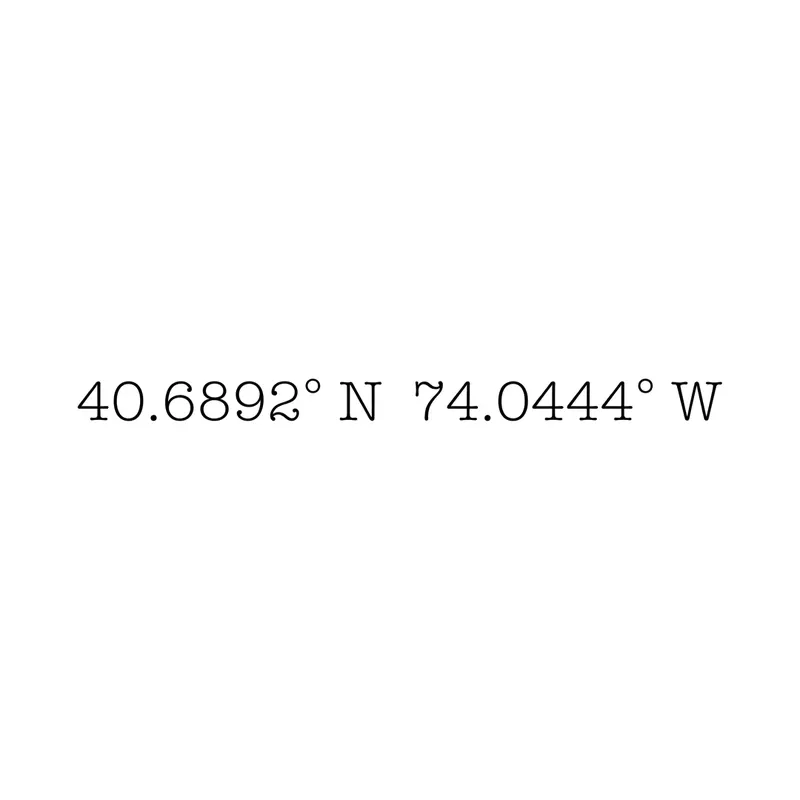
Statue of Liberty: 40.6892° N 74.0444° W · decimal degrees 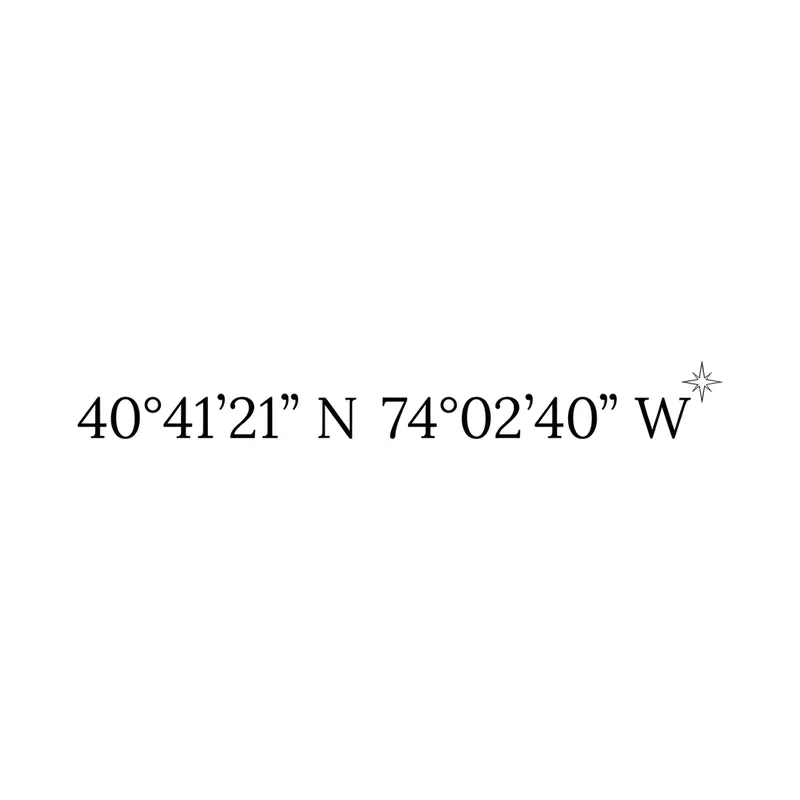
Statue of Liberty: 40°41'21" N 74°02'40" W · degrees, minutes, seconds with a star 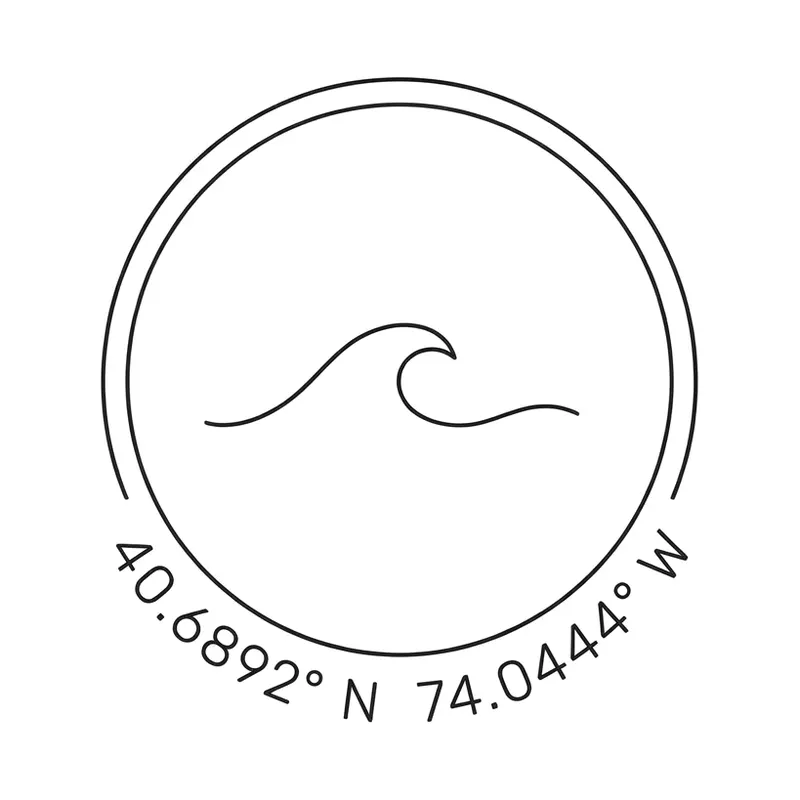
Statue of Liberty: 40.6892° N 74.0444° W · around a wave in a circle 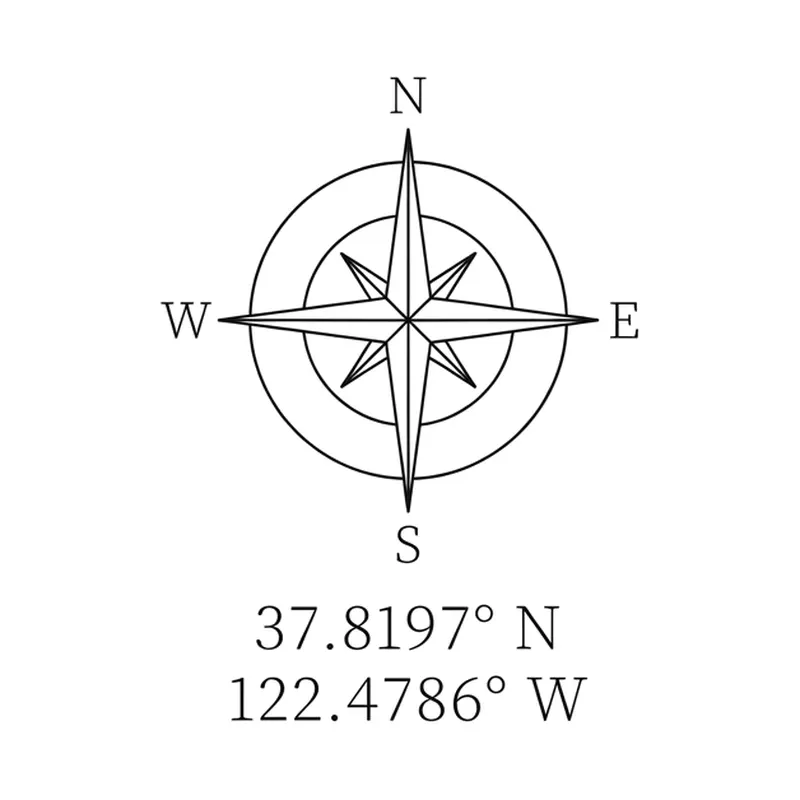
Golden Gate Bridge: 37.8197° N 122.4786° W · under a compass rose 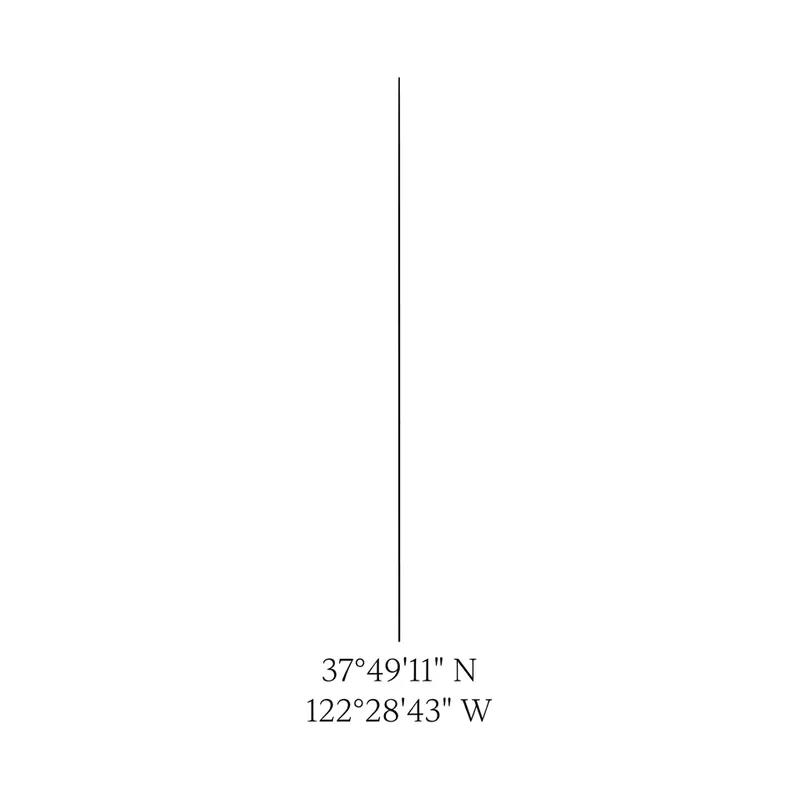
Golden Gate Bridge: 37°49'11" N 122°28'43" W · on a vertical line 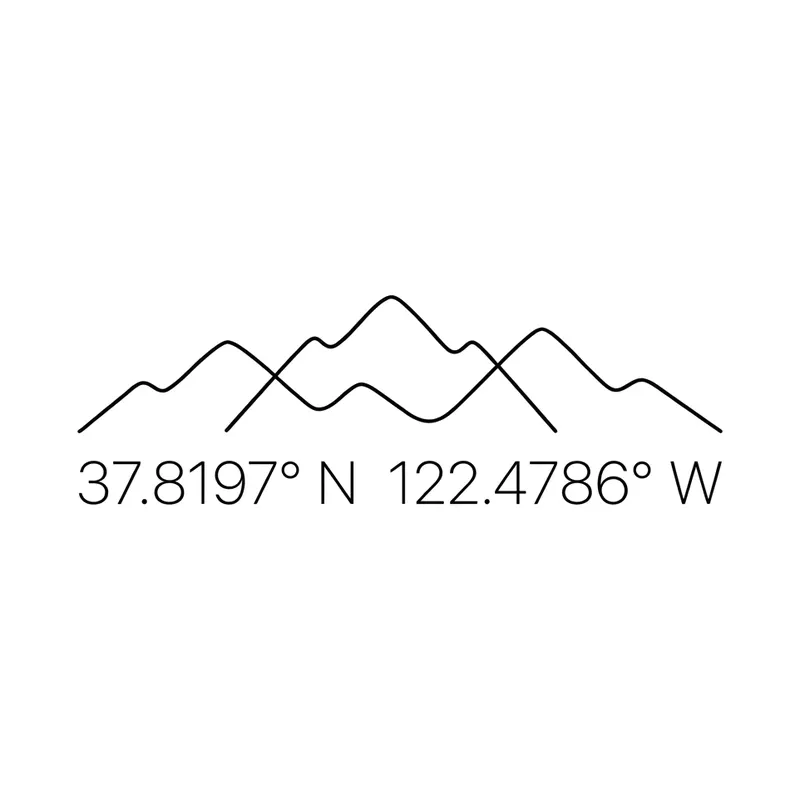
Golden Gate Bridge: 37.8197° N 122.4786° W · under a mountain line 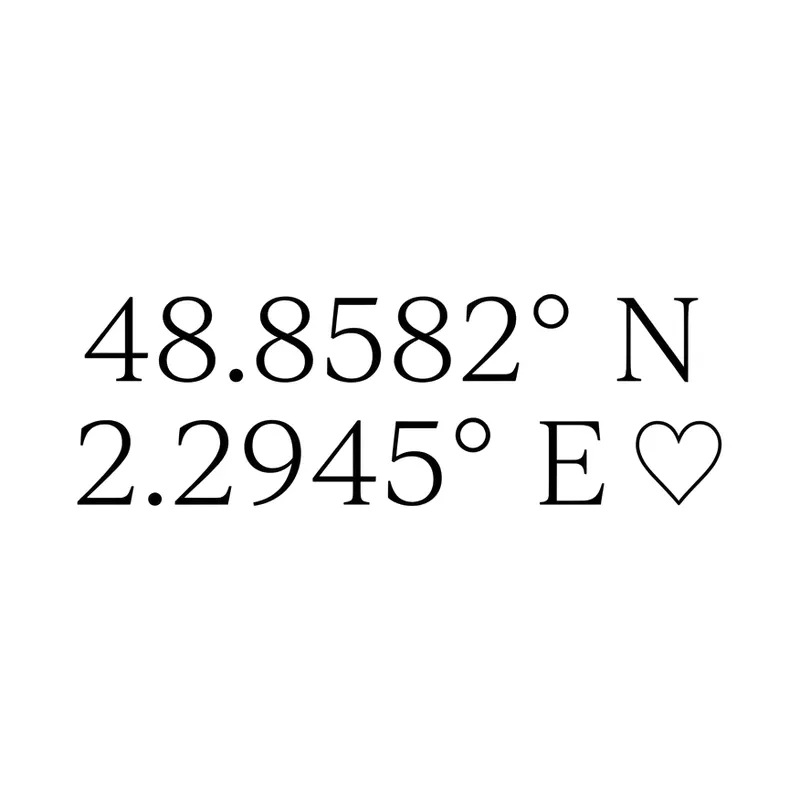
Eiffel Tower: 48.8582° N 2.2945° E · with a heart 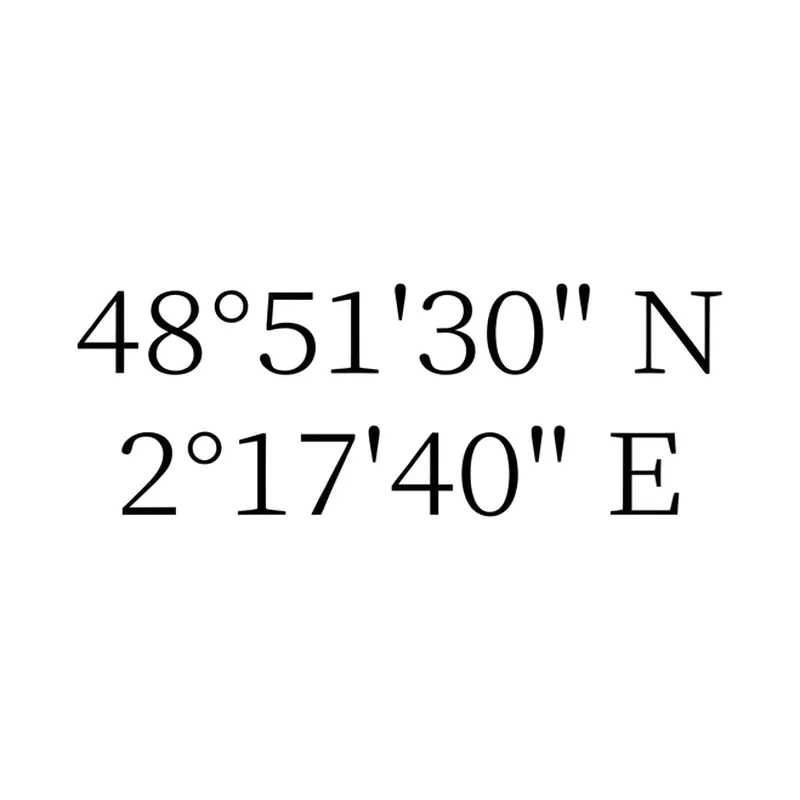
Eiffel Tower: 48°51'30" N 2°17'40" E · degrees, minutes, seconds 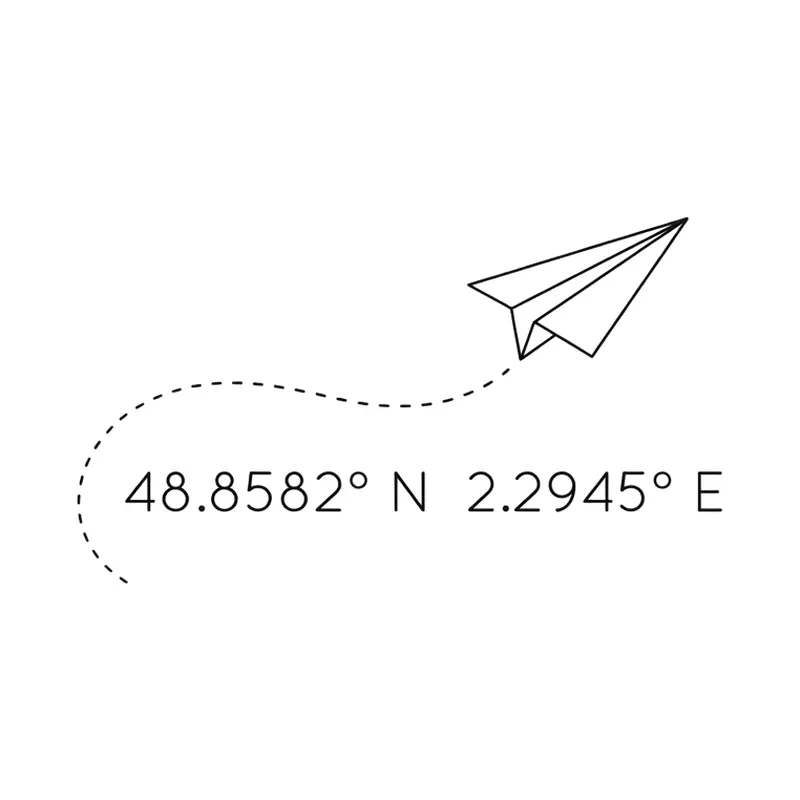
Eiffel Tower: 48.8582° N 2.2945° E · with a paper plane
How to create a coordinates tattoo
- 1
Get the exact coordinates
In Google Maps on a computer, right-click the spot and click the numbers at the top of the menu to copy them; you get decimal degrees like 40.68917, -74.04444.
- 2
Paste them into the generator
Paste both numbers into Latitude (or one in each box) and choose degrees-minutes-seconds or decimal. Four decimals (about 11 meters) is plenty for a tattoo.
- 3
Send them to TatuaIA and proofread
Tap "Turn this into a tattoo design": TatuaIA opens with the coordinates already written in quotes. Check every digit and letter on the design, then download it for your artist.
Decimal degrees or degrees, minutes and seconds?
Both point to the same place. Decimal degrees (40.6892° N) are shorter and look modern; degrees, minutes and seconds (40°41'21" N) look more classic and nautical. A minus sign in decimal coordinates means south (latitude) or west (longitude): -74.0444 becomes 74.0444° W.
The generator above does the conversion for you. To check it by hand: the whole number is the degrees; multiply the decimal part by 60 for the minutes; multiply what's left by 60 again for the seconds. Example: 40.68917 → 40° · 0.68917 × 60 = 41.35 → 41' · 0.35 × 60 = 21" → 40°41'21" N.
- Statue of Liberty: 40.6892° N 74.0444° W · 40°41'21" N 74°02'40" W
- Golden Gate Bridge: 37.8197° N 122.4786° W · 37°49'11" N 122°28'43" W
- Eiffel Tower: 48.8582° N 2.2945° E · 48°51'30" N 2°17'40" E
- Coordinates from each landmark's Wikipedia infobox, rounded for tattoo use
Layout and placement ideas
One line of coordinates suits the inner forearm, the collarbone or along the side of a finger; two stacked lines fit the wrist or the ankle; a vertical line works down the spine. Common additions are a compass rose, a heart, a wave, a mountain outline or a paper plane. Keep at least a little space between digits: very small numbers tend to blur with time. Combining a place with a date? Convert it with the Roman numeral tattoo generator. Other ideas: the Morse code tattoo generator, a birth flower or script tattoo ideas.
Frequently asked questions
Which format should I use for a coordinates tattoo?
Either is fine: decimal degrees (40.6892° N 74.0444° W) are shorter, degrees-minutes-seconds (40°41'21" N 74°02'40" W) look more classic. Pick one and don't mix them in the same tattoo.
How many decimals do I need?
Four decimals locate a spot to roughly 11 meters, more than enough for a meaningful place. Two decimals (about 1 km) are enough for a whole town.
Does the generator find the coordinates of a place?
No: it doesn't look up addresses, because nothing you type leaves your browser. Copy the coordinates from a map, paste them into the generator and it converts and rounds them for you. Then compare every digit and letter (N, S, E, W) on the design before getting tattooed.
Is the design unique?
Yes: TatuaIA doesn't pull designs from a catalog, it draws each one from scratch based on your description. Even if you repeat the same sentence you get a different version every time, and with Edit you can make it even more yours.
How much does it cost?
With TatuaIA your first designs are free (with a small watermark). To create without limits, edit and download without the watermark there's TatuaIA Pro, a subscription you'll see priced for your country in the app and can cancel anytime. The price of the actual tattoo is set by the studio: it depends on size, placement and hours of work.
More tools
- Small tattoo ideas: designs you can create with AI
- Script tattoo ideas: try the words and the font before you ink them
- Fine line tattoo ideas: delicate designs you can create with AI
- Tribal tattoo ideas: designs you can create with AI
- Tattoo stencil ideas: clean line art you can create yourself
- Roman numeral tattoo generator: convert your date, then design it
- Name tattoo ideas: fonts and designs for the name you carry
- Birth flower tattoo generator: find your month, then design it
- Morse code tattoo generator: translate your word, then design it
- Binary code tattoo generator: turn a word into 0s and 1s
- Heartbeat tattoo generator: a name, a word or a heart in the line
- Sound wave tattoo generator: turn a voice note into a tattoo
- Tattoo font generator: see your words in 8 tattoo lettering styles
- Tattoo ideas: a gallery of designs to filter and customize
- TatuaIA home

Your next tattoo starts with a sentence
Download TatuaIA and create your first designs for free today.