Tattoo ideas
Small tattoo ideas: designs you can create with AI
A small tattoo works when the subject is simple and the lines have room to breathe: a moon, a swallow, a heart, a branch, a symbol that means something to you. With TatuaIA you describe the idea, pick the minimalist or geometric style and get the design on a white background in seconds, ready to tweak and take to your tattoo artist.

Small tattoo ideas created with TatuaIA
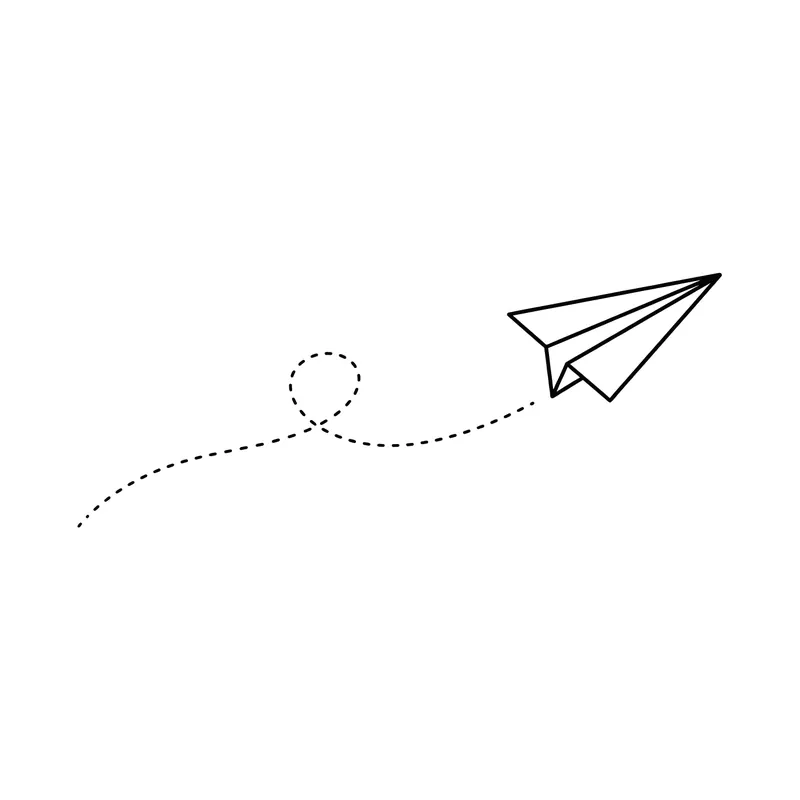
Paper airplane with a dotted trail · minimalist 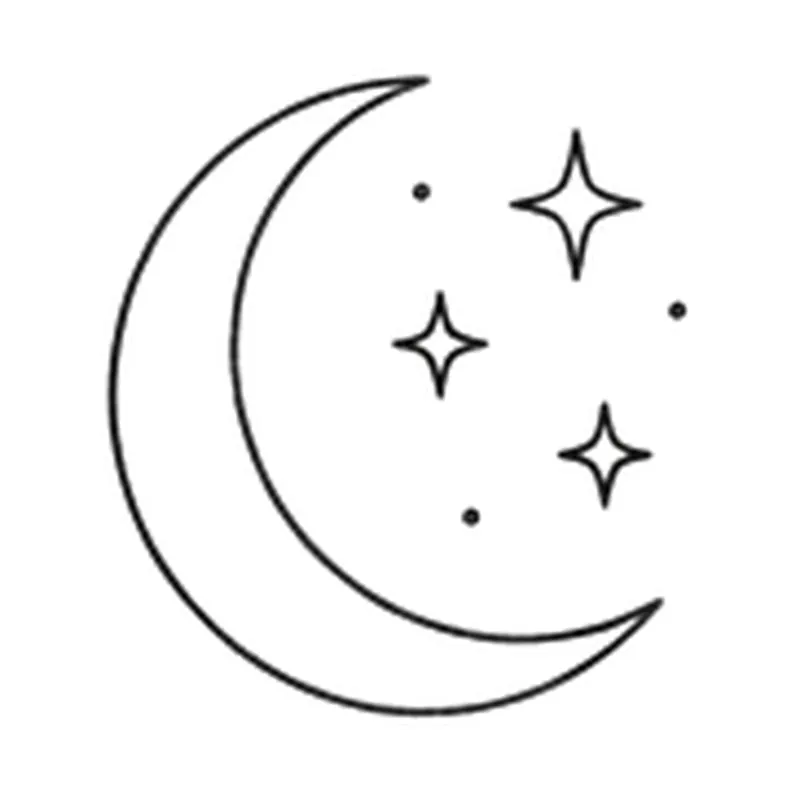
Crescent moon with three tiny stars · minimalist 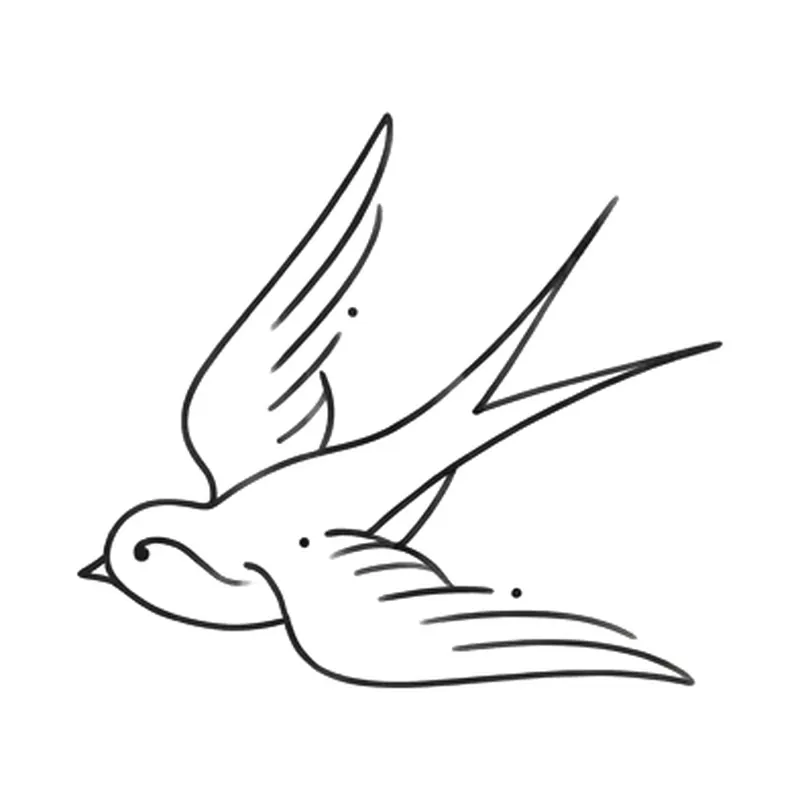
Swallow in flight · minimalist 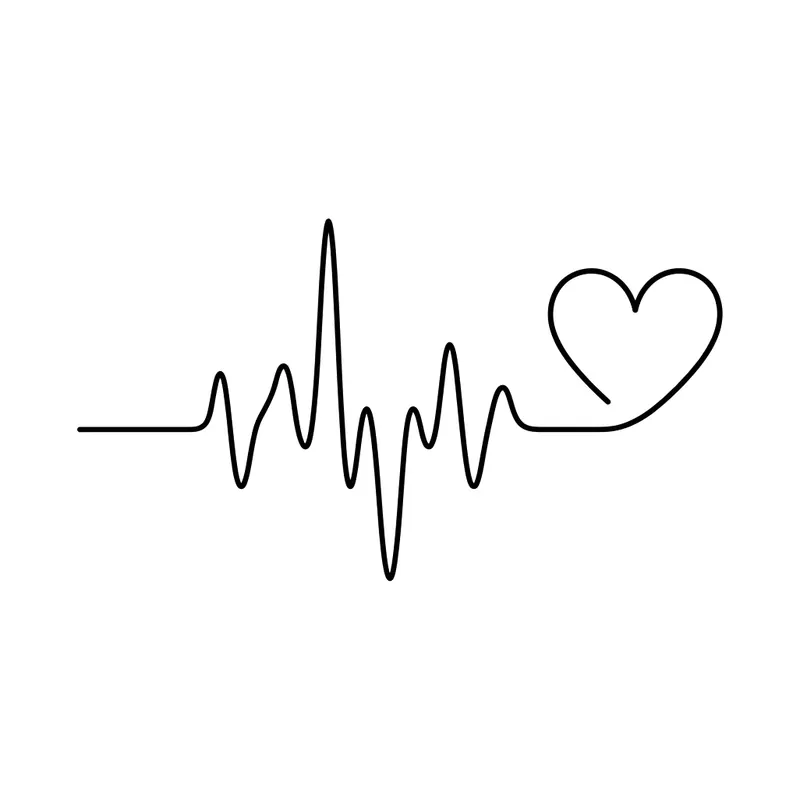
Heartbeat line turning into a heart · minimalist 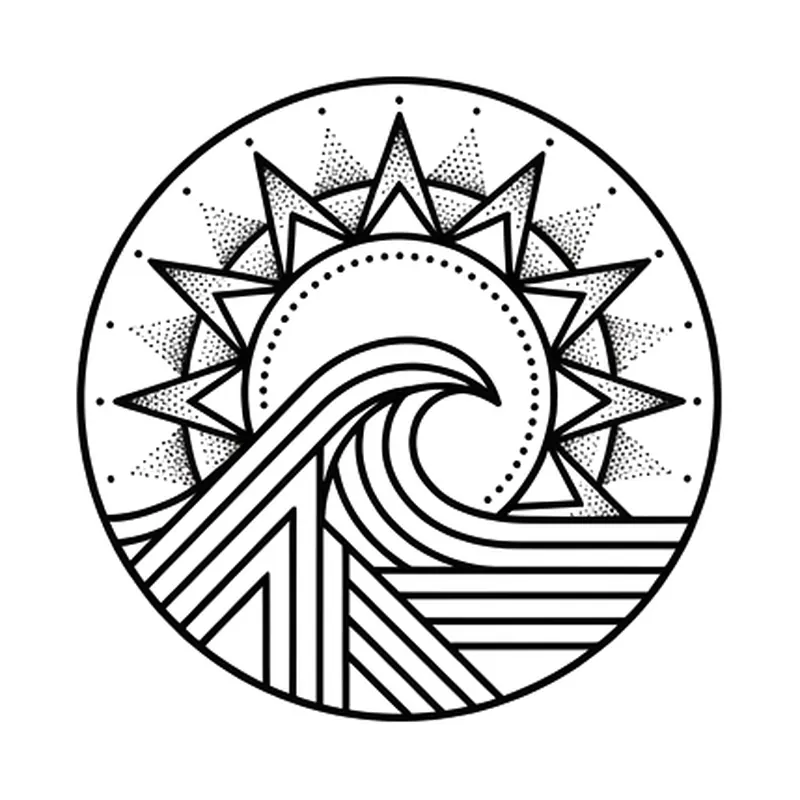
Small sun over a wave inside a circle · geometric 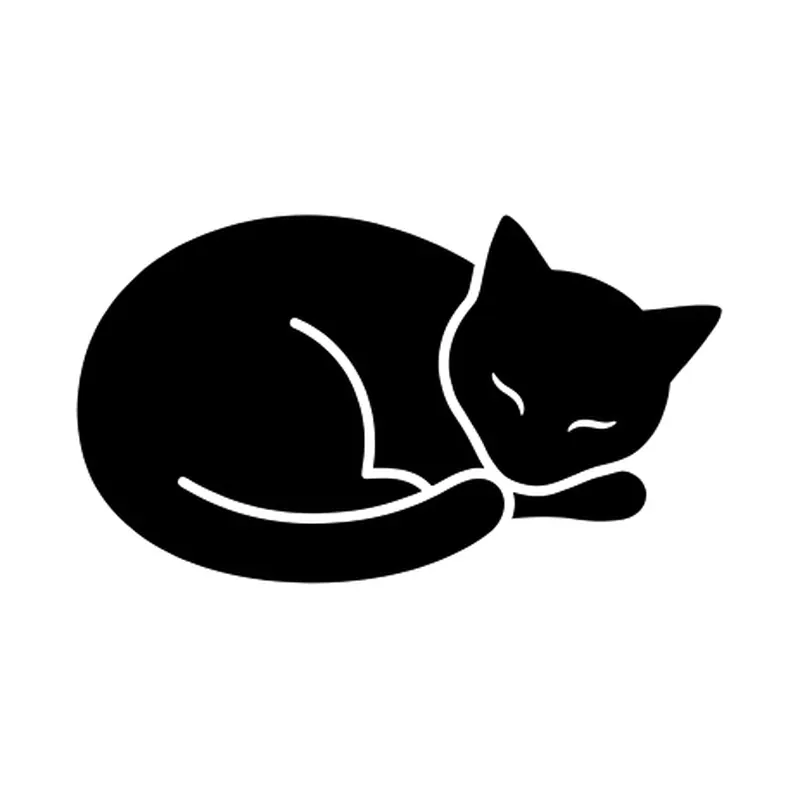
Sleeping cat curled up · minimalist 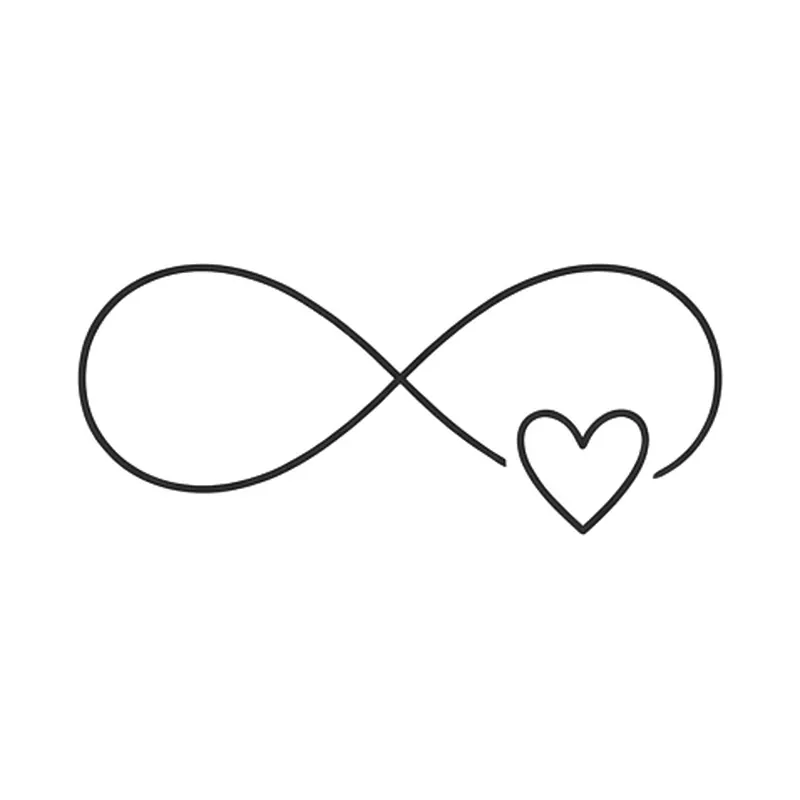
Infinity symbol with a tiny heart · minimalist 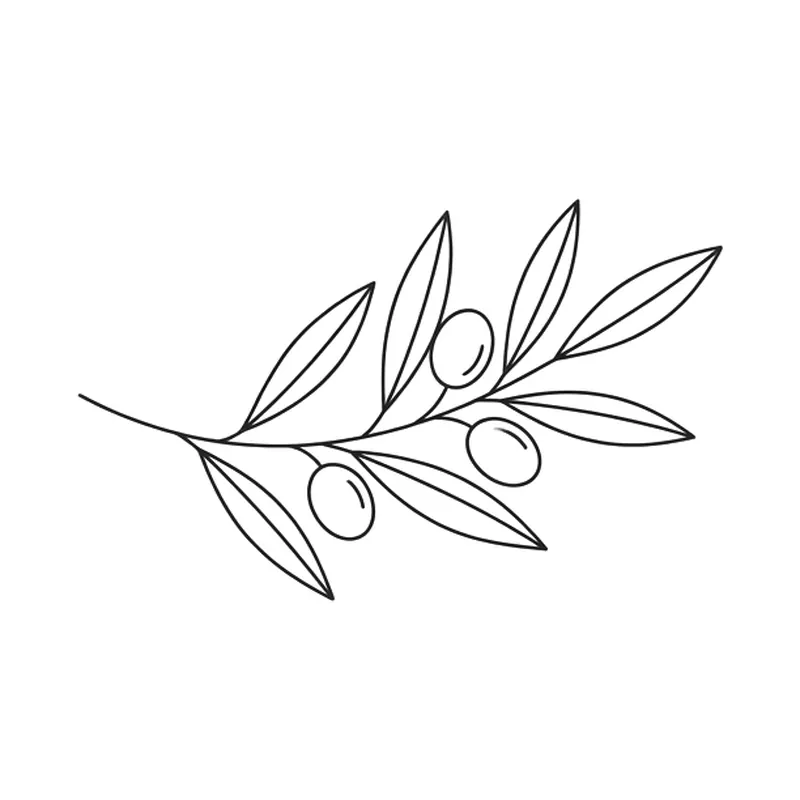
Olive branch · minimalist 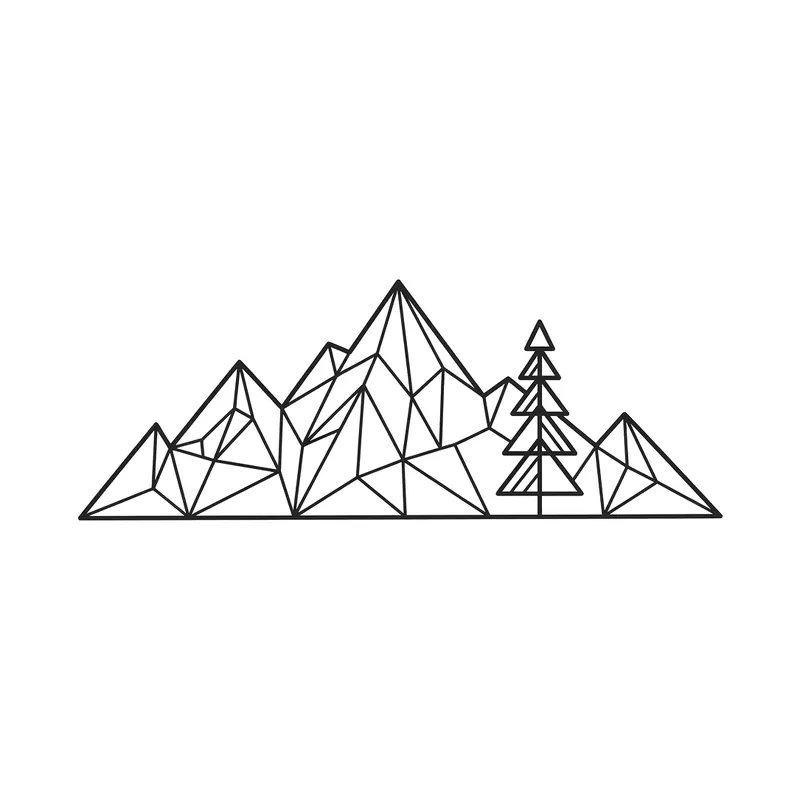
Mountains and a pine tree · geometric 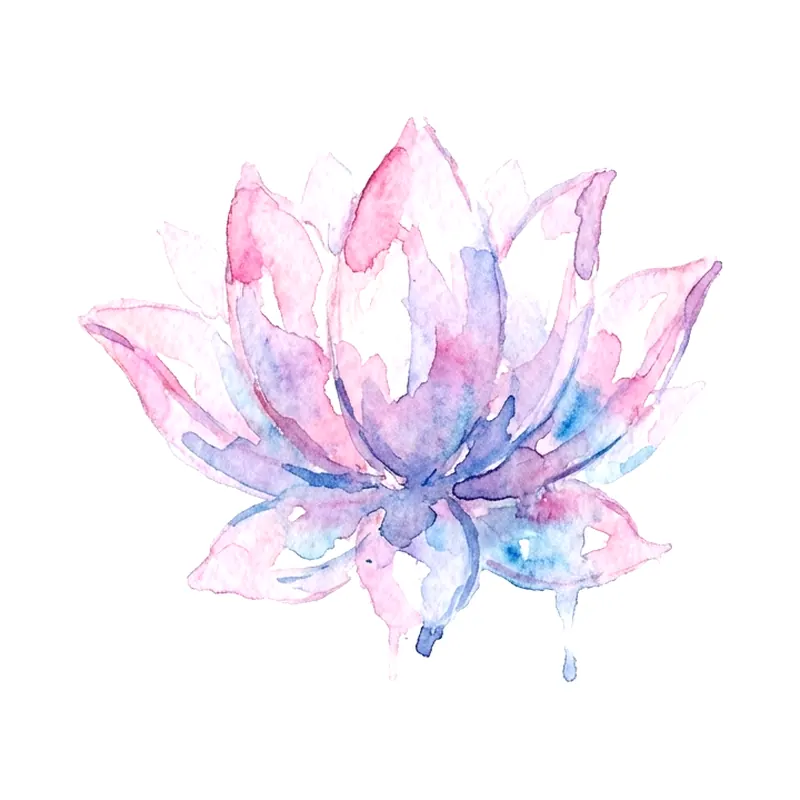
Small lotus flower · watercolor 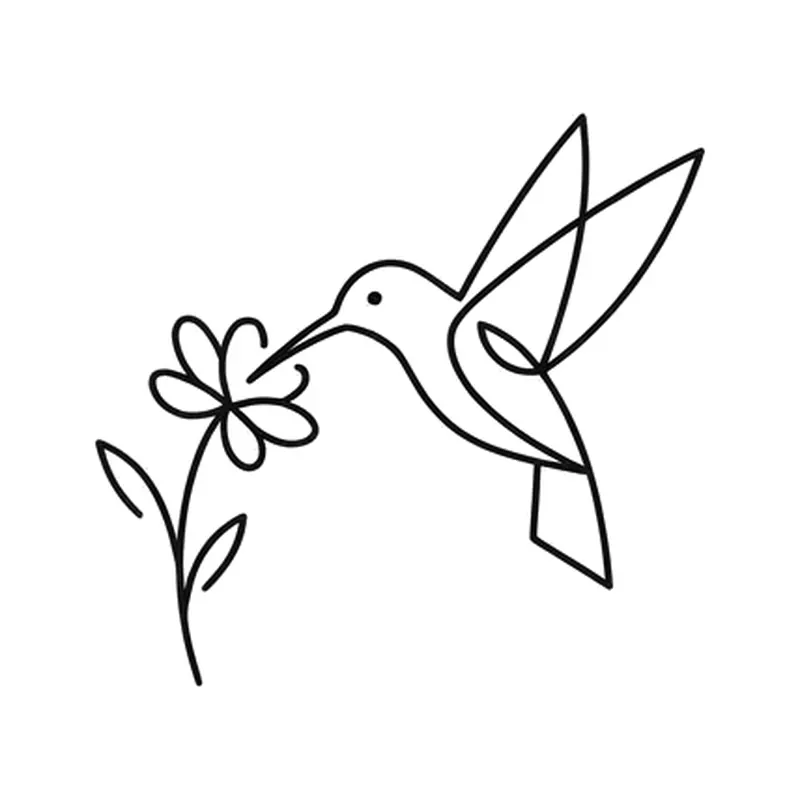
Hummingbird at a flower · minimalist 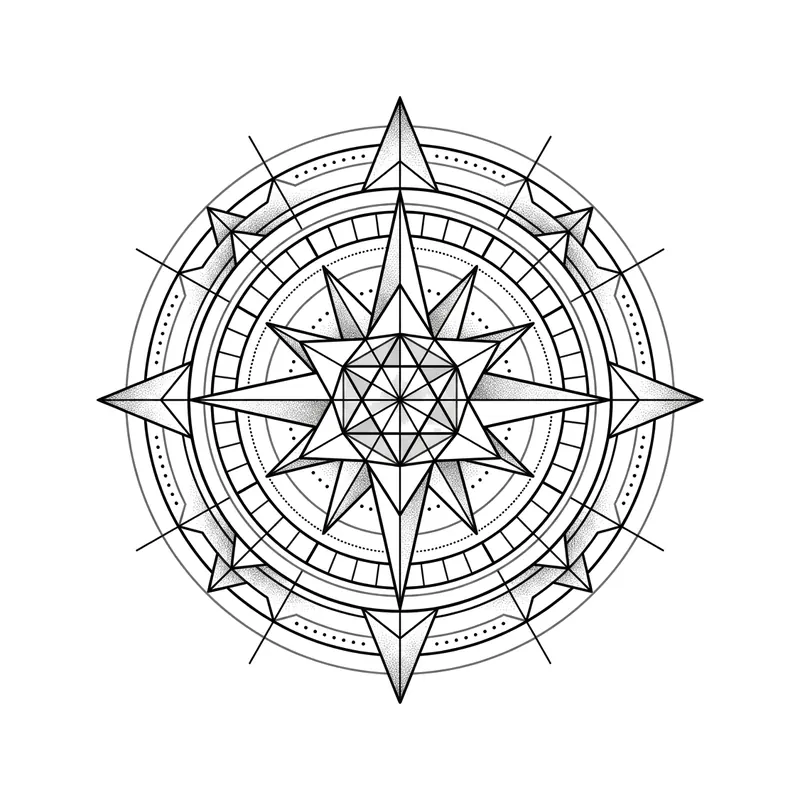
Compass rose · geometric 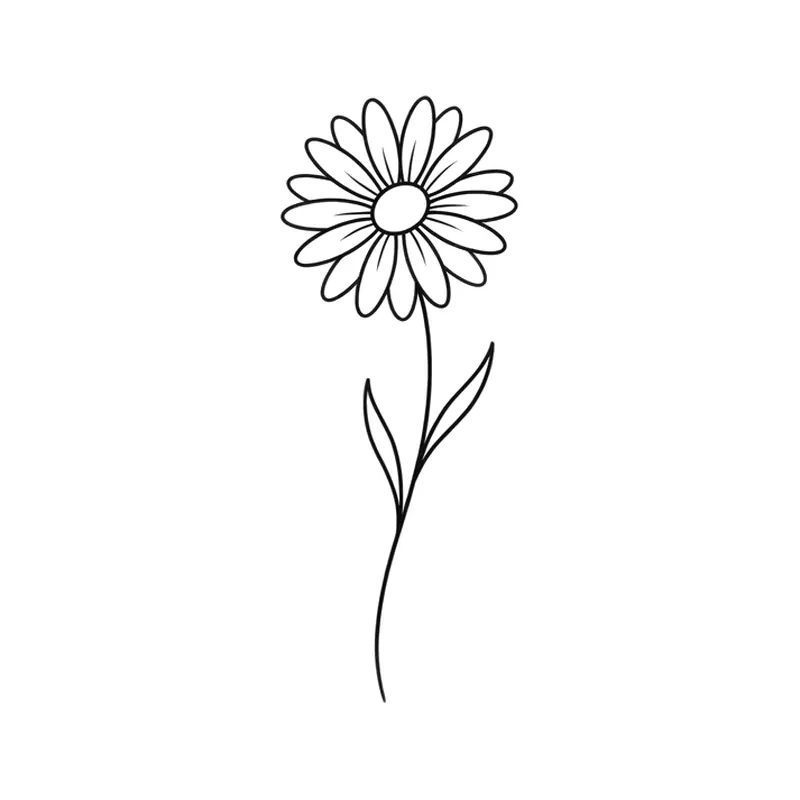
Daisy on a short stem · minimalist 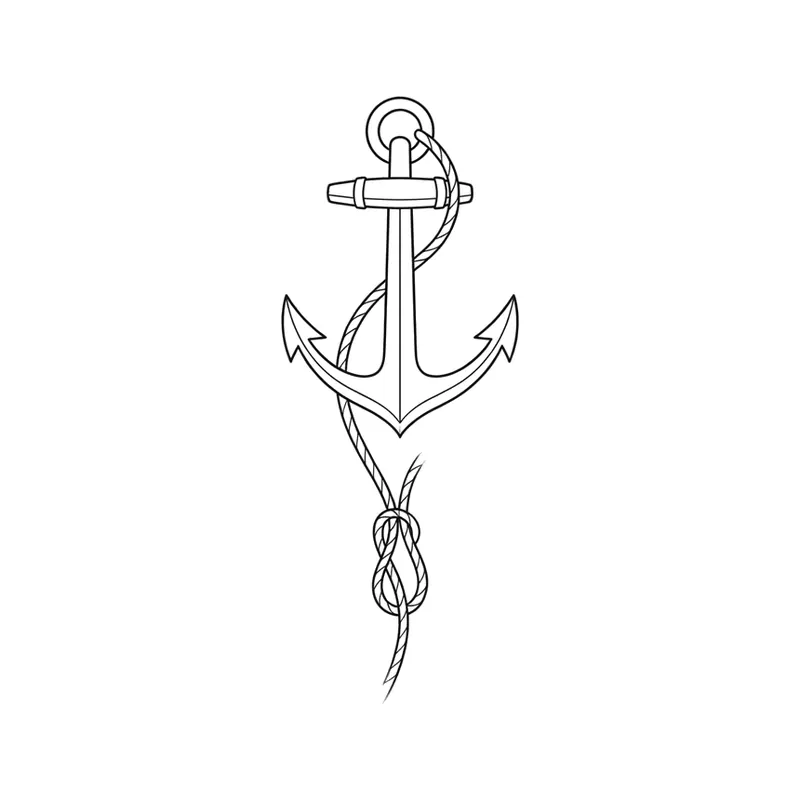
Anchor with a thin rope · minimalist 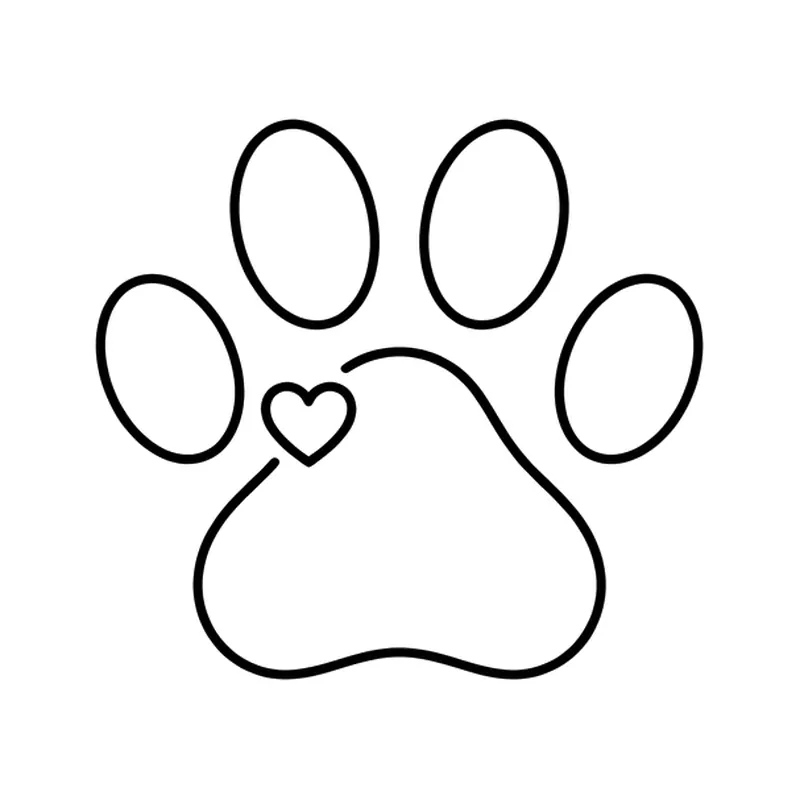
Paw print with a tiny heart · minimalist 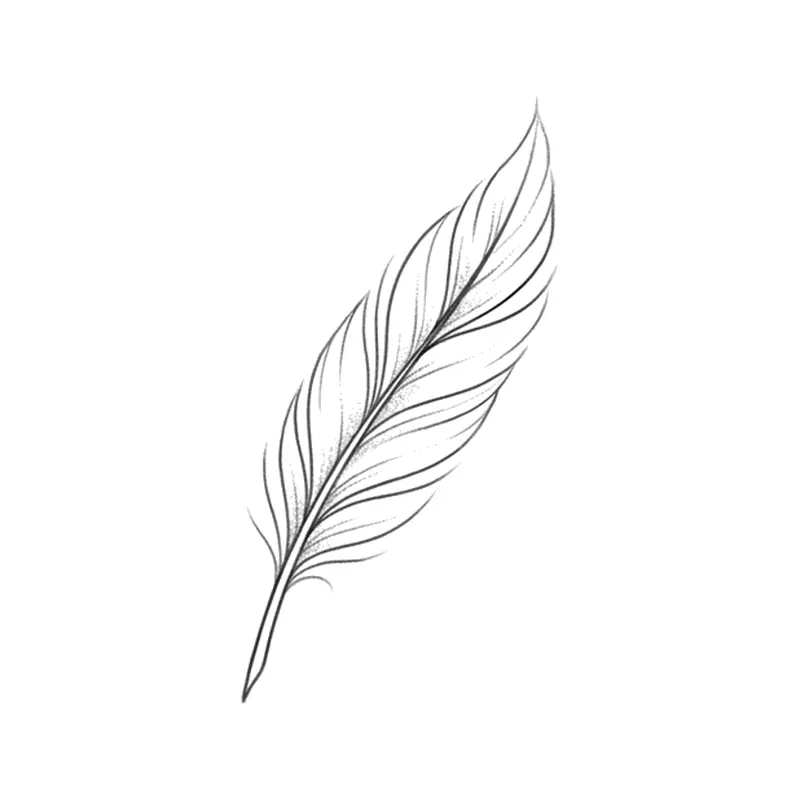
Feather · minimalist 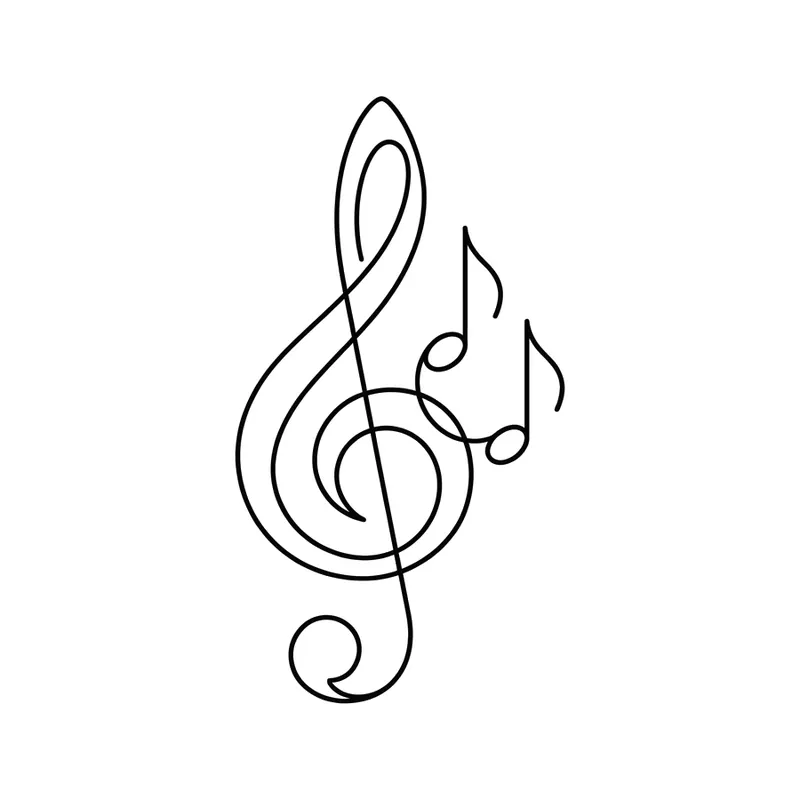
Treble clef and notes · minimalist 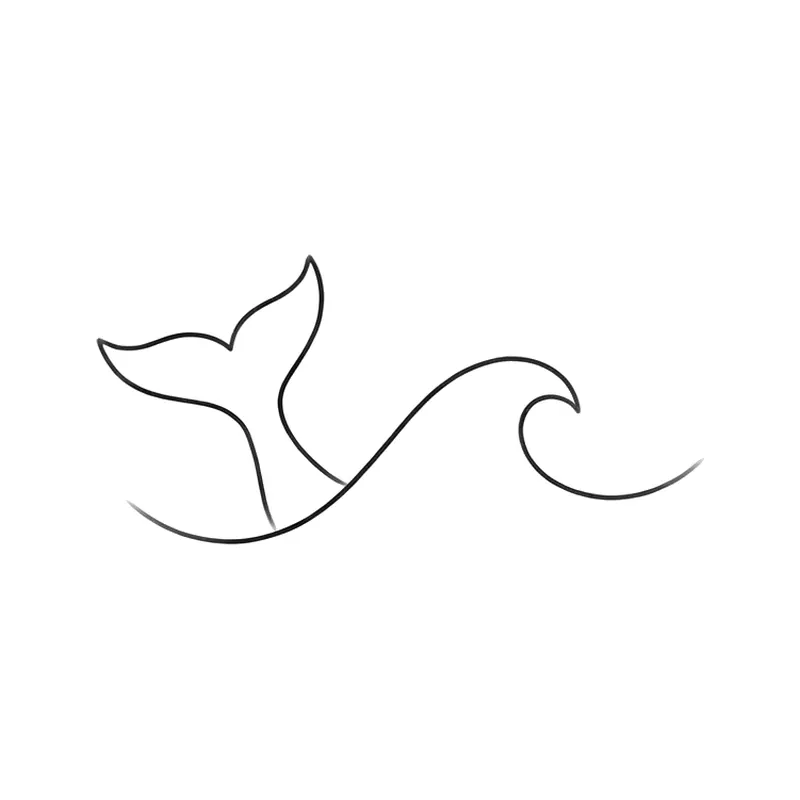
Whale tail diving into a wave · minimalist 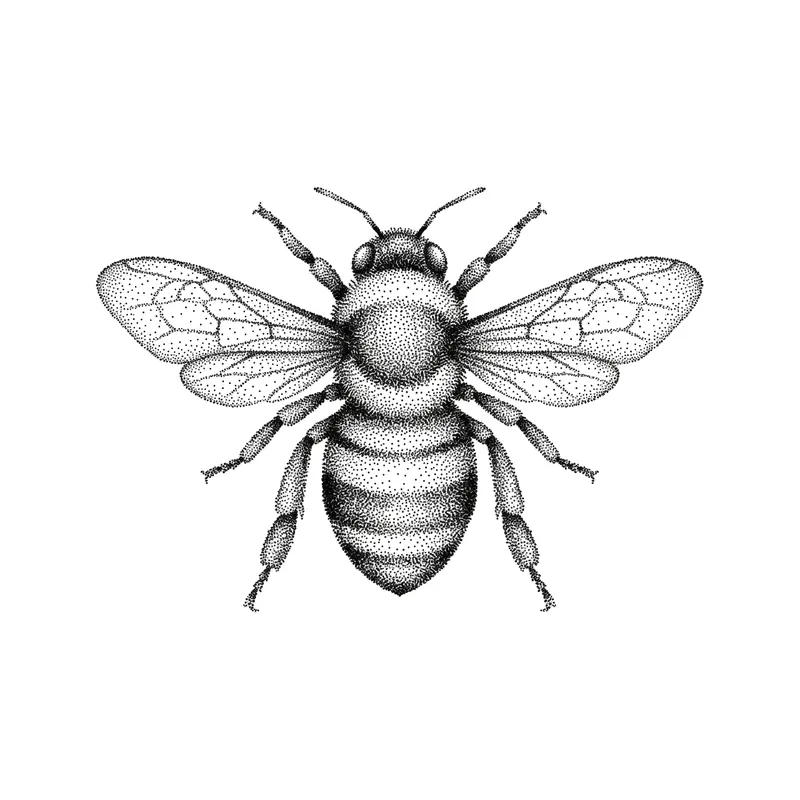
Bee · dotwork 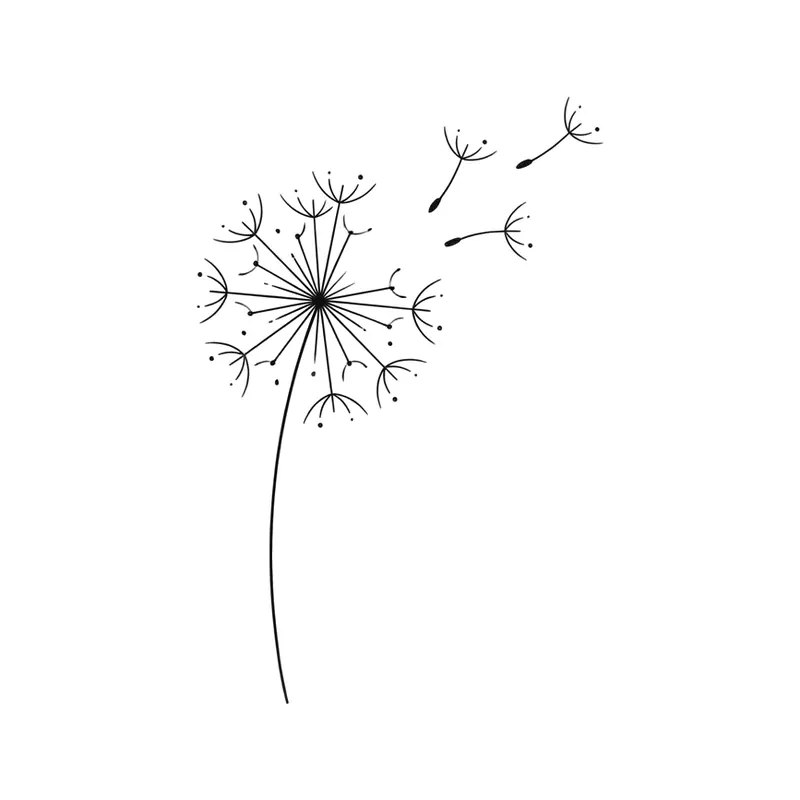
Dandelion with seeds in the wind · minimalist
How to create a small tattoo with TatuaIA
- 1
Describe a single subject
The smaller the tattoo, the fewer elements it needs. Try “small crescent moon with three stars” or “tiny swallow in flight”.
- 2
Pick a clean style
Minimalist and geometric hold up best at small sizes; watercolor also works if the subject is simple.
- 3
Refine and download
With Edit, write “thinner lines”, “remove the stars” or “add a small date”. Then download the design and show it at the studio.
Which subjects work small
In small tattoos the ink spreads a little over the years, so very dense details tend to blur together. Clear silhouettes, single lines and symbols with few elements age better.
- Symbols: moon, sun, infinity, heart, wave
- Animal silhouettes: swallow, cat, bee, hummingbird
- Nature: olive branch, lotus, daisy, mountains
- Short words or initials in thin script
Where to put it
Wrist, ankle, behind the ear, finger, collarbone and inner arm are the most common spots for a small tattoo. Ask your artist before settling on the size: they know how much space a design needs to stay readable for years. For lettering, see our script tattoo ideas; for very thin linework, the fine line ideas.
Frequently asked questions
Is the design unique?
Yes: TatuaIA doesn't pull designs from a catalog, it draws each one from scratch based on your description. Even if you repeat the same sentence you get a different version every time, and with Edit you can make it even more yours (a name, a date, a detail only you understand).
Can I take the design to my tattoo artist?
Yes, that's what it's for: download it and show it at the studio. Your artist will adapt it to the placement, the real size and their technique. Treat it as a faithful reference, not a ready-made stencil: the final say on the linework belongs to whoever tattoos it.
How much does it cost?
With TatuaIA your first designs are free (with a small watermark). To create without limits, edit and download without the watermark there's TatuaIA Pro, a subscription you'll see priced for your country in the app and can cancel anytime. The price of the actual tattoo is set by the studio: it depends on size, placement and hours of work.
How small can a tattoo be?
It depends on the subject and the placement: the more detail a design has, the more space it needs to stay readable over time. Your artist will tell you the minimum size for your design; in TatuaIA you can simplify it with Edit (“less detail”, “thicker lines”).
Can I add a name or a date?
Yes. Tap Edit and write, for example, “add the date 12.04.2020 underneath, small”. Always double-check letters and numbers before getting them tattooed.
More tools
- Script tattoo ideas: try the words and the font before you ink them
- Fine line tattoo ideas: delicate designs you can create with AI
- Tribal tattoo ideas: designs you can create with AI
- Tattoo stencil ideas: clean line art you can create yourself
- Roman numeral tattoo generator: convert your date, then design it
- Name tattoo ideas: fonts and designs for the name you carry
- Birth flower tattoo generator: find your month, then design it
- Morse code tattoo generator: translate your word, then design it
- Coordinates tattoo generator: format your place, then design it
- Binary code tattoo generator: turn a word into 0s and 1s
- Heartbeat tattoo generator: a name, a word or a heart in the line
- Sound wave tattoo generator: turn a voice note into a tattoo
- Tattoo font generator: see your words in 8 tattoo lettering styles
- Tattoo ideas: a gallery of designs to filter and customize
- TatuaIA home

Your small tattoo, in seconds
Write the idea, pick the style and take the design to your tattoo artist.