Gallery + free generator
Tattoo ideas: a gallery of designs to filter and customize
Here you will find 250+ tattoo designs made with TatuaIA, on a white background and ready to show your tattoo artist. Filter them by style (fine line, minimalist, realistic, tribal…), by theme and by placement. If you like an idea, tap Customize it: the generator opens in your browser, where you describe it your way. Your first design is free.

Tattoo ideas gallery
Every design is on a white background. Under each one you will find its style and the suggested placement.
264 designs
No designs match these filters. Remove one, or describe your idea in the generator above.
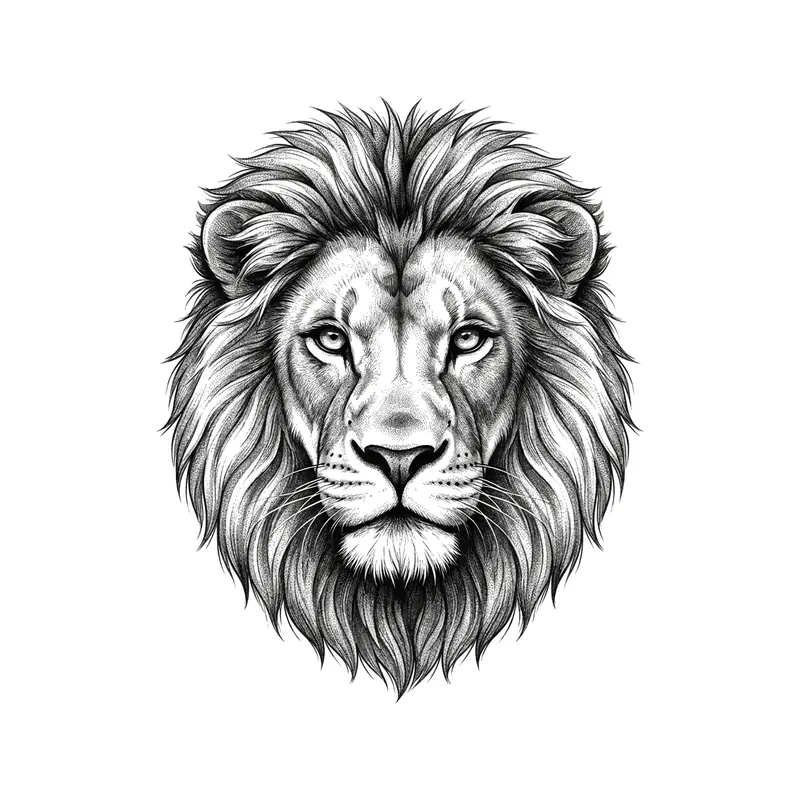
Lion headRealistic · Forearm 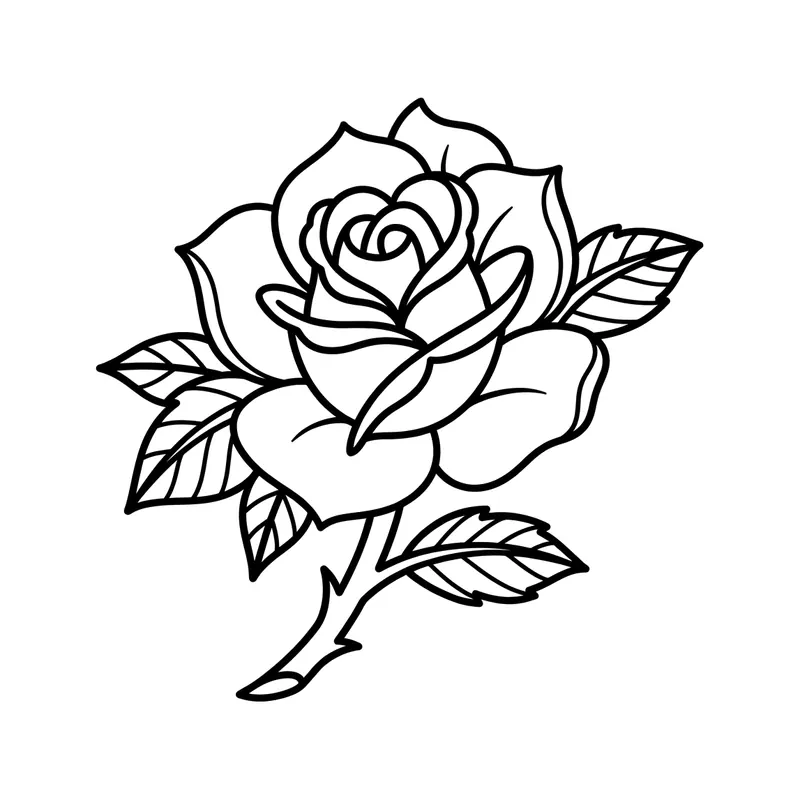
RoseLine art · Forearm 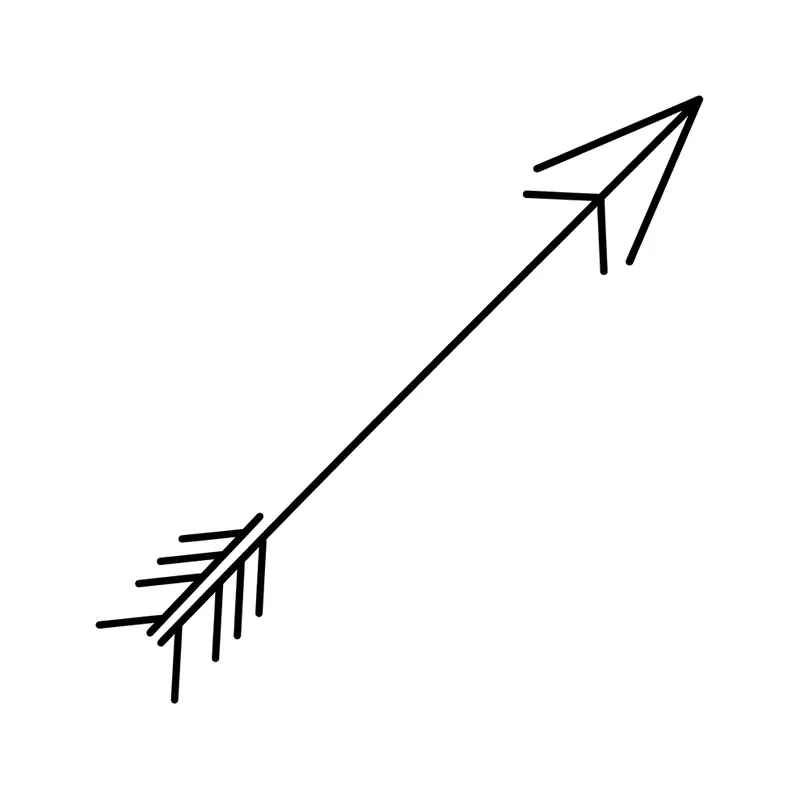
ArrowMinimalist · Wrist 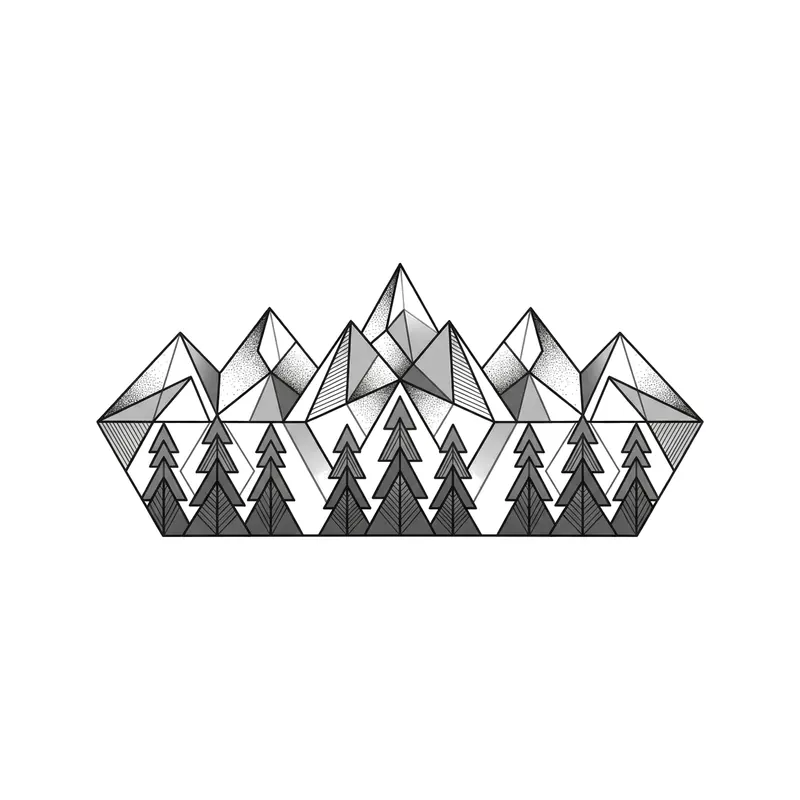
Band with mountains and pinesGeometric · Forearm 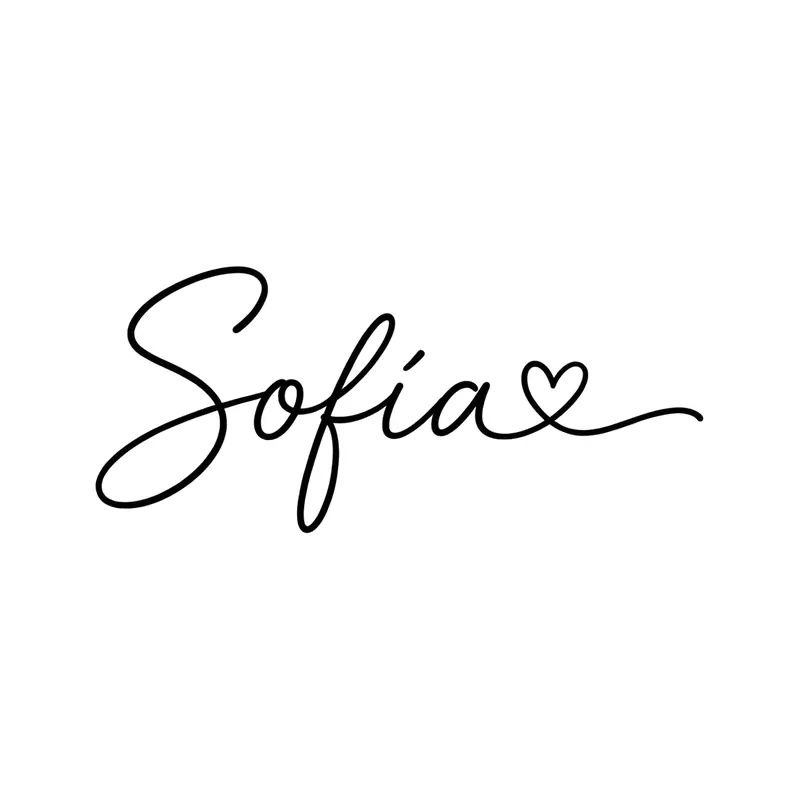
Name "Sofía" with a heartLettering · Wrist 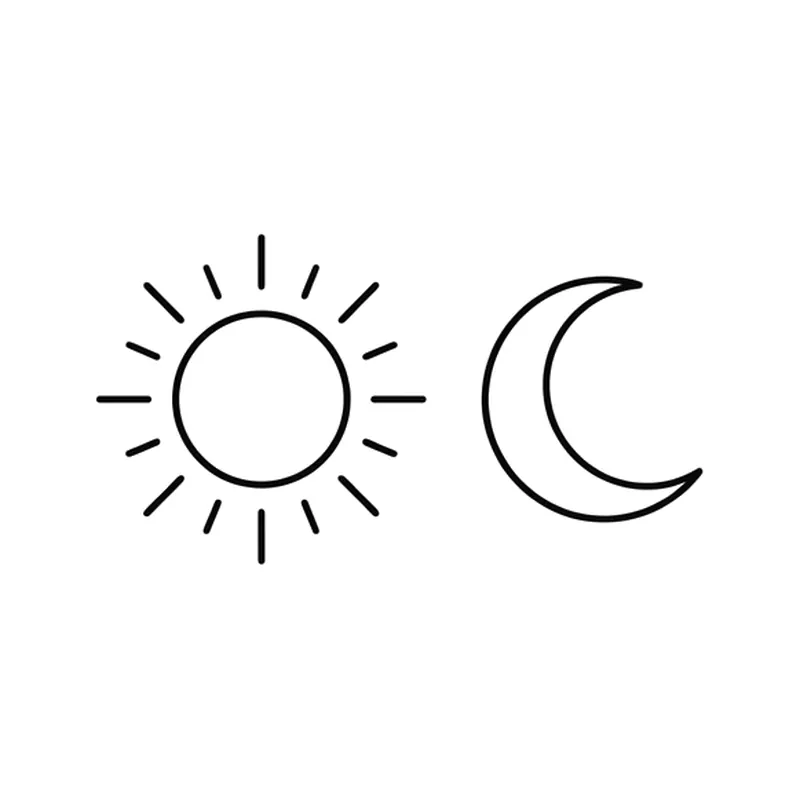
Sun and moonMinimalist · Wrist 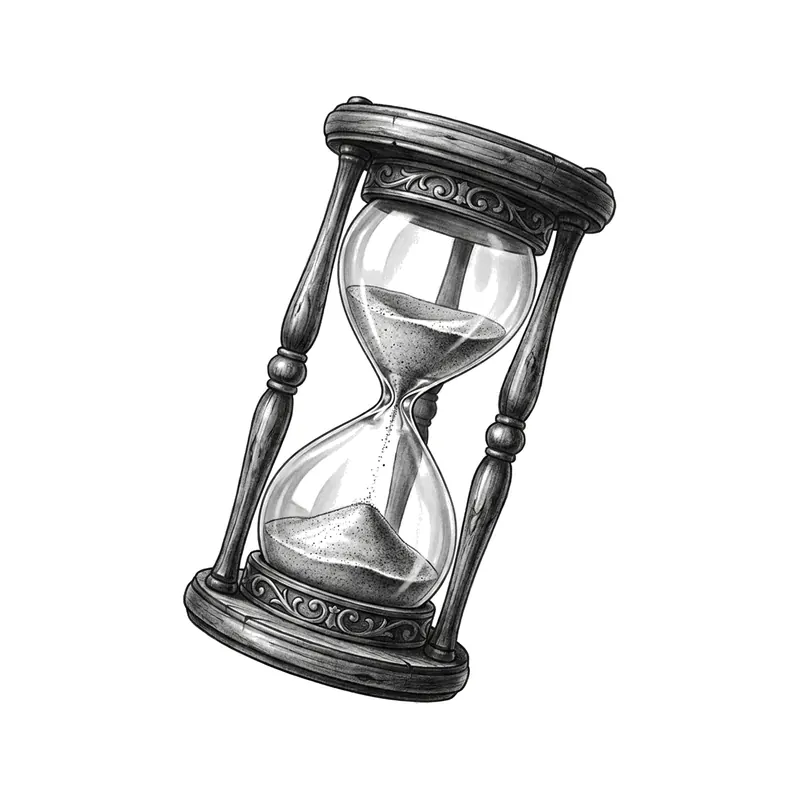
HourglassRealistic · Forearm 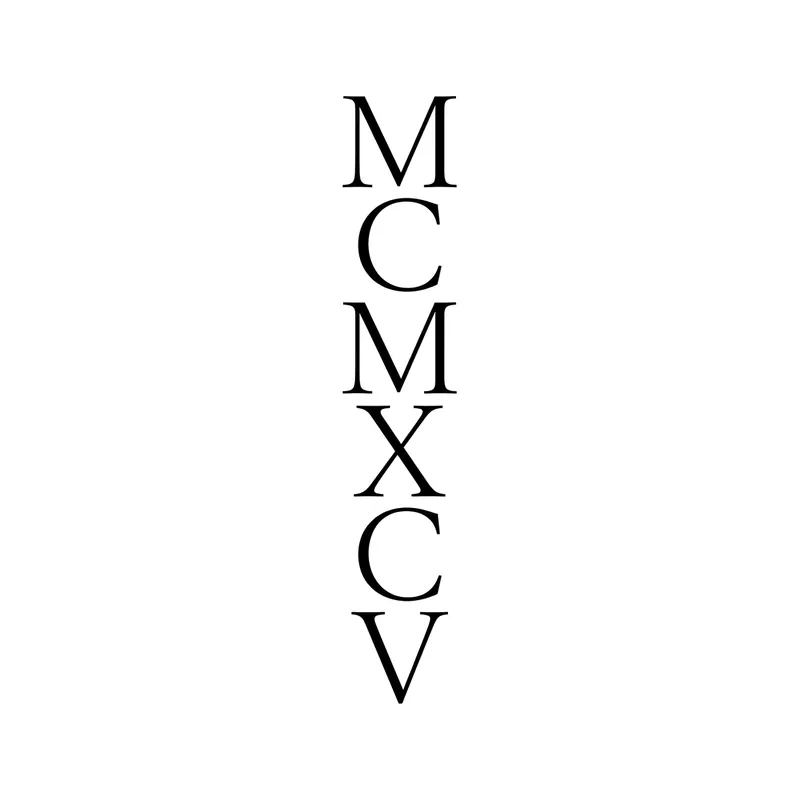
Roman numerals "MCMXCV" (1995) verticalLettering · Back 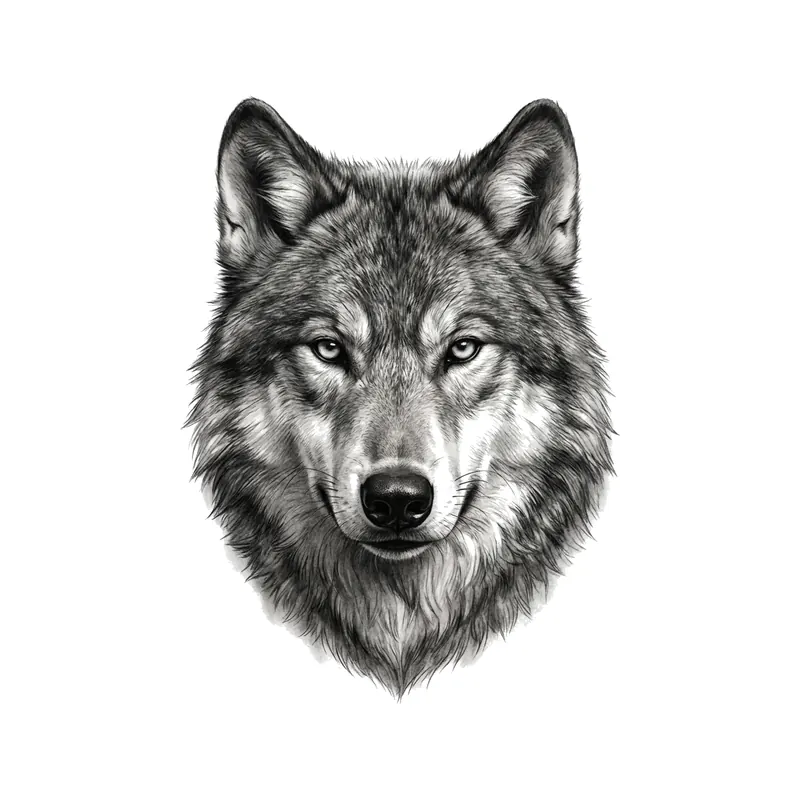
Wolf portraitRealistic · Forearm 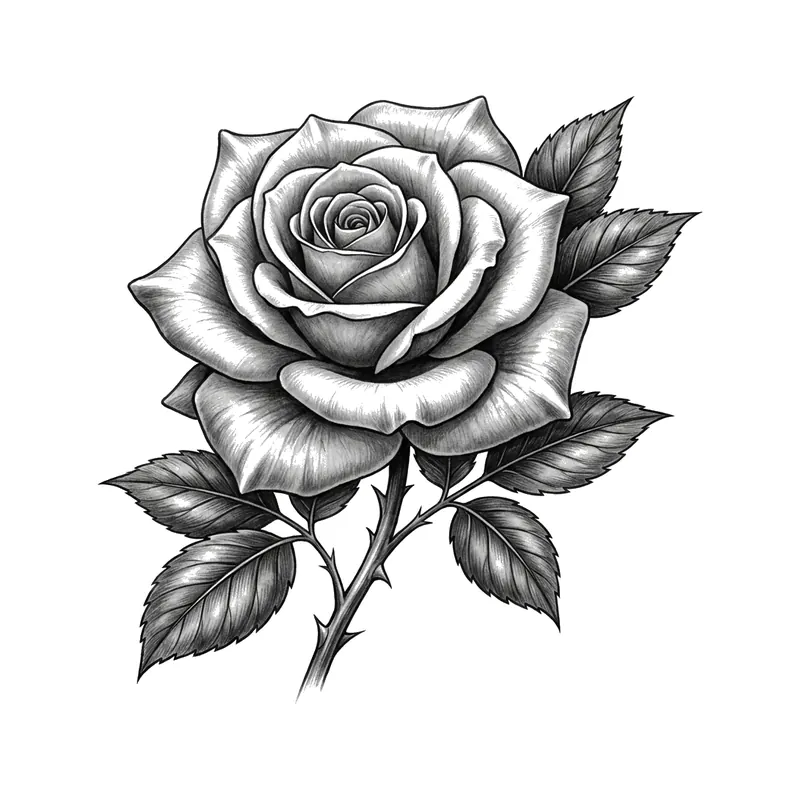
Black and white roseRealistic · Forearm 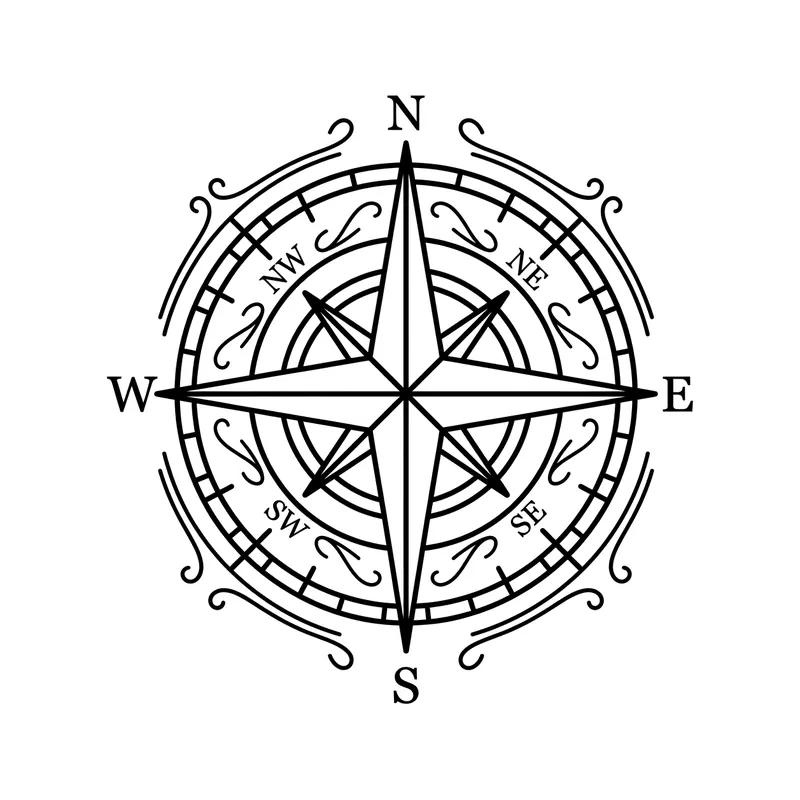
Nautical compassLine art · Forearm 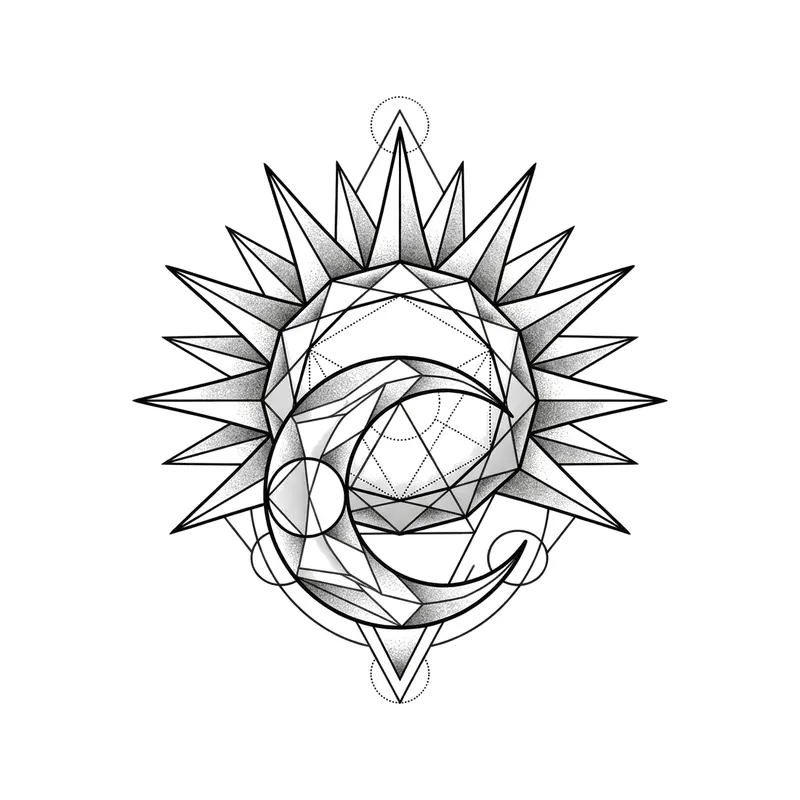
Sun and moonGeometric · Forearm 
Name "Mateo" in serif letteringLettering · Wrist 
Padlock and keyMinimalist · Wrist 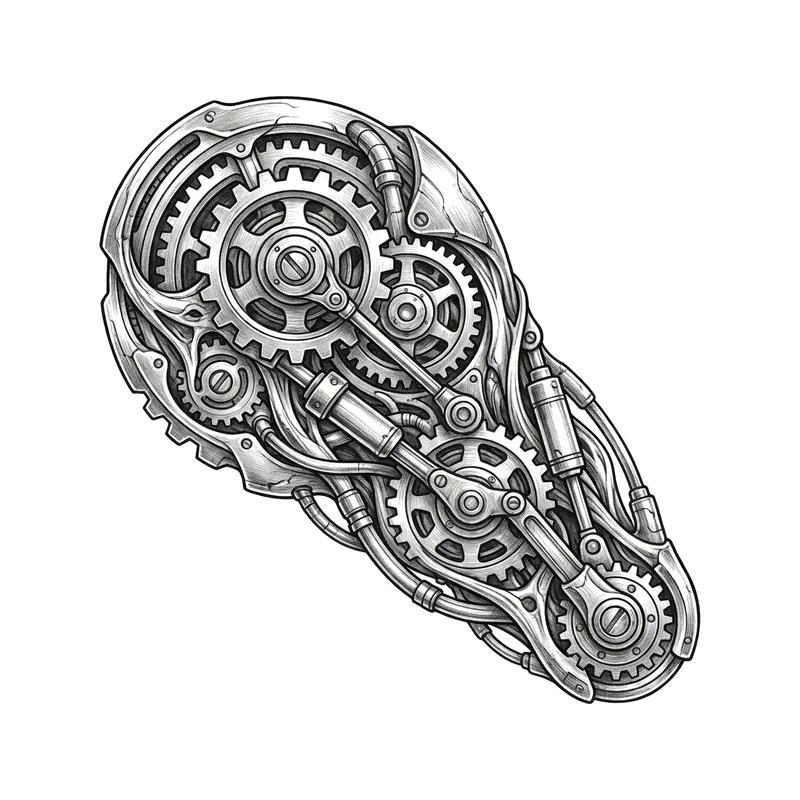
Gears and pistonsBiomechanical · Forearm 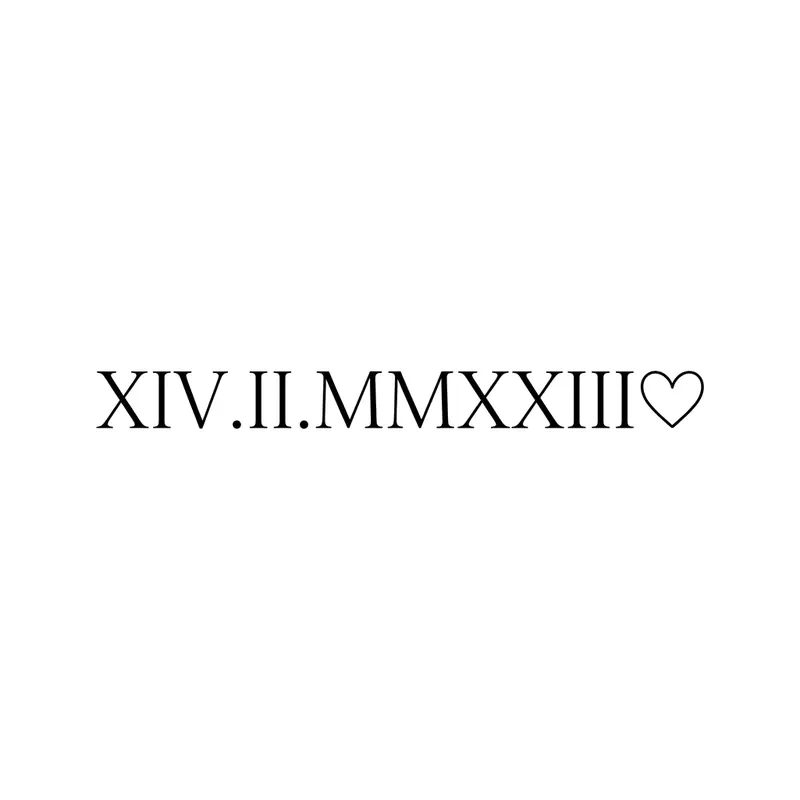
Roman numerals "XIV.II.MMXXIII" (14/2/2023) with a heartLettering · Wrist 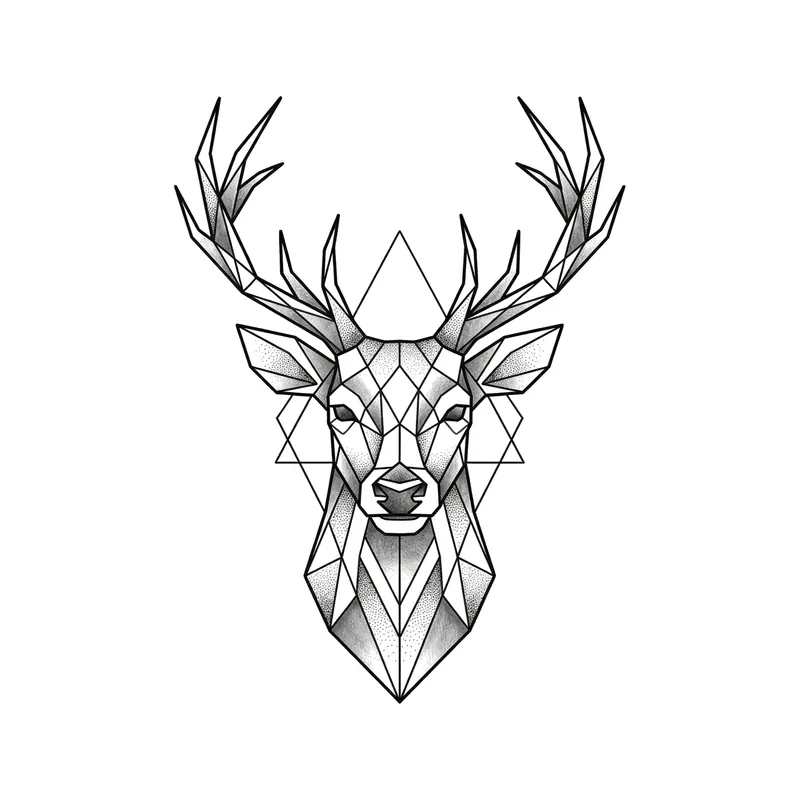
Deer headGeometric · Forearm 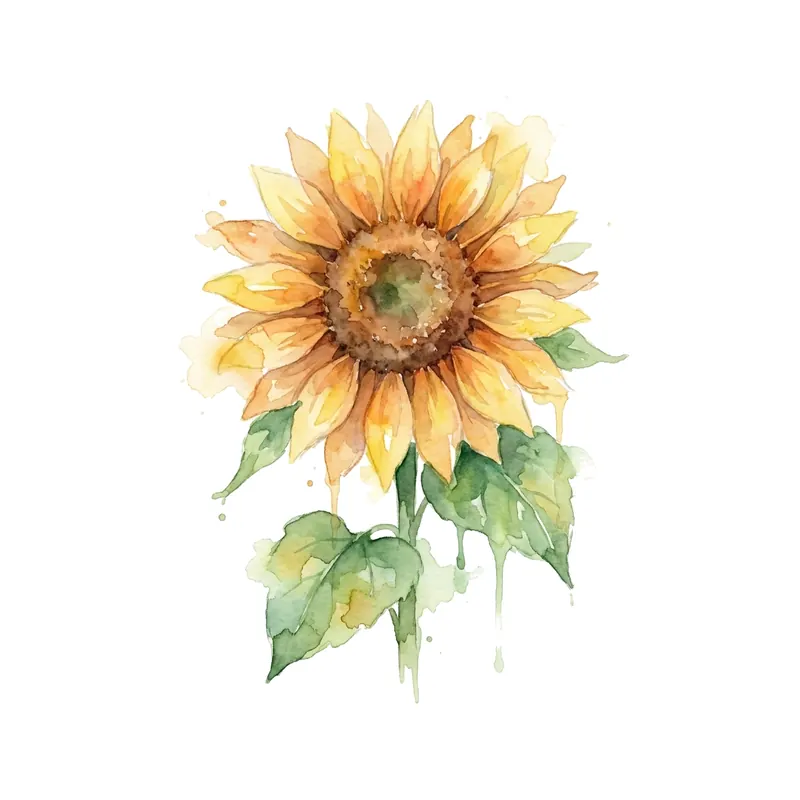
SunflowerWatercolor · Forearm 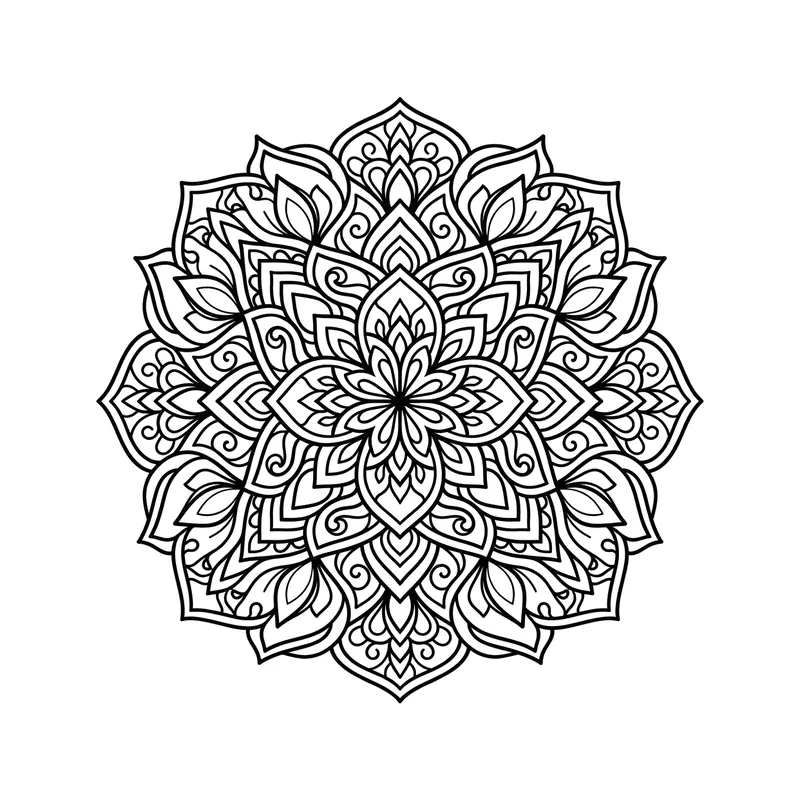
MandalaLine art · Back 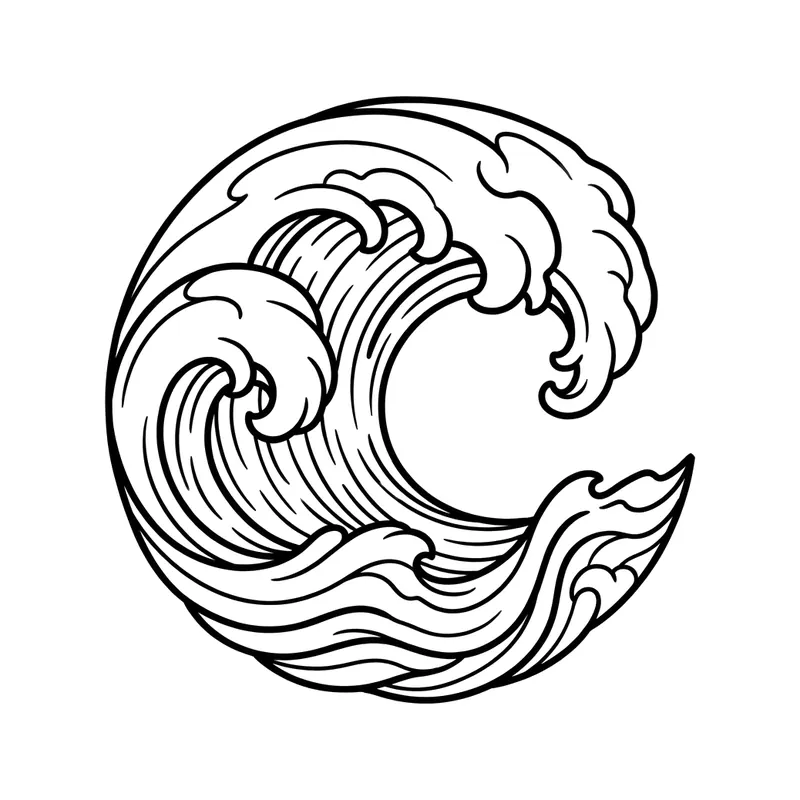
Curling waveLine art · Forearm 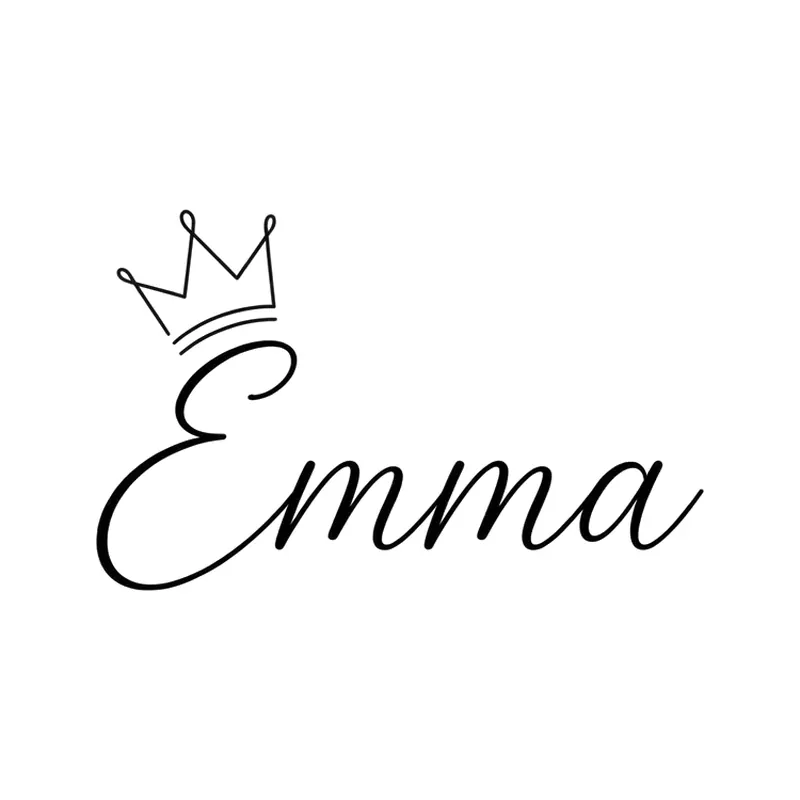
Name "Emma" with a crownLettering · Wrist 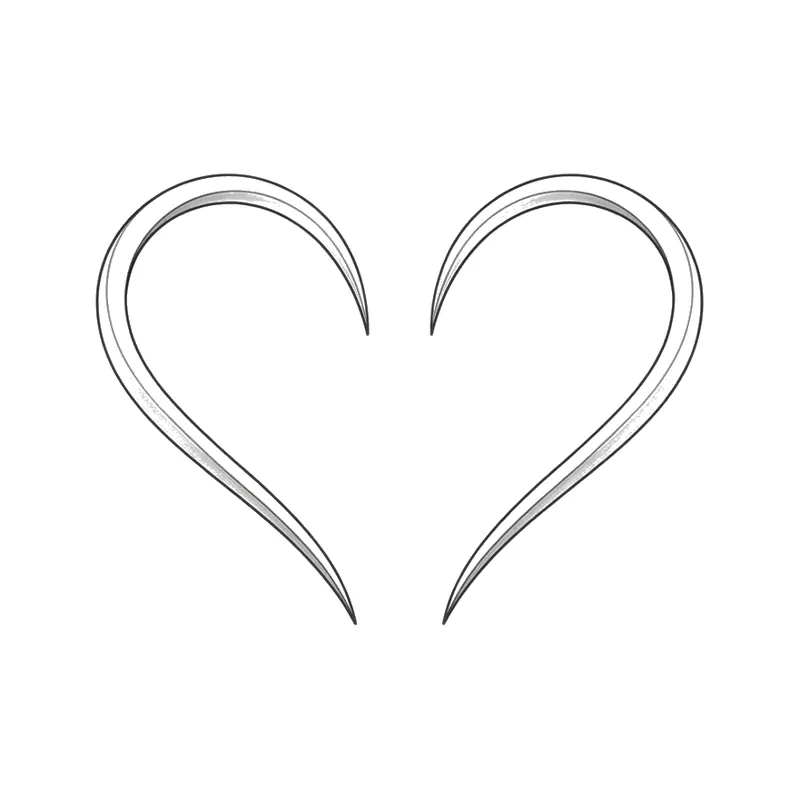
Two halves of a heartMinimalist · Wrist 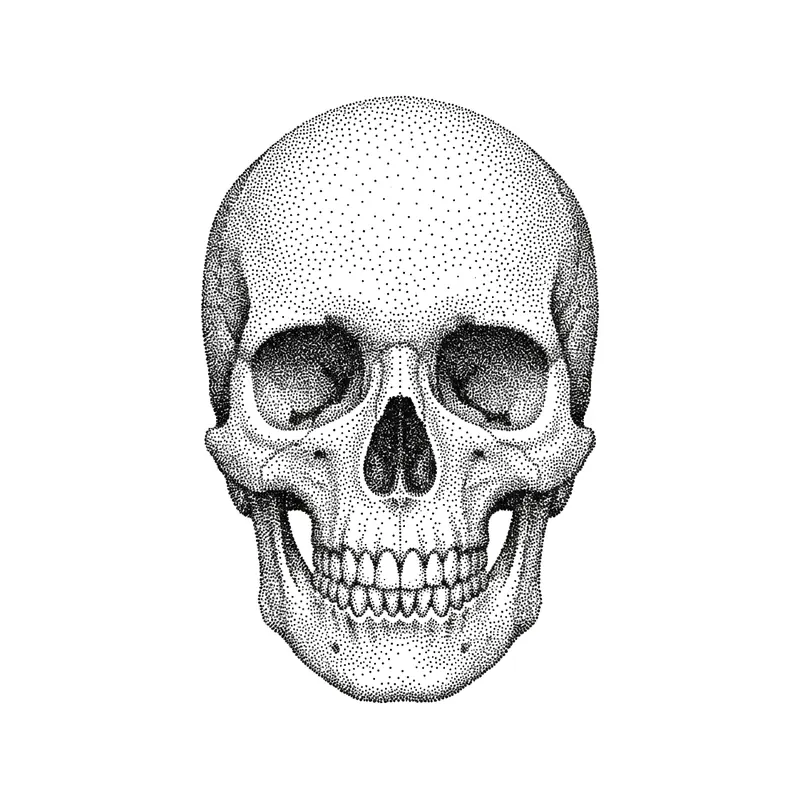
SkullPointillism · Forearm 
Roman numerals "VII.IX.MMXVIII" (7/9/2018) with an olive branchLettering · Forearm 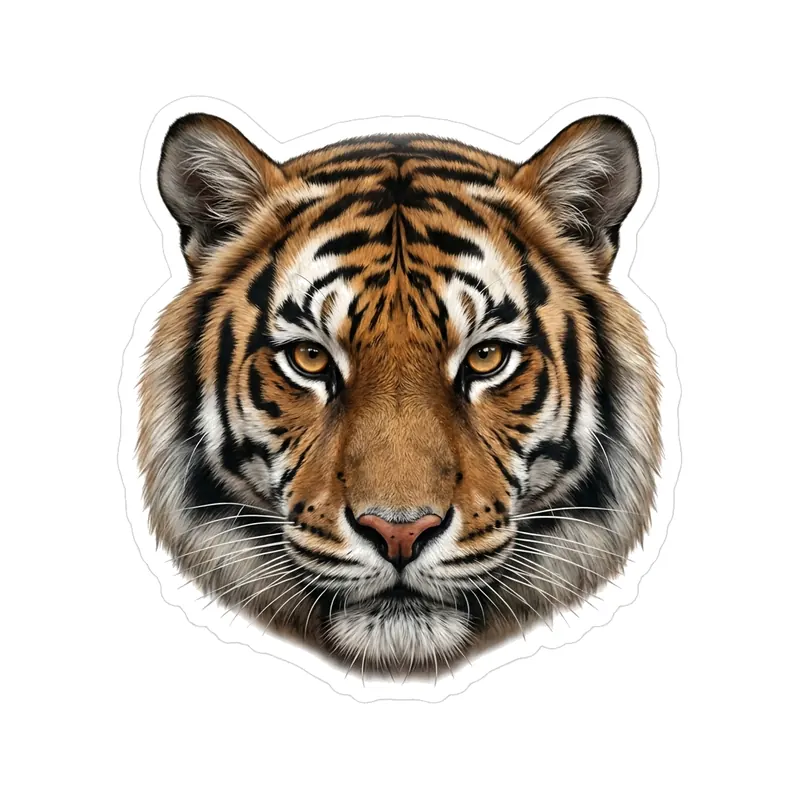
Tiger headRealistic · Forearm 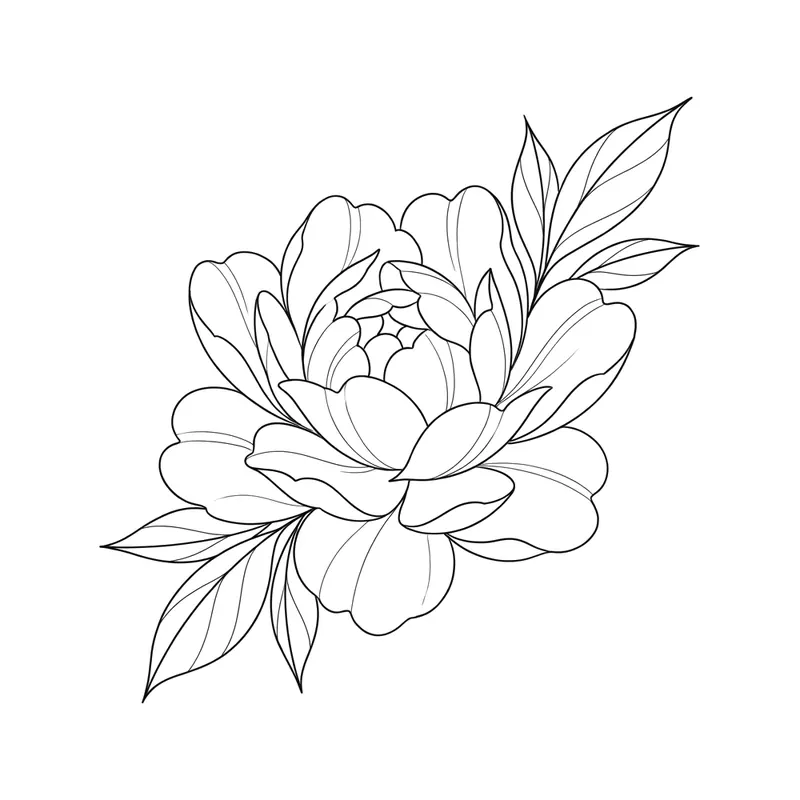
PeonyFine line · Forearm 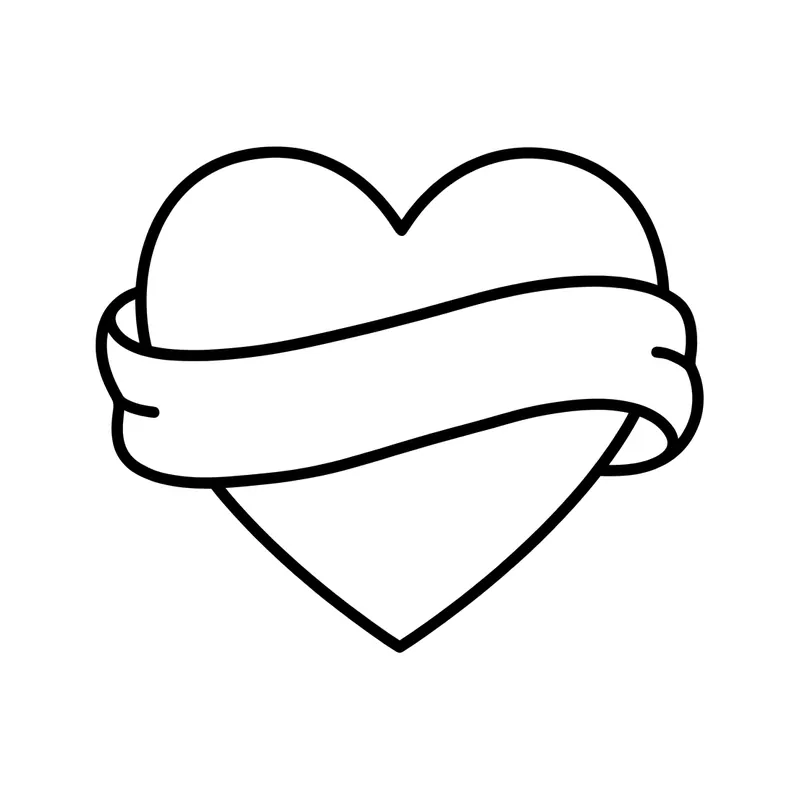
Heart with a blank bannerLine art · Forearm 
Mountains and pine treesLine art · Forearm 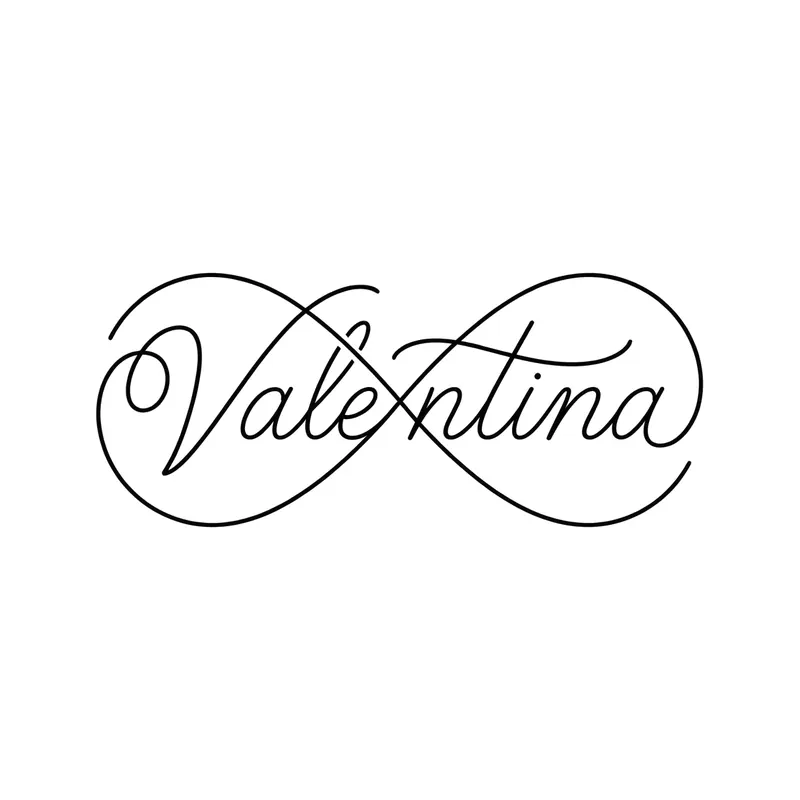
Name "Valentina" as an infinity loopLettering · Wrist 
Two puzzle piecesMinimalist · Wrist 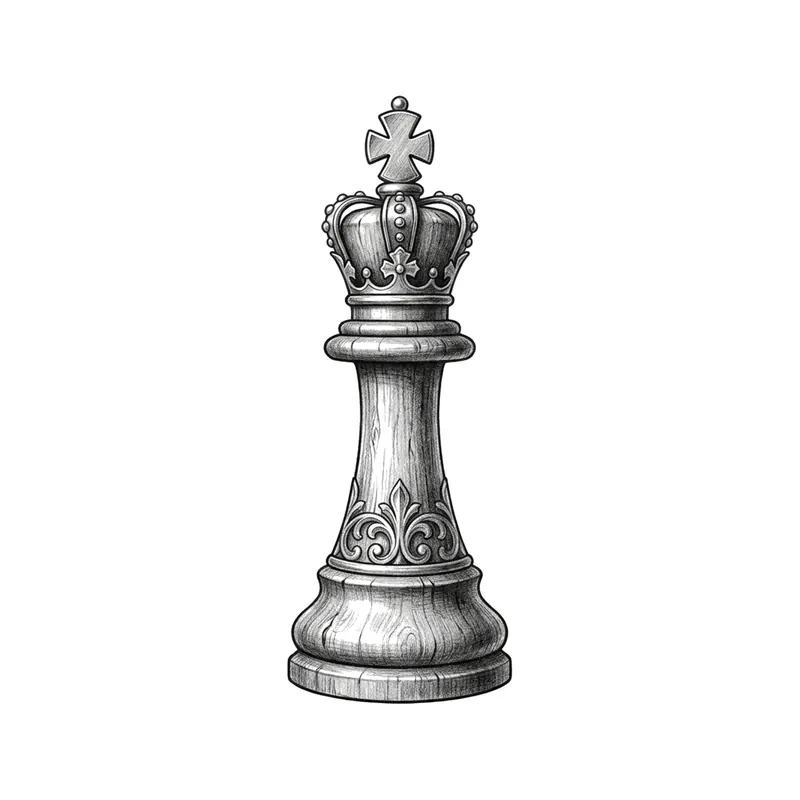
Chess kingRealistic · Forearm 
Roman numerals "MMXXIV" (2024) with a starLettering · Wrist 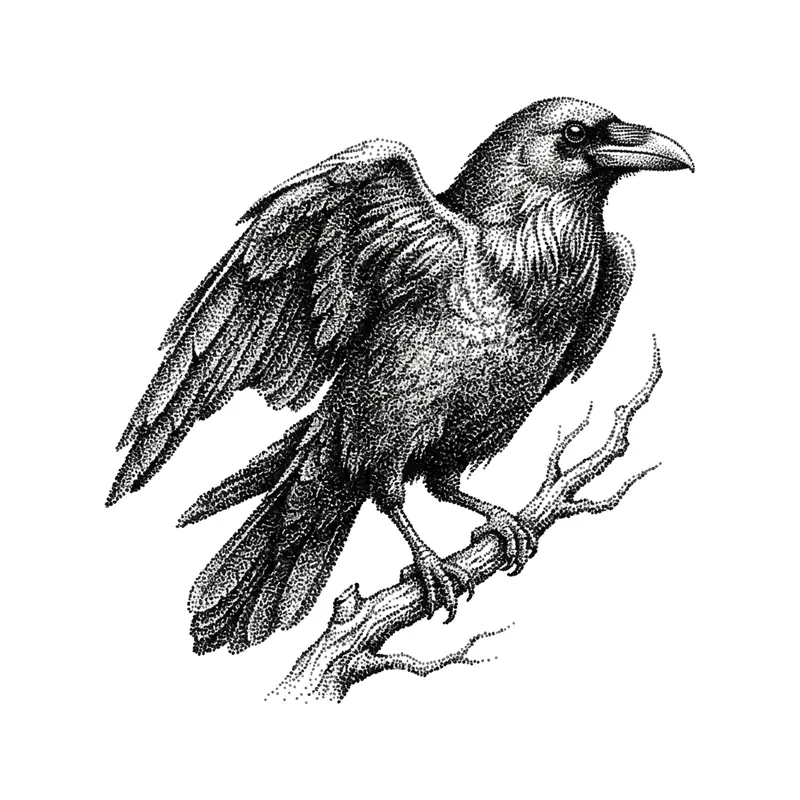
RavenPointillism · Forearm 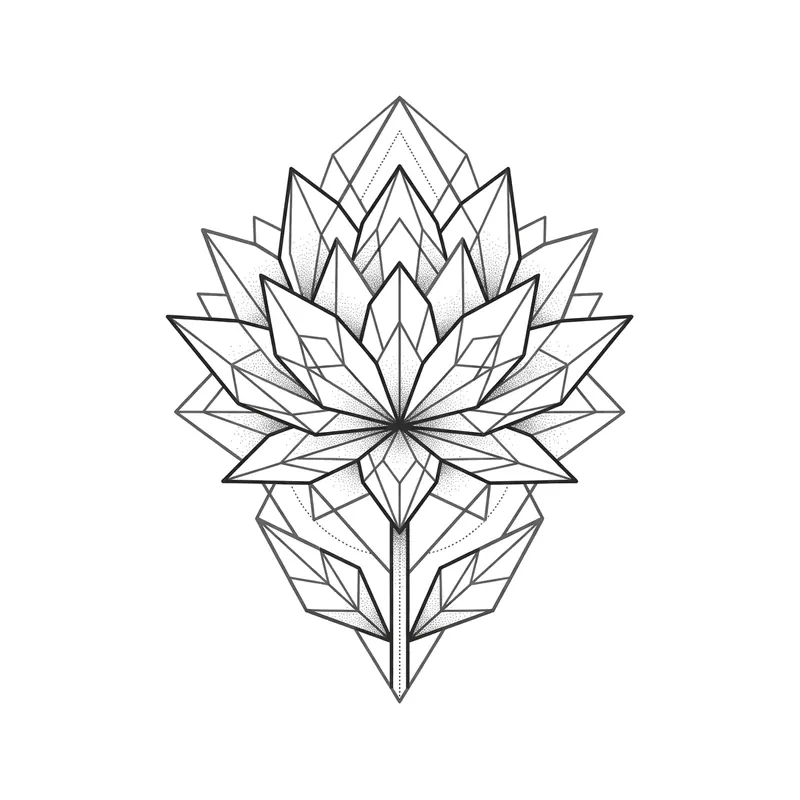
Lotus flowerGeometric · Back 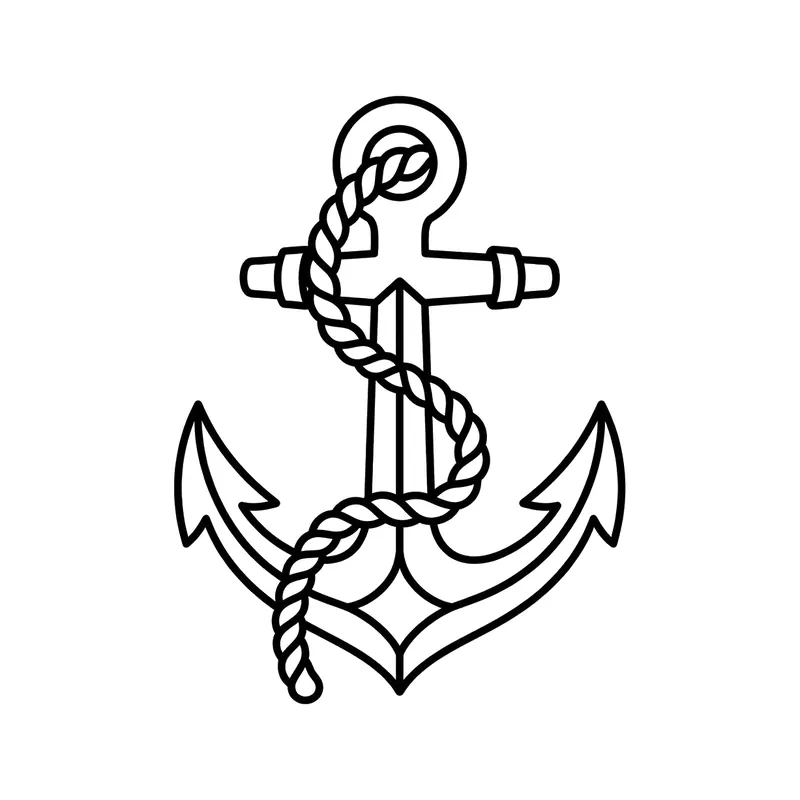
Anchor with ropeLine art · Forearm 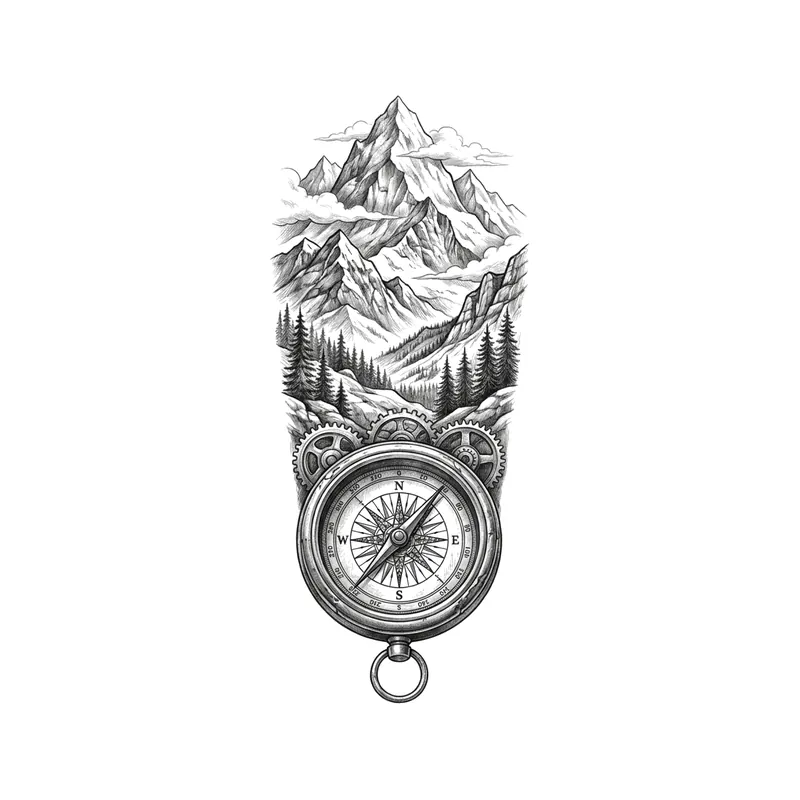
Compass and mountainsRealistic · Forearm 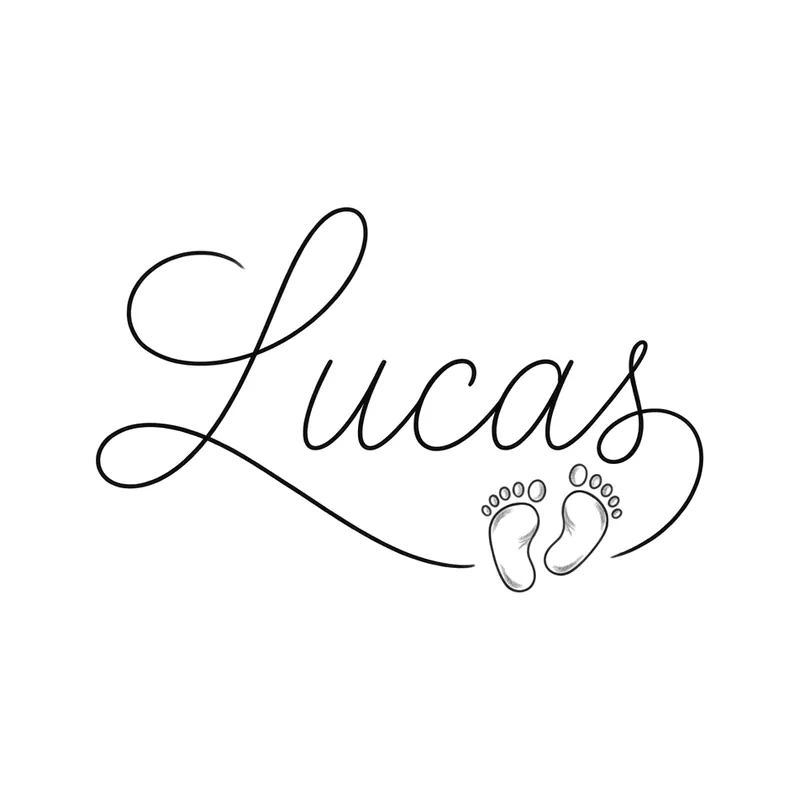
Name "Lucas" with baby footprintsLettering · Wrist 
King and queen crownsMinimalist · Wrist 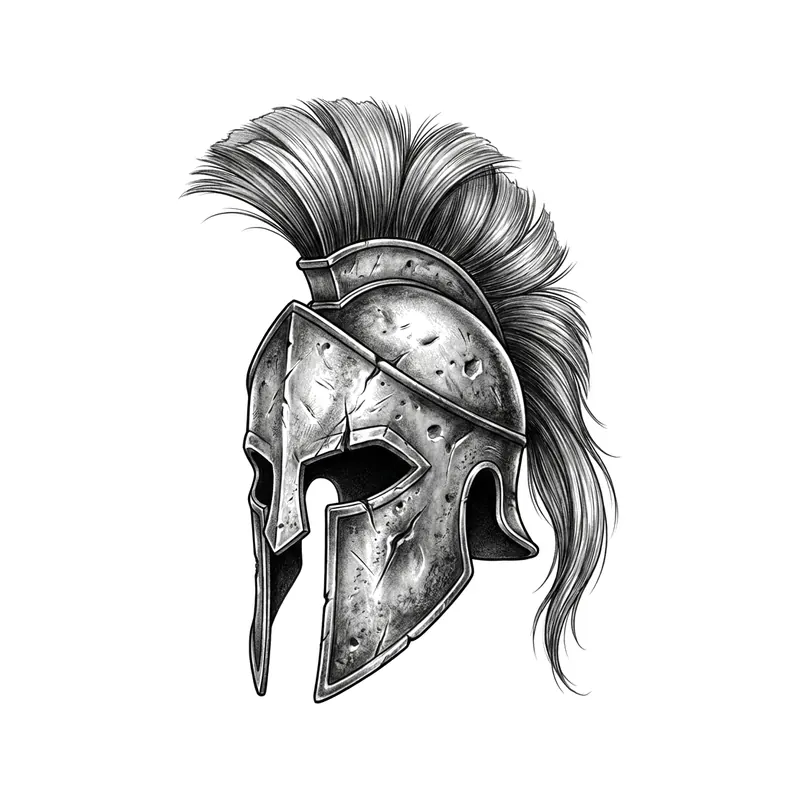
Ancient Greek helmetRealistic · Forearm 
Roman numerals "III.III.MCMXC" (3/3/1990) in a circleLettering · Forearm 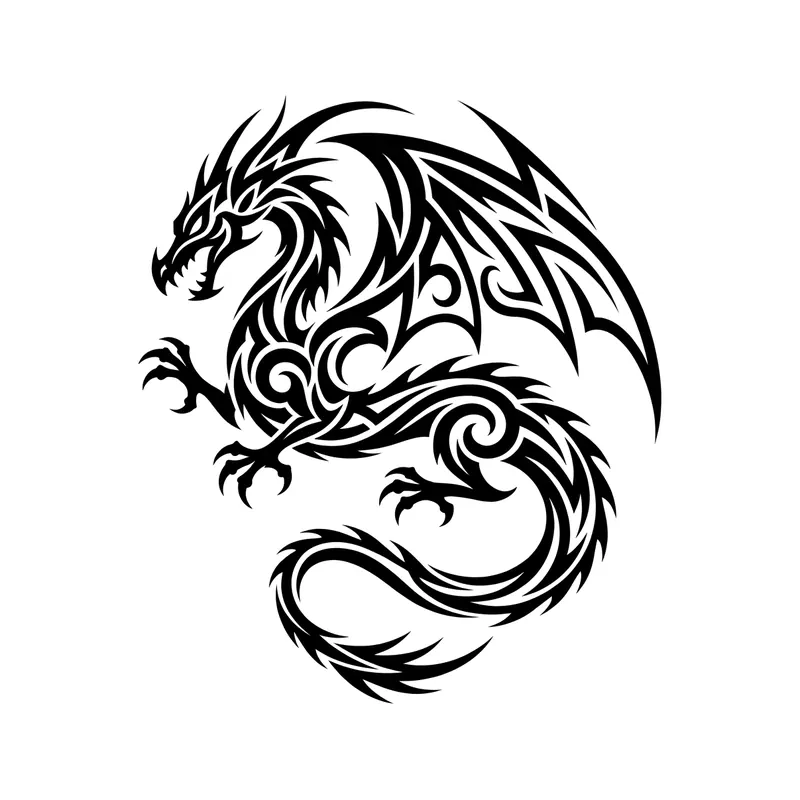
DragonTribal · Upper arm & shoulder 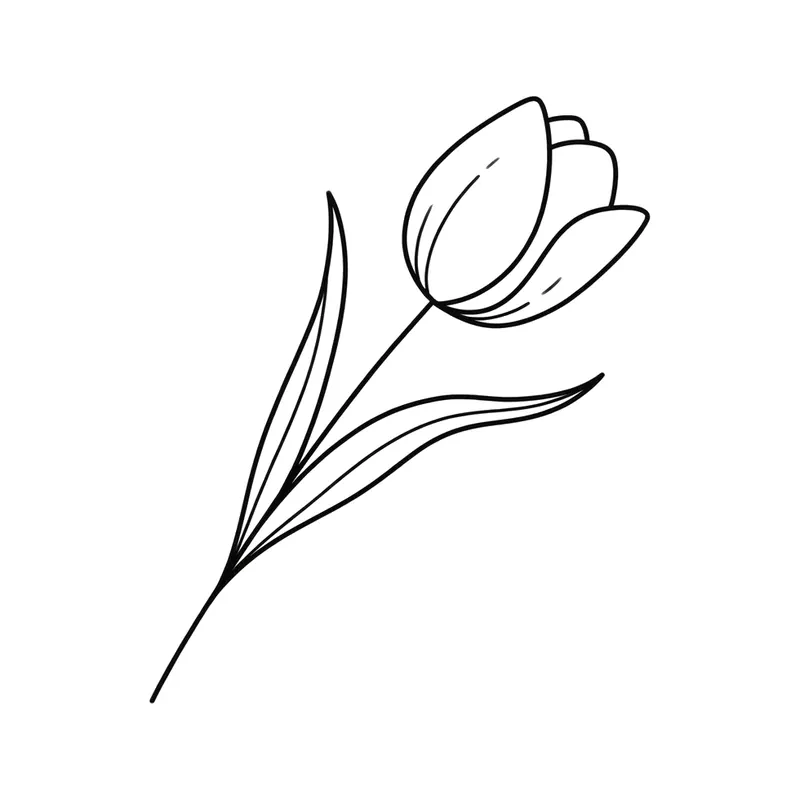
TulipMinimalist · Wrist 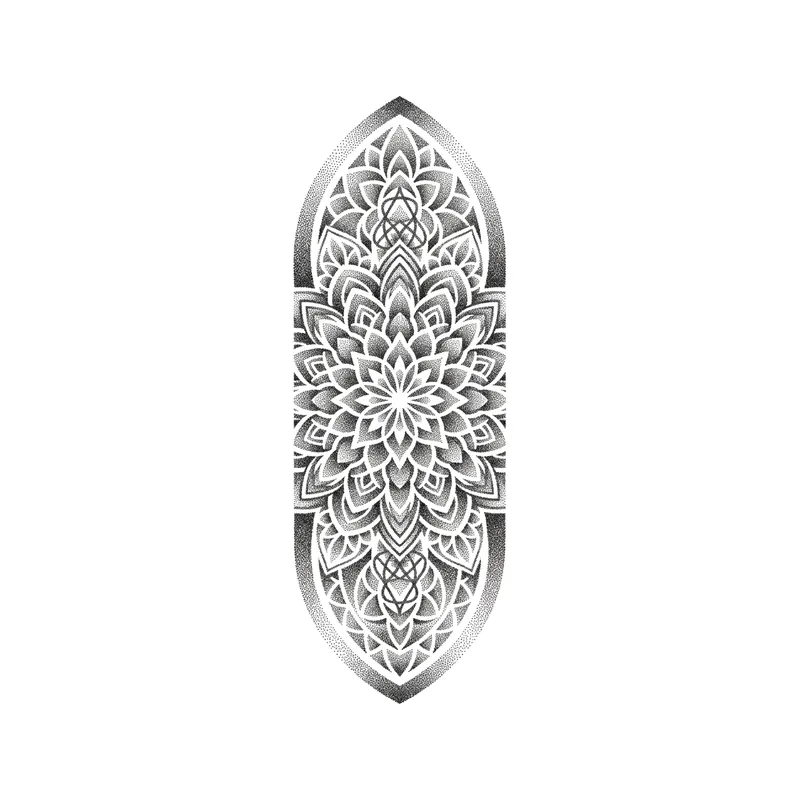
Half mandalaPointillism · Forearm 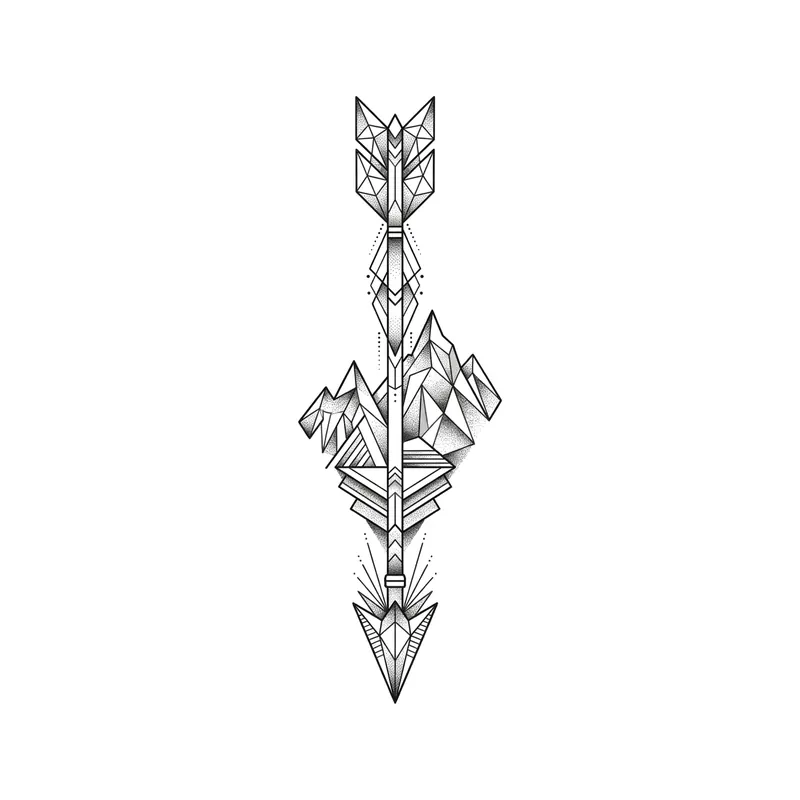
Arrow and mountainsGeometric · Forearm 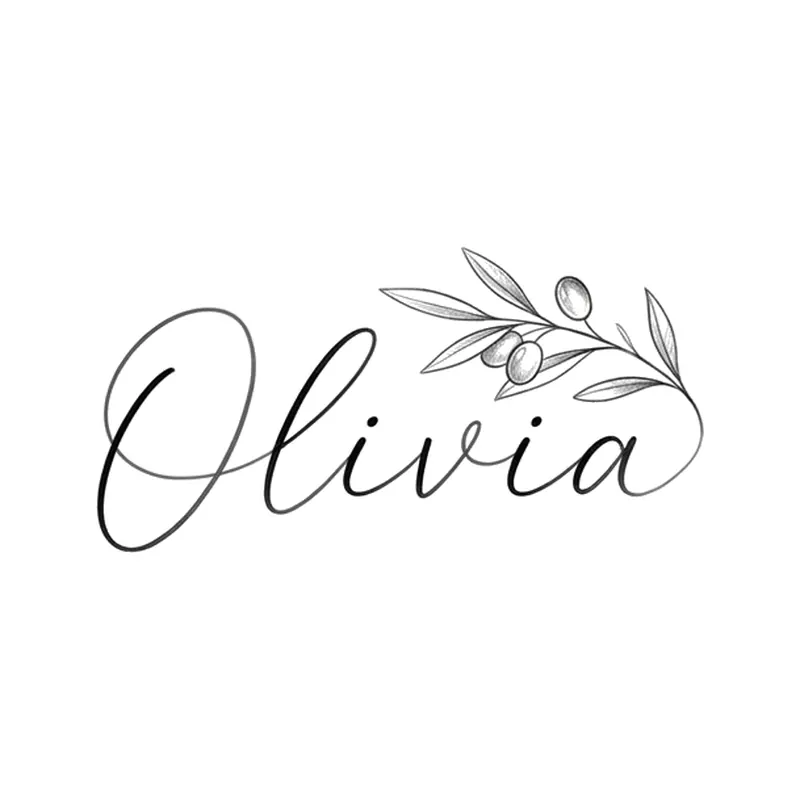
Name "Olivia" with an olive branchLettering · Forearm 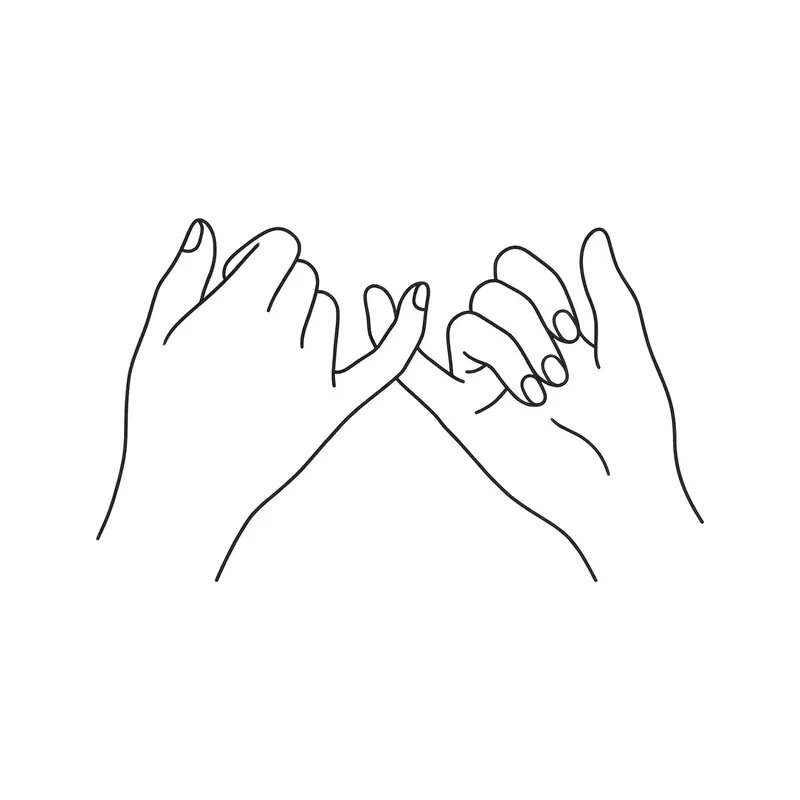
Pinky promiseFine line · Forearm 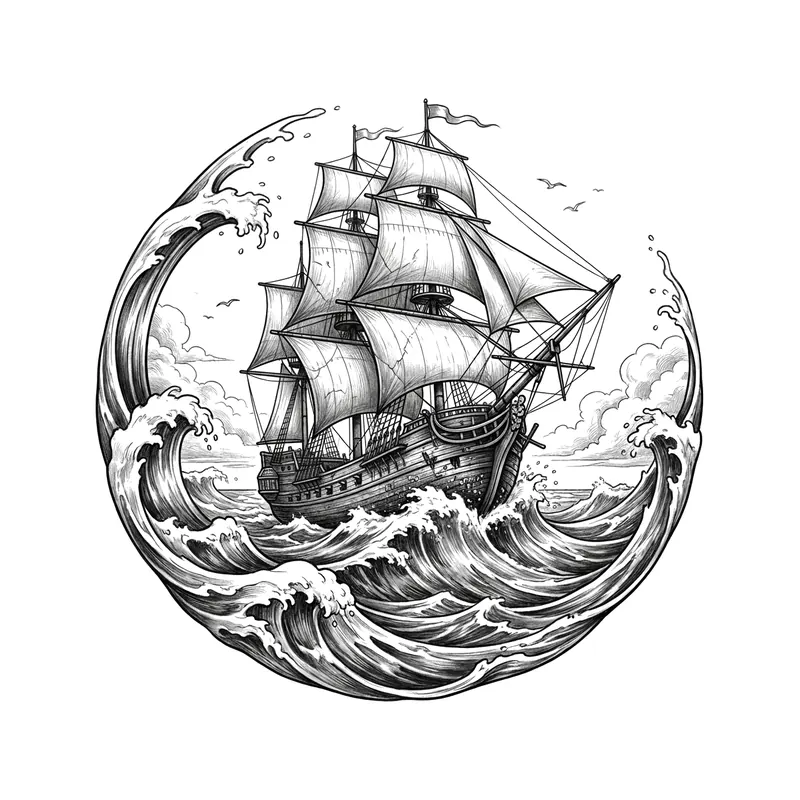
Sailing ship on the wavesRealistic · Forearm 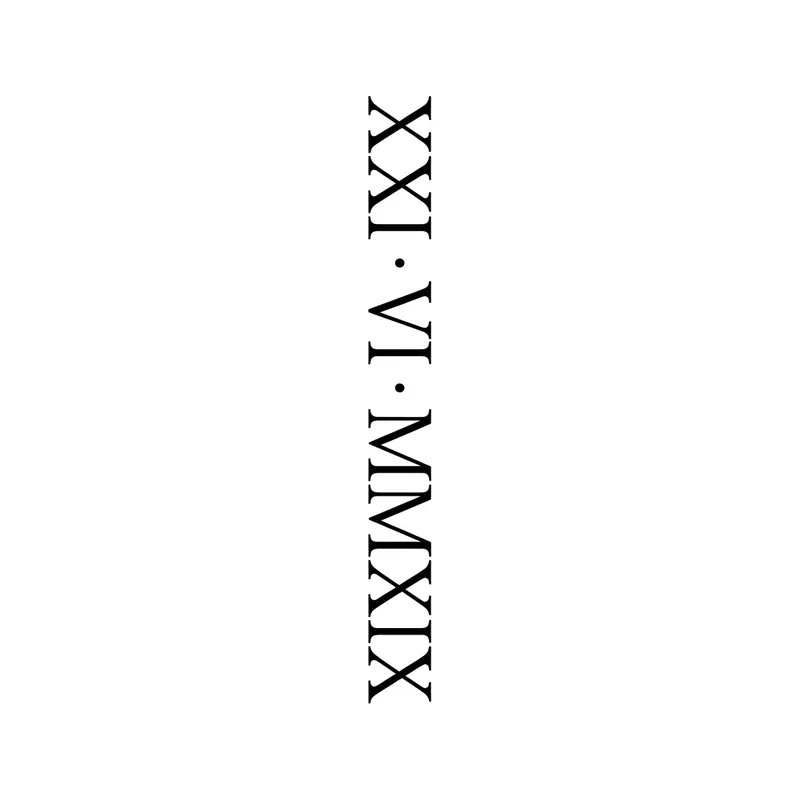
Roman numerals "XXI · VI · MMXIX" (21/6/2019) verticalLettering · Back 
Wolf headGeometric · Forearm 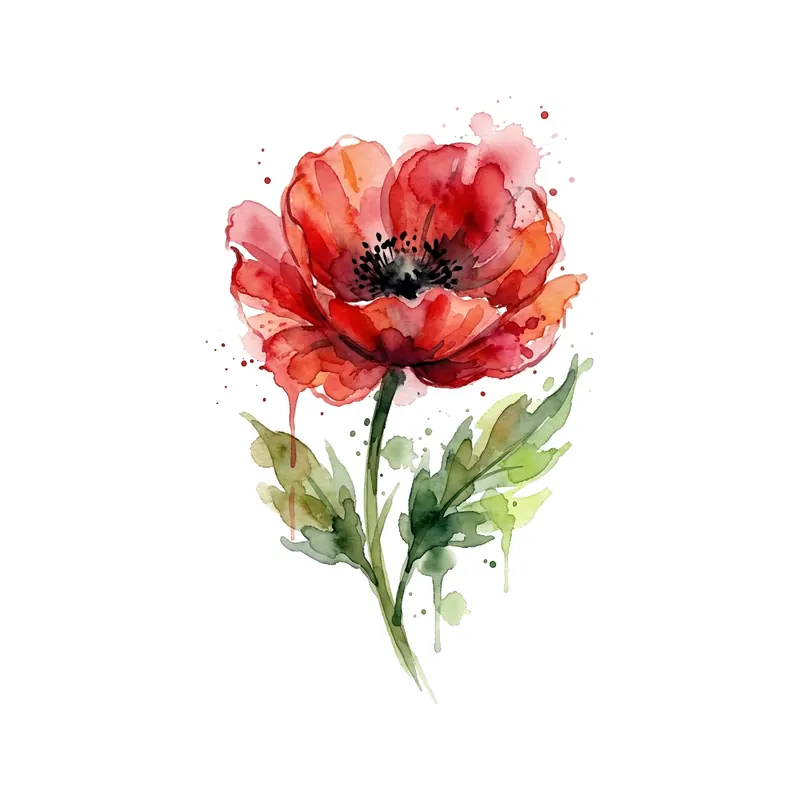
Red poppyWatercolor · Forearm 
Heartbeat line turning into a heartMinimalist · Wrist 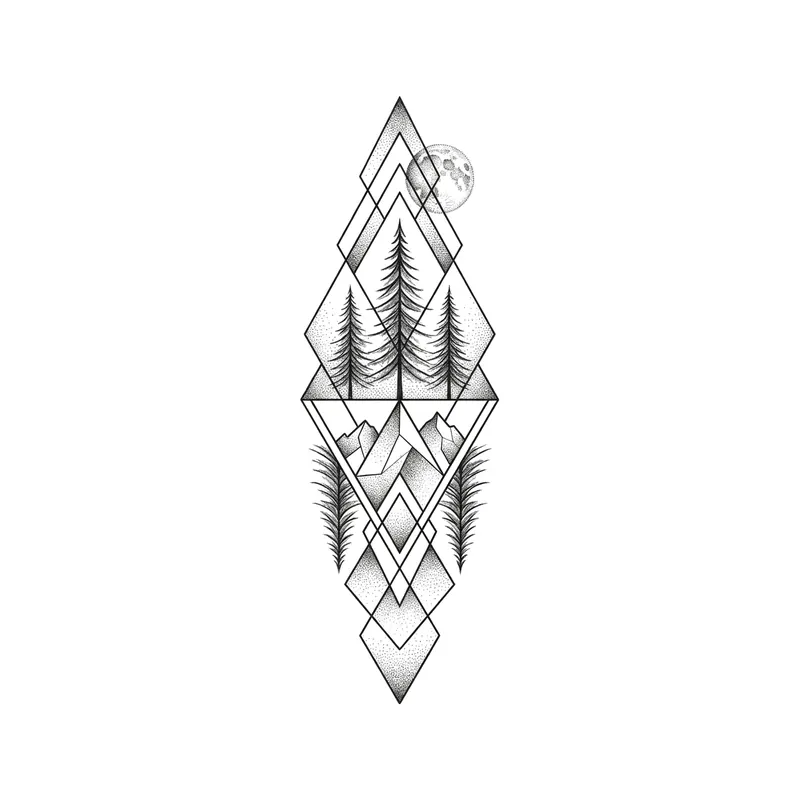
Pine forestGeometric · Forearm 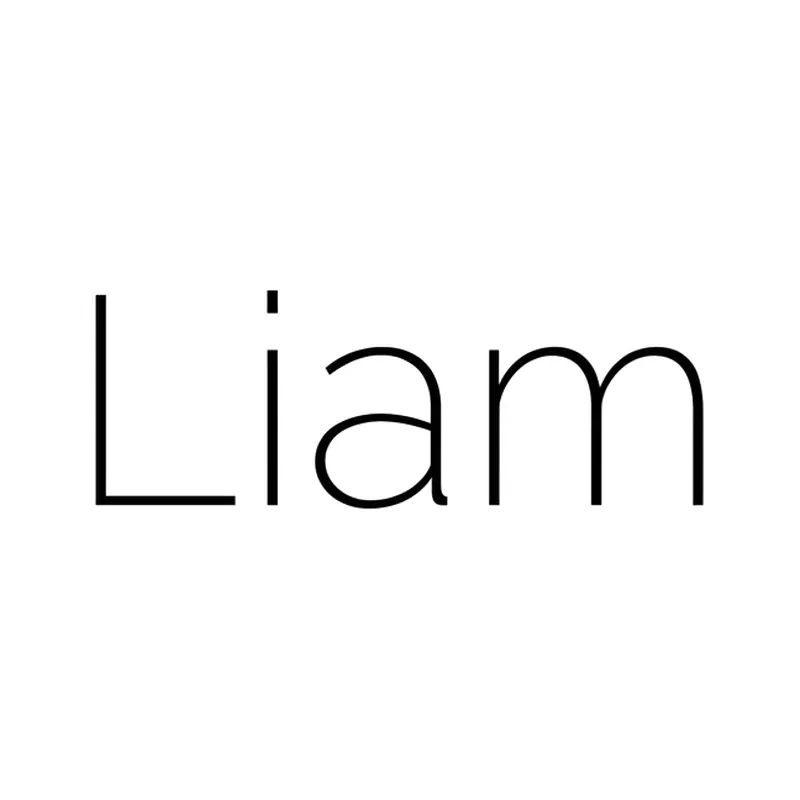
Name "Liam" in thin sans-serifLettering · Wrist 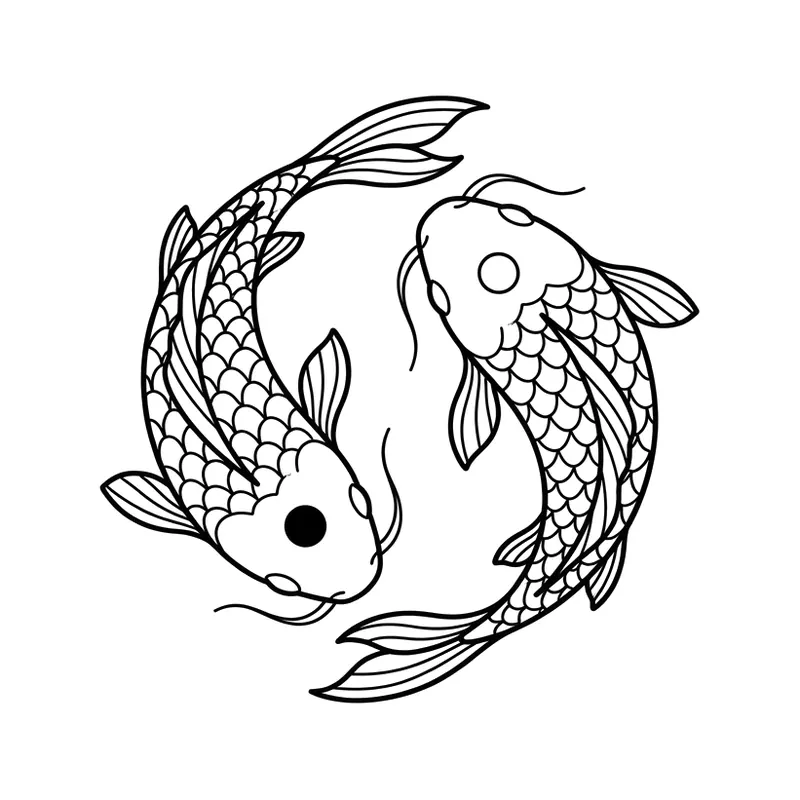
Two koi as yin and yangFine line · Forearm 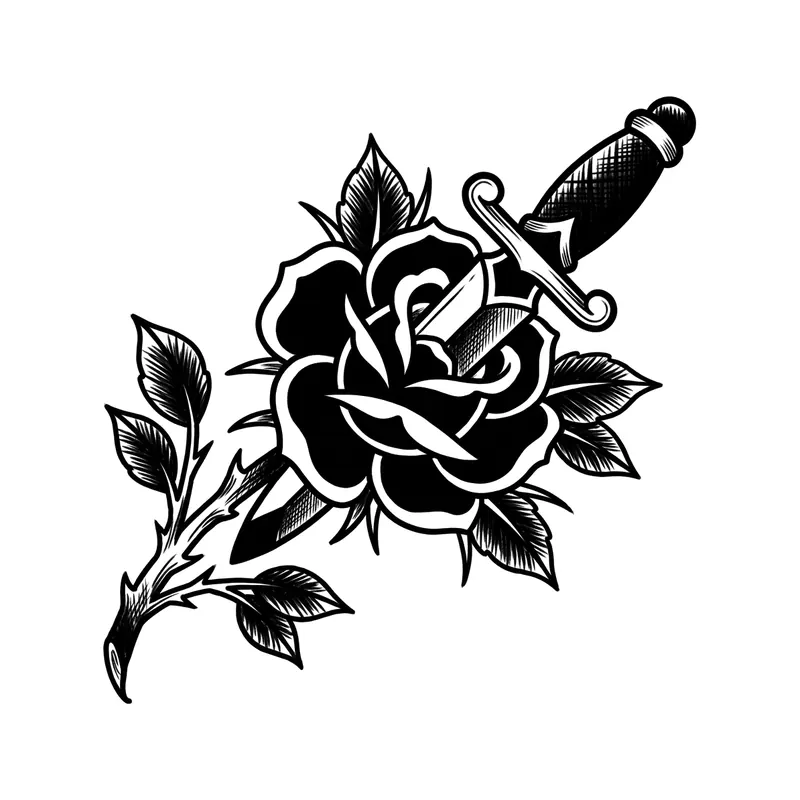
Rose and daggerBlackwork · Forearm 
Roman numerals "MMXVII" (2017) with infinityLettering · Wrist 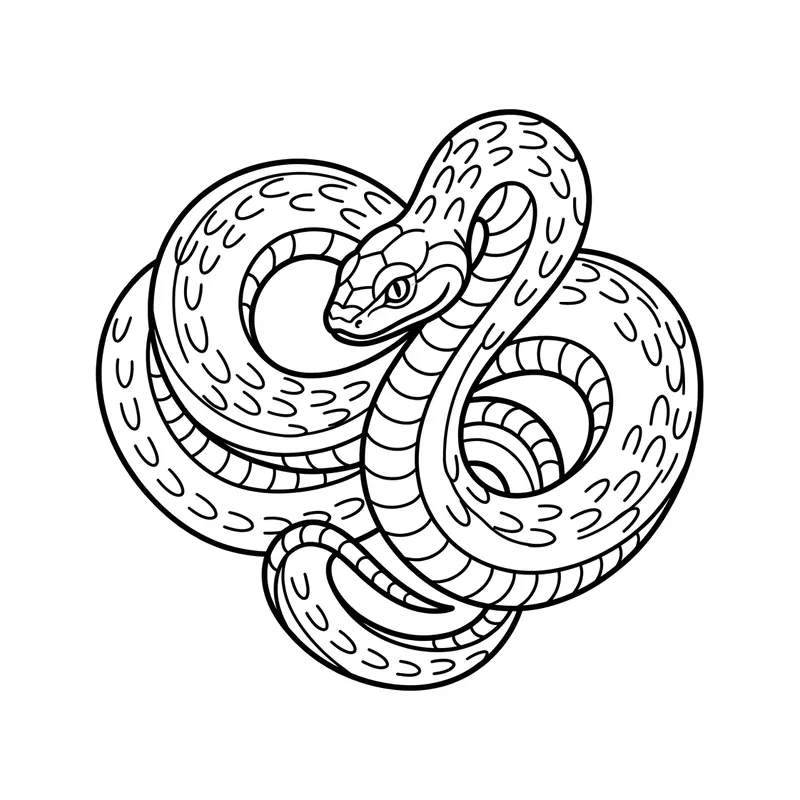
Coiled snakeLine art · Forearm 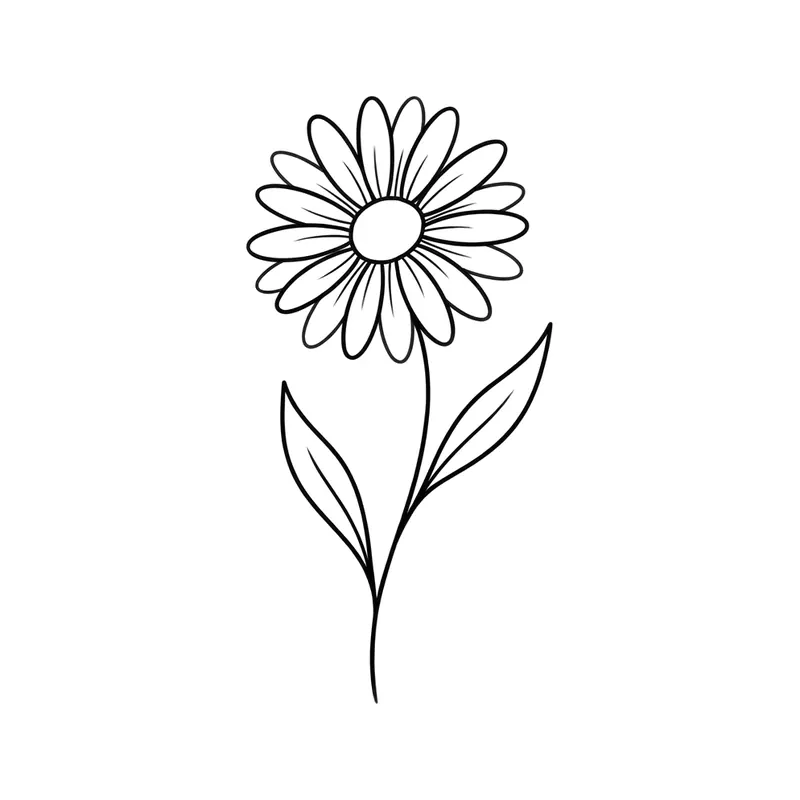
DaisyMinimalist · Wrist 
Infinity with a small heartMinimalist · Wrist 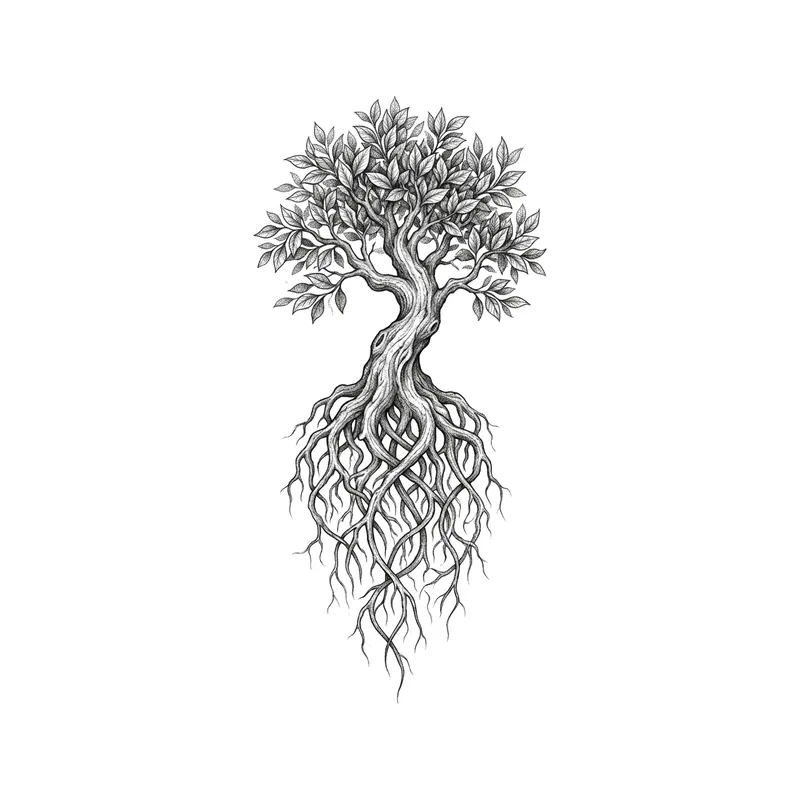
Tree with rootsBlackwork · Forearm 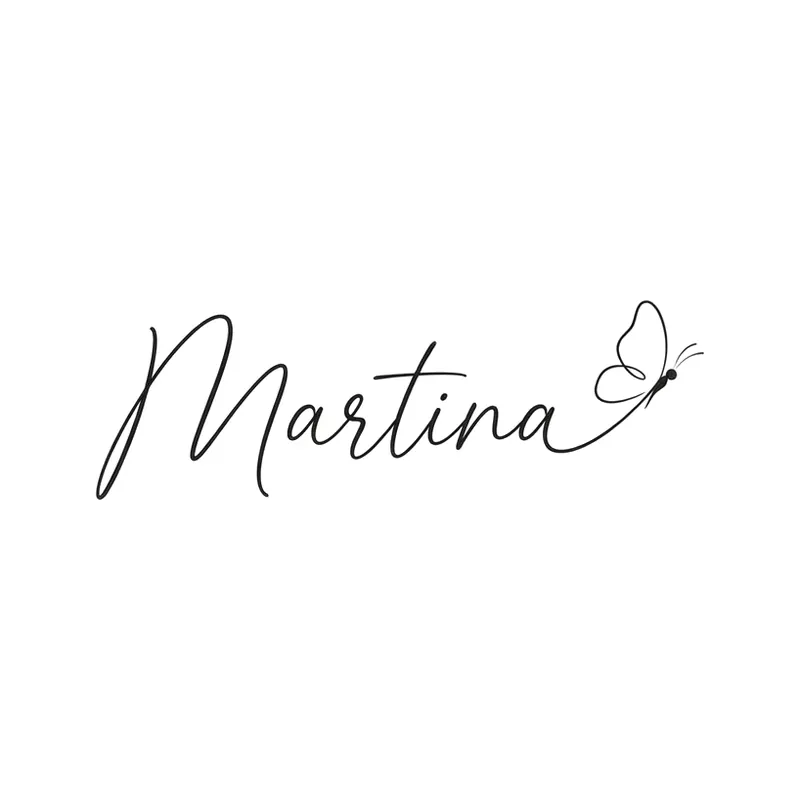
Name "Martina" with a butterflyLettering · Wrist 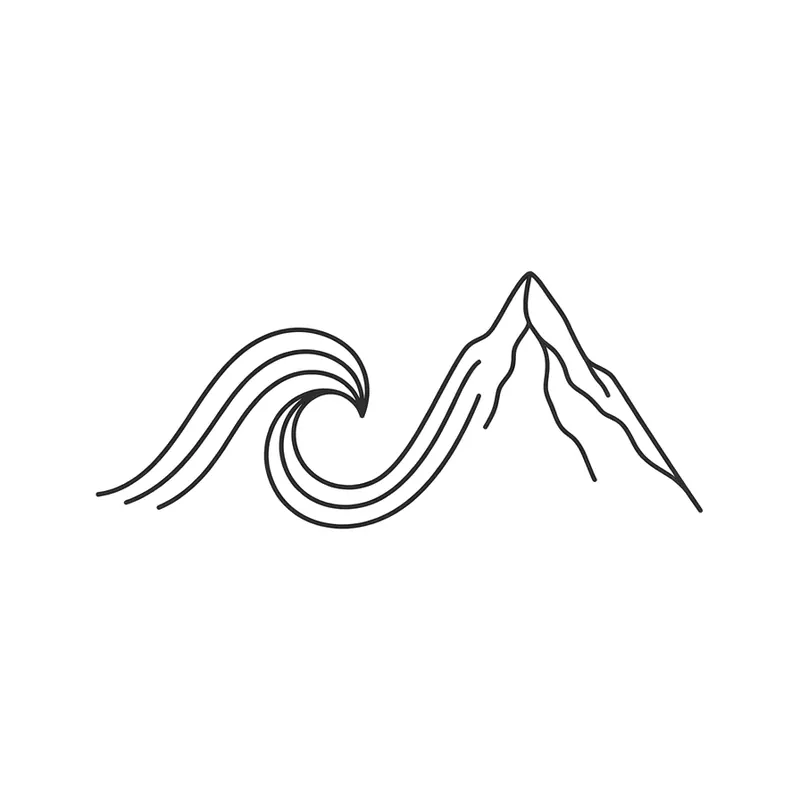
Wave and mountainMinimalist · Wrist 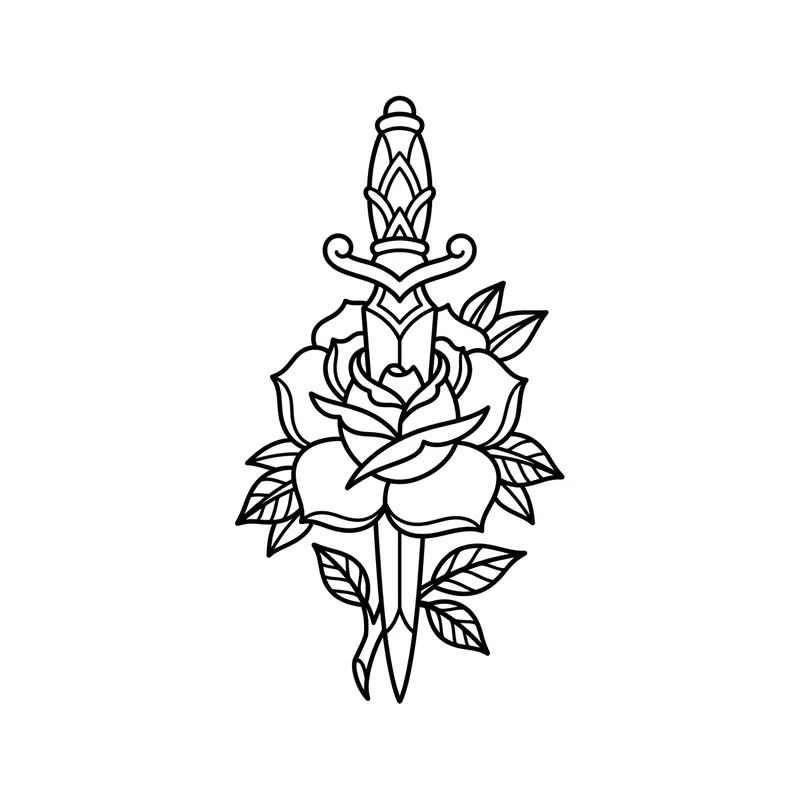
Dagger through a roseLine art · Forearm 
Roman numerals "V.V.MMXV" (5/5/2015) on a rose stemLettering · Forearm 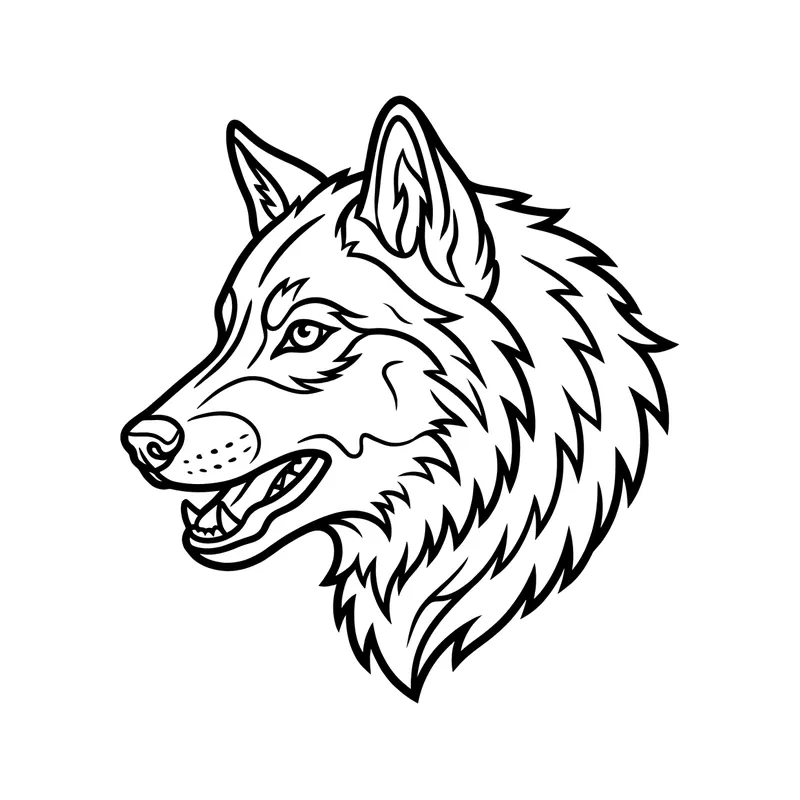
Wolf headLine art · Forearm 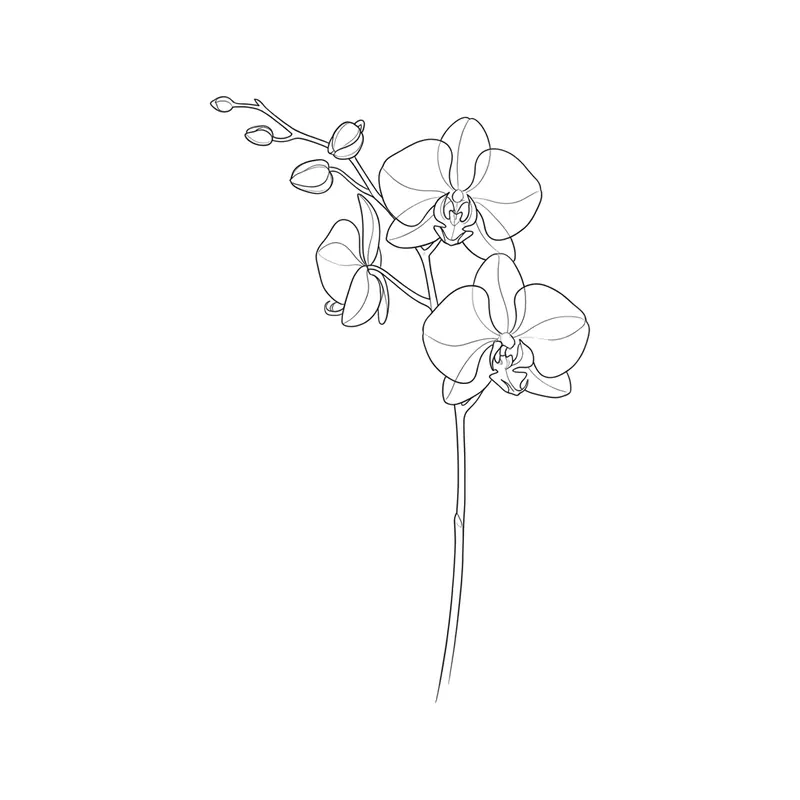
OrchidFine line · Forearm 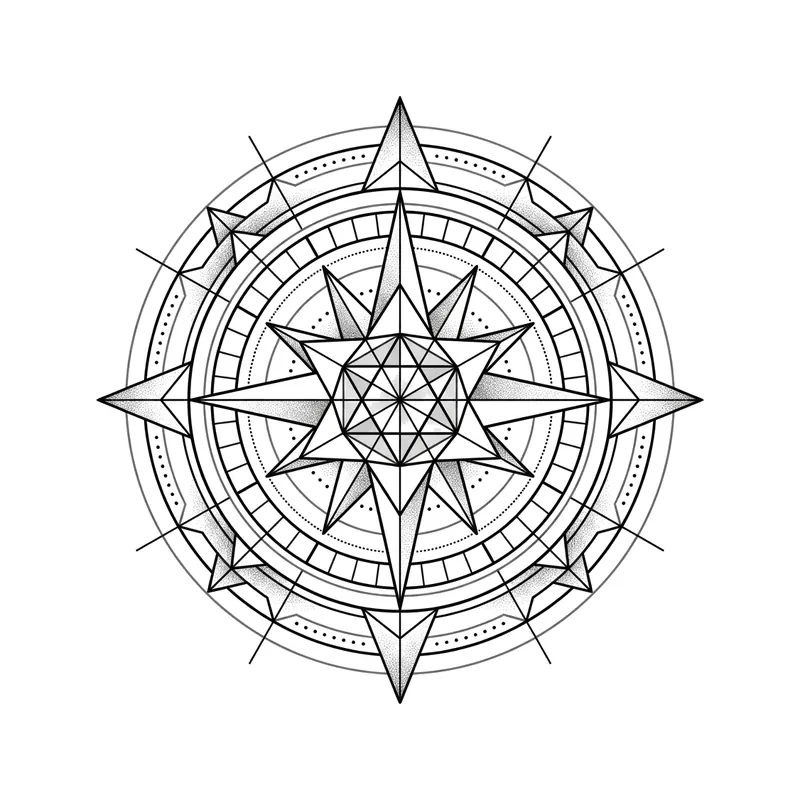
Compass roseGeometric · Wrist 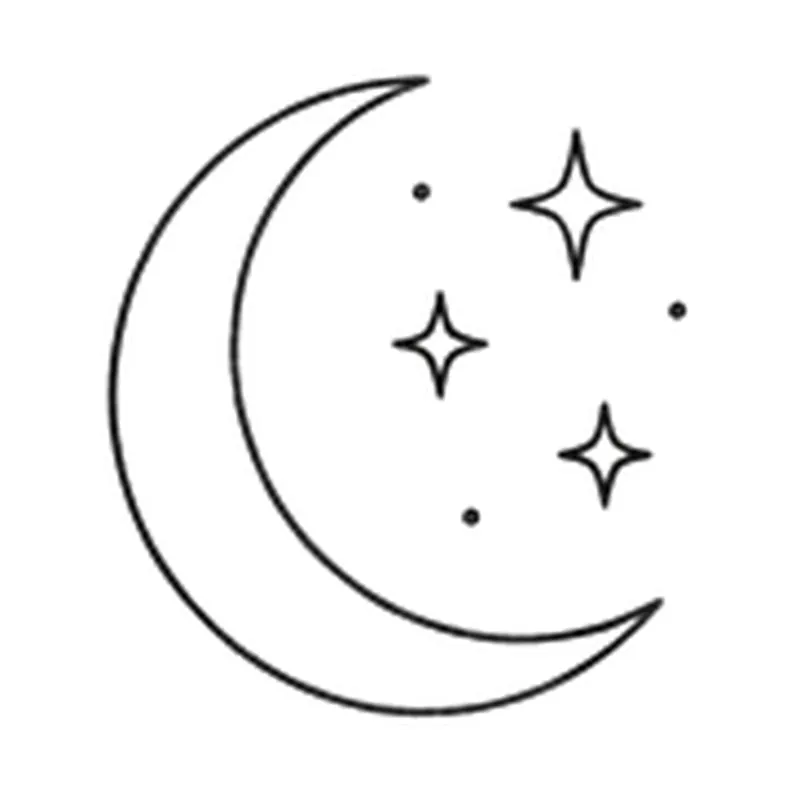
Crescent moon with three starsMinimalist · Behind the ear 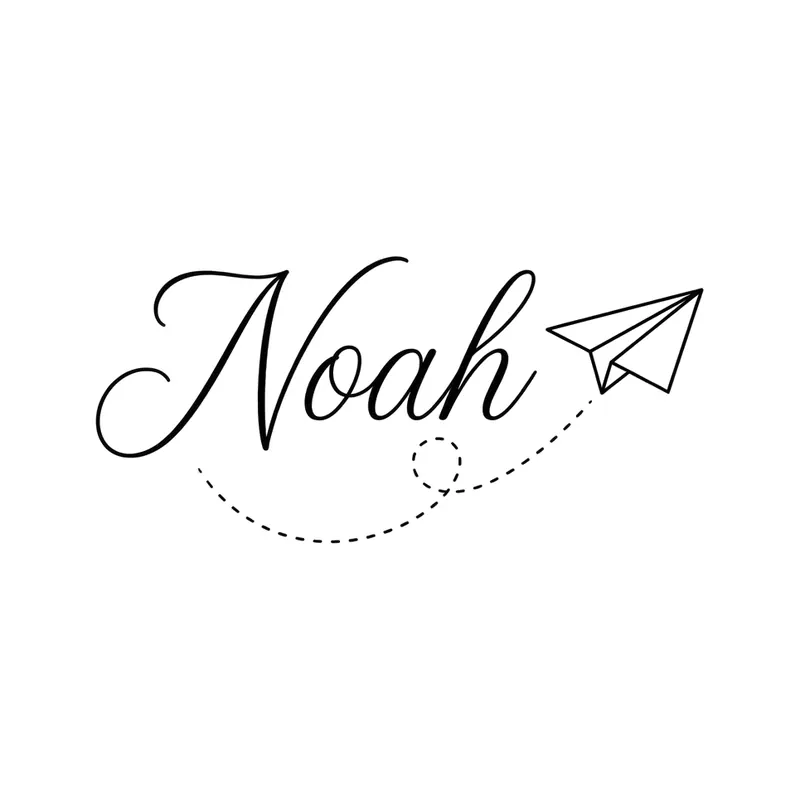
Name "Noah" with a paper planeLettering · Wrist 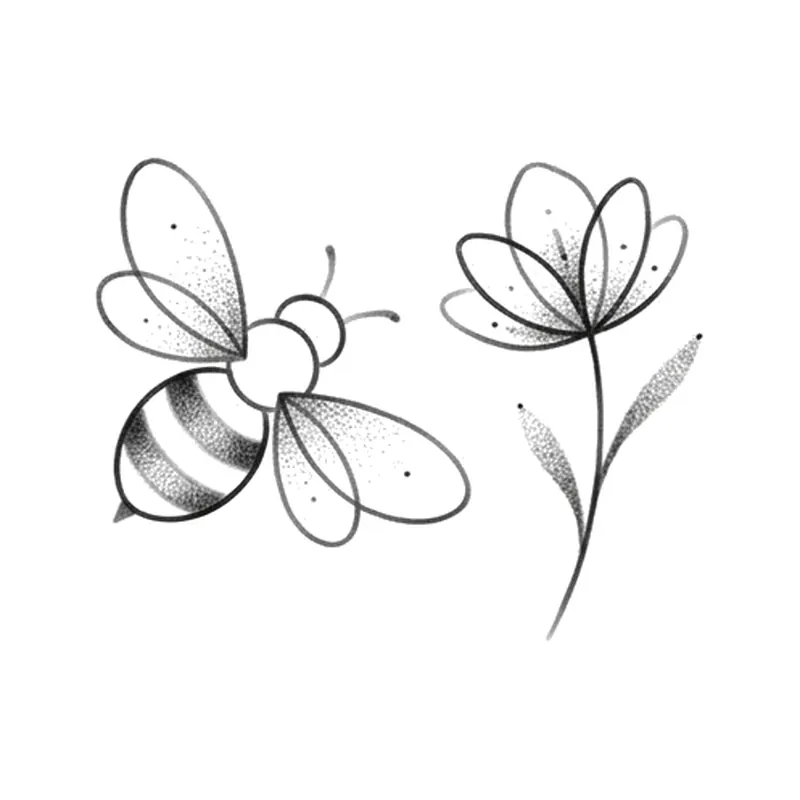
Bee and flowerPointillism · Wrist 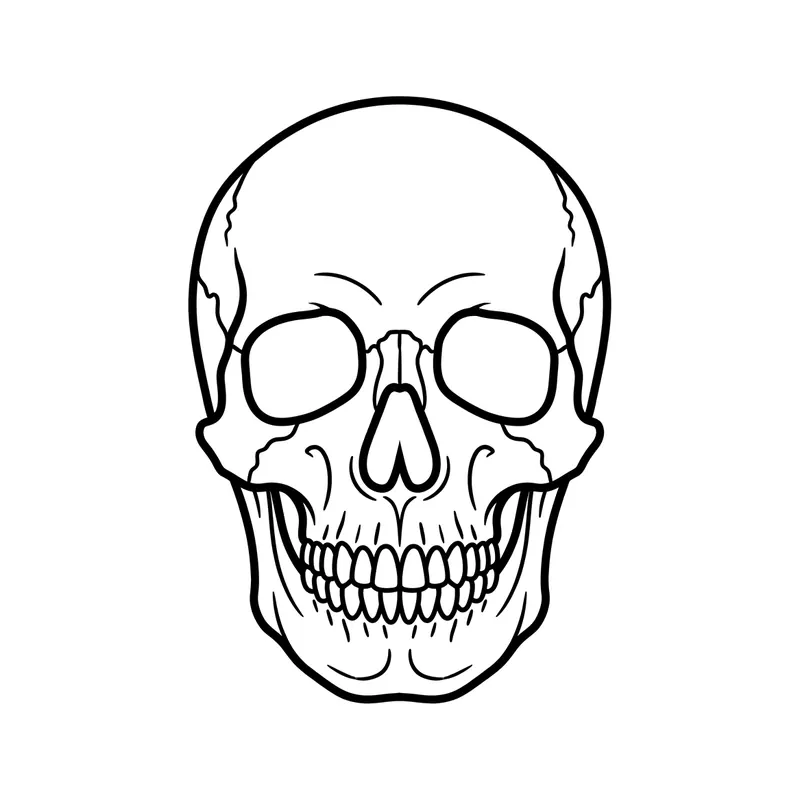
SkullLine art · Forearm 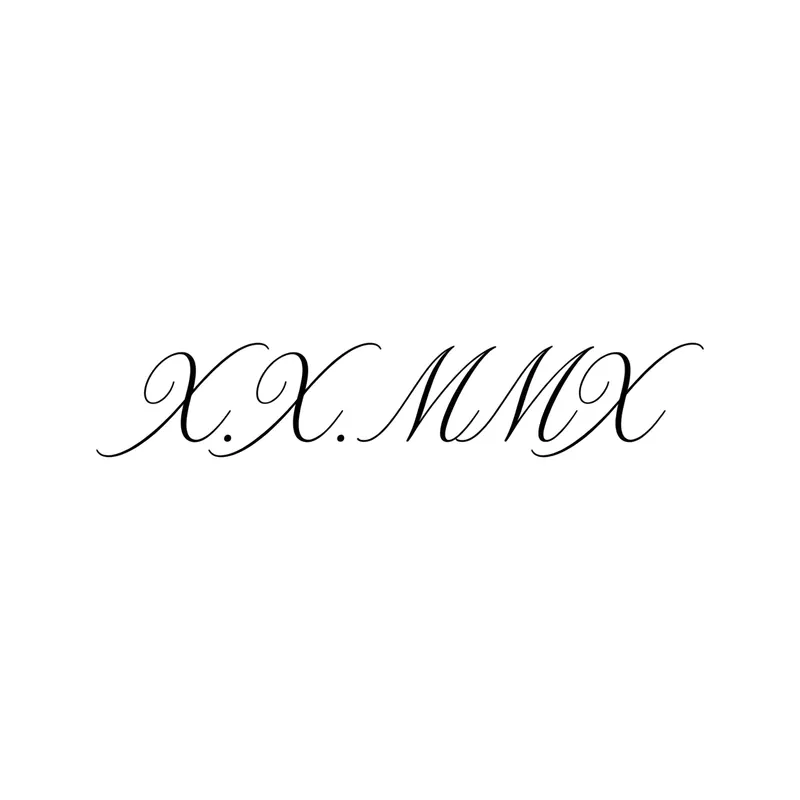
Roman numerals "X.X.MMX" (10/10/2010) in scriptLettering · Wrist 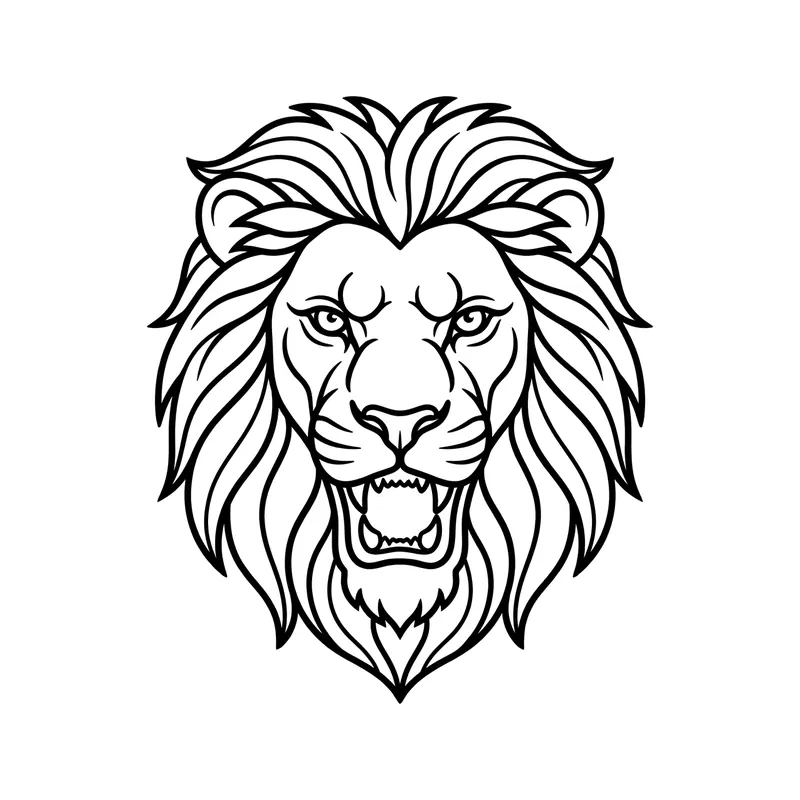
Lion headLine art · Forearm 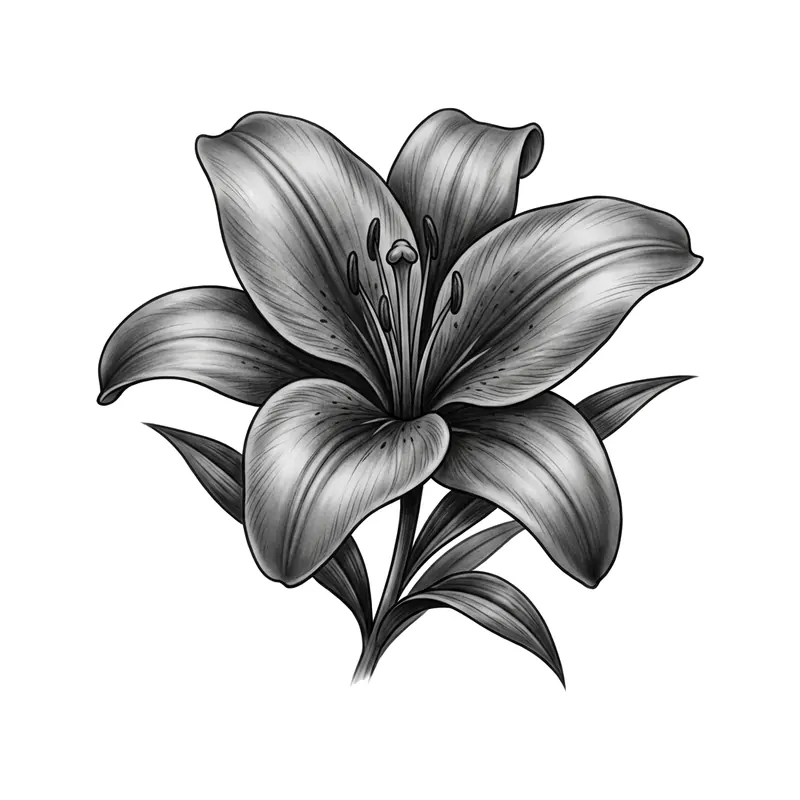
Black and white lilyRealistic · Forearm 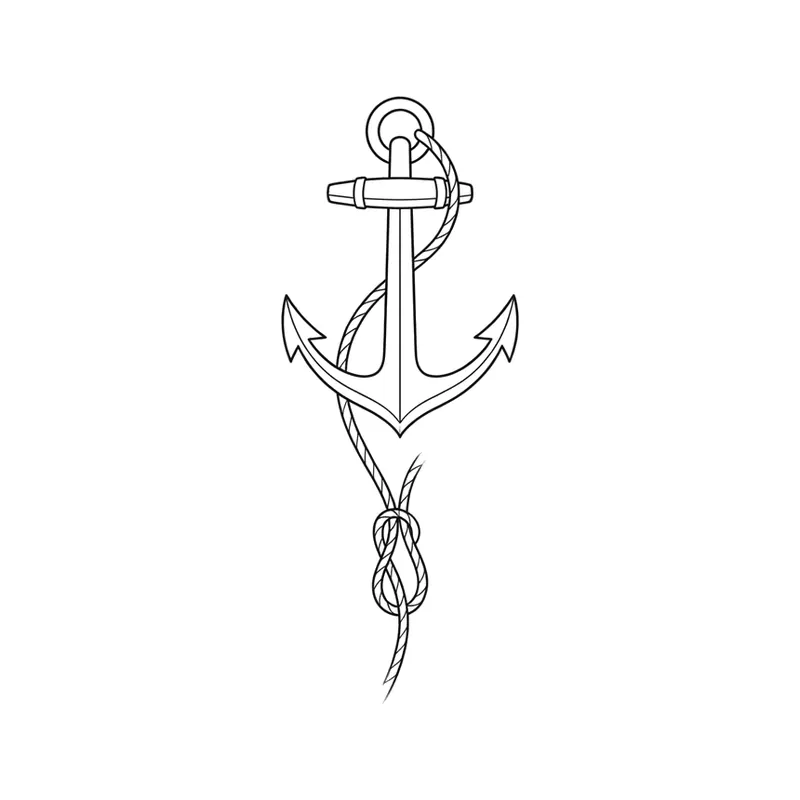
Anchor with a thin ropeMinimalist · Wrist 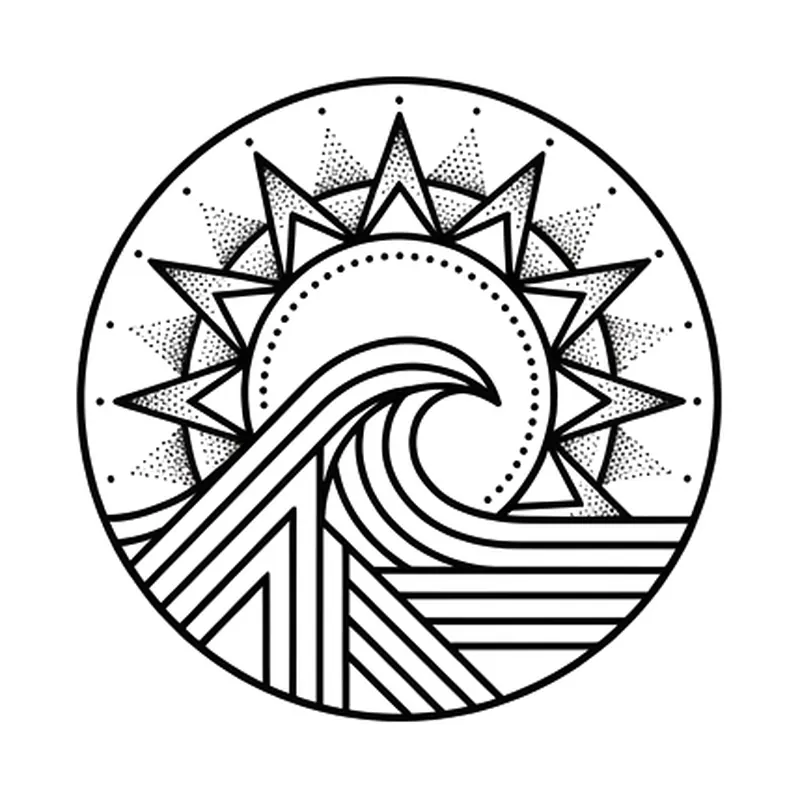
Sun over a wave in a circleGeometric · Wrist 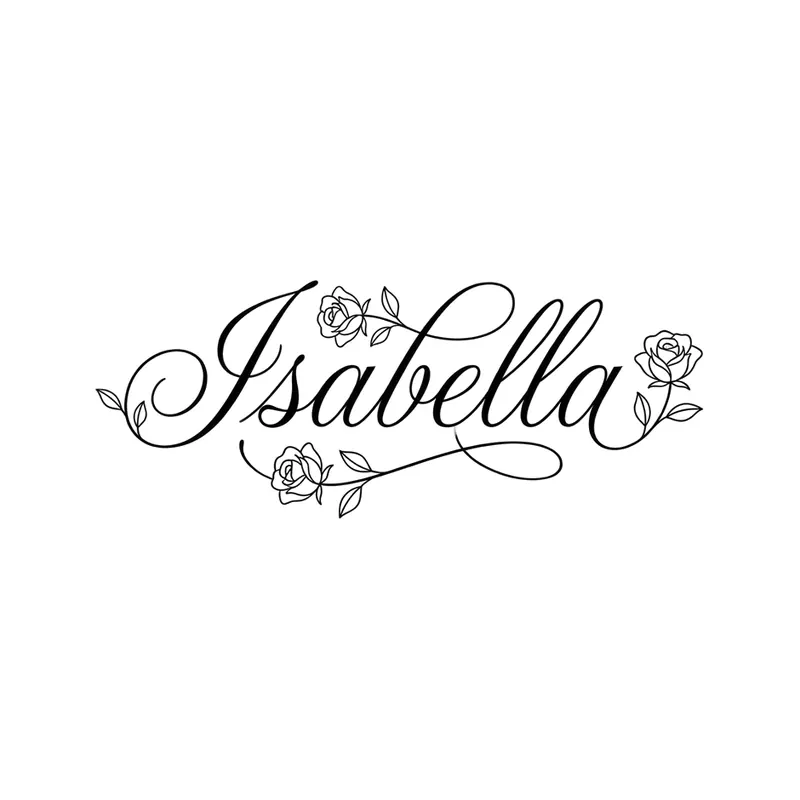
Name "Isabella" with rosesLettering · Forearm 
Paper plane and globeMinimalist · Wrist 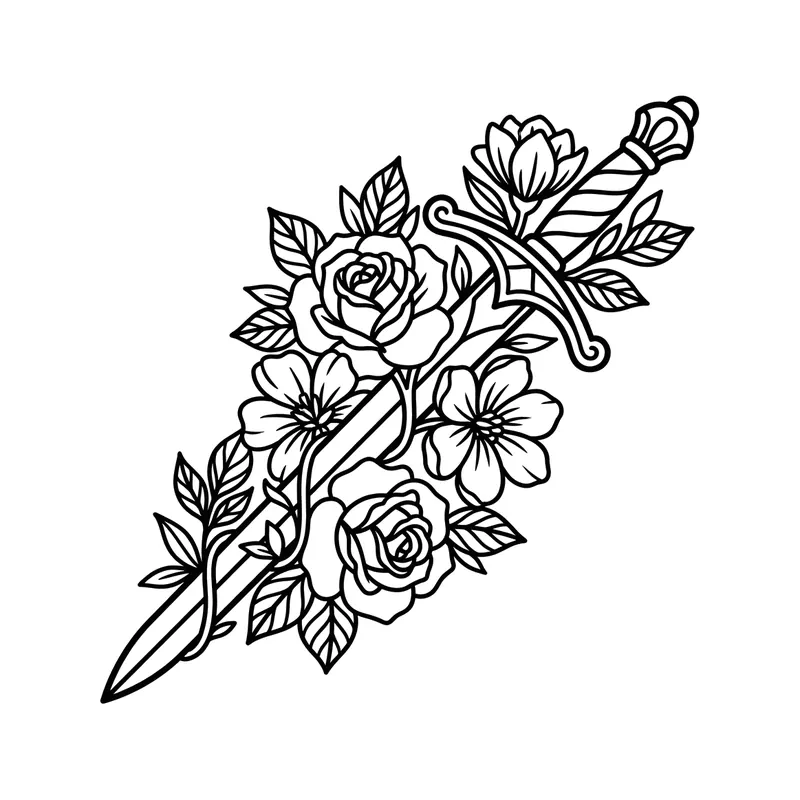
Sword with flowersLine art · Forearm 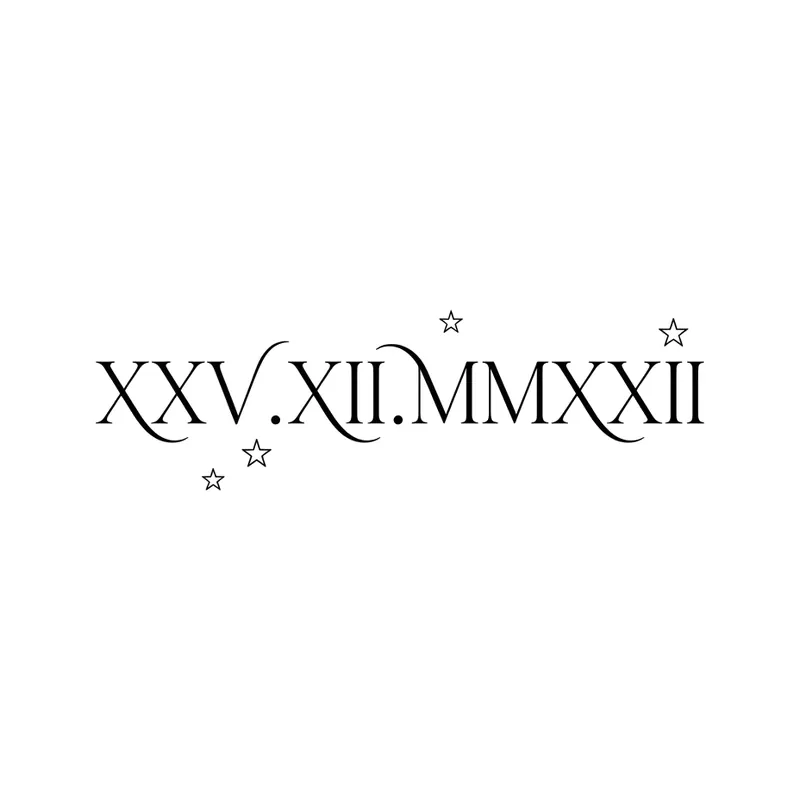
Roman numerals "XXV.XII.MMXXII" (25/12/2022) with starsLettering · Forearm 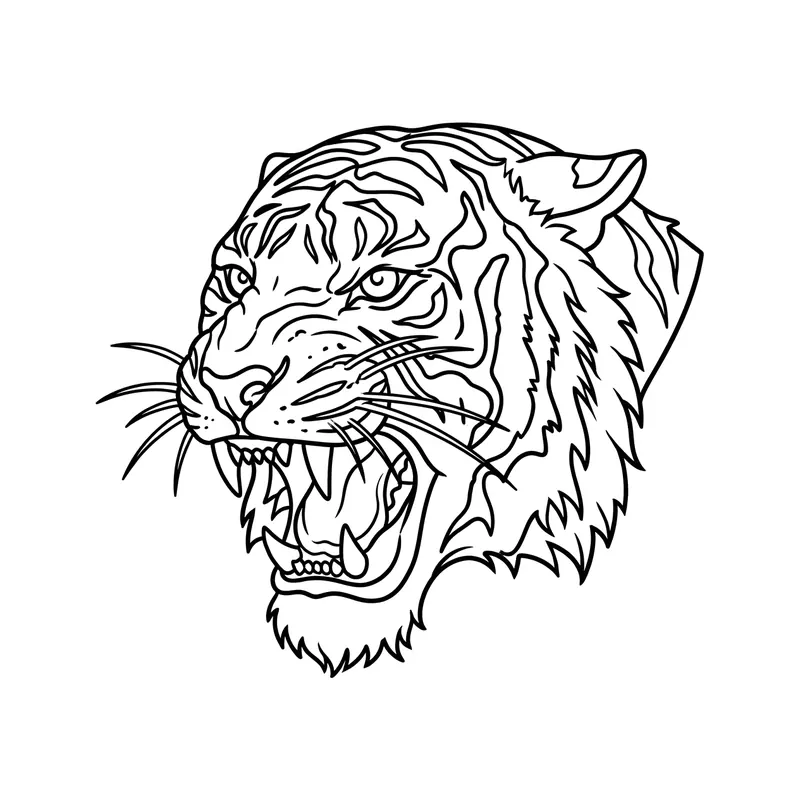
Roaring tigerLine art · Upper arm & shoulder 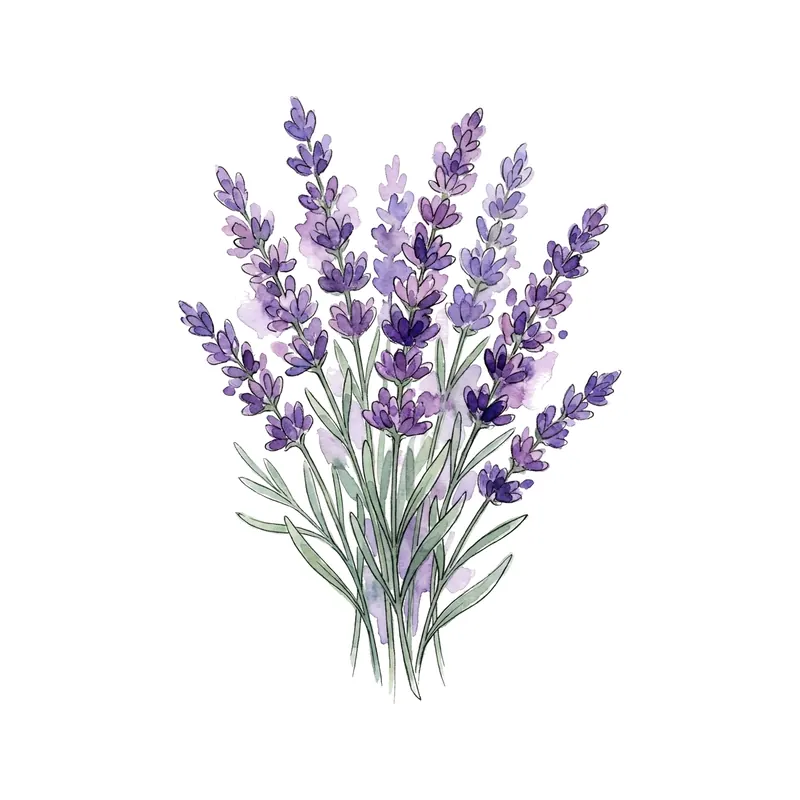
Lavender bunchWatercolor · Forearm 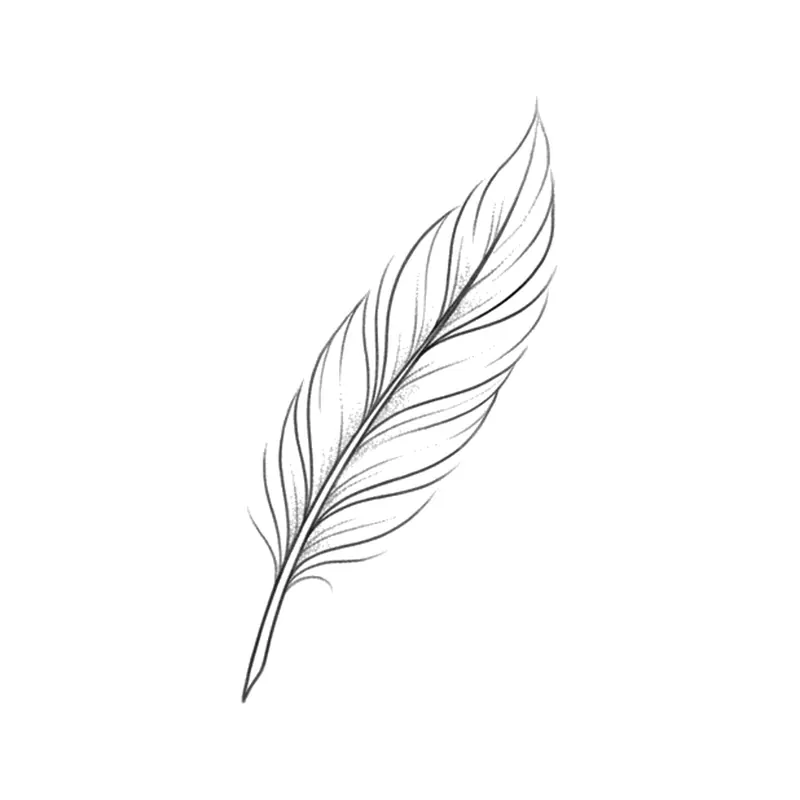
FeatherMinimalist · Wrist 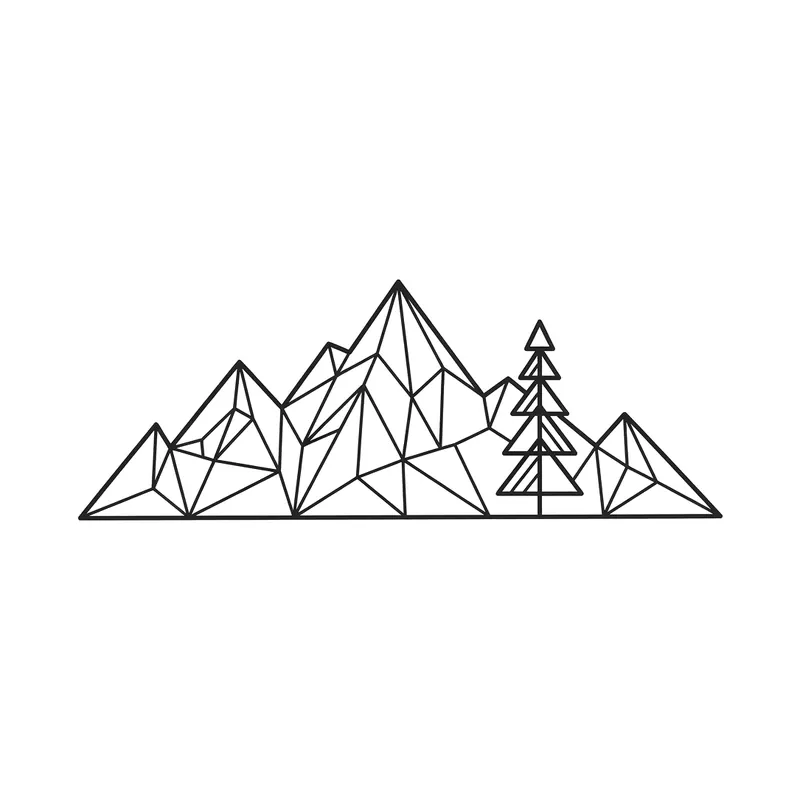
Mountains with a pine treeGeometric · Wrist 
Name "Daniel" in blackletterLettering · Forearm 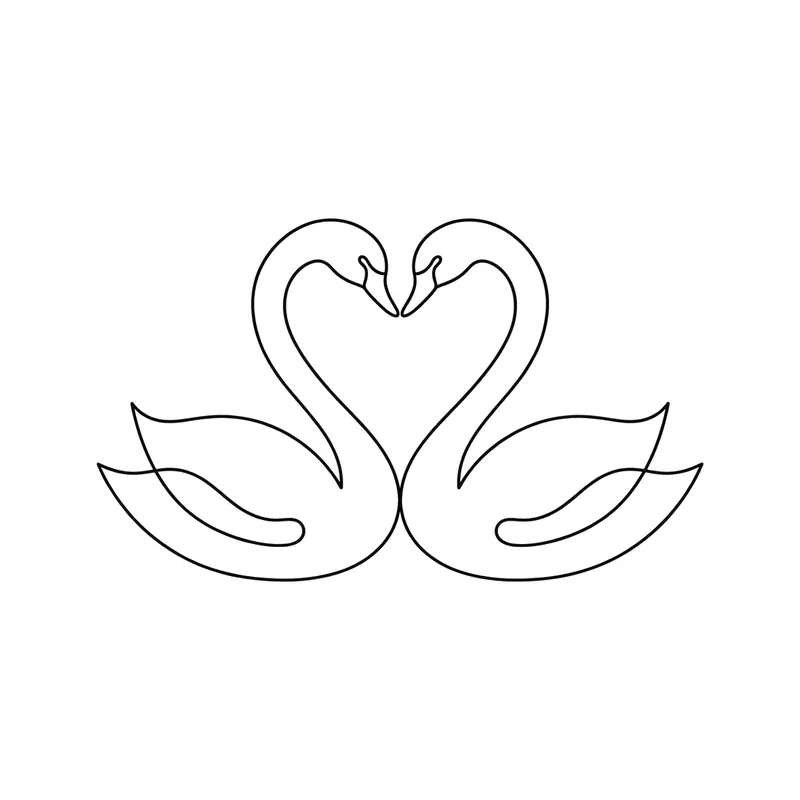
Two swans forming a heartMinimalist · Wrist 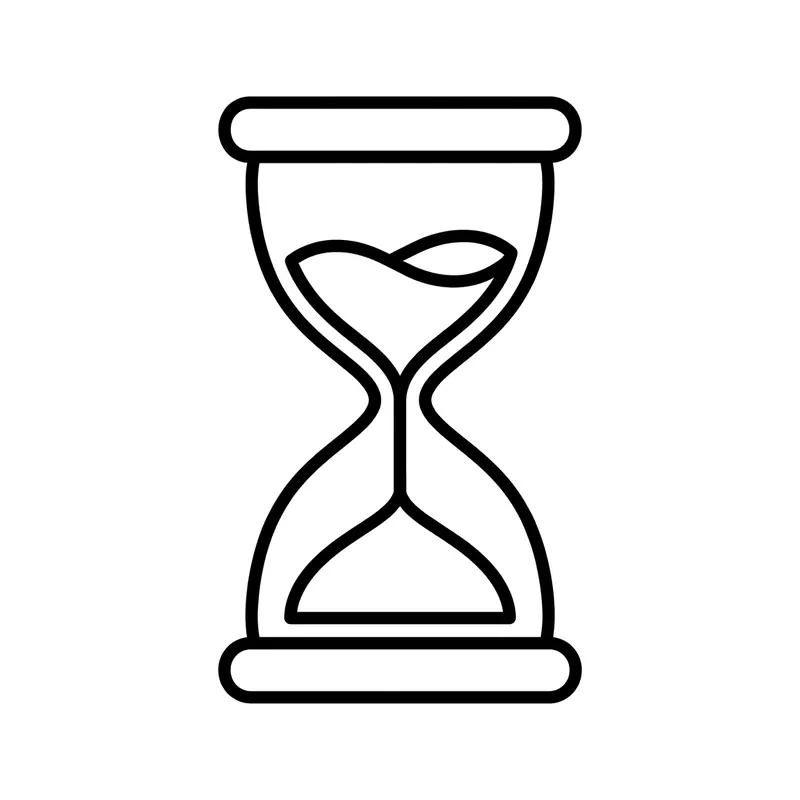
HourglassLine art · Forearm 
Roman numerals "IV.VII.MCMXCVI" (4/7/1996) over a waveLettering · Forearm 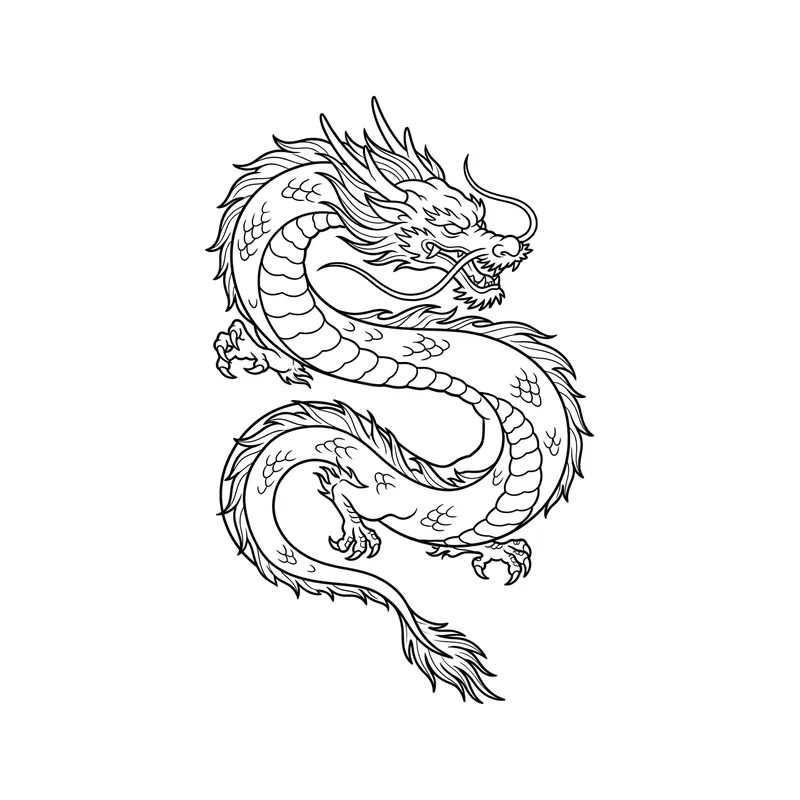
Eastern dragonLine art · Upper arm & shoulder 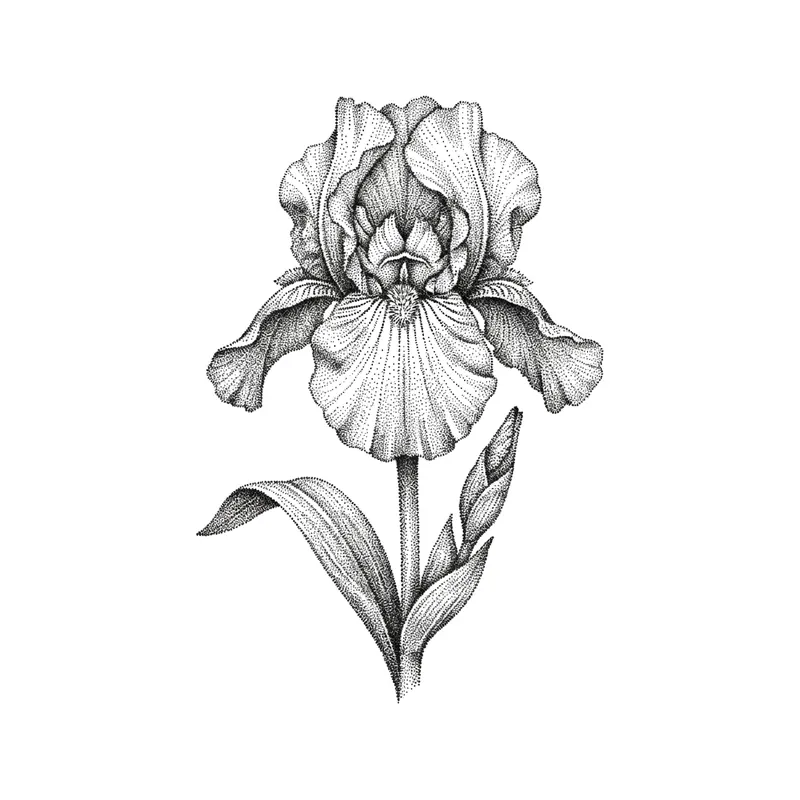
IrisPointillism · Forearm 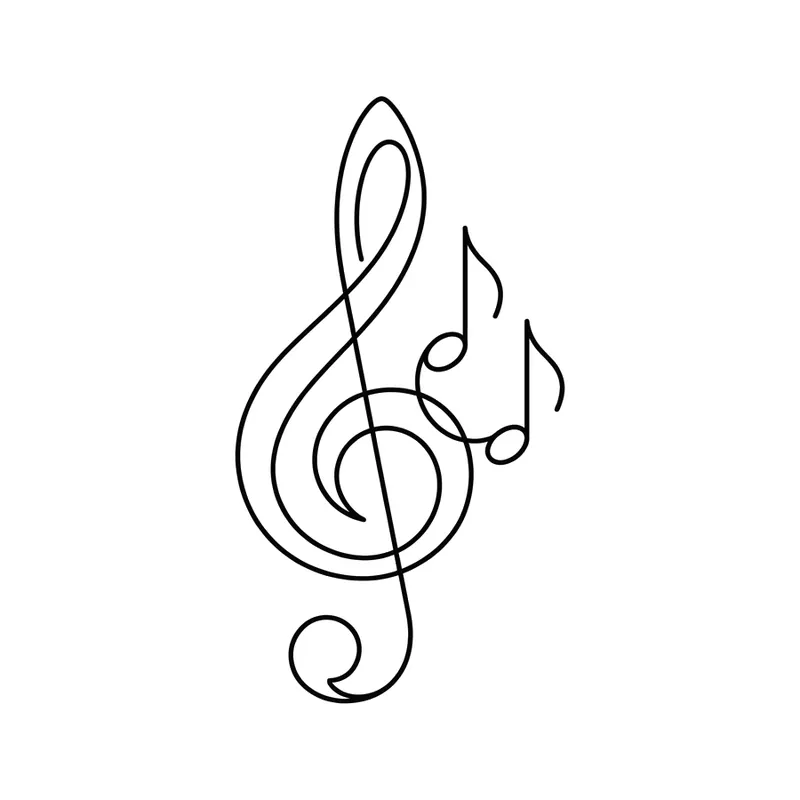
Treble clef and notesMinimalist · Wrist 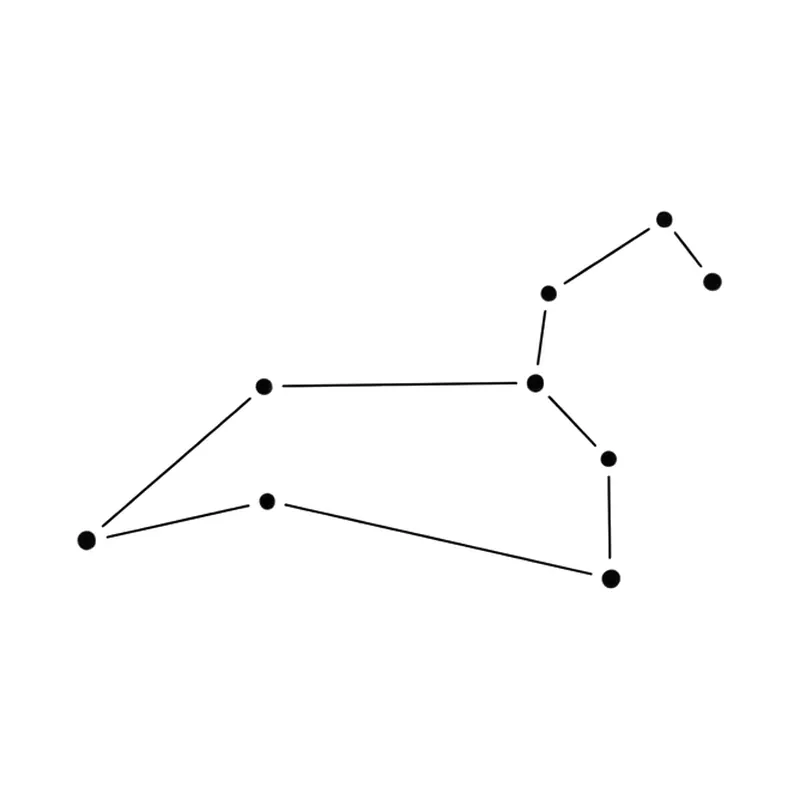
Leo constellationFine line · Wrist 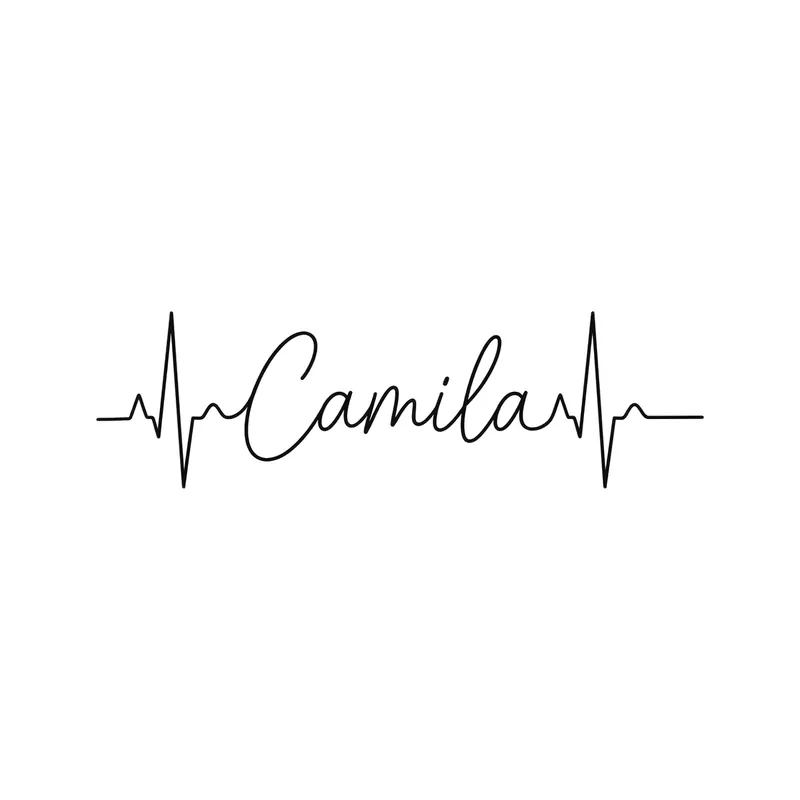
Name "Camila" in a heartbeat lineLettering · Wrist 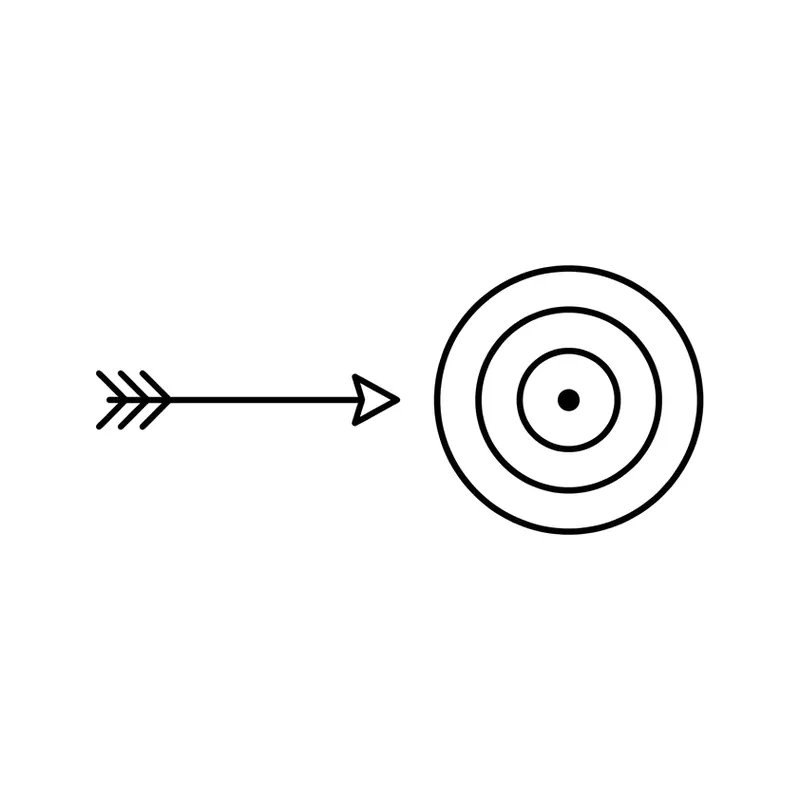
Arrow and targetMinimalist · Wrist 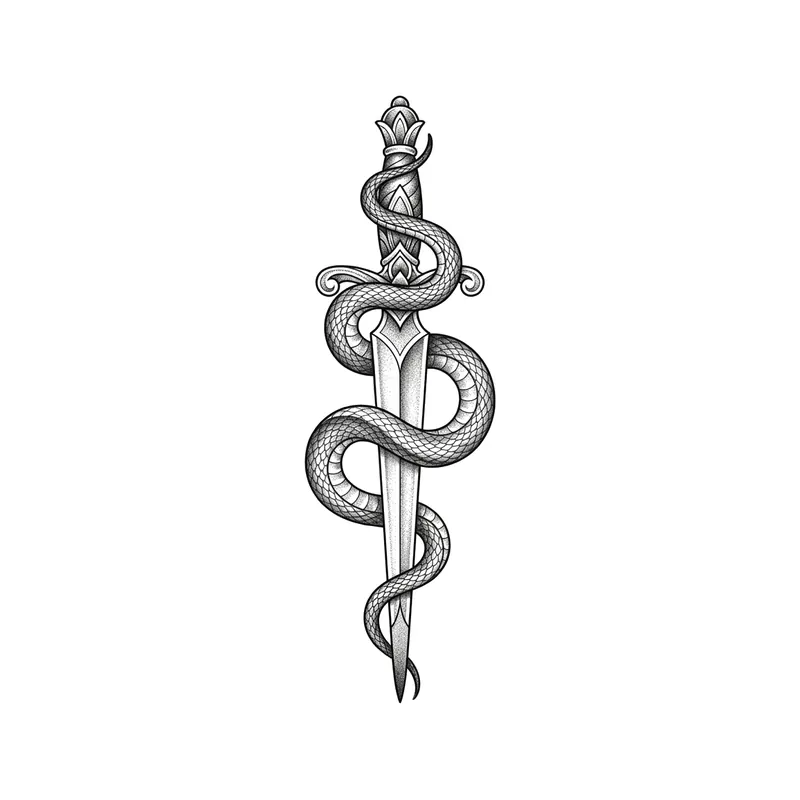
Dagger and snakeTraditional · Forearm 
Roman numerals "MMXXI" (2021) between two rosesLettering · Forearm 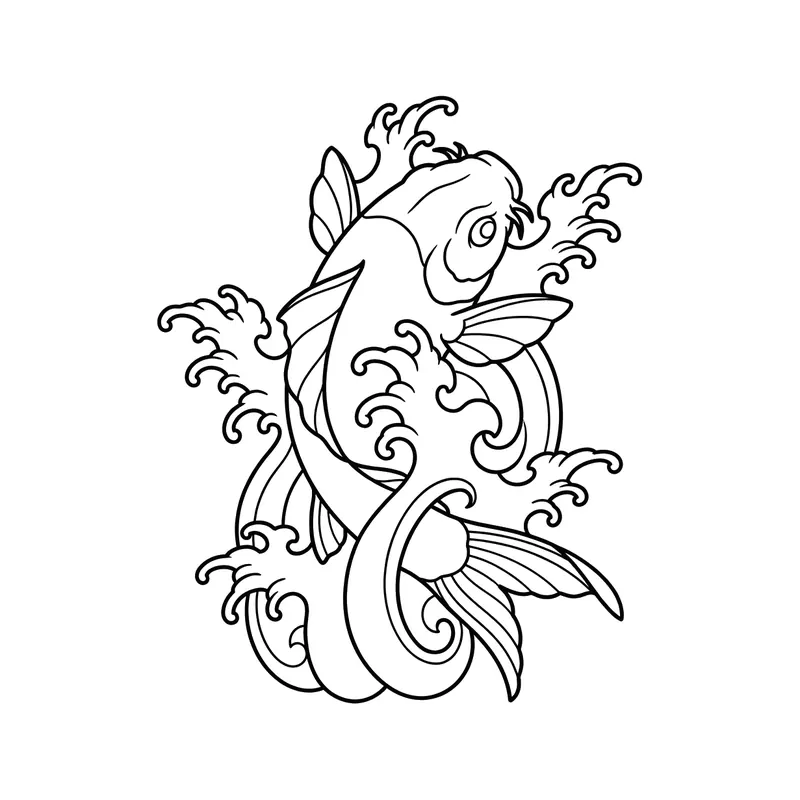
Koi fish with wavesLine art · Forearm 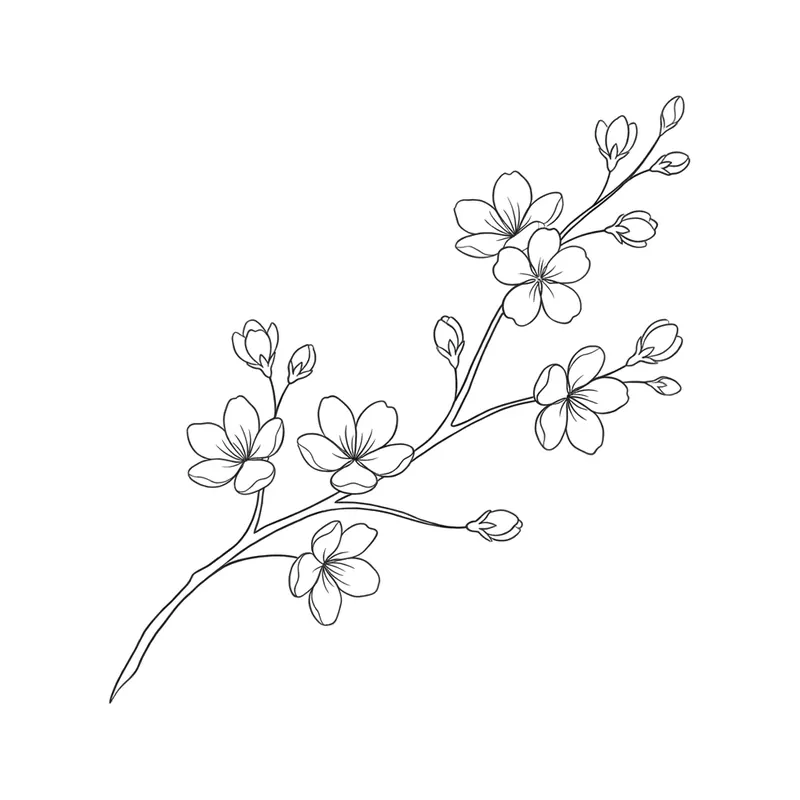
Cherry blossom branchFine line · Ribs 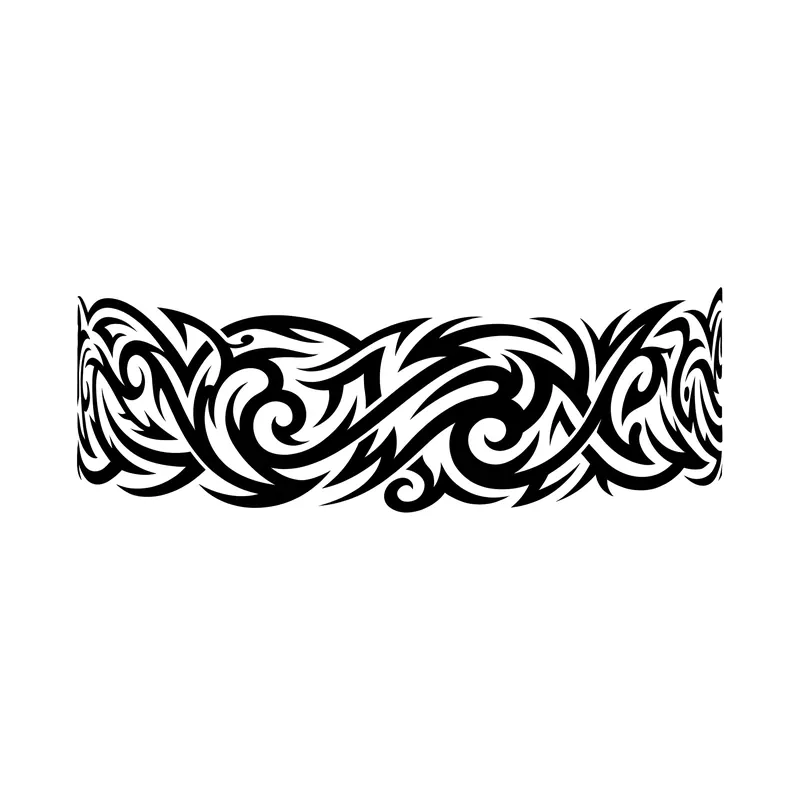
Spiky tribal armbandTribal · Upper arm & shoulder 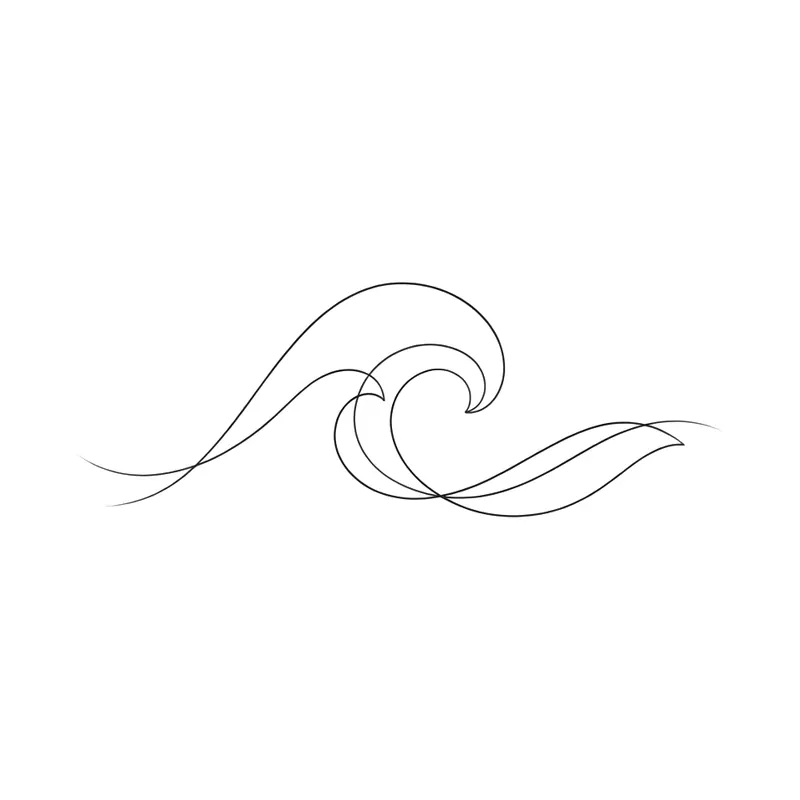
Ocean waveFine line · Wrist 
Name "Leo" with a lionLettering · Forearm 
Rocket and moonMinimalist · Wrist 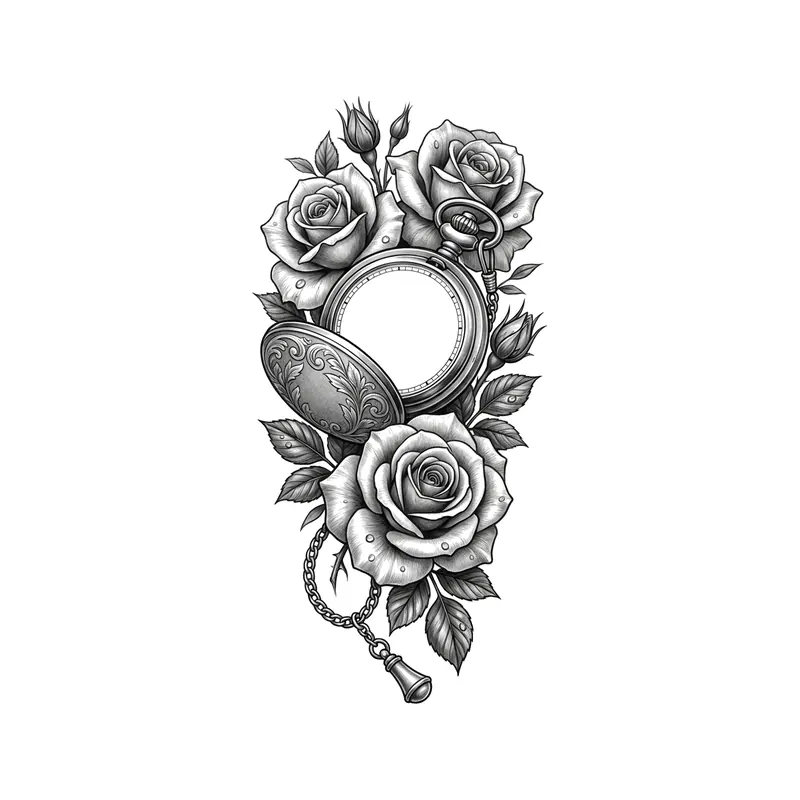
Pocket watch and rosesRealistic · Forearm 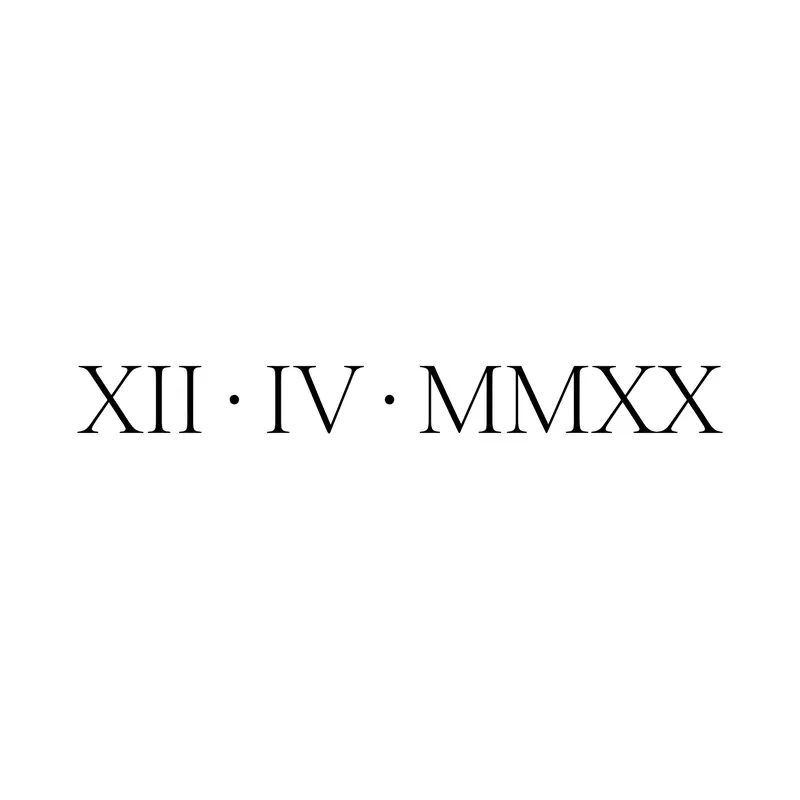
Roman numerals "XII · IV · MMXX" (12/4/2020) in thin serifLettering · Wrist 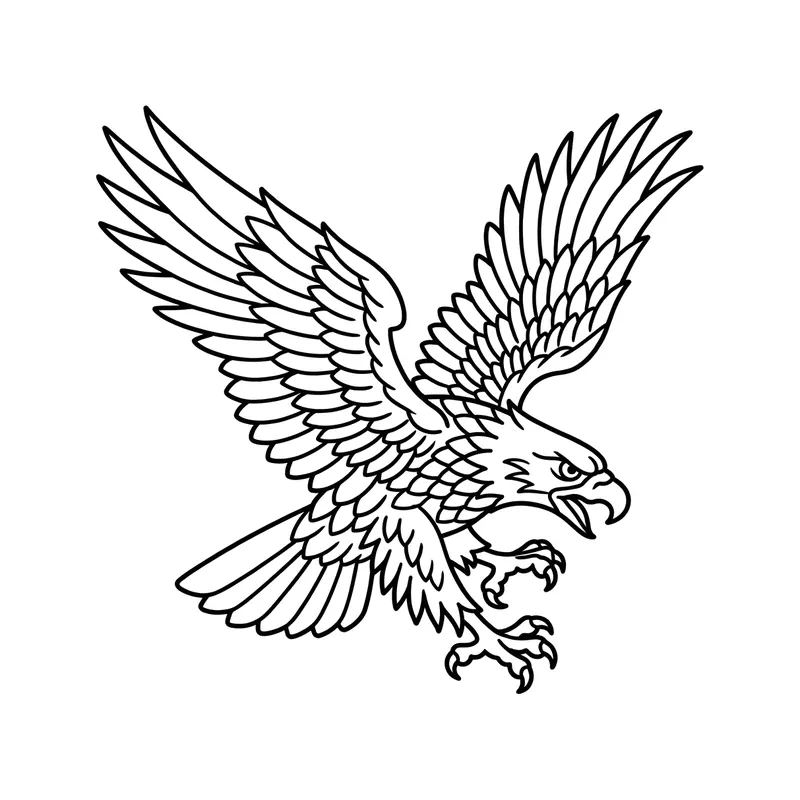
Eagle with spread wingsLine art · Chest 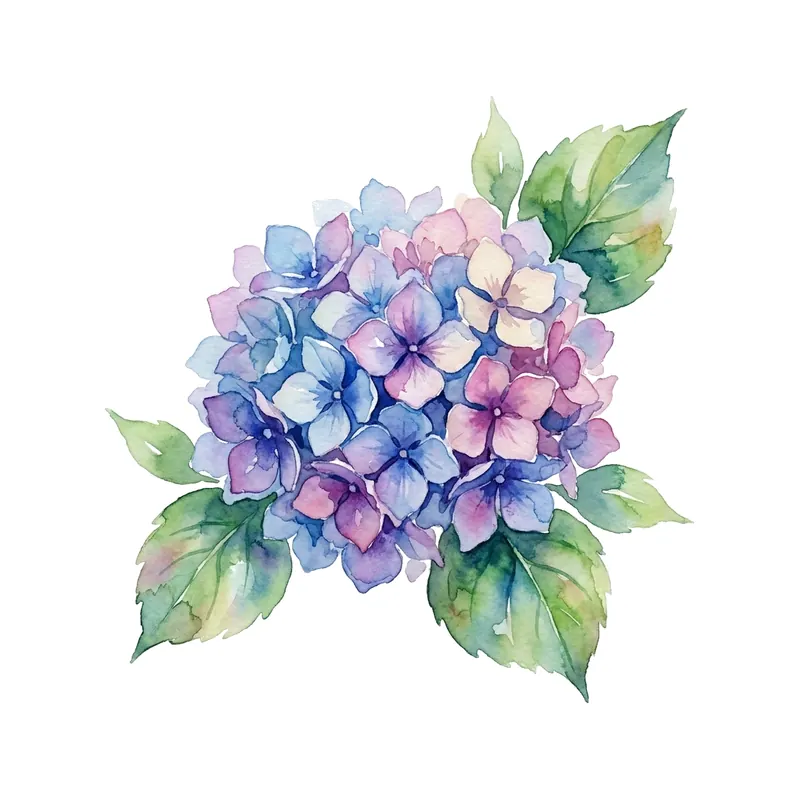
HydrangeaWatercolor · Forearm 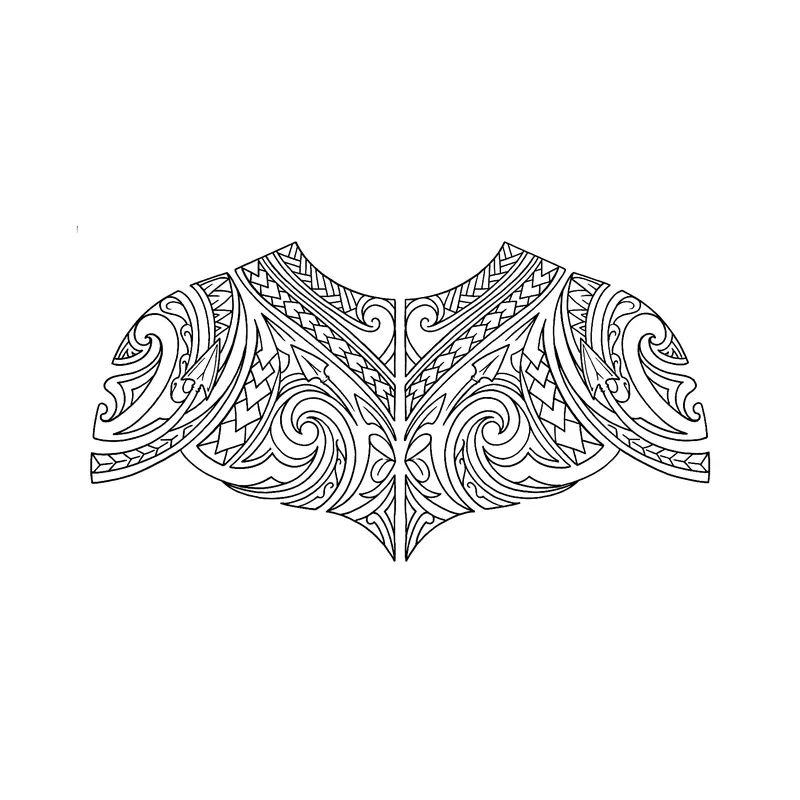
Polynesian-inspired chest and shoulder pieceTribal · Chest 
Mountains and forest in a circleFine line · Forearm 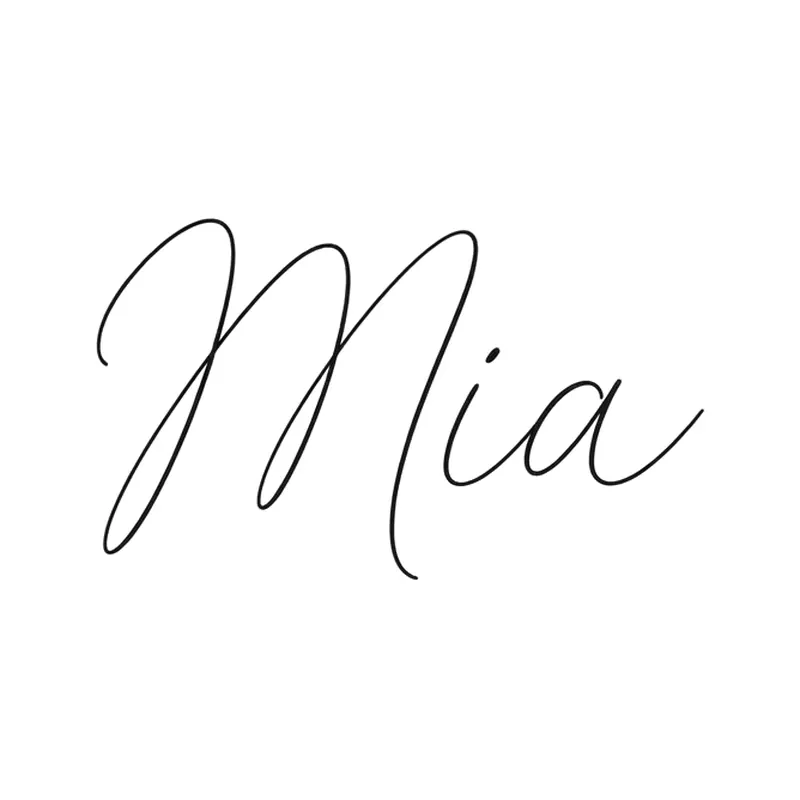
Name "Mia" in tiny scriptLettering · Wrist 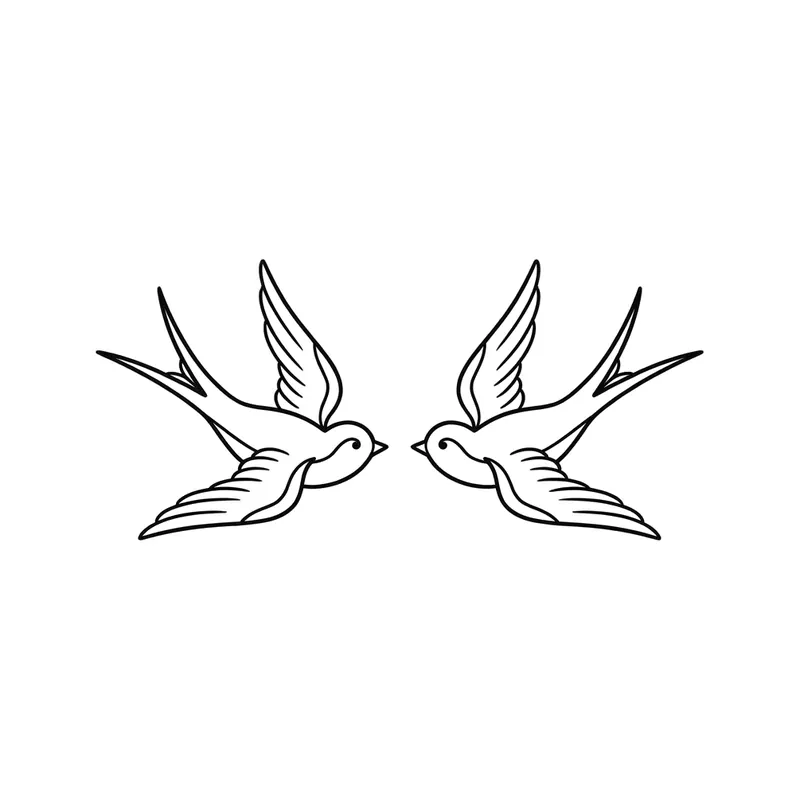
Two swallowsMinimalist · Wrist 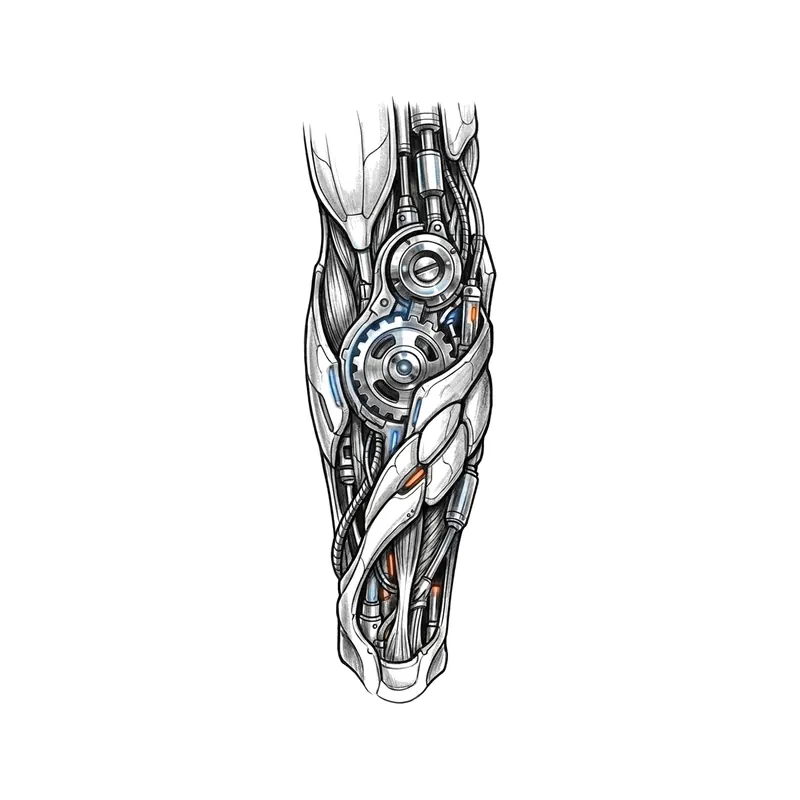
Gears and cablesBiomechanical · Forearm 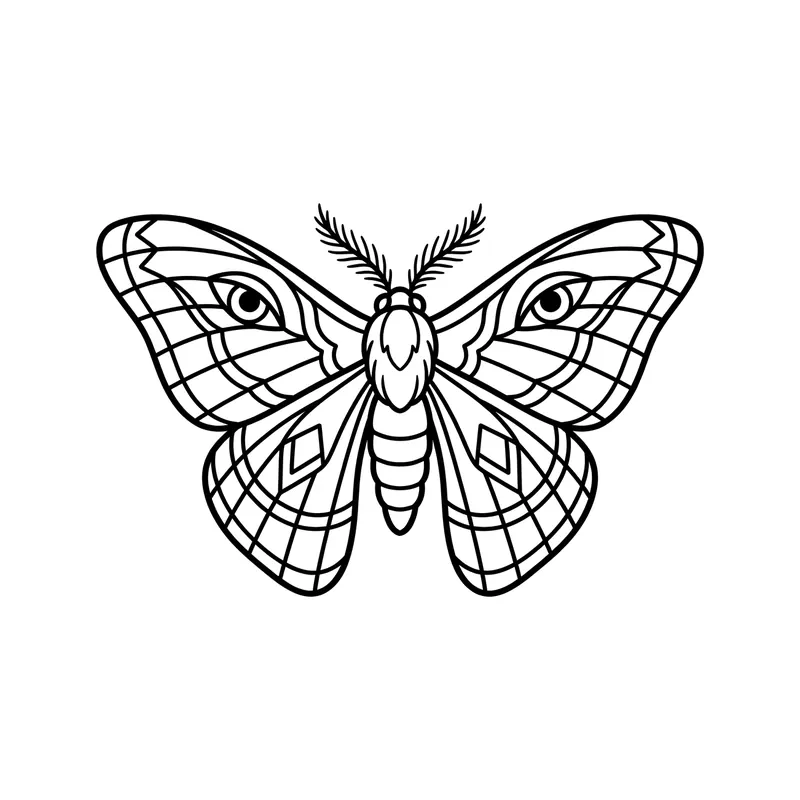
MothLine art · Chest 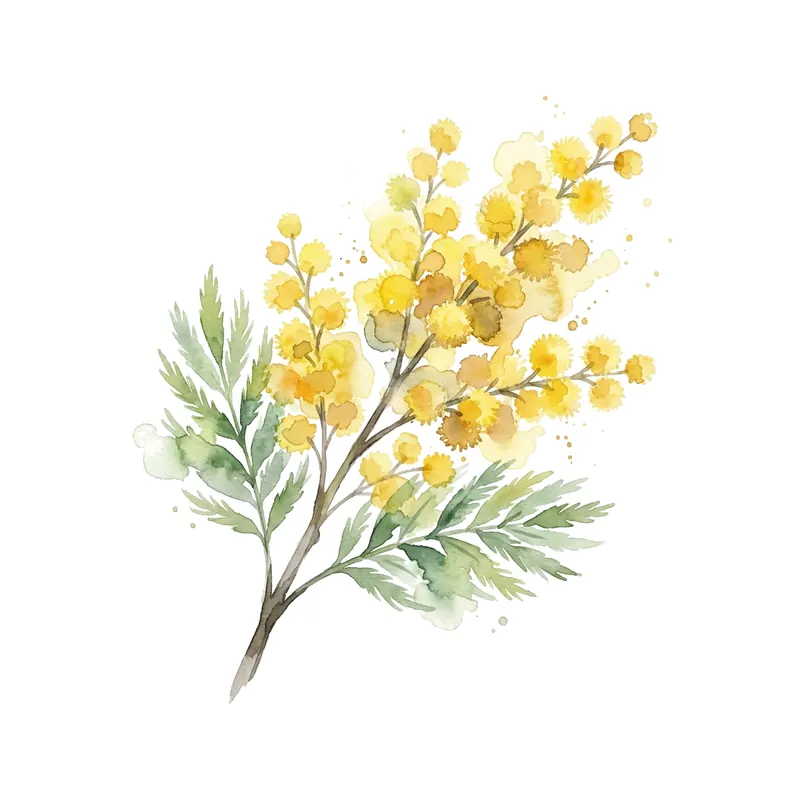
Mimosa sprigWatercolor · Wrist 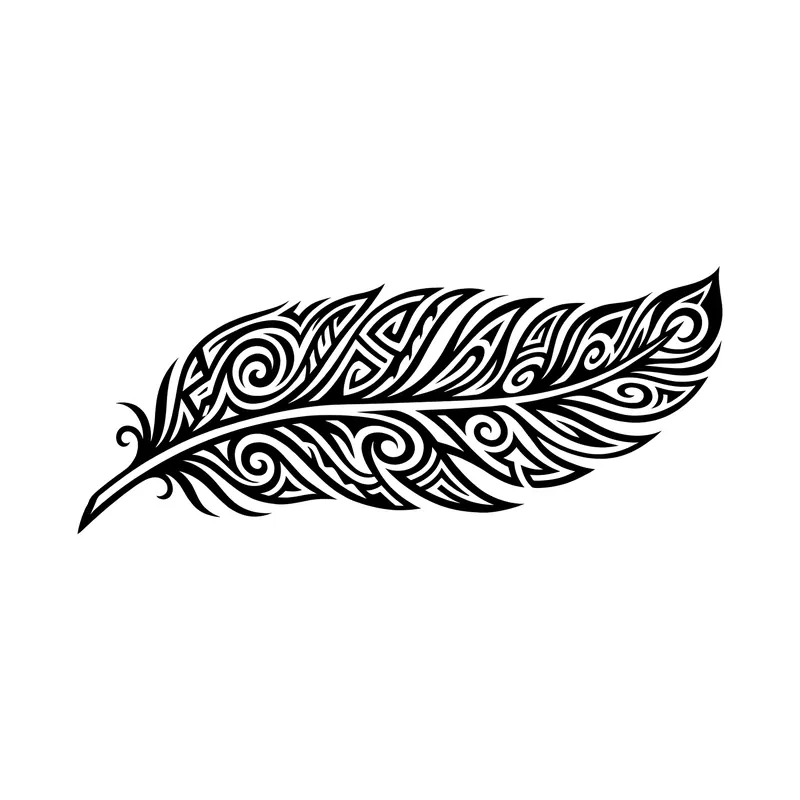
FeatherTribal · Forearm 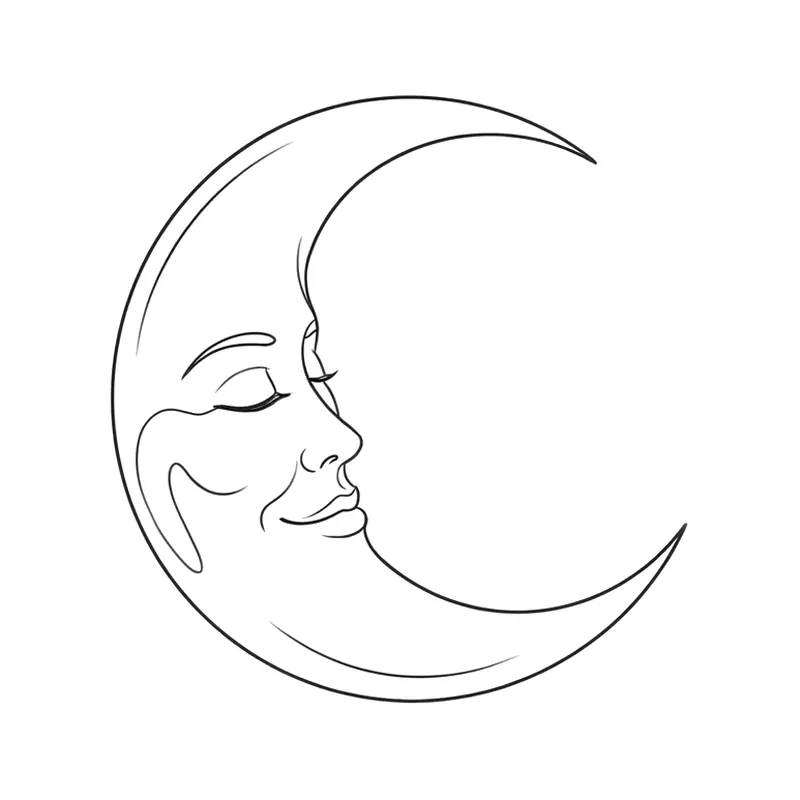
Crescent moon with a faceFine line · Forearm 
Name "Hugo" with a starLettering · Wrist 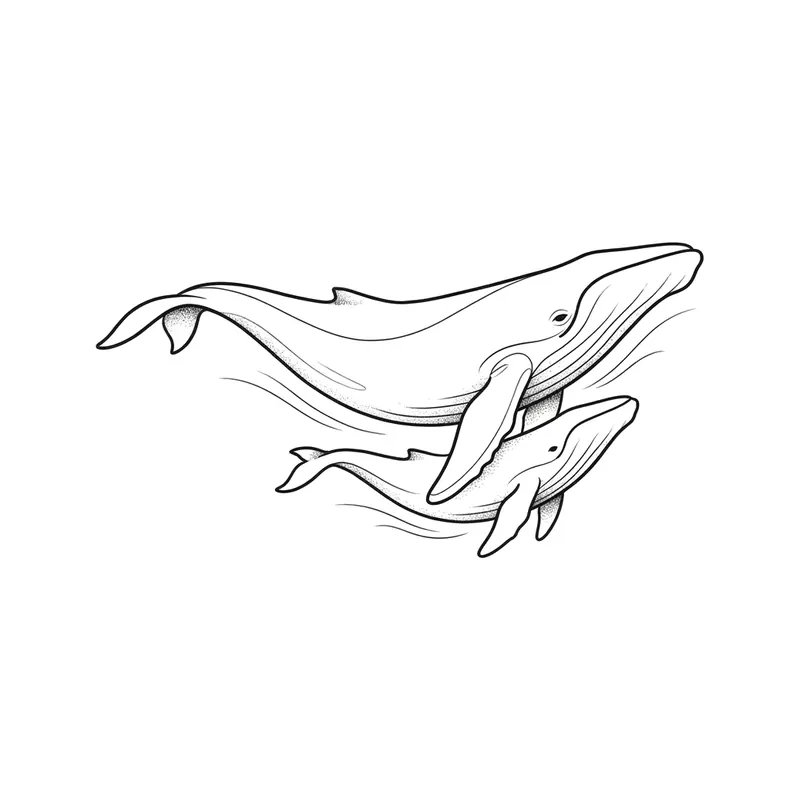
Whale and calfFine line · Forearm 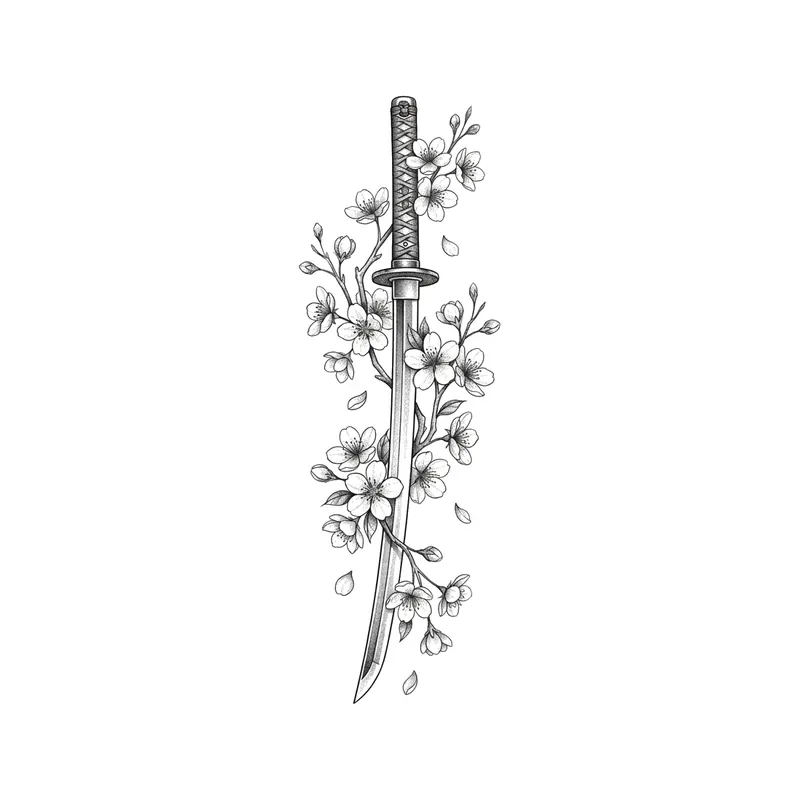
Katana and cherry blossomsJapanese · Forearm 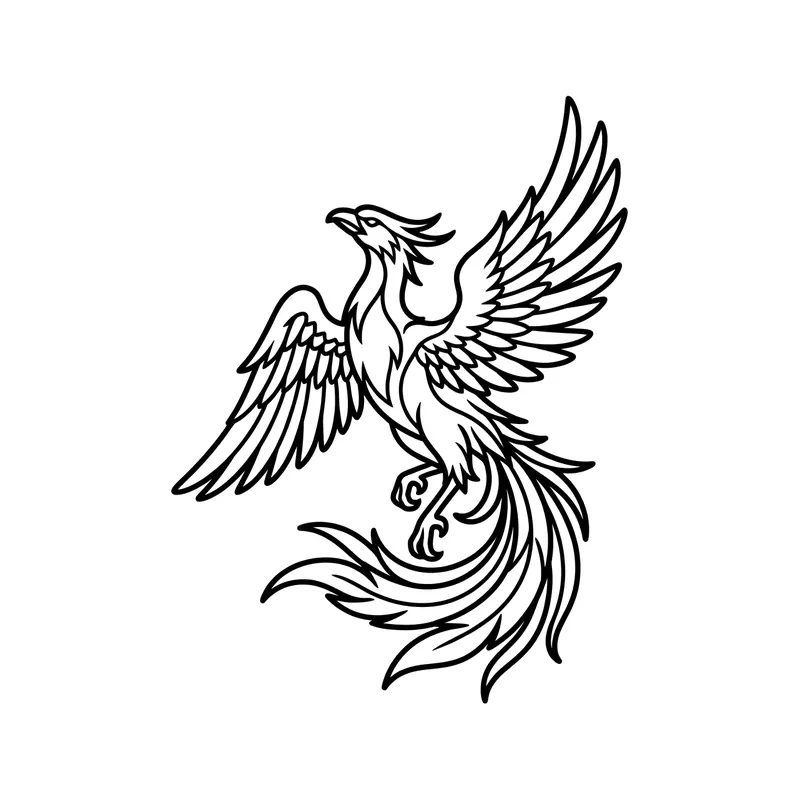
PhoenixLine art · Back 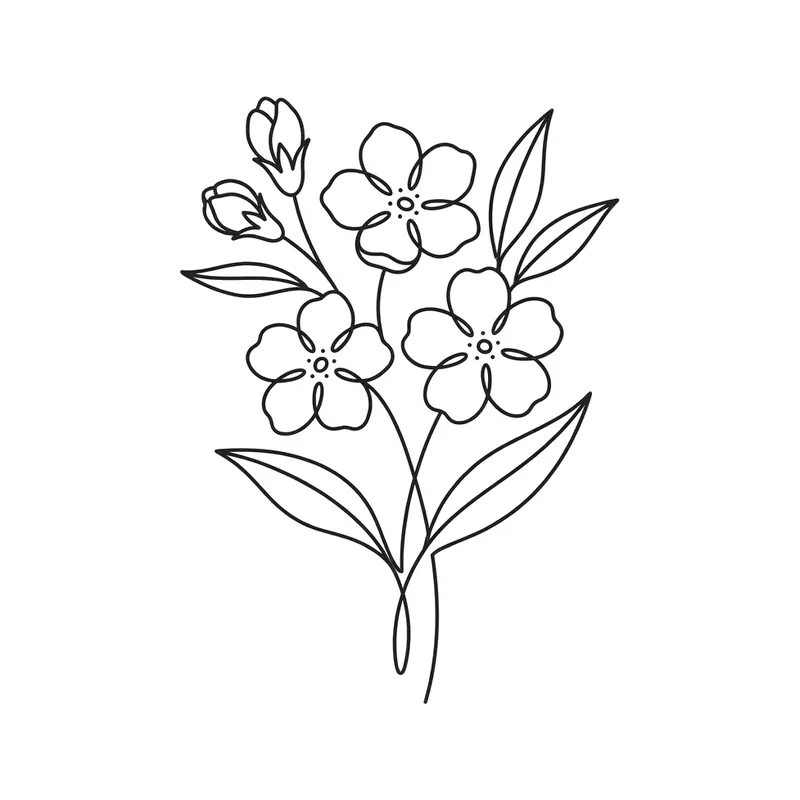
Forget-me-notsMinimalist · Wrist 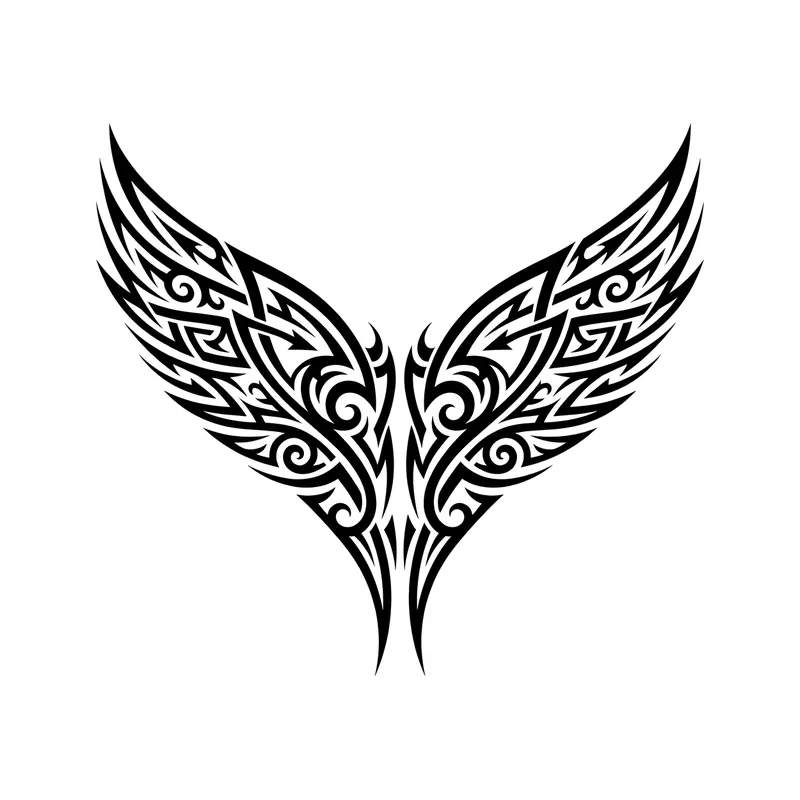
Wing-shaped chest pieceTribal · Chest 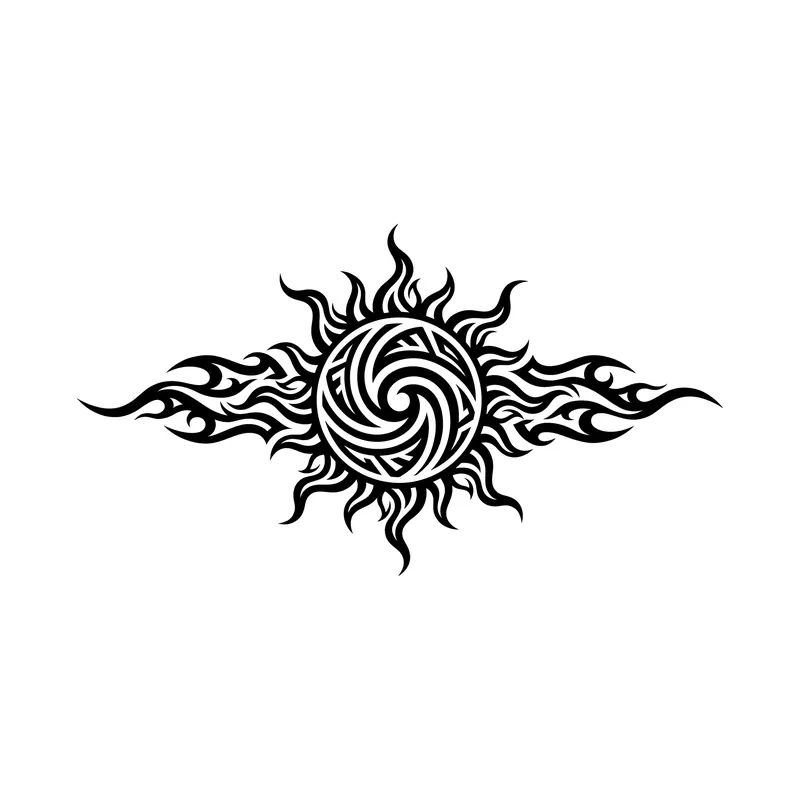
Sun with flame raysTribal · Back 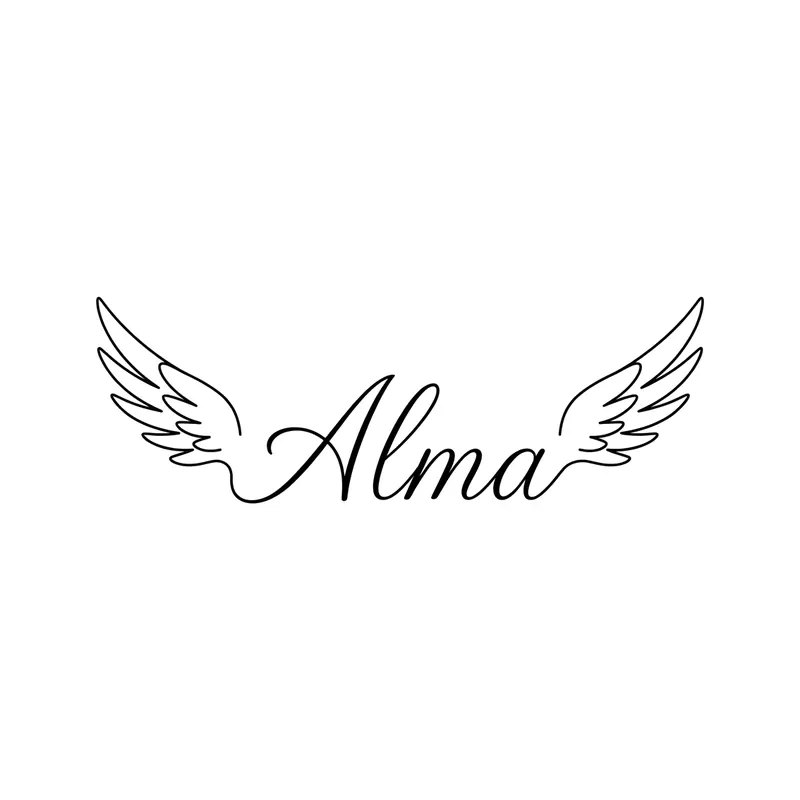
Name "Alma" between wingsLettering · Back 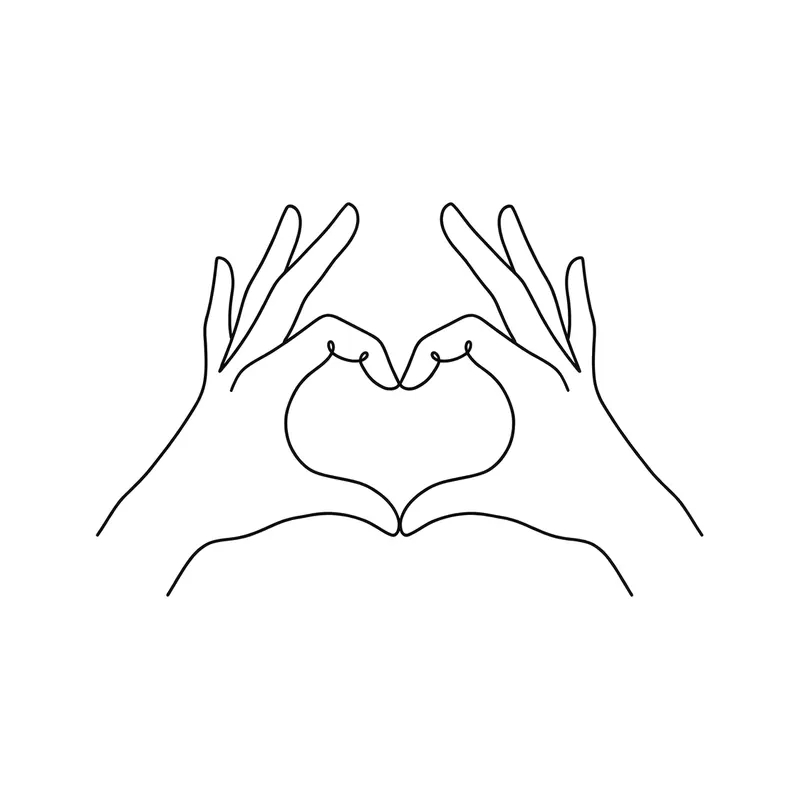
Hands making a heartFine line · Forearm 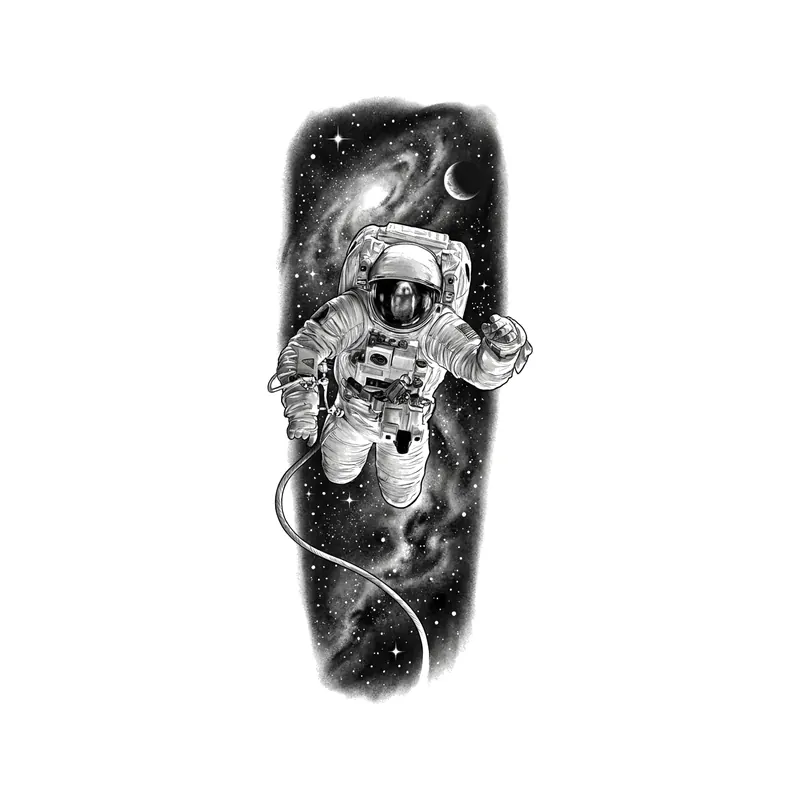
AstronautRealistic · Forearm 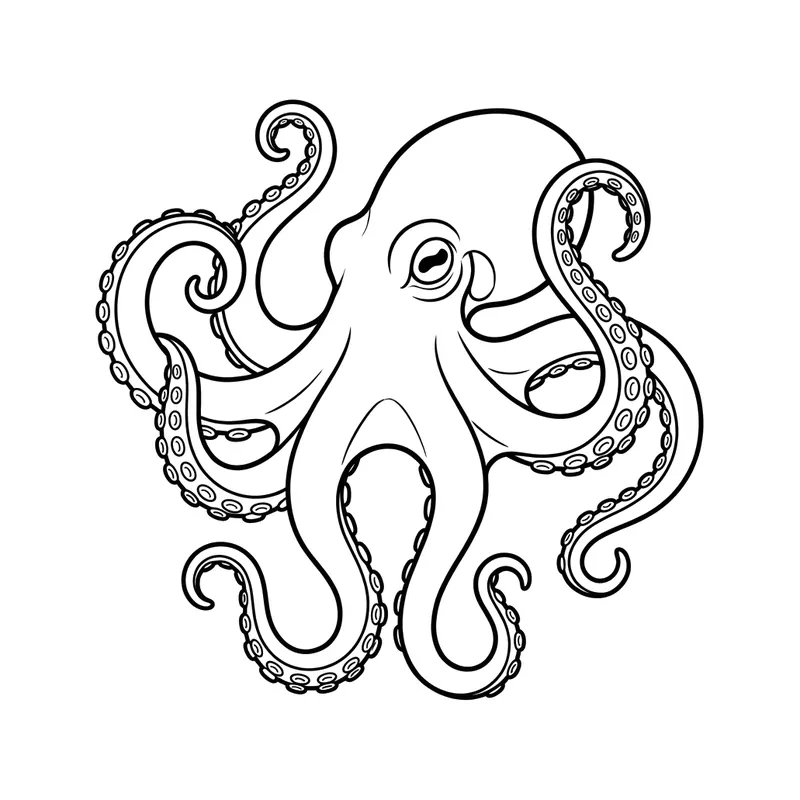
OctopusLine art · Upper arm & shoulder 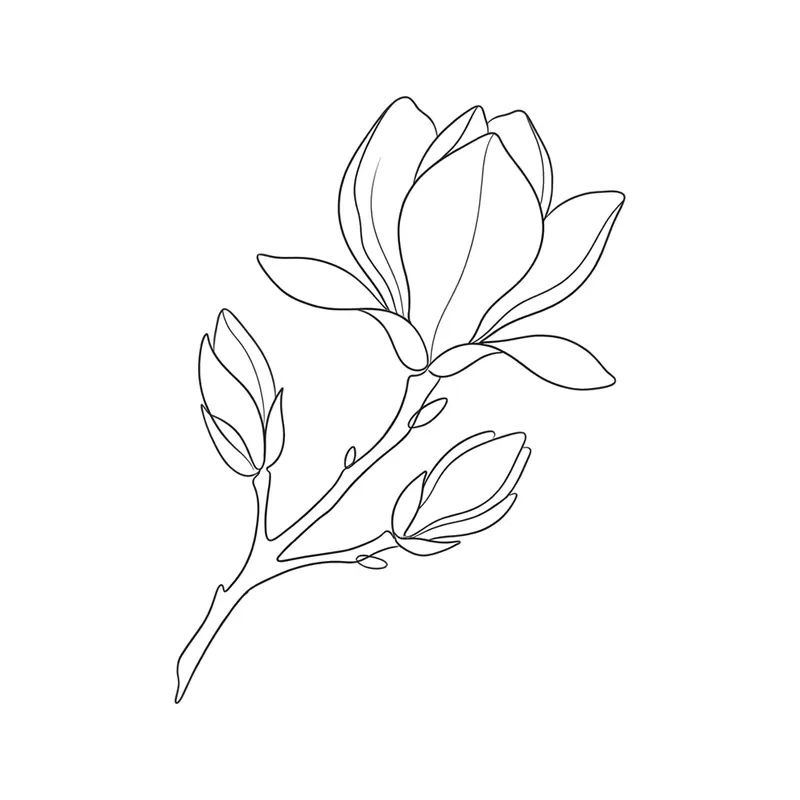
MagnoliaFine line · Forearm 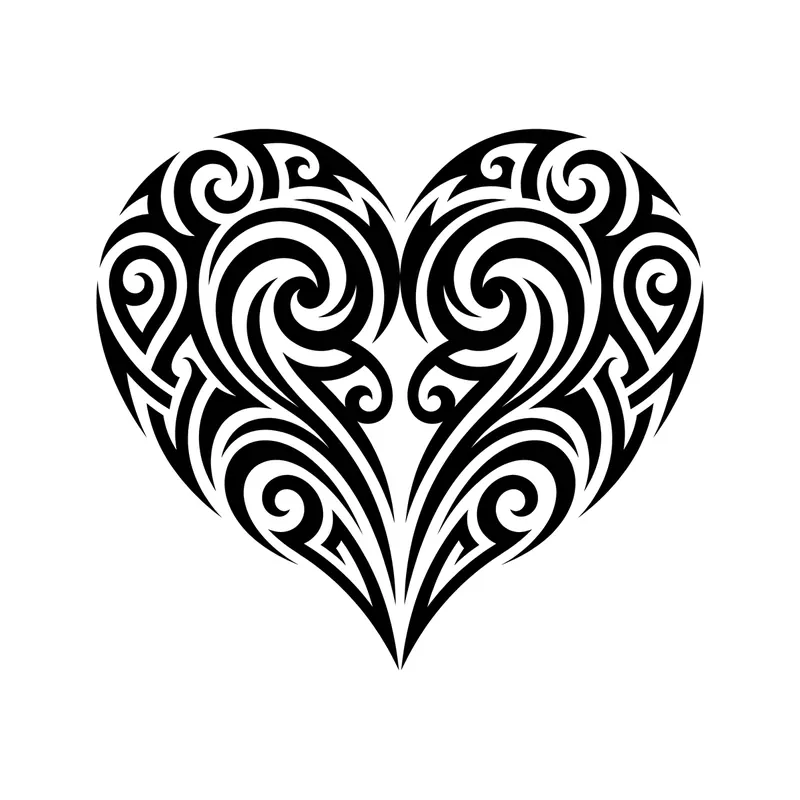
HeartTribal · Wrist 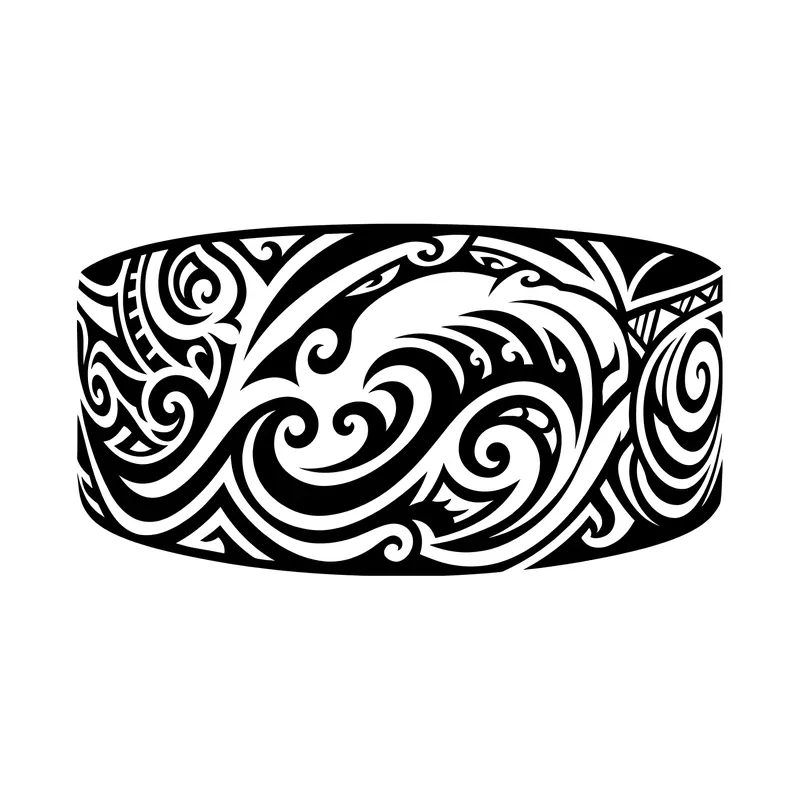
Armband with ocean wavesTribal · Forearm 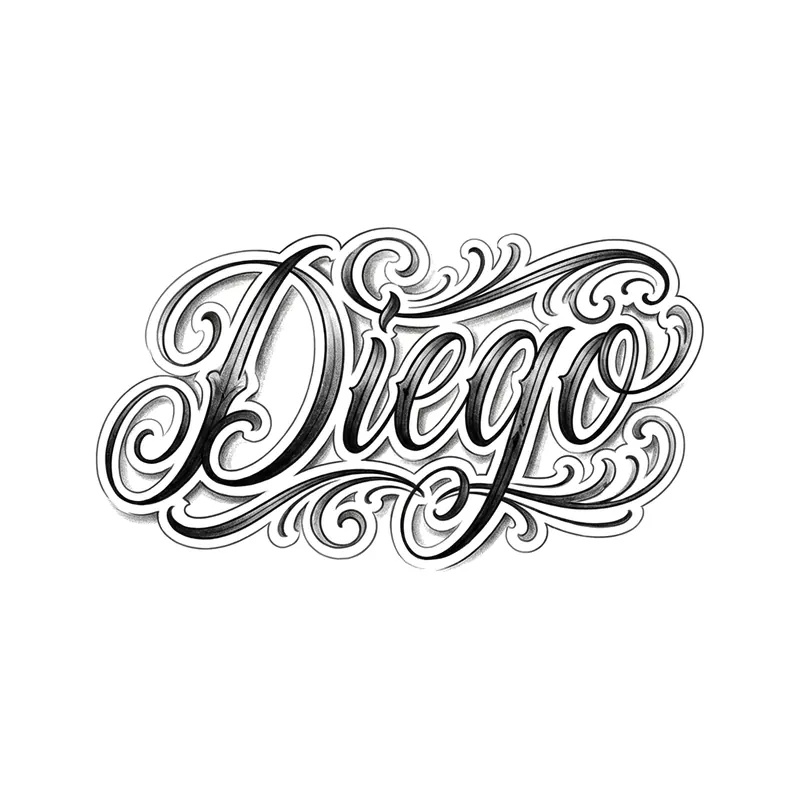
Name "Diego" in chicano letteringLettering · Forearm 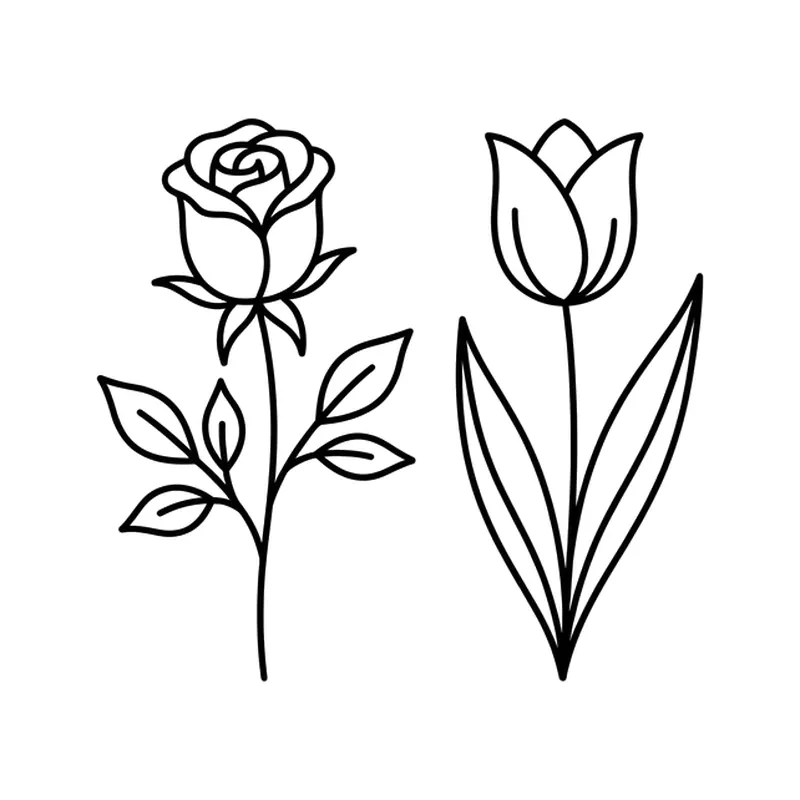
Rose and tulipMinimalist · Forearm 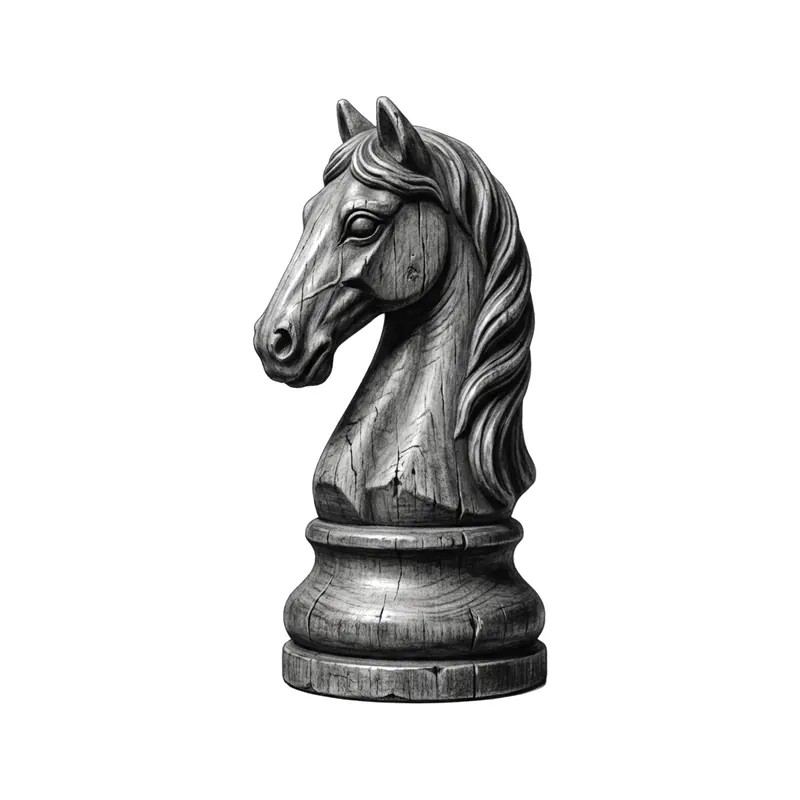
Chess knightRealistic · Forearm 
"Always with me"Lettering · Wrist 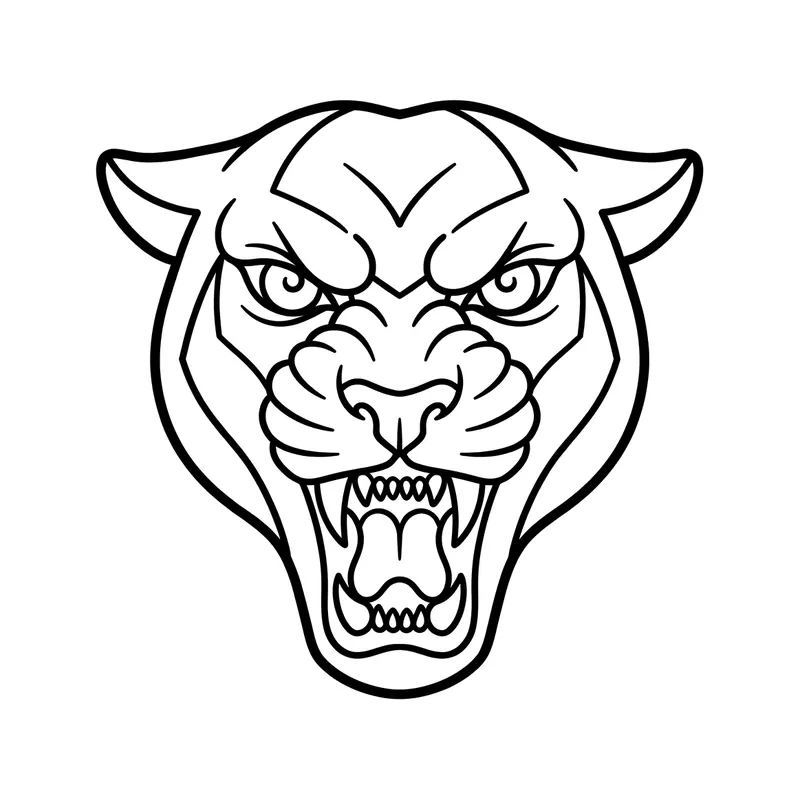
Panther headLine art · Forearm 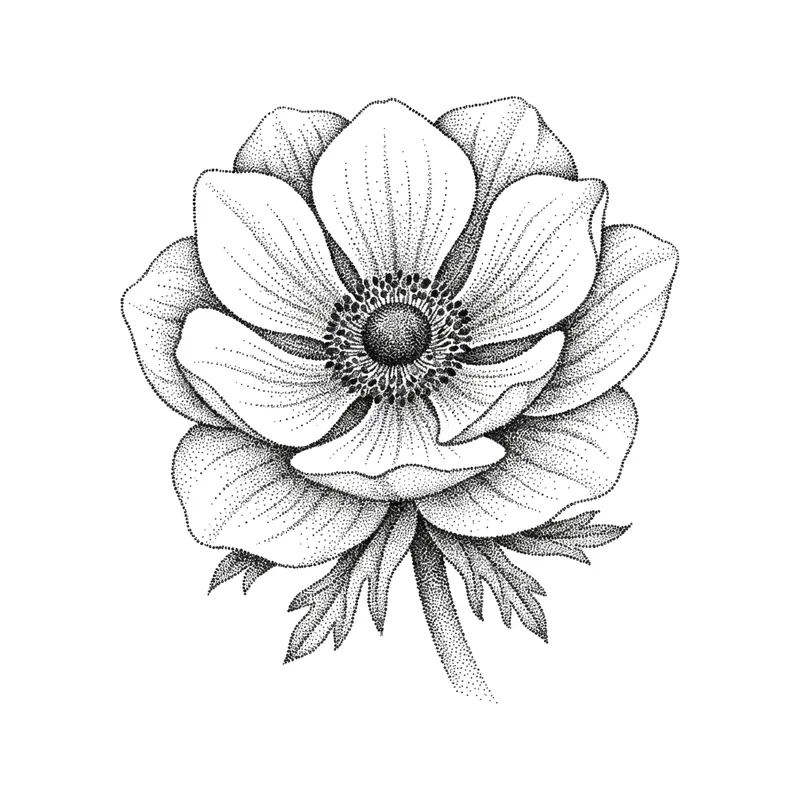
AnemonePointillism · Forearm 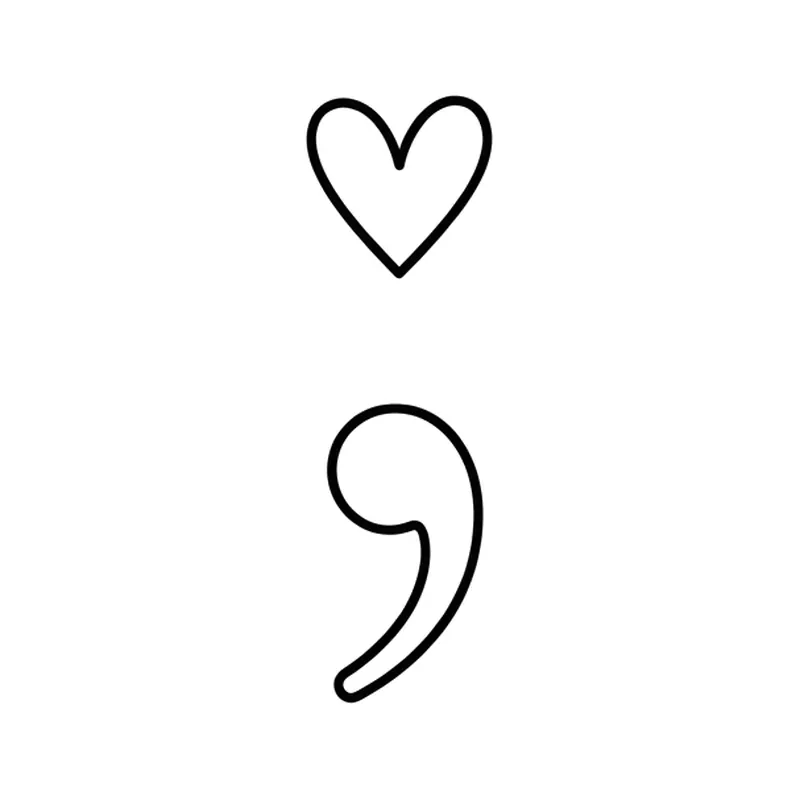
Semicolon with a heartMinimalist · Wrist 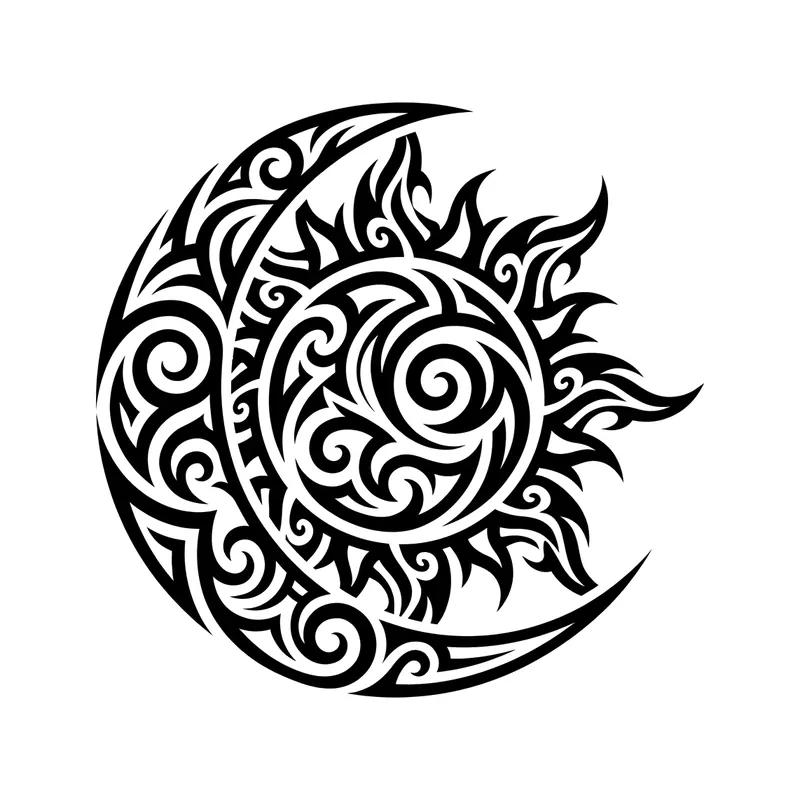
Sun and moon joinedTribal · Back 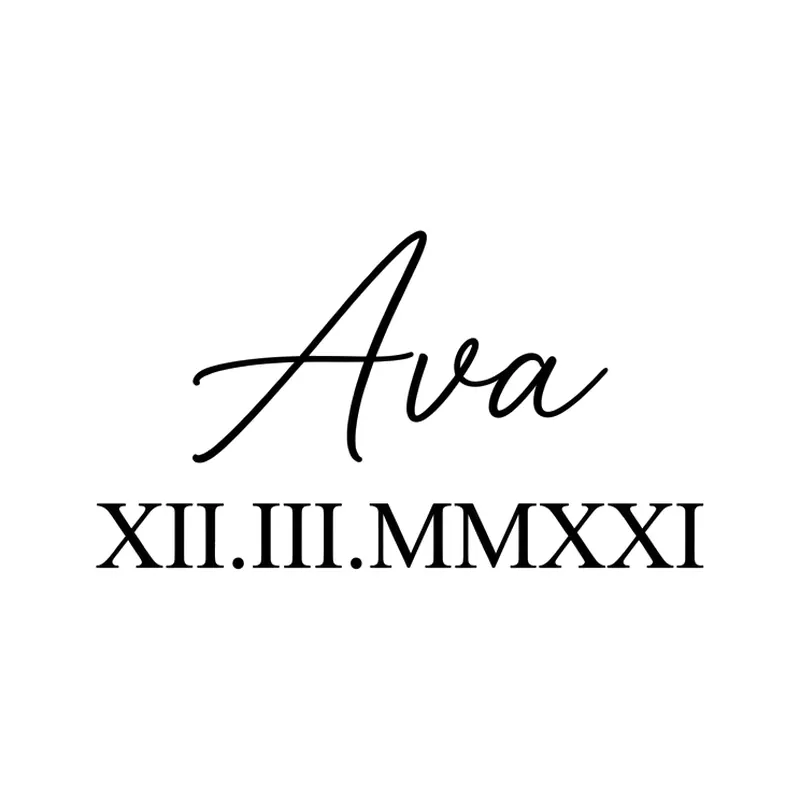
Name "Ava" with a Roman numeral dateLettering · Forearm 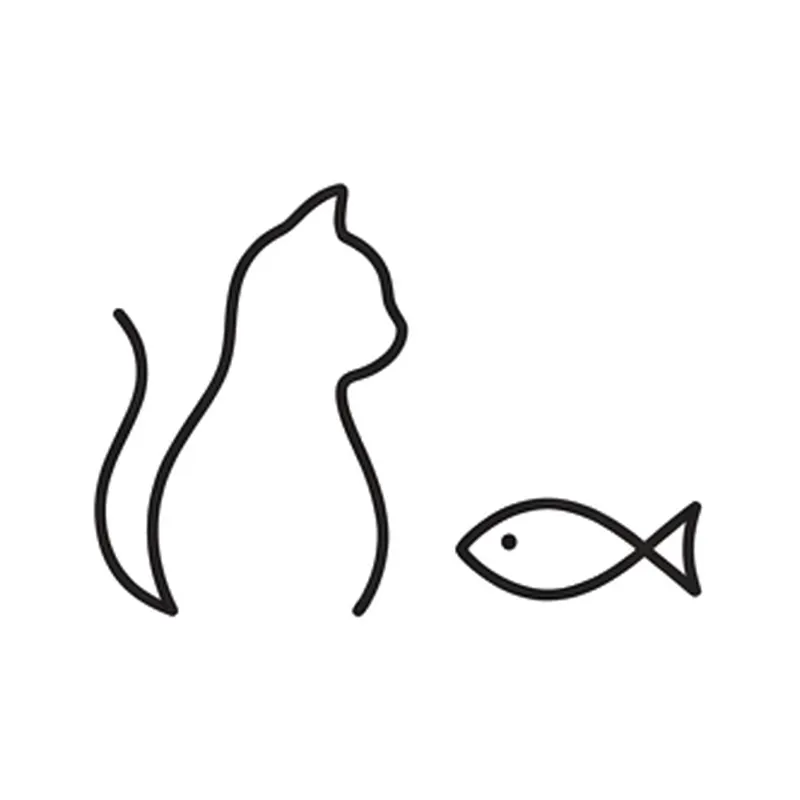
Cat and fishMinimalist · Wrist 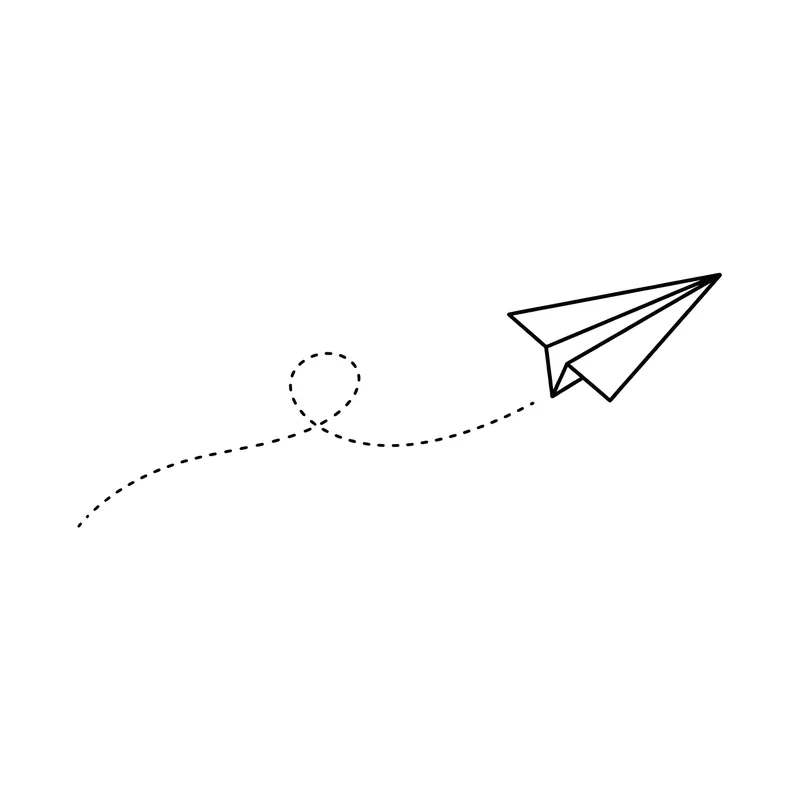
Paper plane with a dotted trailMinimalist · Wrist 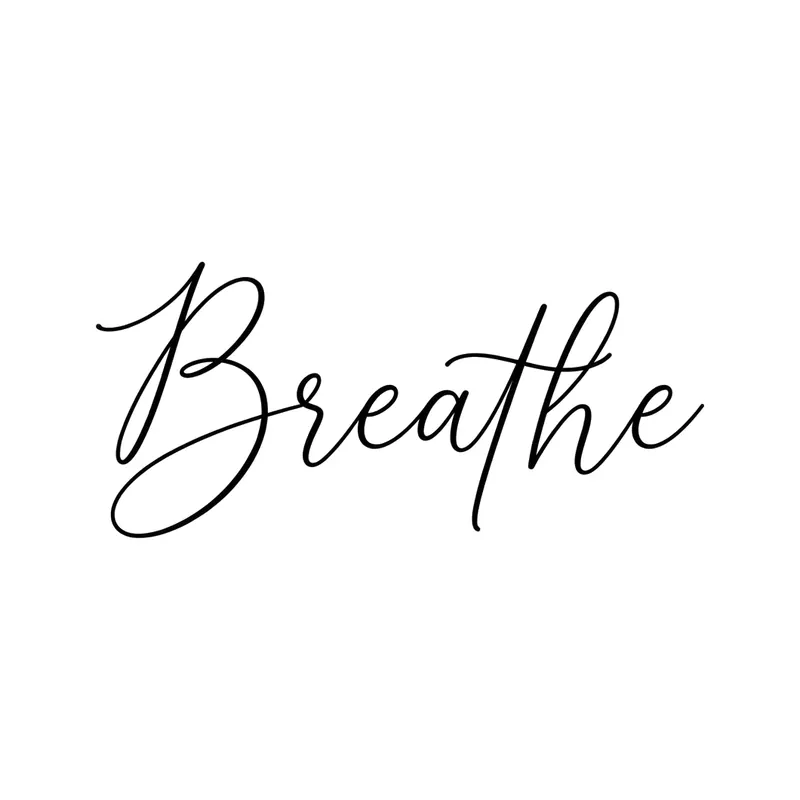
"Breathe"Lettering · Wrist 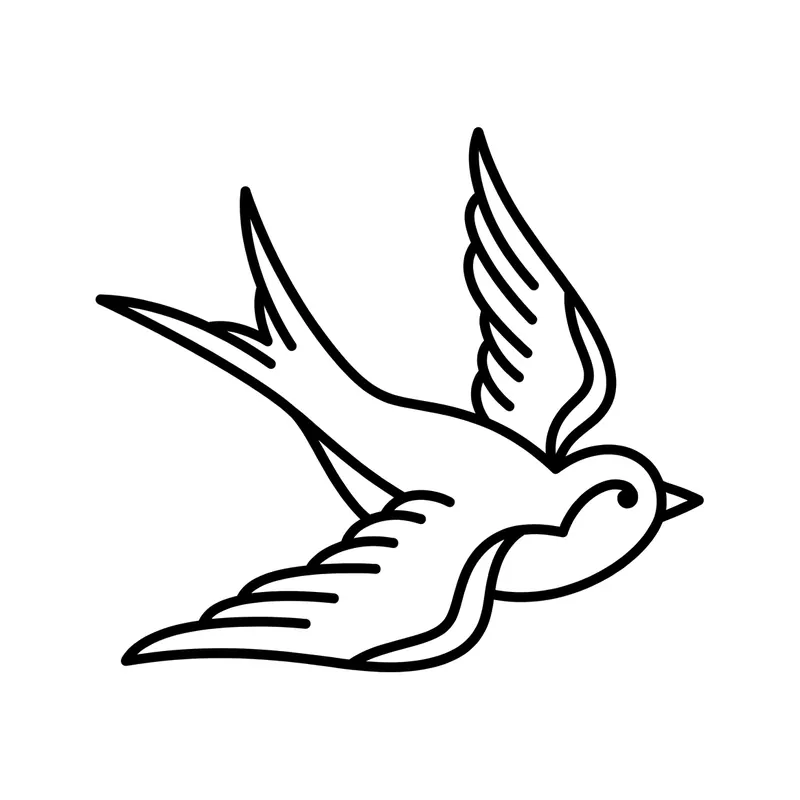
SwallowLine art · Chest 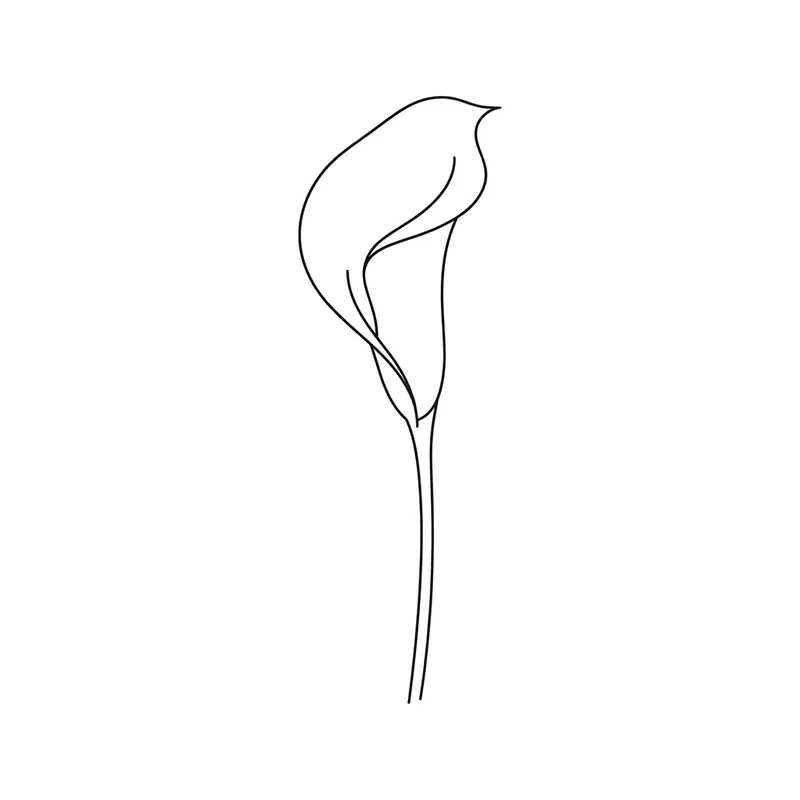
Calla lilyMinimalist · Wrist 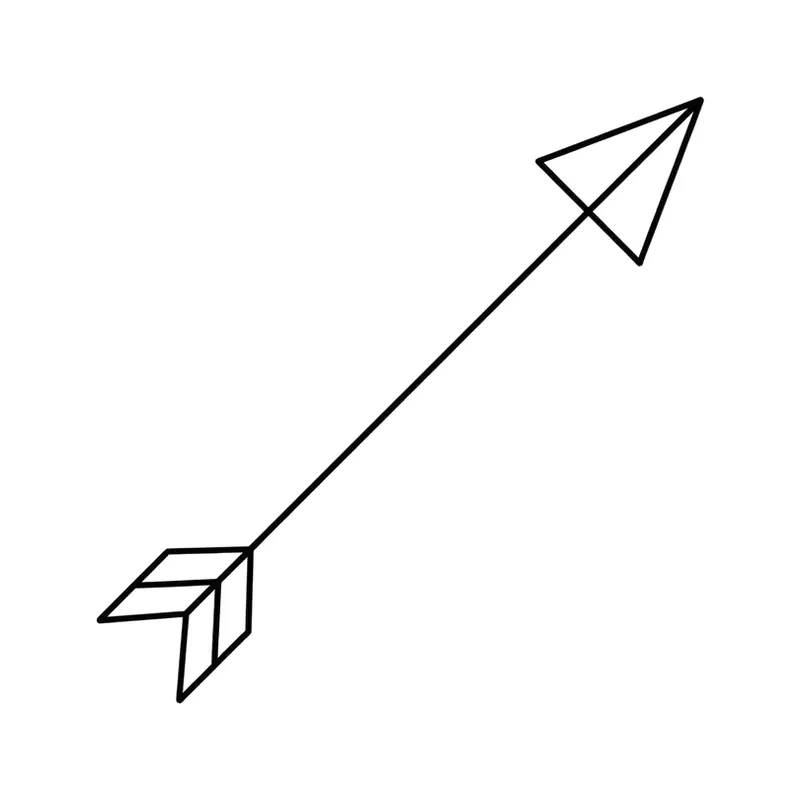
Slim arrowMinimalist · Wrist 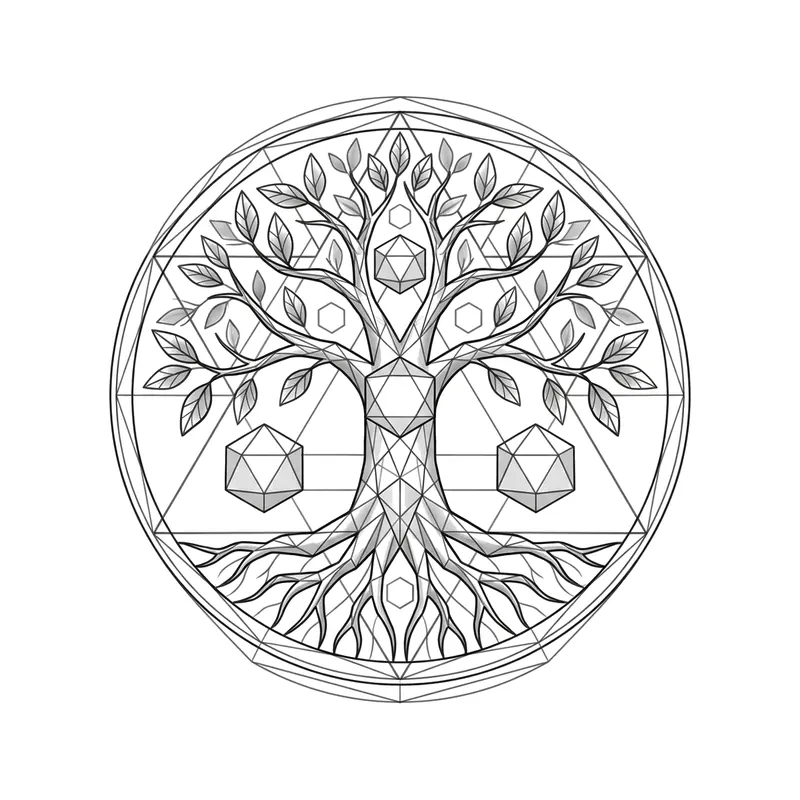
Tree of lifeGeometric · Forearm 
Name "Max" with a paw printLettering · Wrist 
Infinity in two linesMinimalist · Wrist 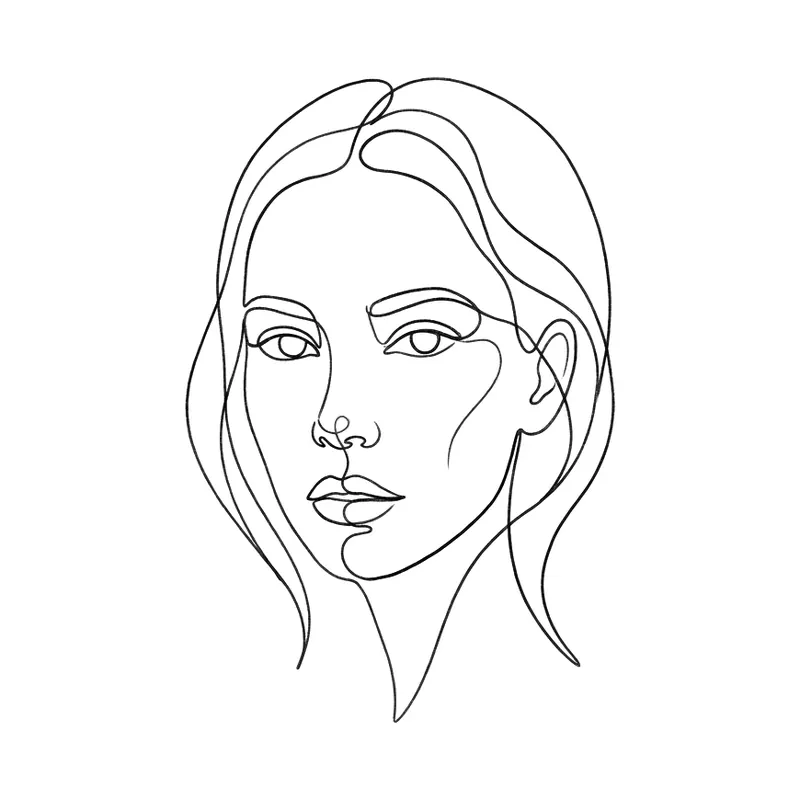
One-line woman's faceFine line · Forearm 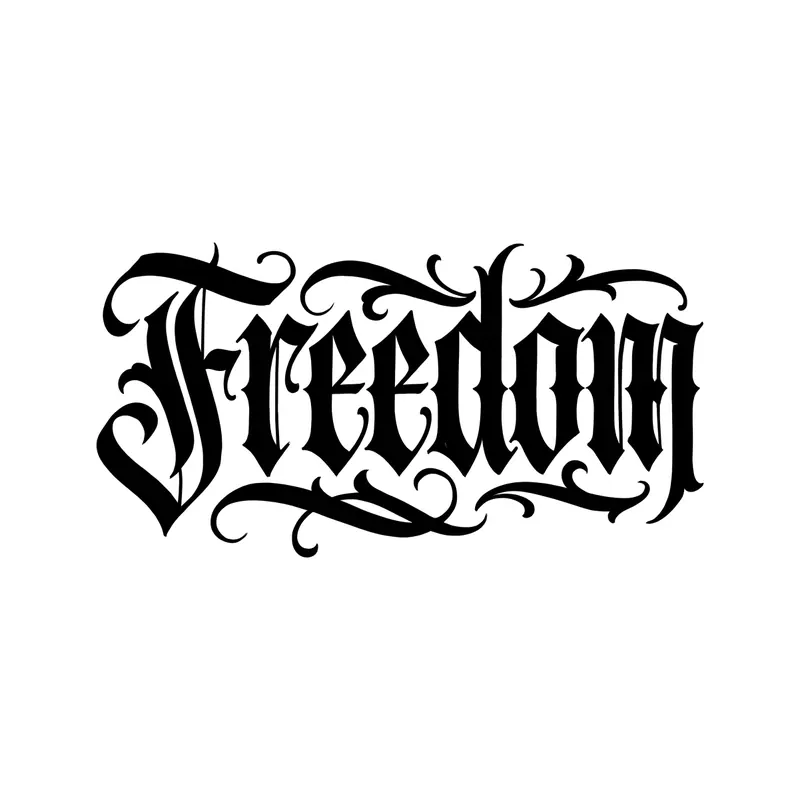
"Freedom"Lettering · Wrist 
ButterflyLine art · Wrist 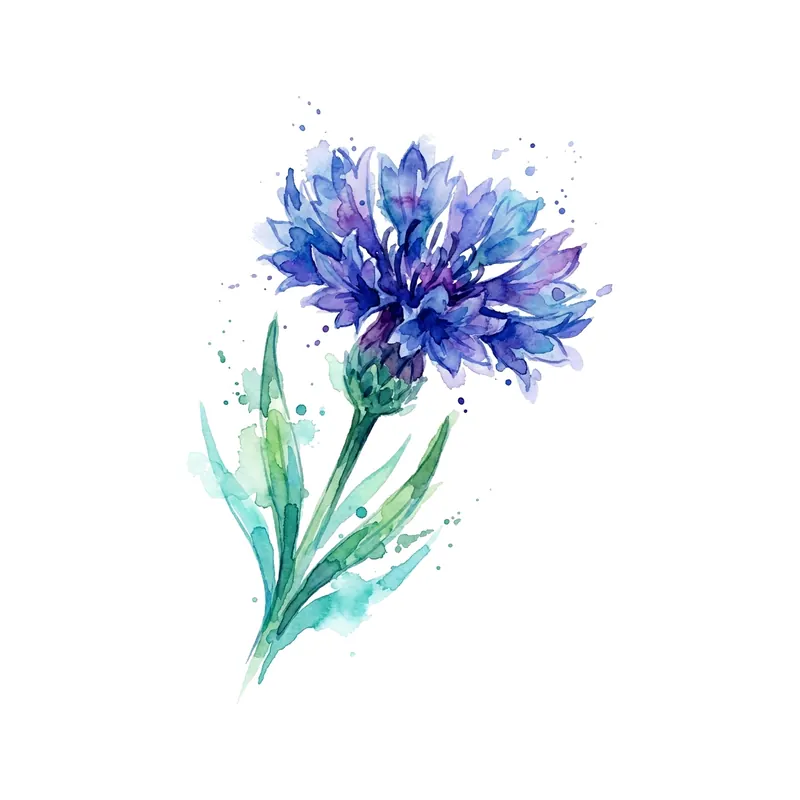
CornflowerWatercolor · Wrist 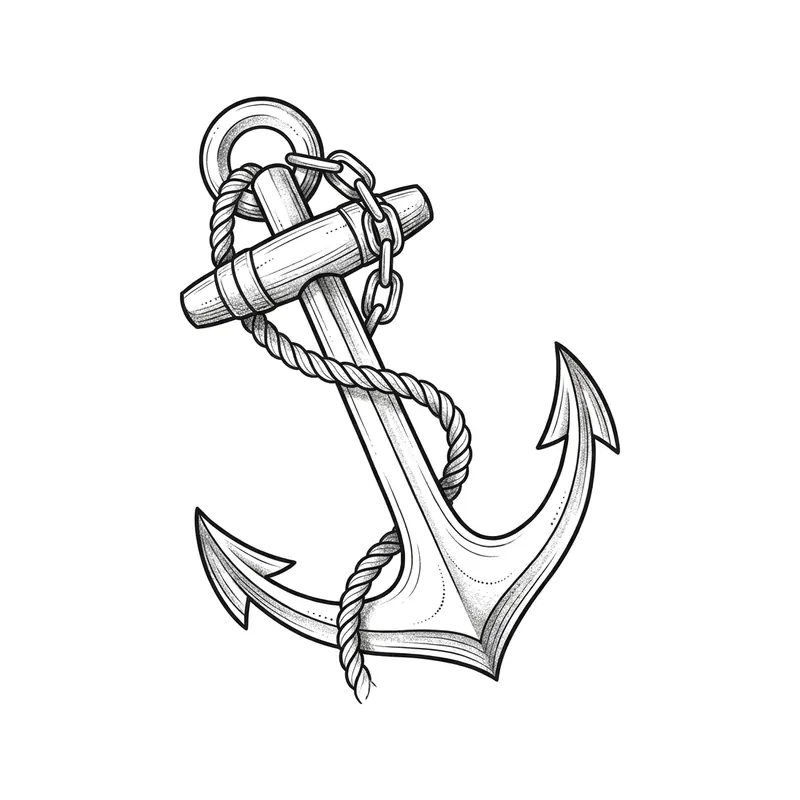
AnchorTraditional · Forearm 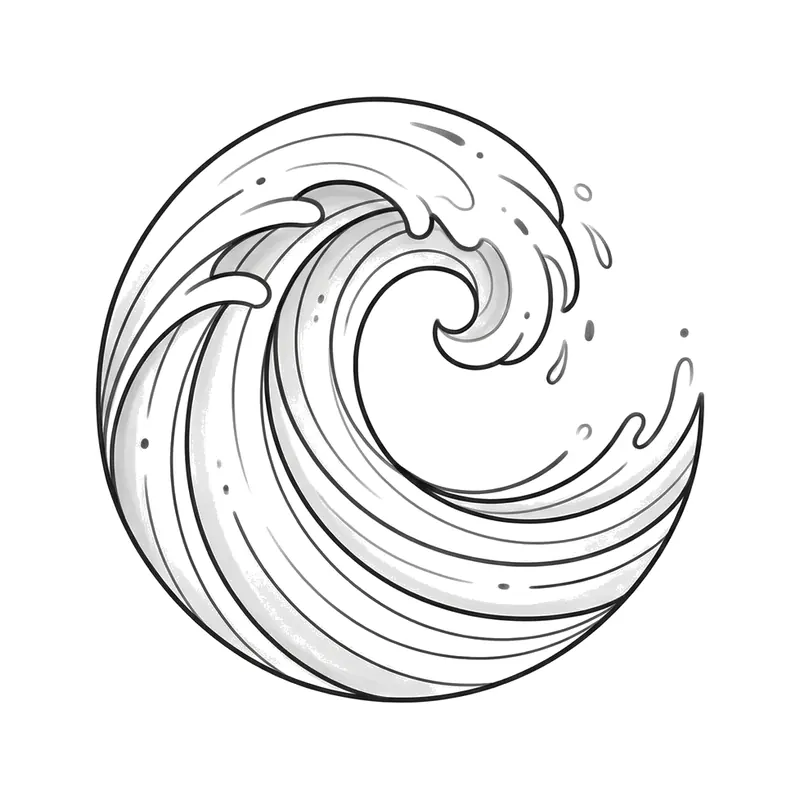
WaveMinimalist · Wrist 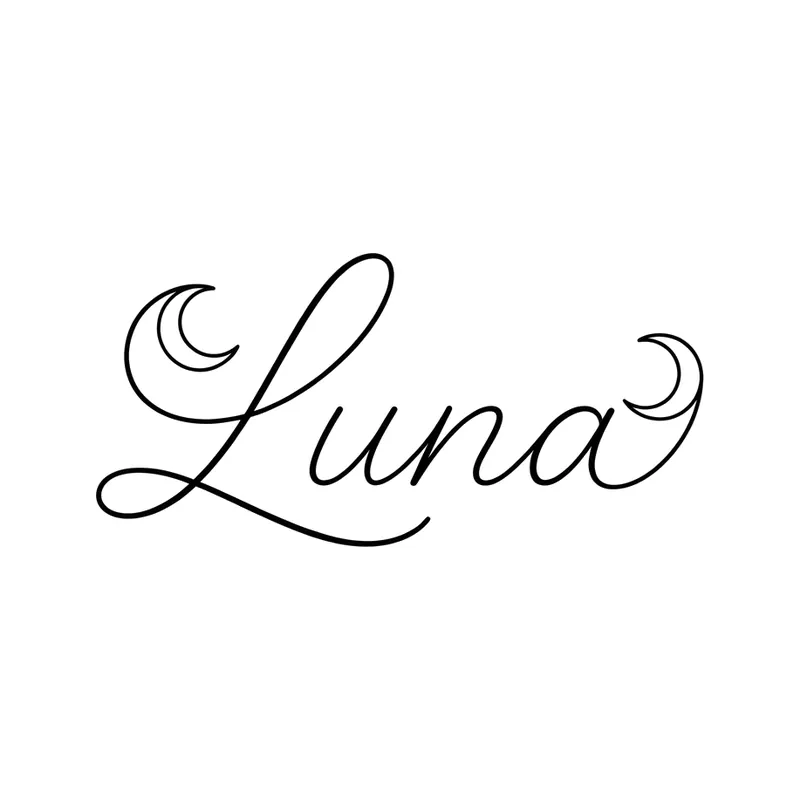
Name "Luna" with a crescent moonLettering · Wrist 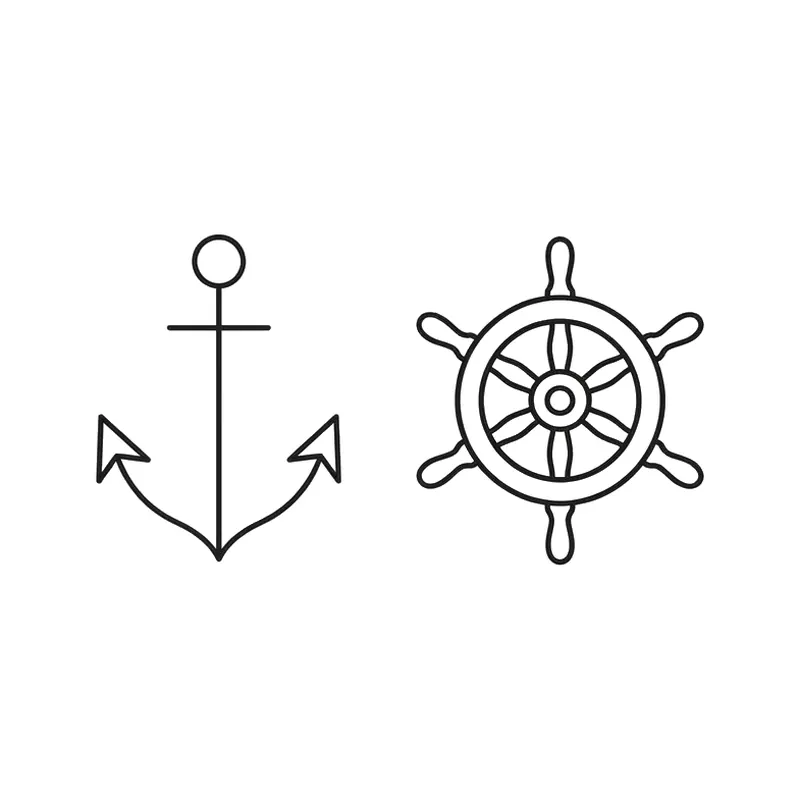
Anchor and helmMinimalist · Wrist 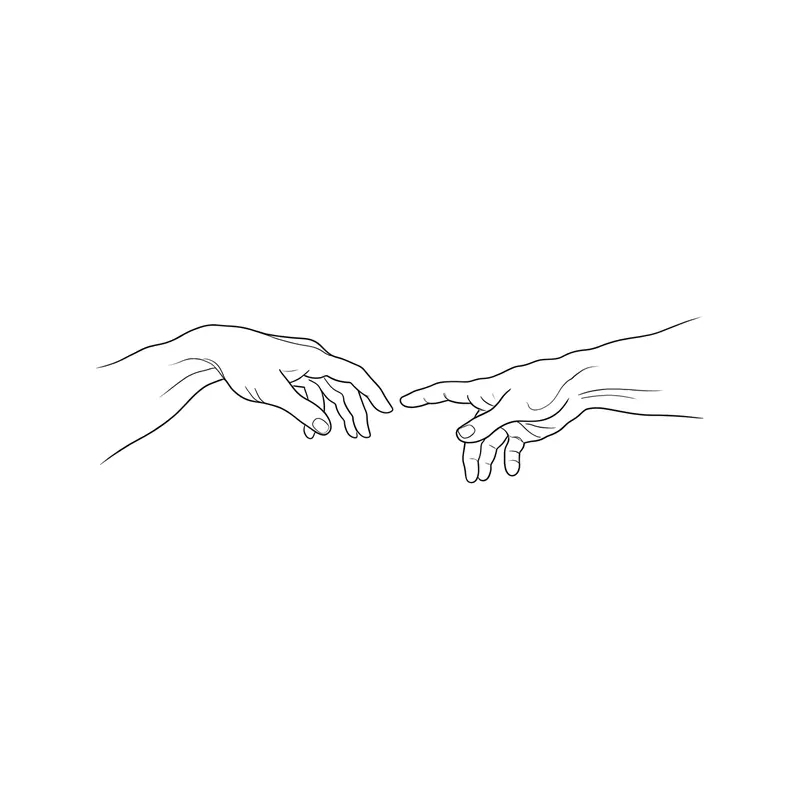
Two hands almost touchingFine line · Forearm 
"Mom"Lettering · Wrist 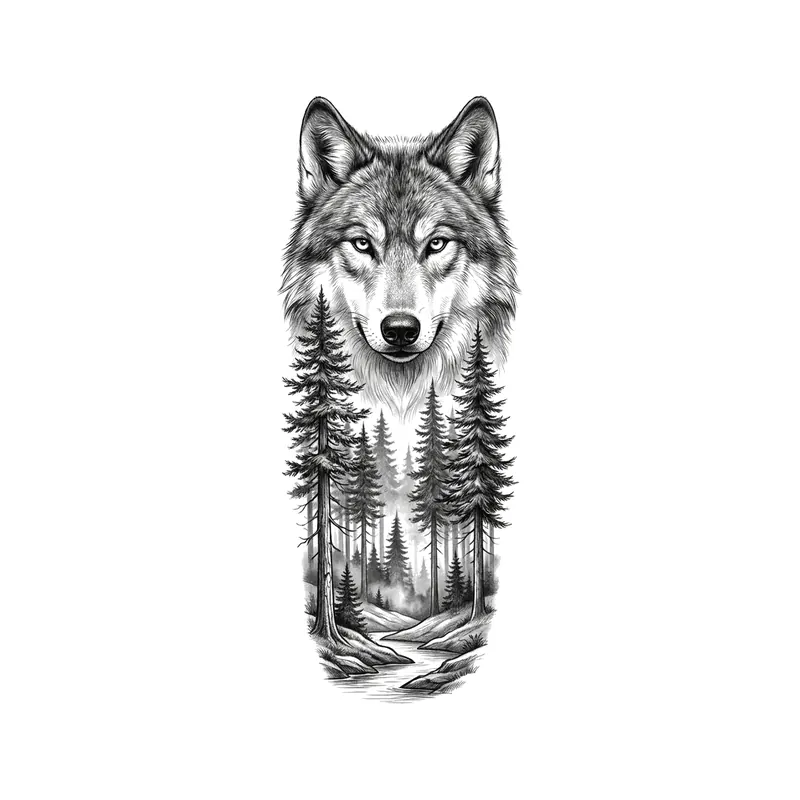
Wolf over a pine forestRealistic · Forearm 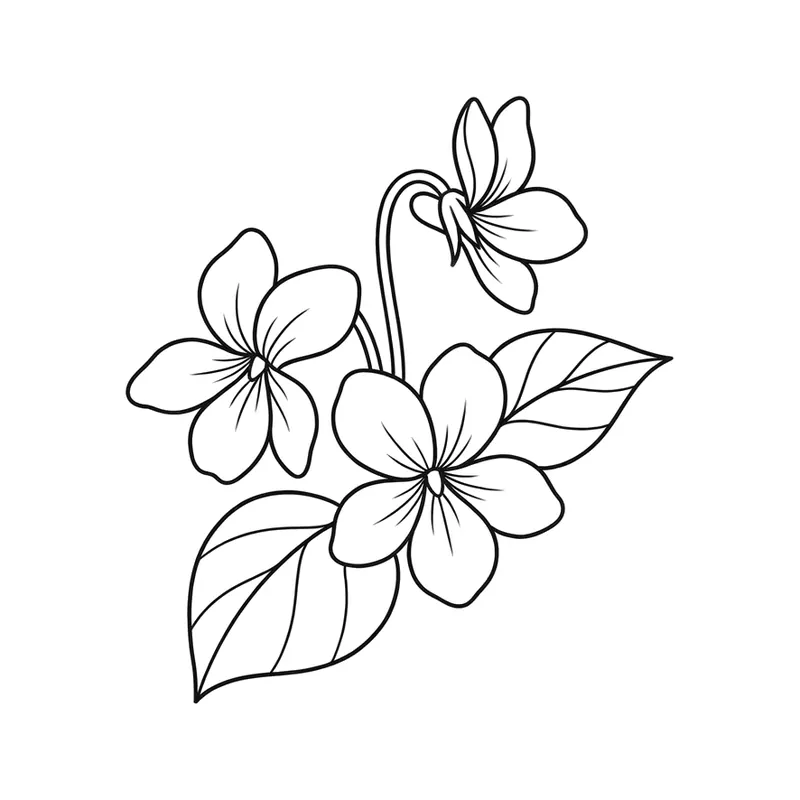
VioletsMinimalist · Wrist 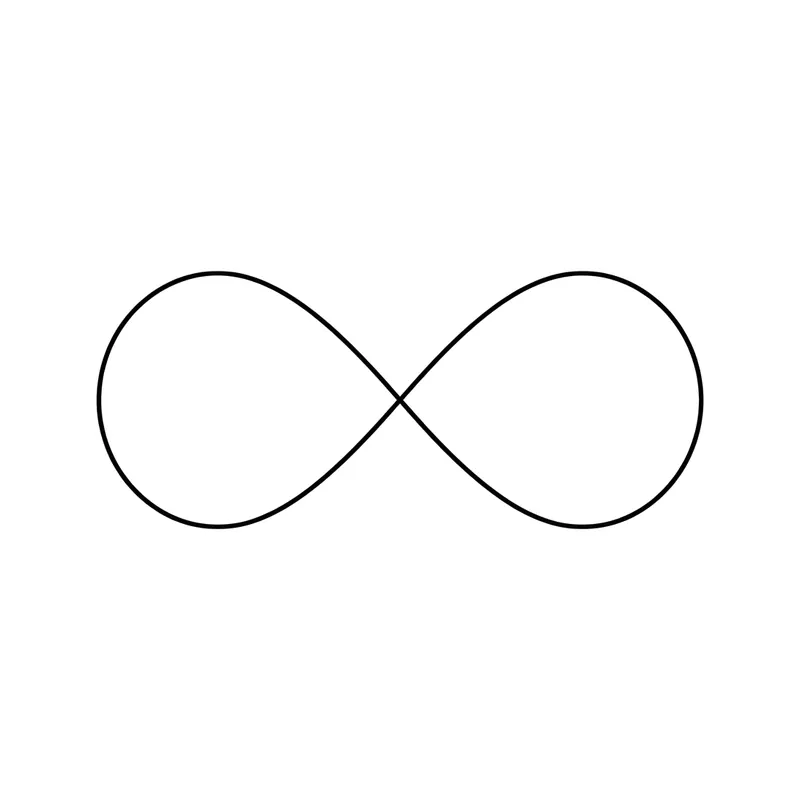
InfinityMinimalist · Wrist 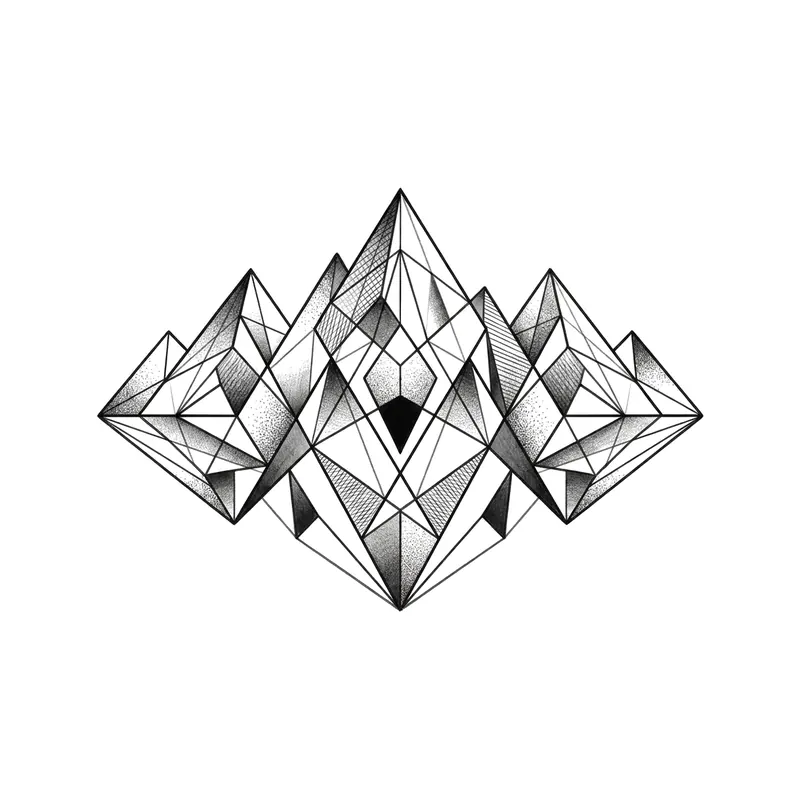
MountainsGeometric · Forearm 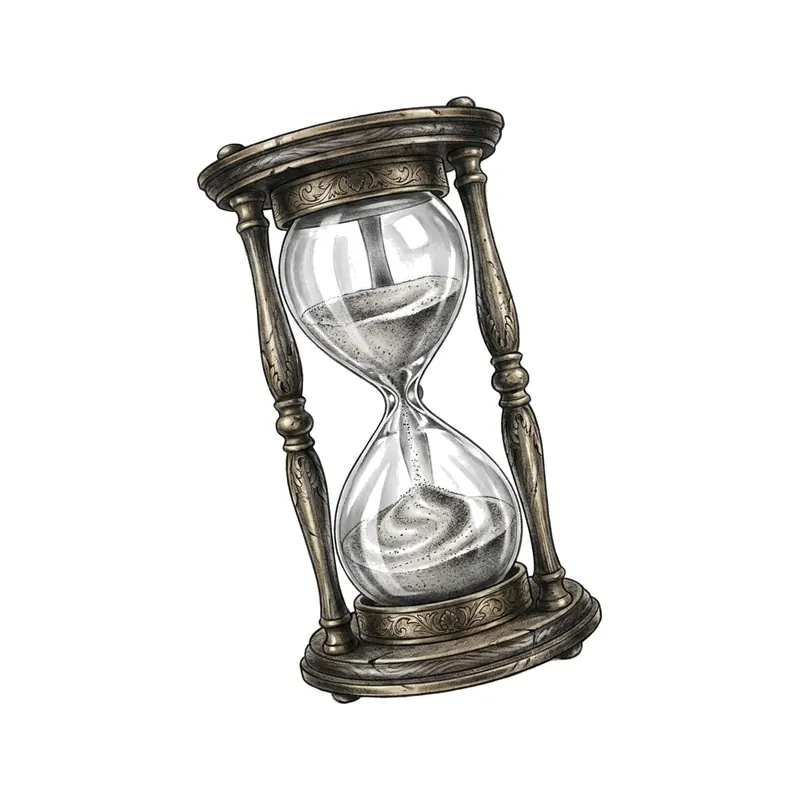
Hourglass with flowing sandRealistic · Forearm 
"Stay wild"Lettering · Wrist 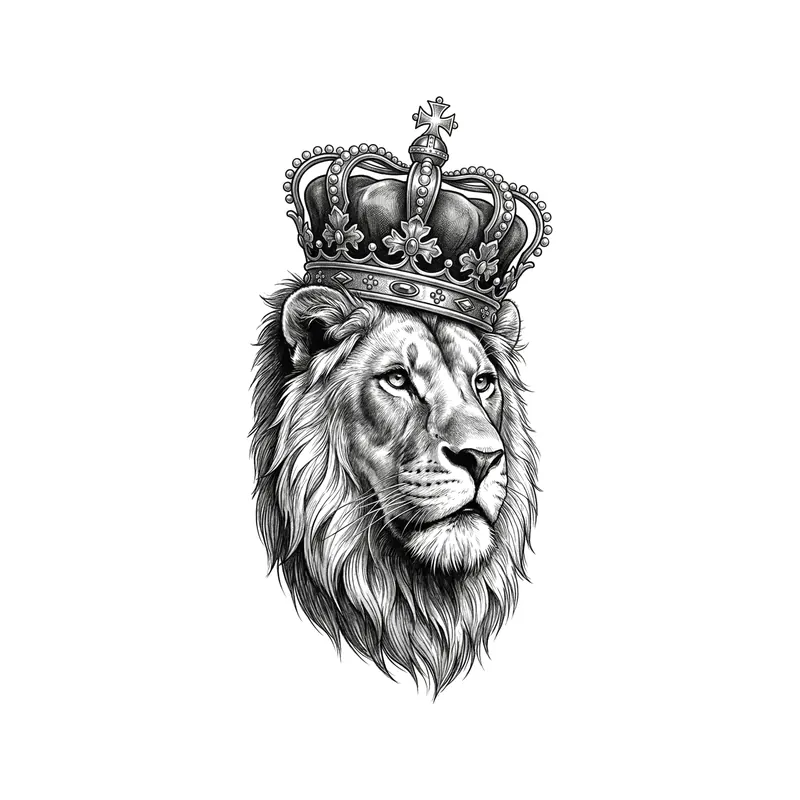
Lion with a crownRealistic · Forearm 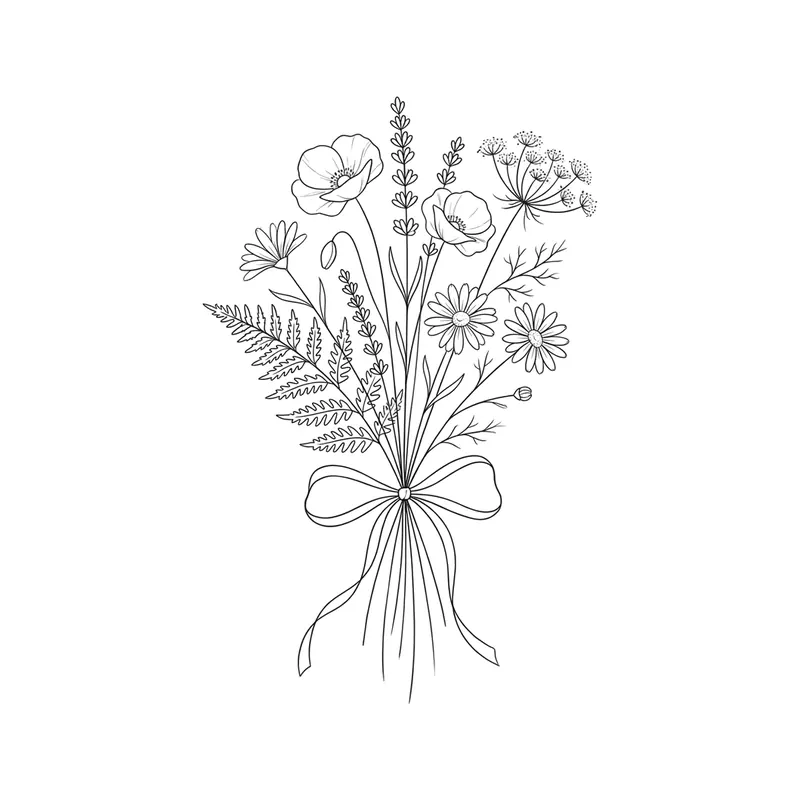
Wildflower bouquetFine line · Forearm 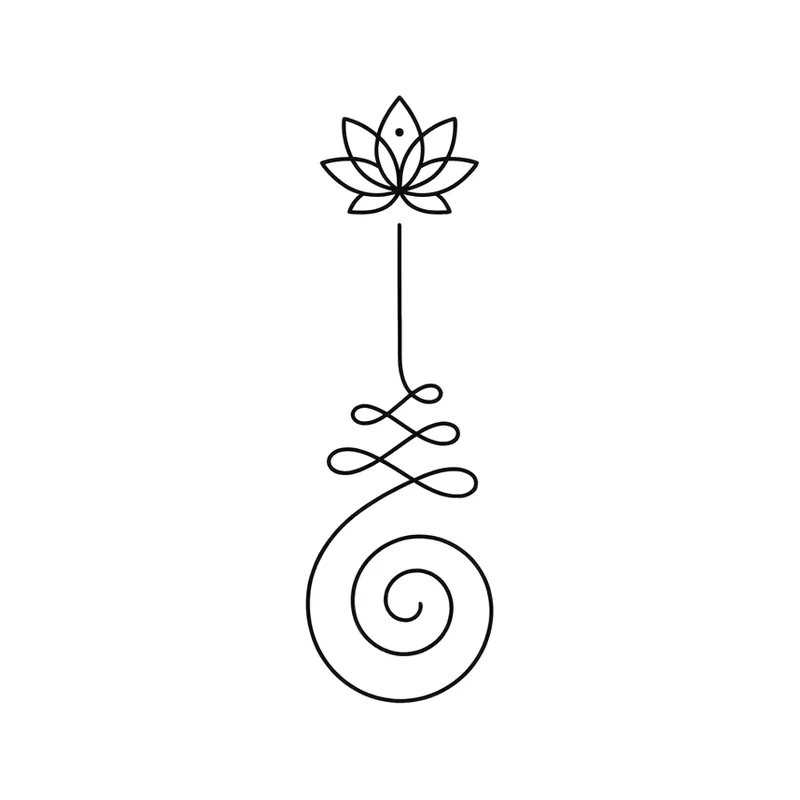
Unalome with a lotus flowerMinimalist · Back 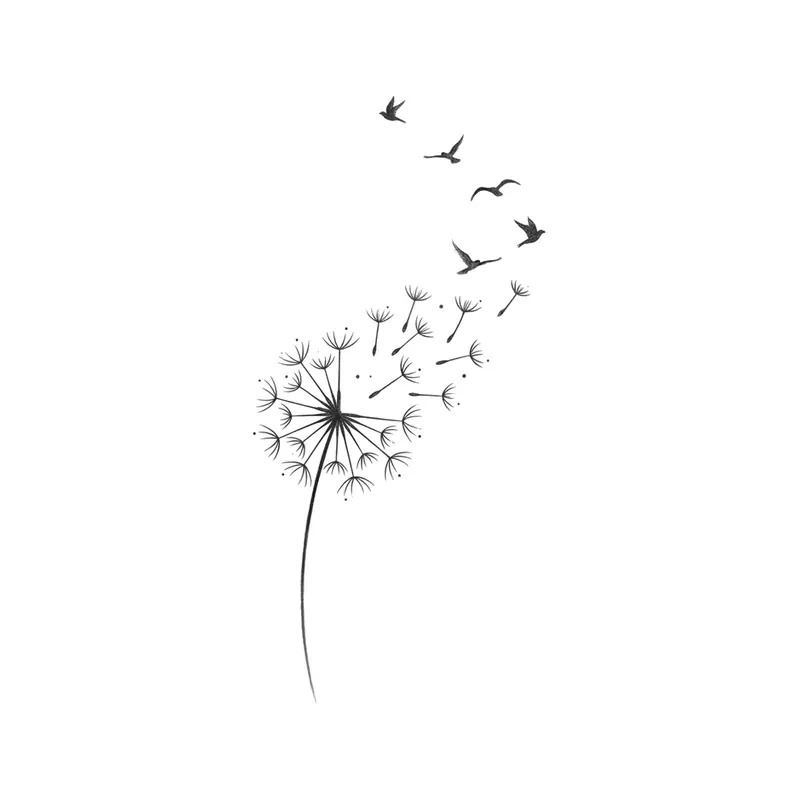
Dandelion turning into birdsMinimalist · Ribs 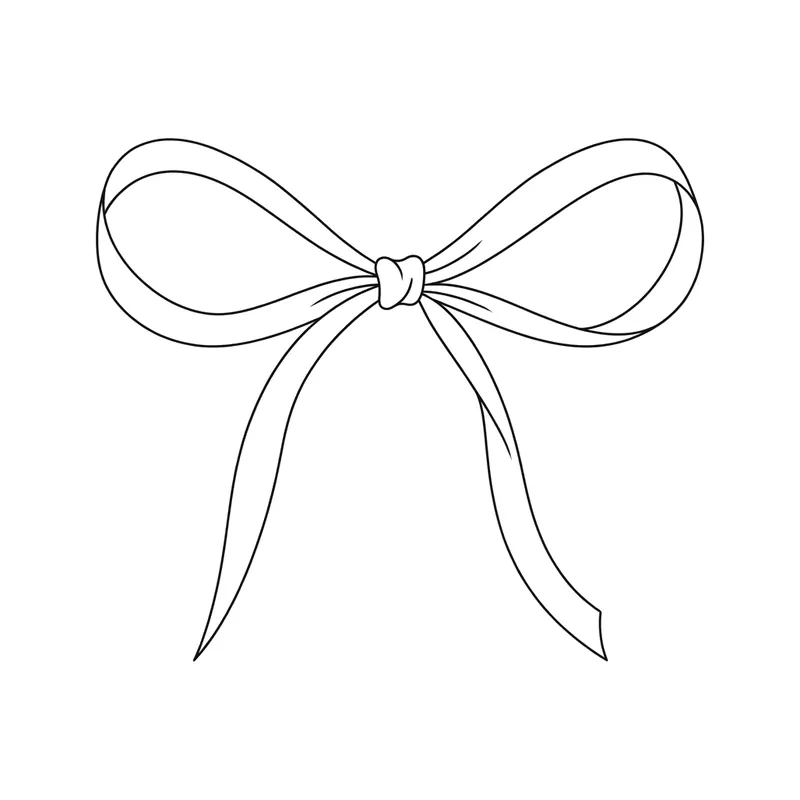
BowMinimalist · Ankle 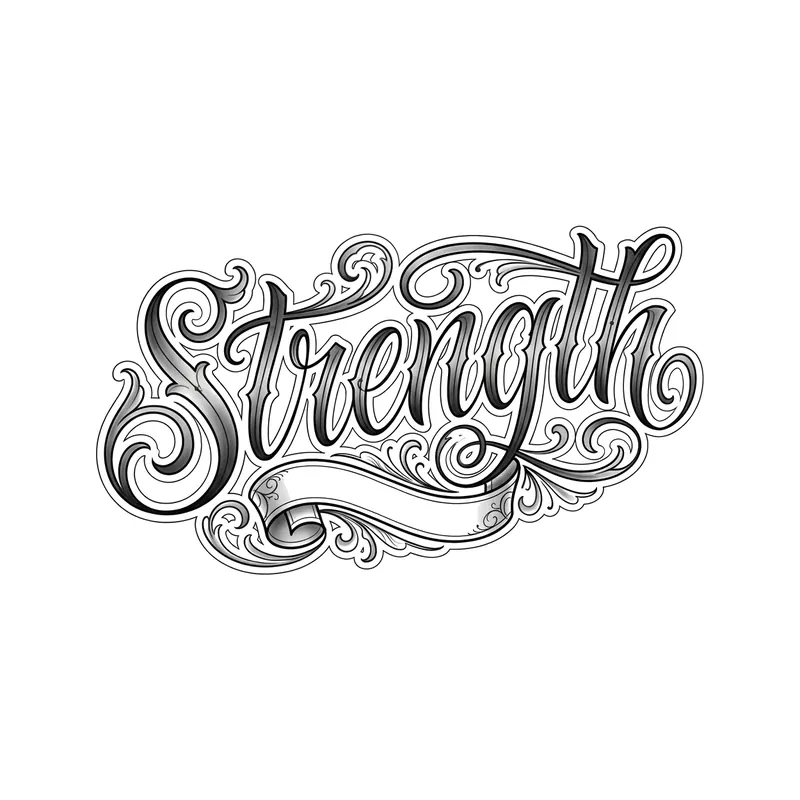
"Strength"Lettering · Wrist 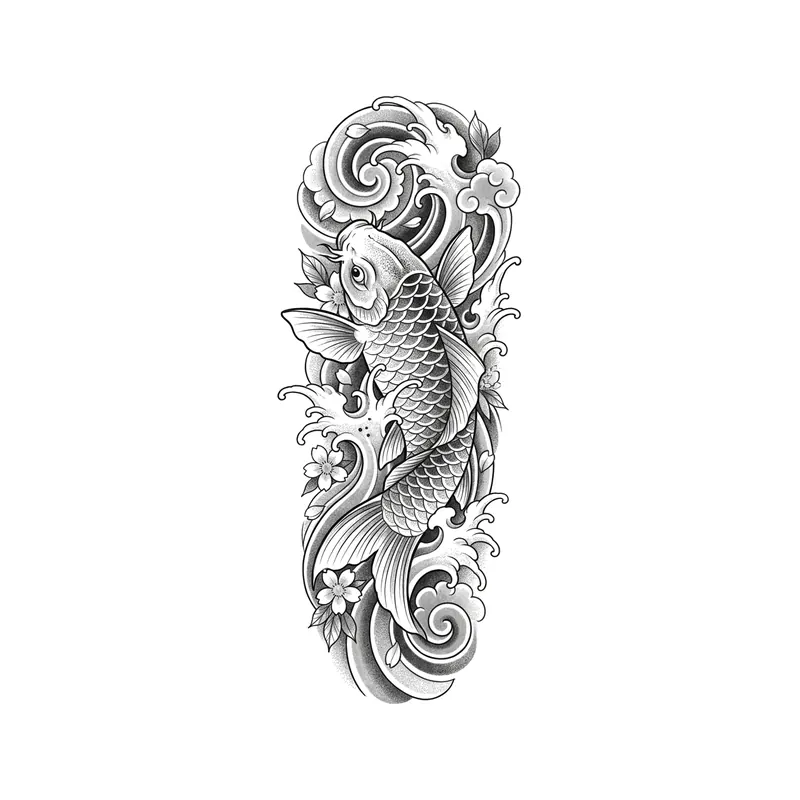
Koi swimming up the wavesJapanese · Forearm 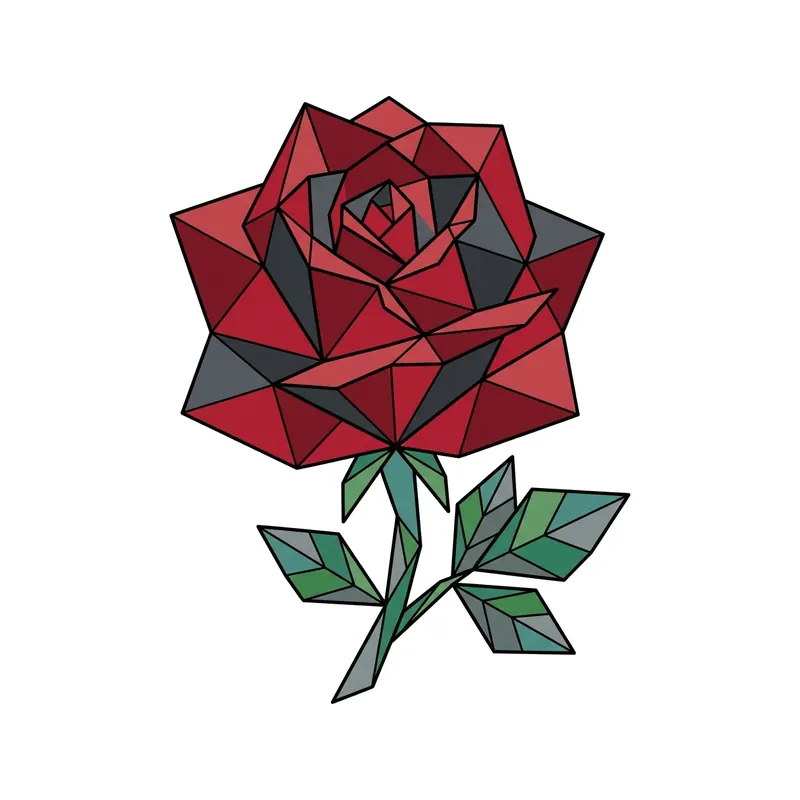
RoseGeometric · Forearm 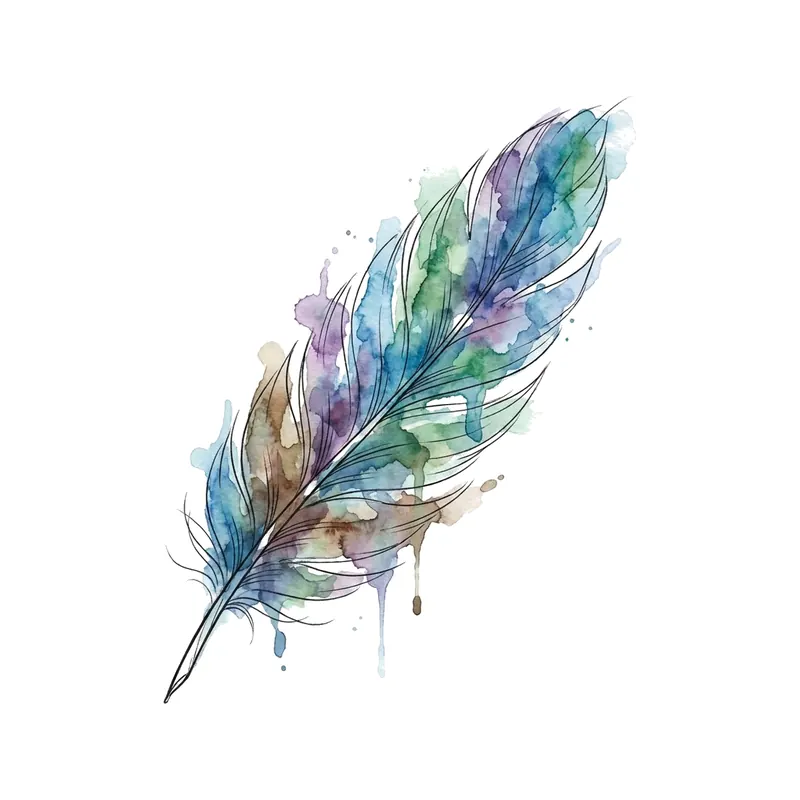
FeatherWatercolor · Forearm 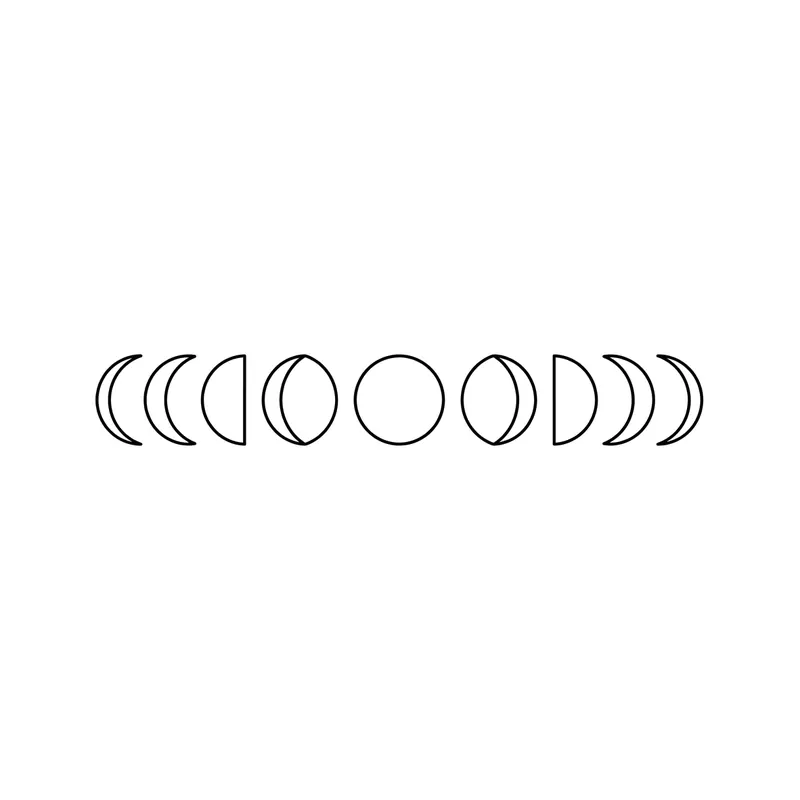
Moon phasesMinimalist · Forearm 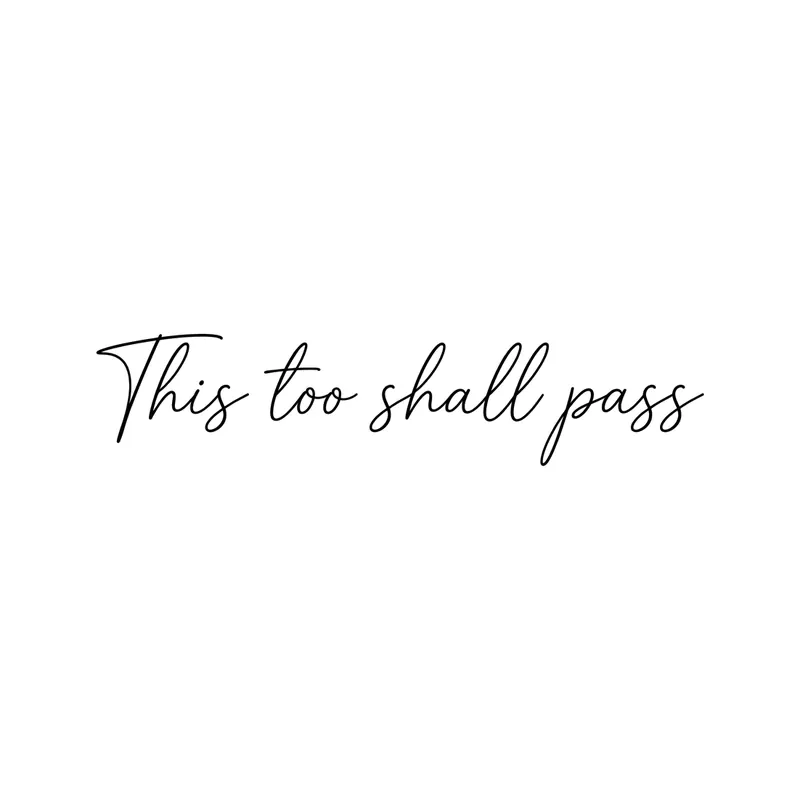
"This too shall pass"Lettering · Wrist 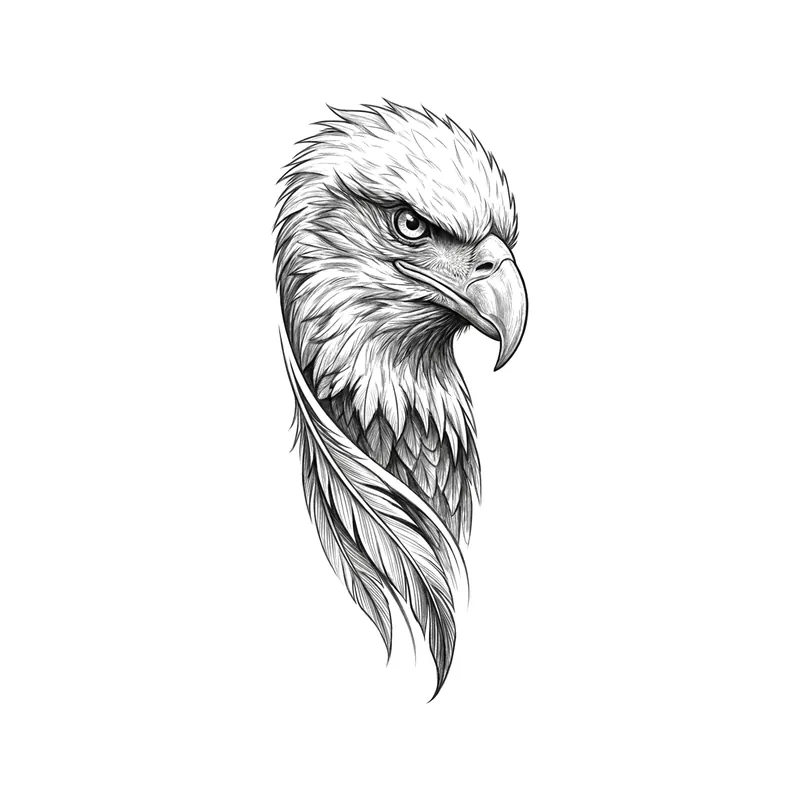
Eagle headRealistic · Forearm 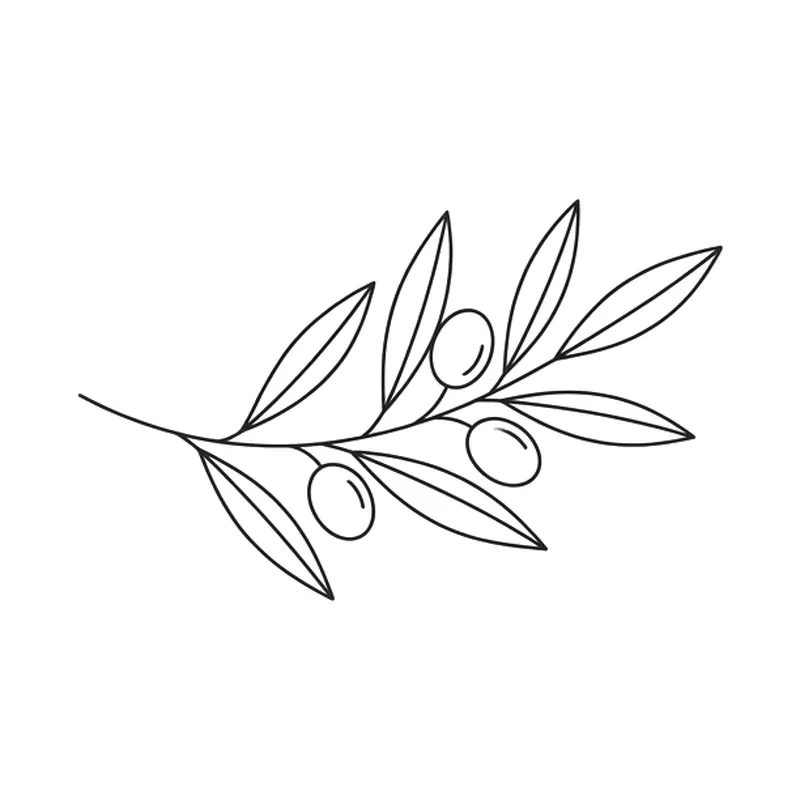
Olive branchFine line · Wrist 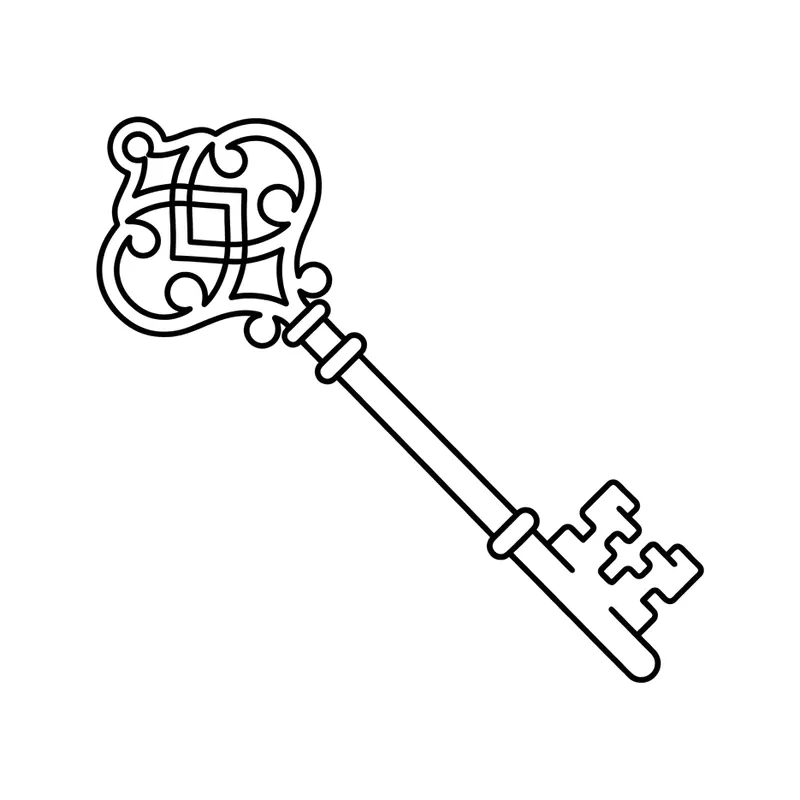
Antique keyMinimalist · Wrist 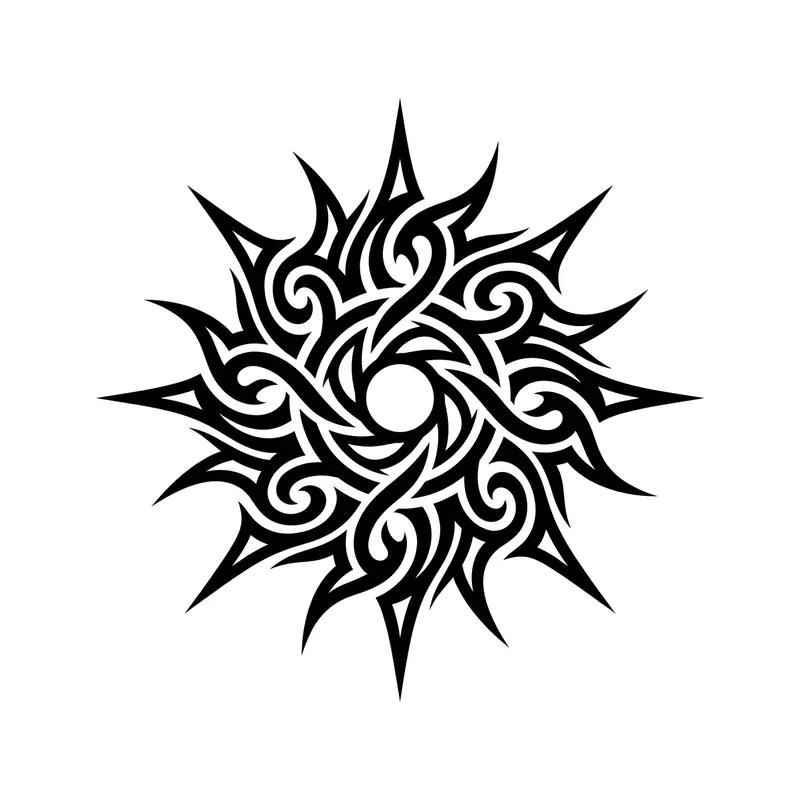
SunTribal · Back 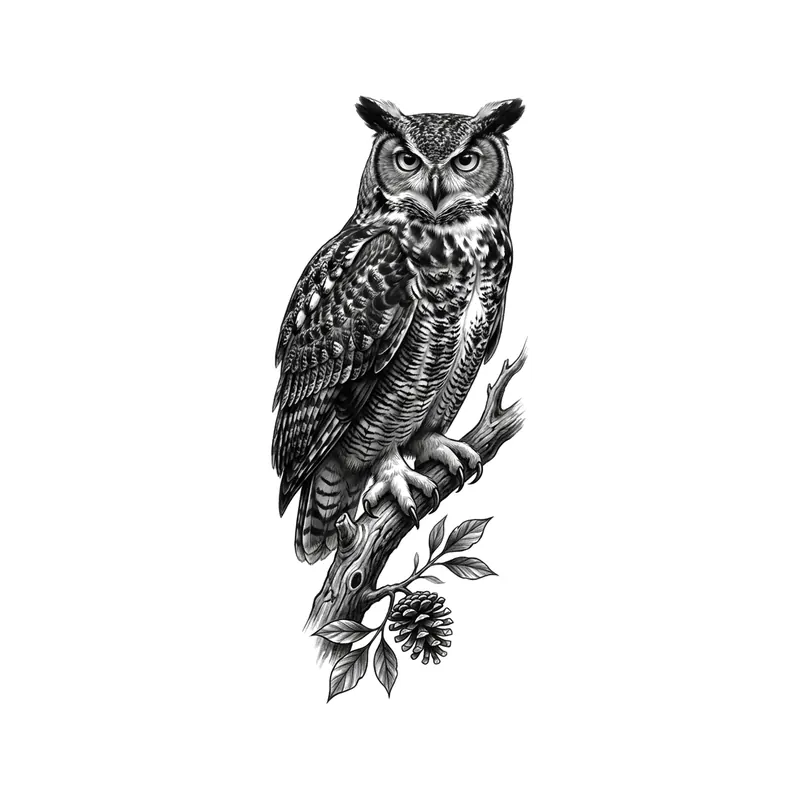
OwlRealistic · Forearm 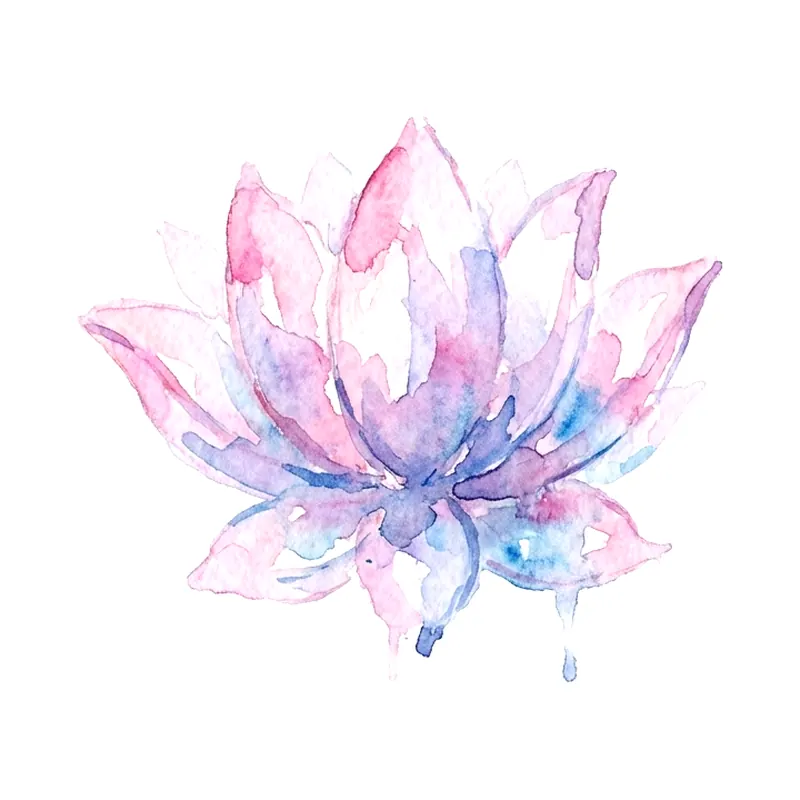
Small lotus flowerWatercolor · Wrist 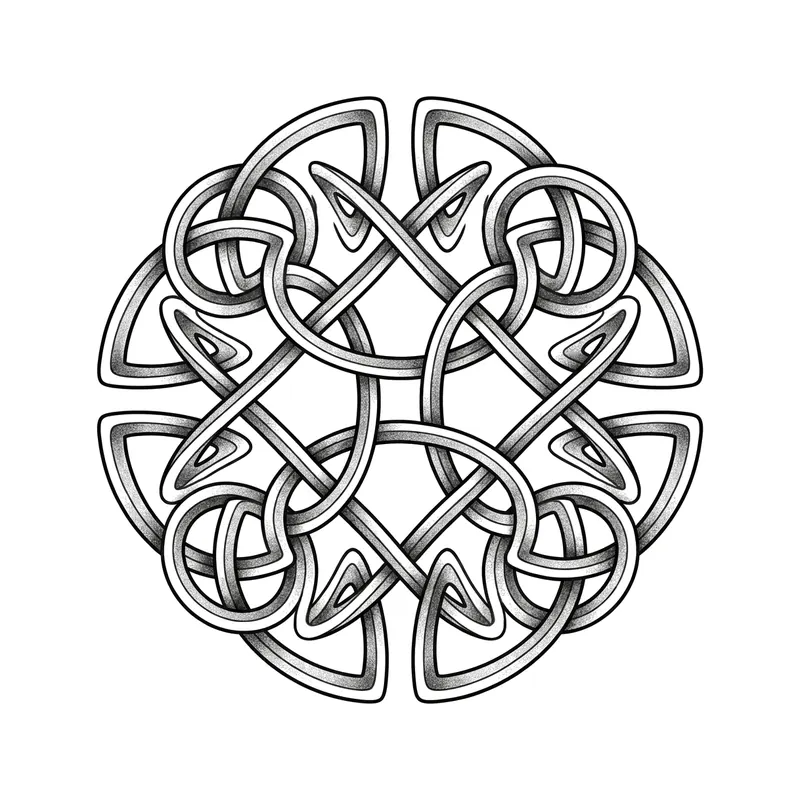
Celtic knotTraditional · Forearm 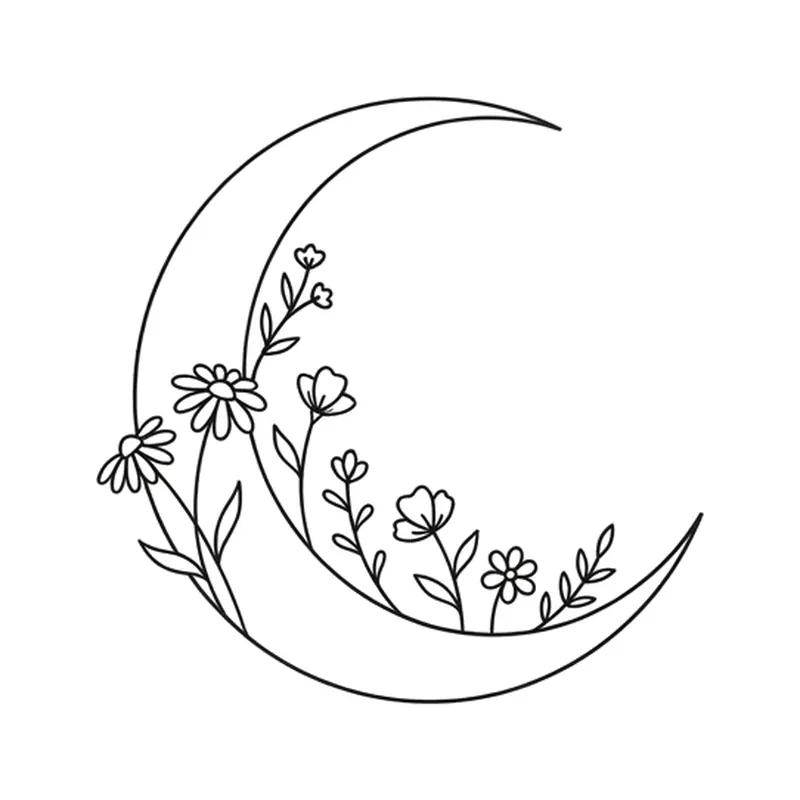
Crescent moon with little flowersMinimalist · Wrist 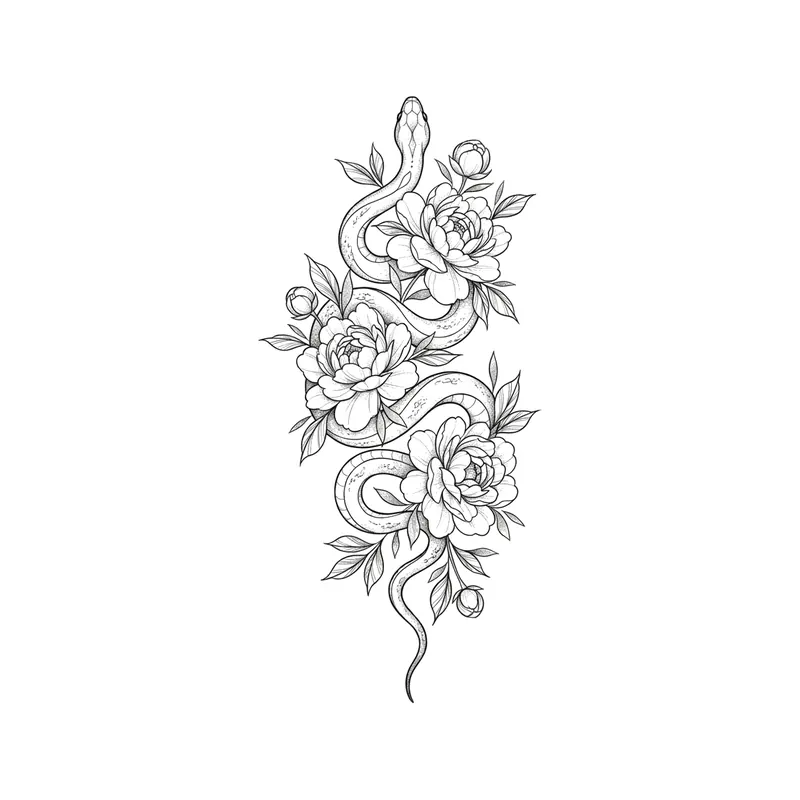
Snake and peoniesTraditional · Forearm 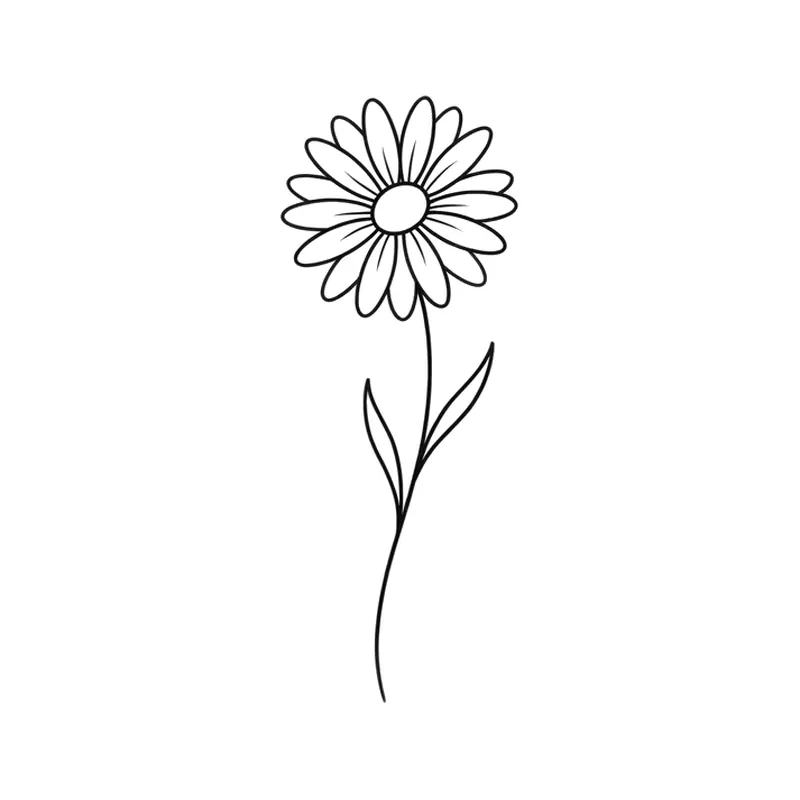
Short-stemmed daisyMinimalist · Wrist 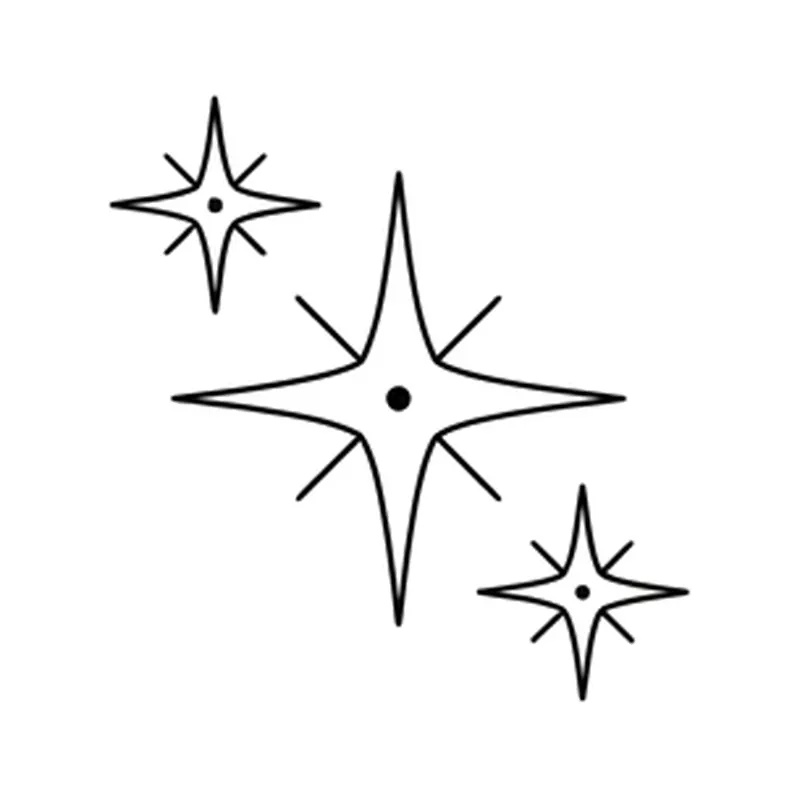
Three sparklesMinimalist · Wrist 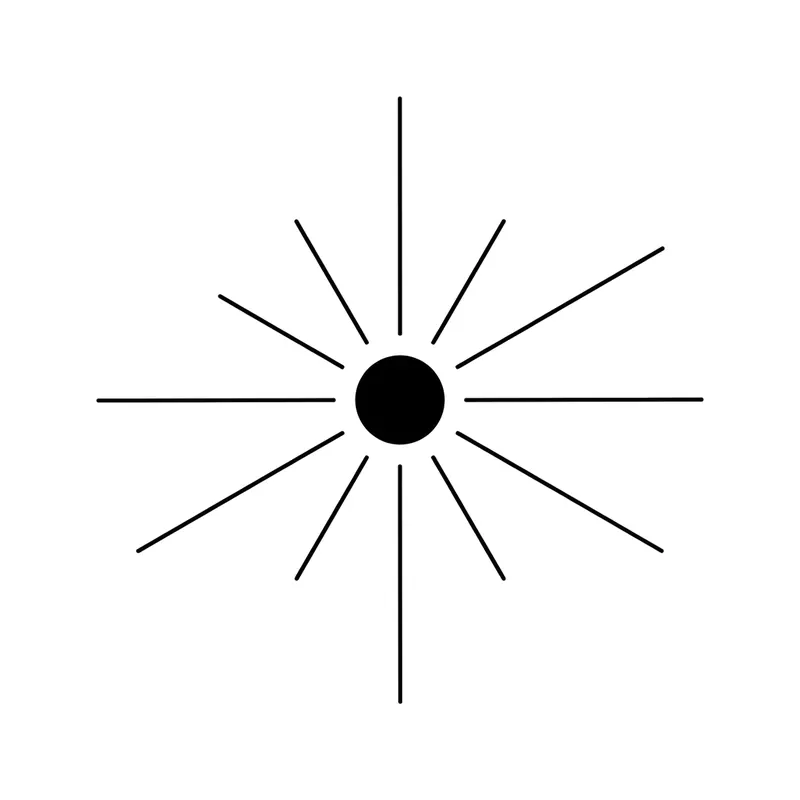
Sun with thin raysMinimalist · Wrist 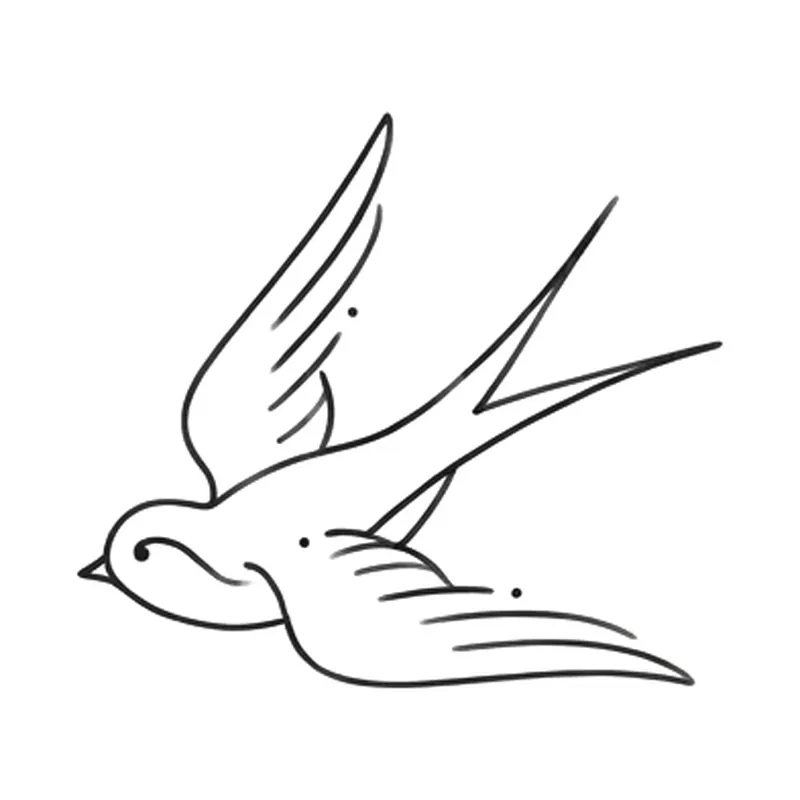
Flying swallowMinimalist · Wrist 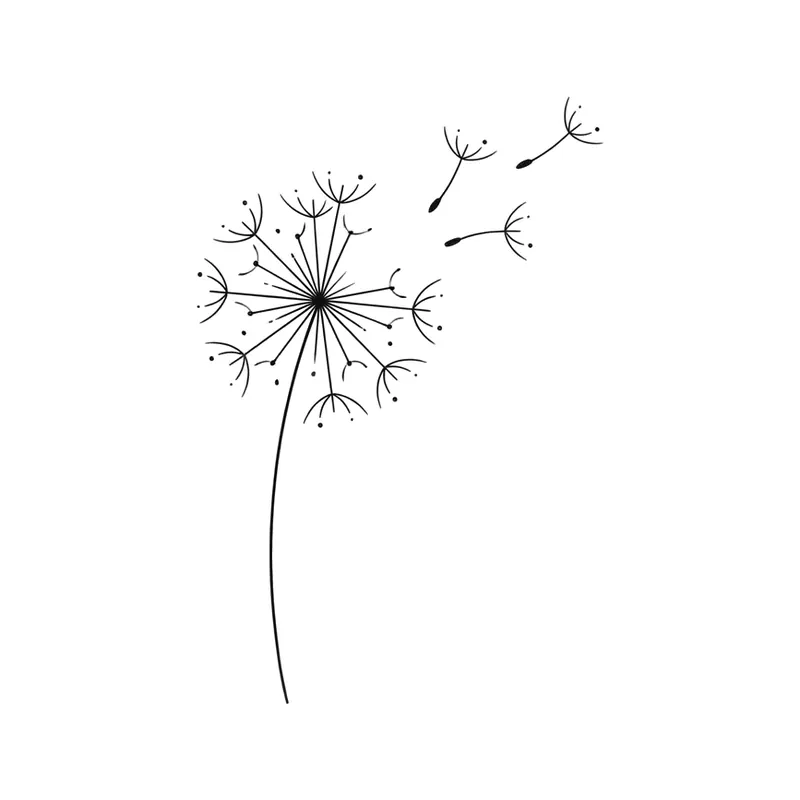
Dandelion with seeds in the windMinimalist · Wrist 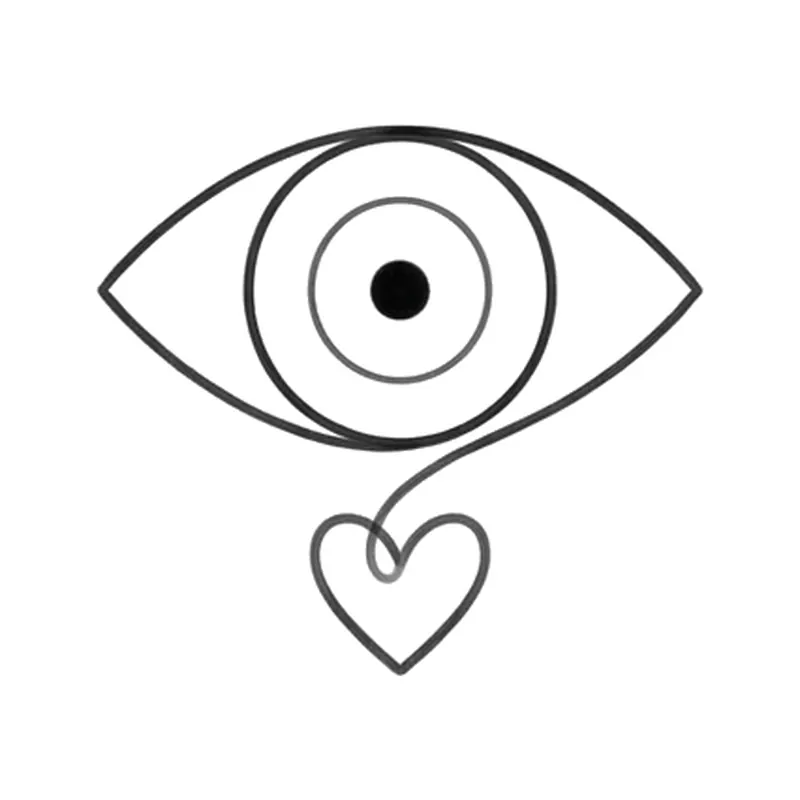
Evil eye with a heartMinimalist · Wrist 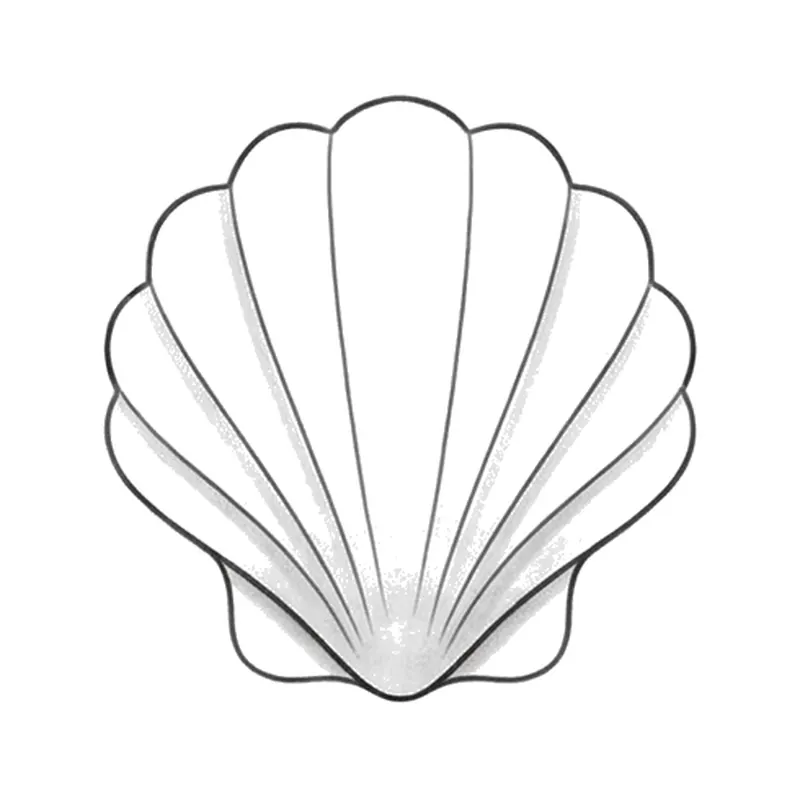
SeashellMinimalist · Ankle 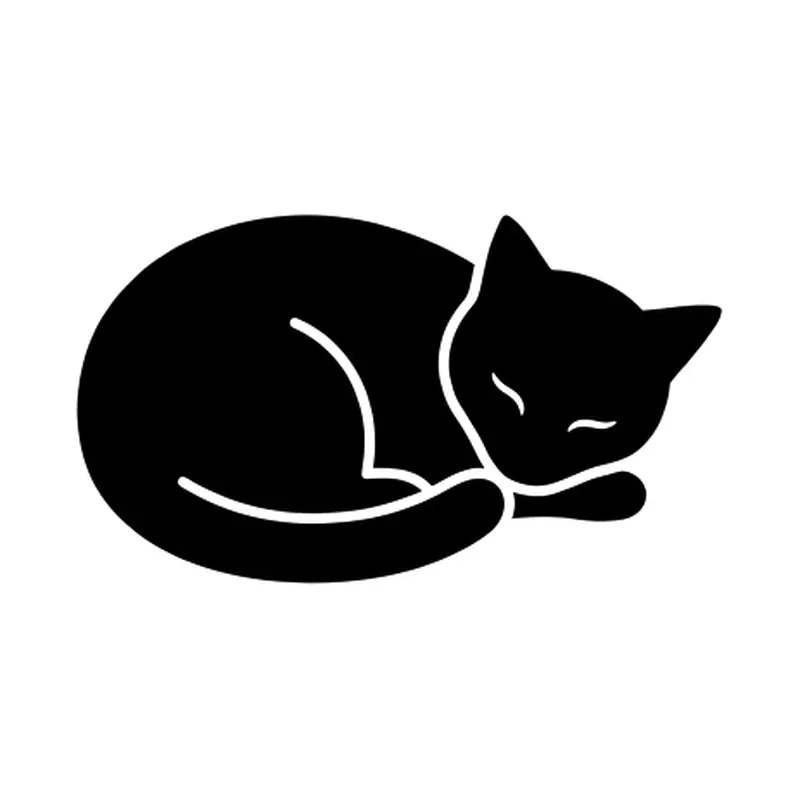
Sleeping curled-up catMinimalist · Wrist 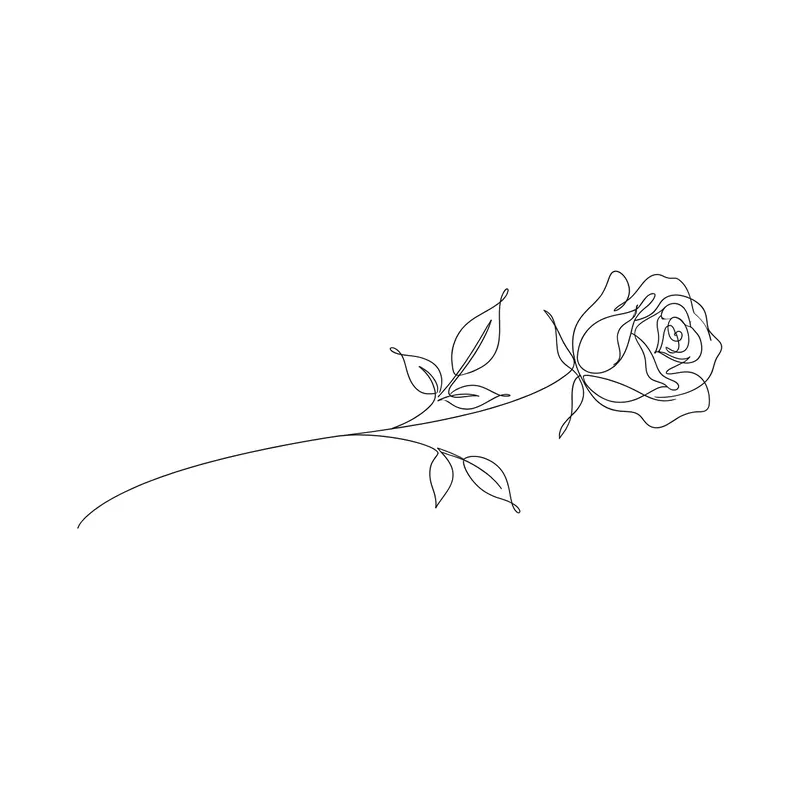
Long-stemmed roseFine line · Forearm 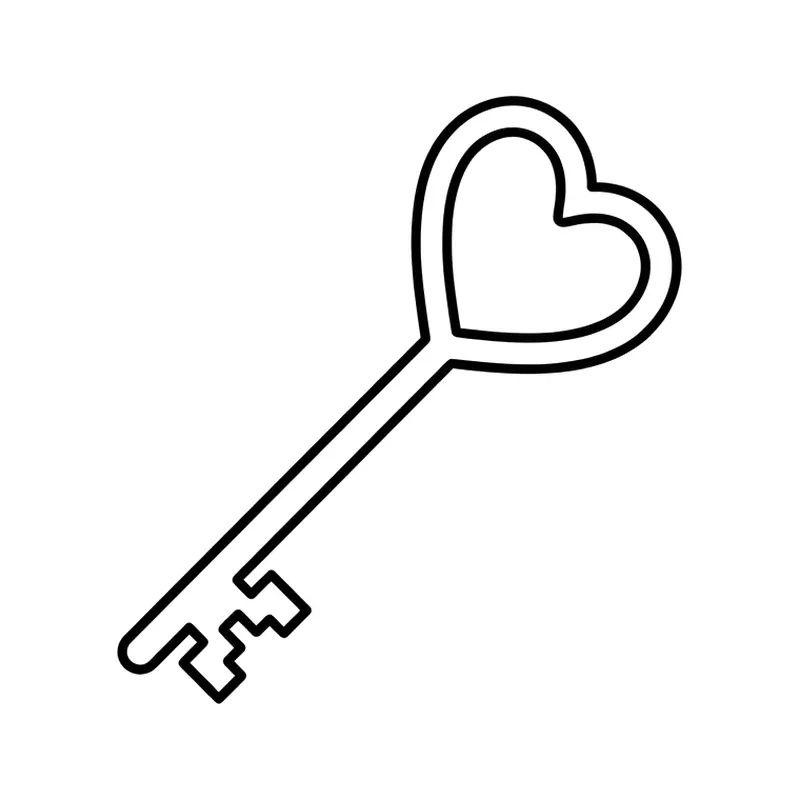
Key with a heartMinimalist · Wrist 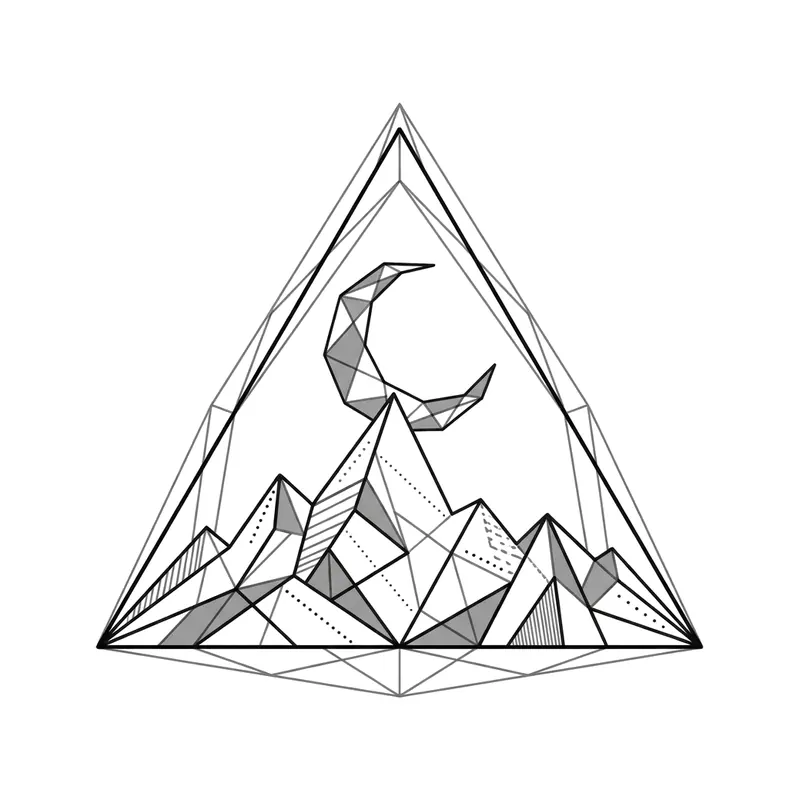
Mountain and moon in a triangleGeometric · Wrist 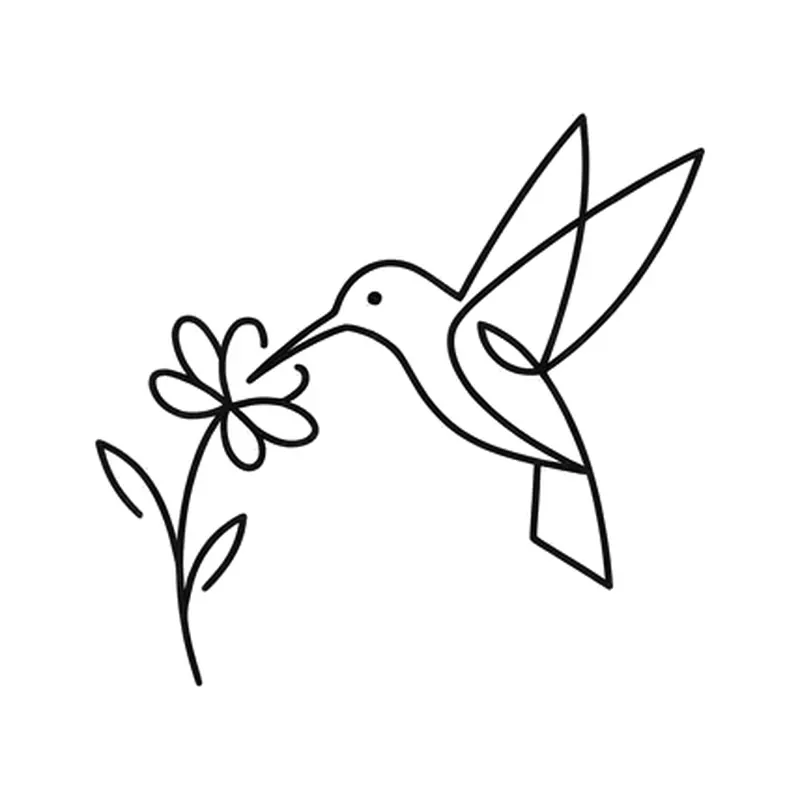
Hummingbird on a flowerMinimalist · Wrist 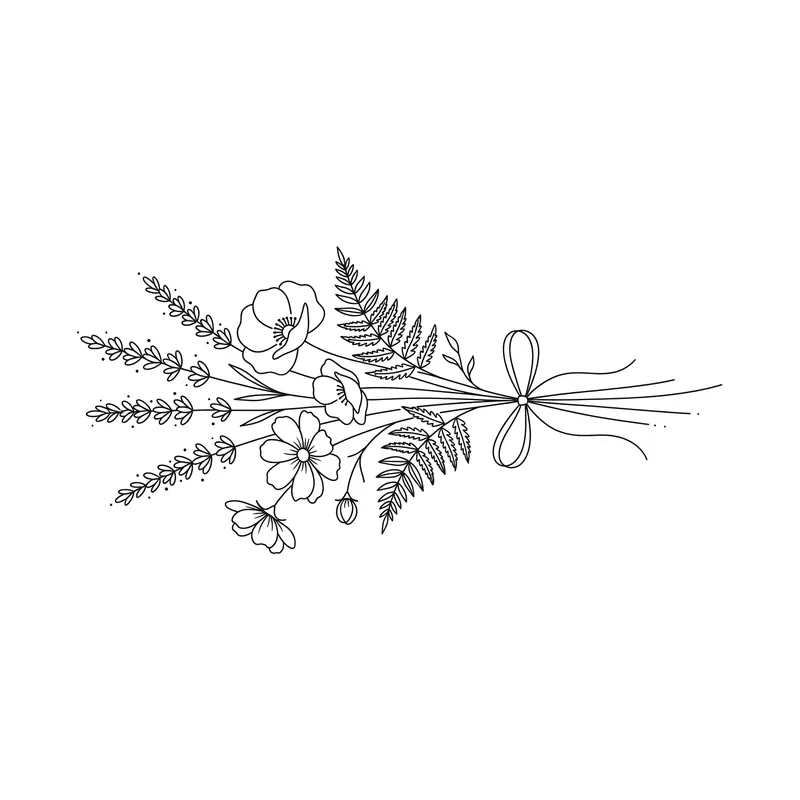
Wildflower bouquet with a ribbonFine line · Forearm 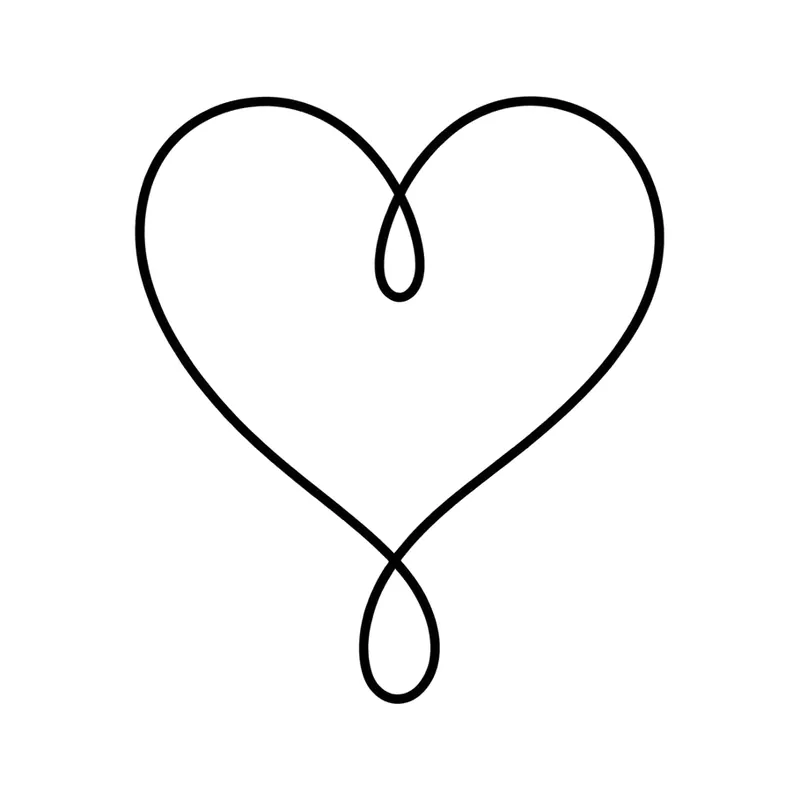
One-line heartFine line · Wrist 
Moon and starMinimalist · Behind the ear 
Paw print with a heartMinimalist · Wrist 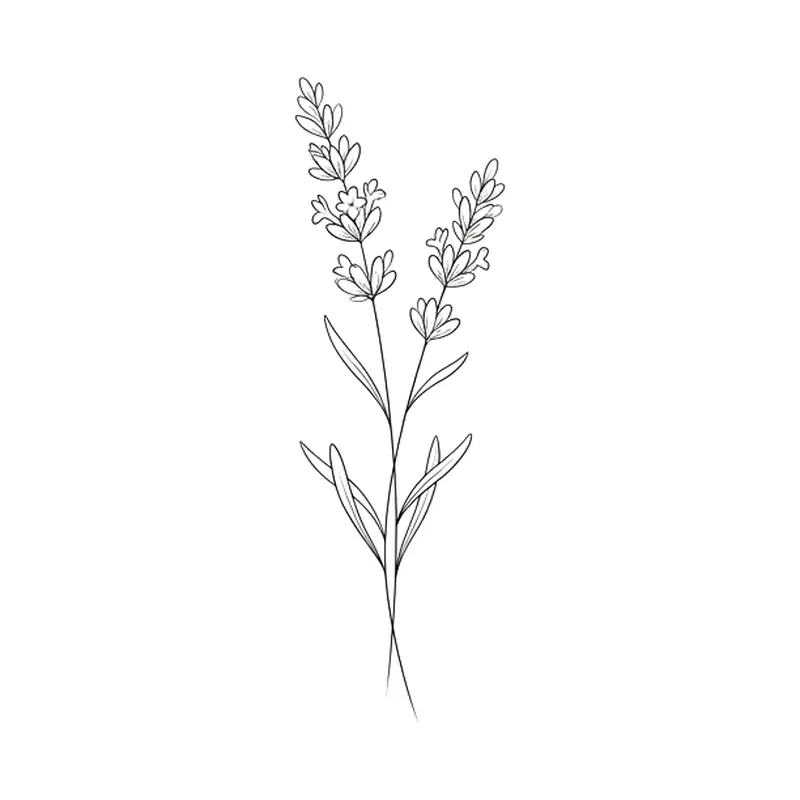
Lavender sprigFine line · Wrist 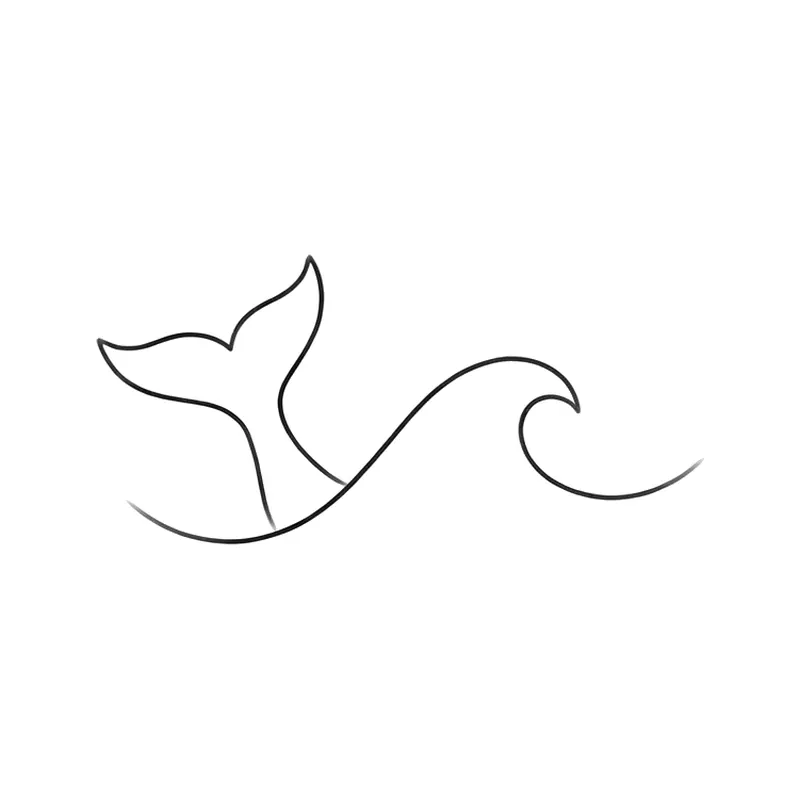
Whale tail in the wavesMinimalist · Wrist 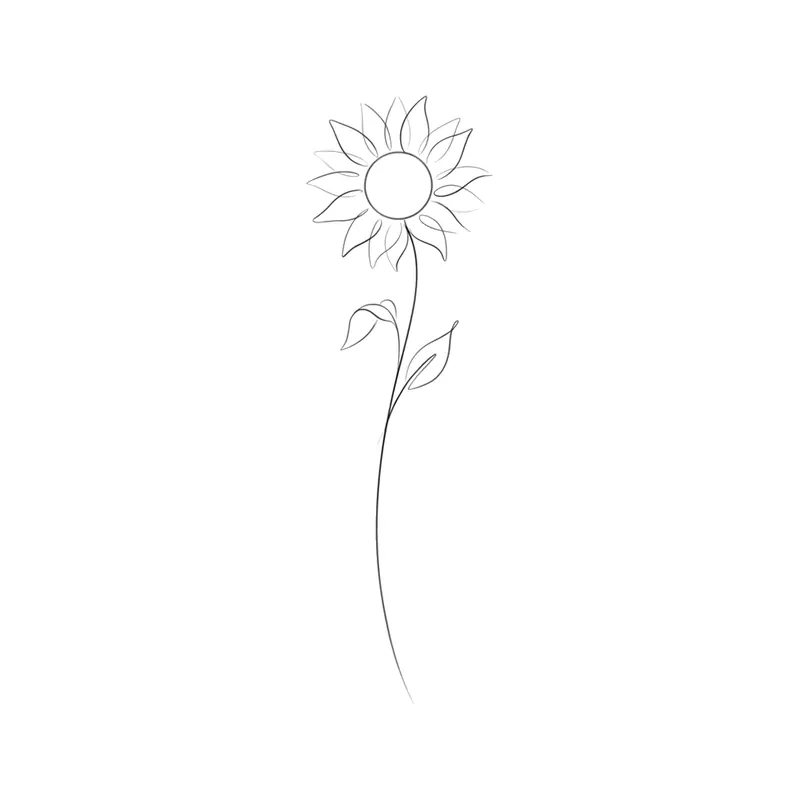
Long-stemmed sunflowerFine line · Forearm 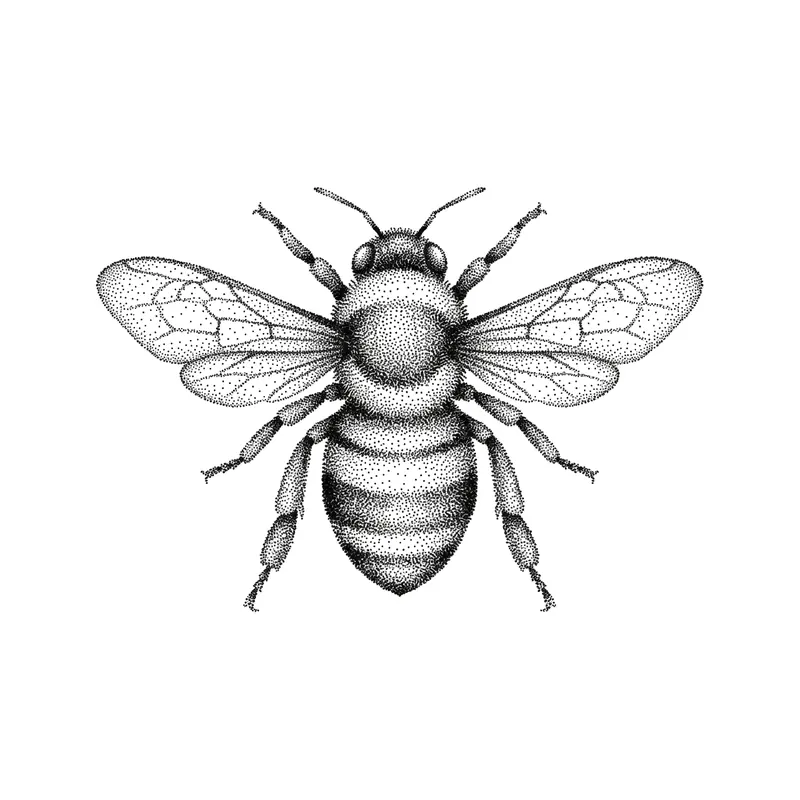
BeePointillism · Wrist 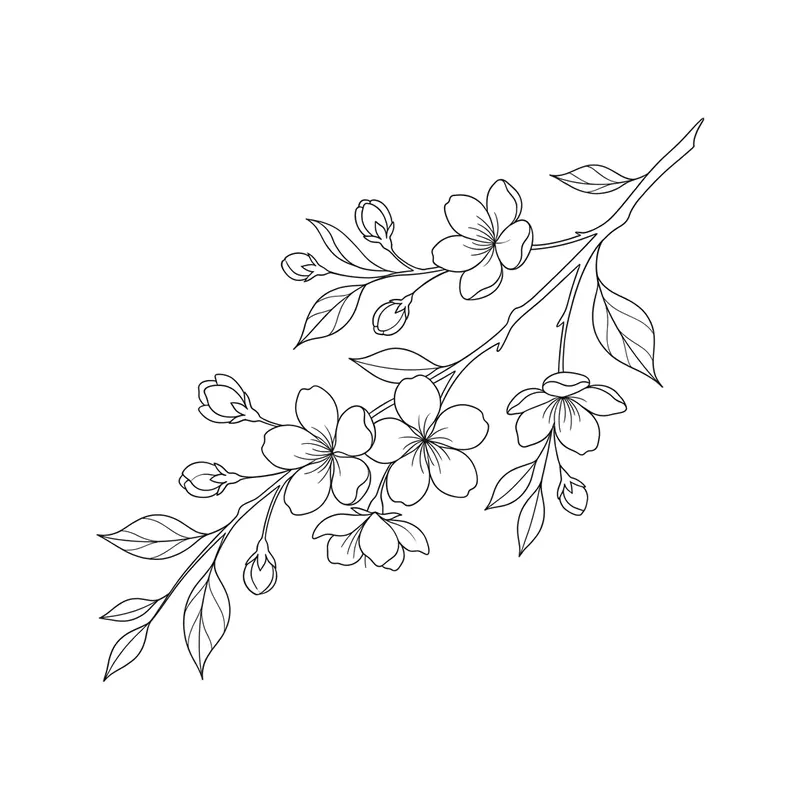
Blossoming cherry branchFine line · Ribs 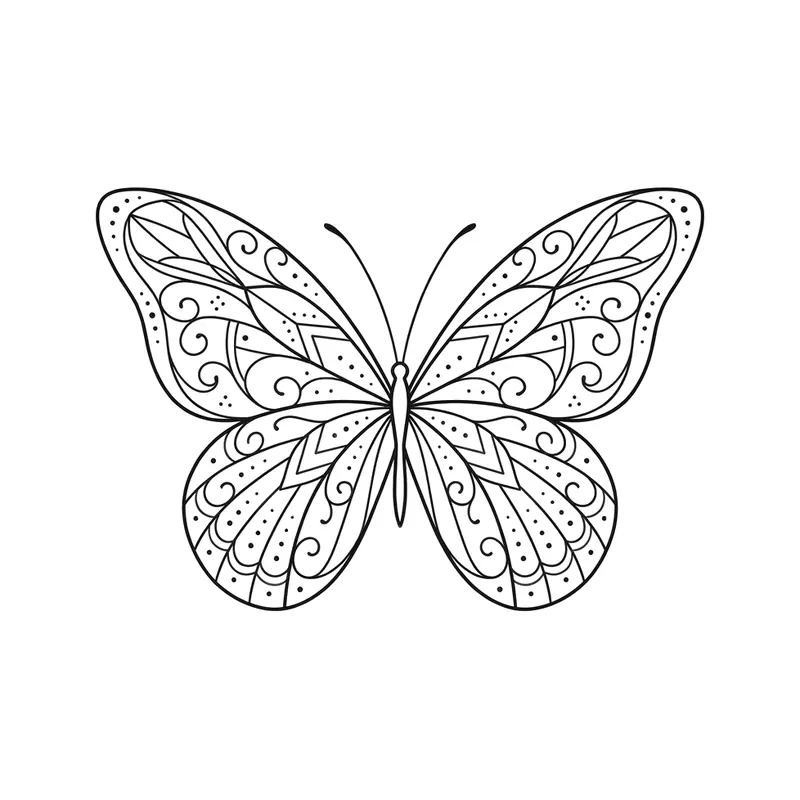
Butterfly with detailed wingsFine line · Wrist 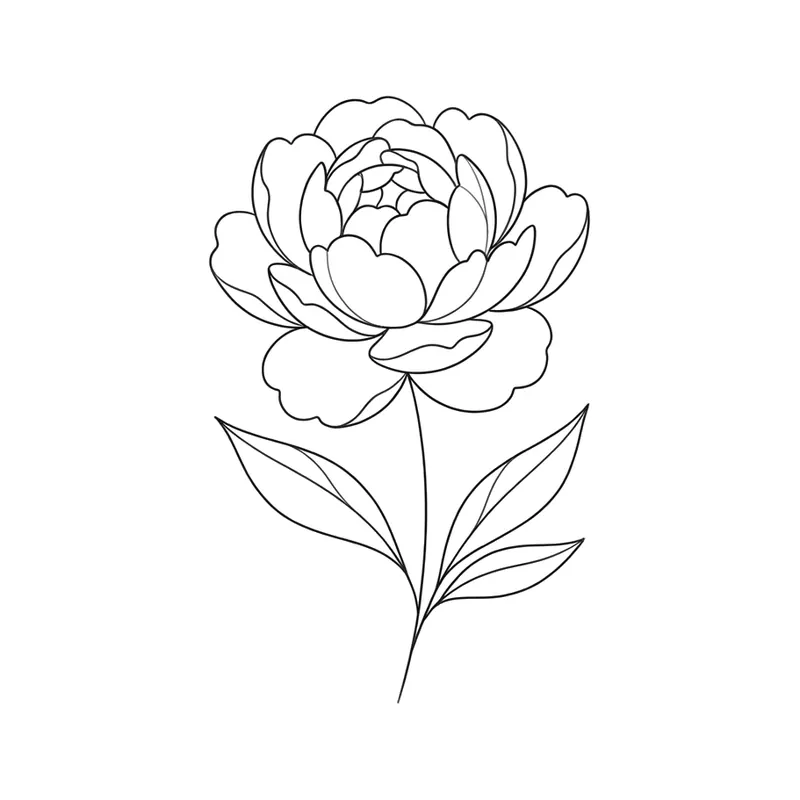
Peony in bloomFine line · Forearm 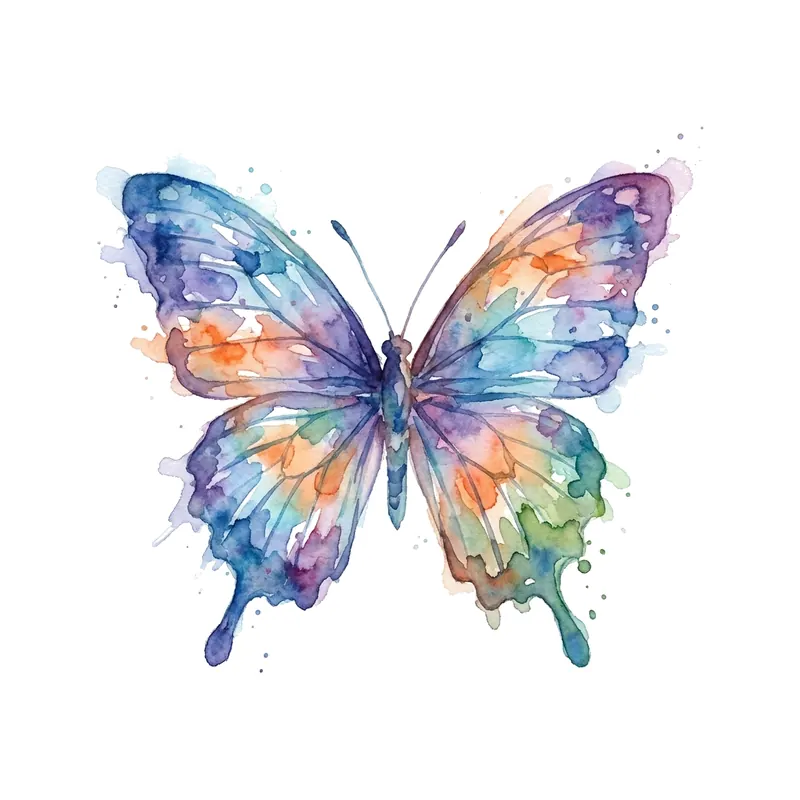
ButterflyWatercolor · Forearm 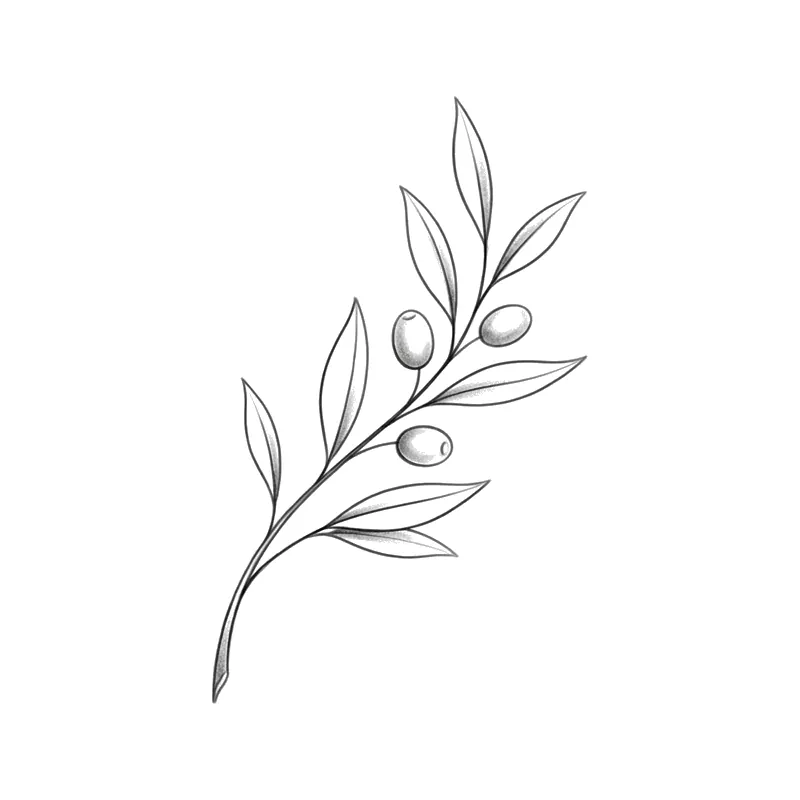
Olive sprigMinimalist · Wrist 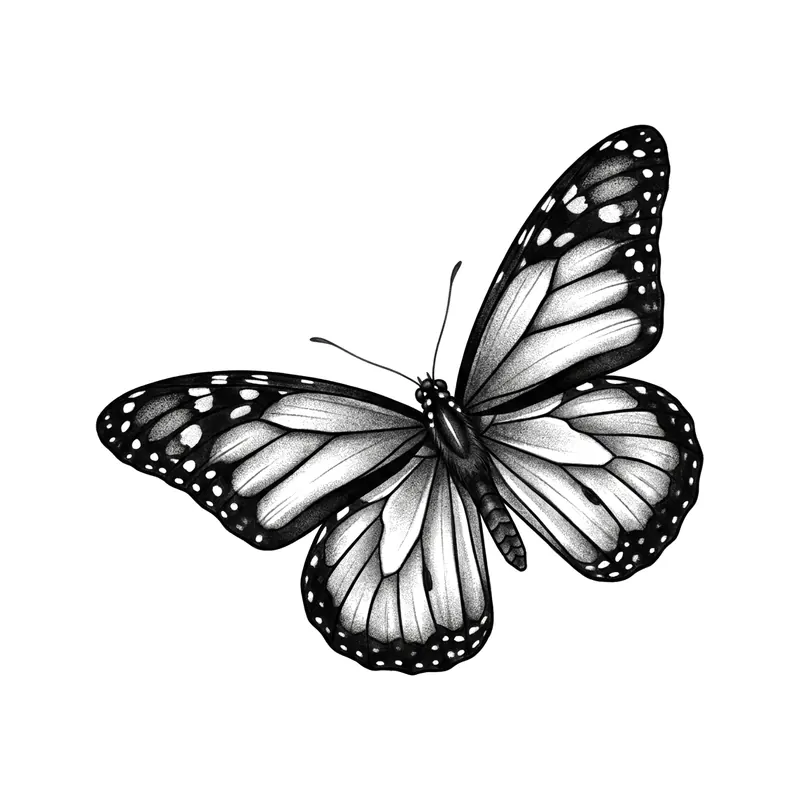
Monarch butterflyRealistic · Forearm 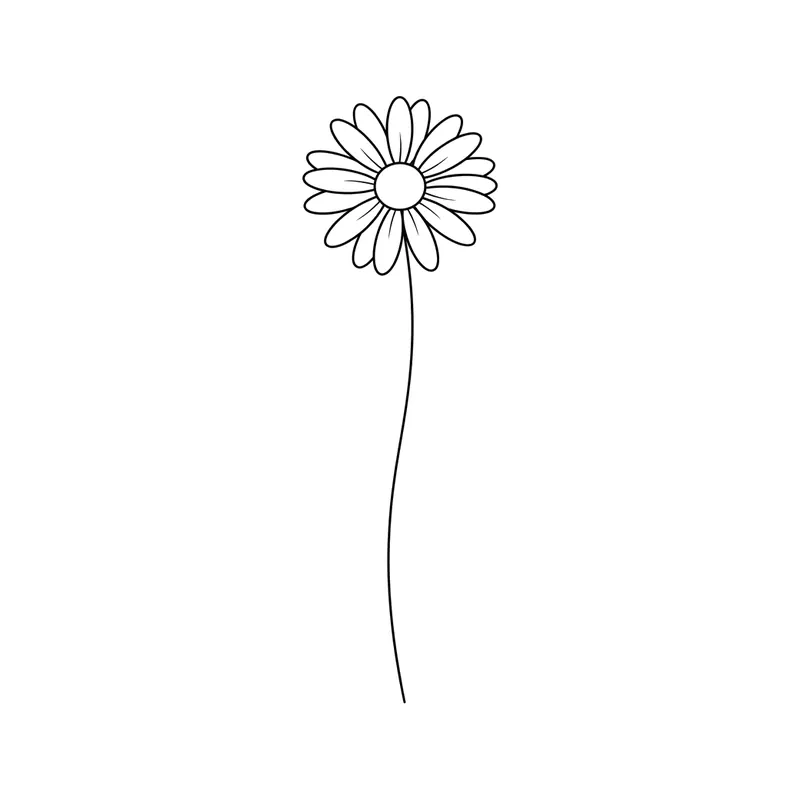
Thin-stemmed daisyMinimalist · Wrist 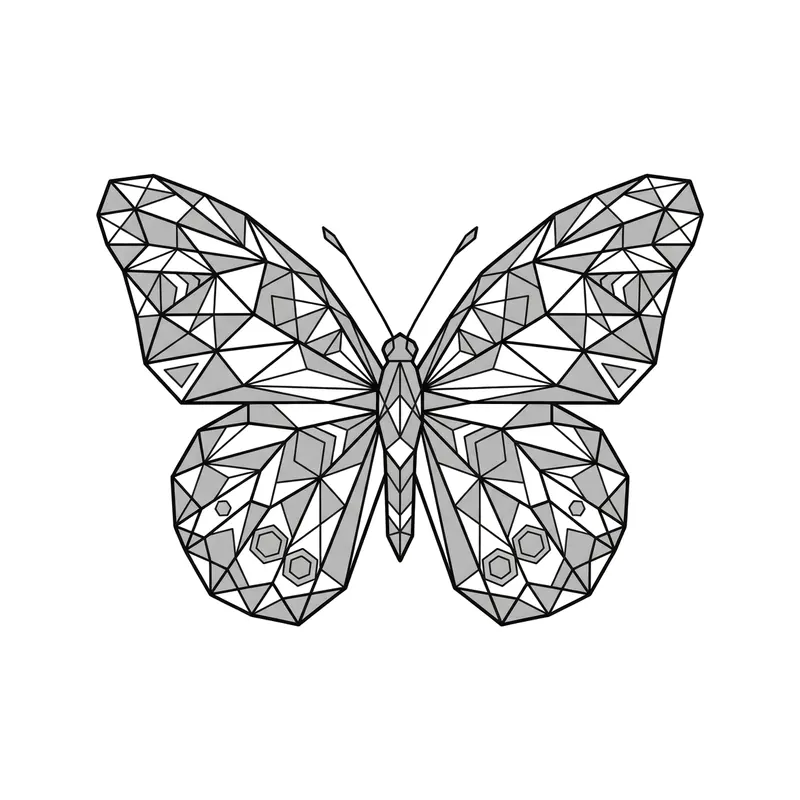
ButterflyGeometric · Wrist 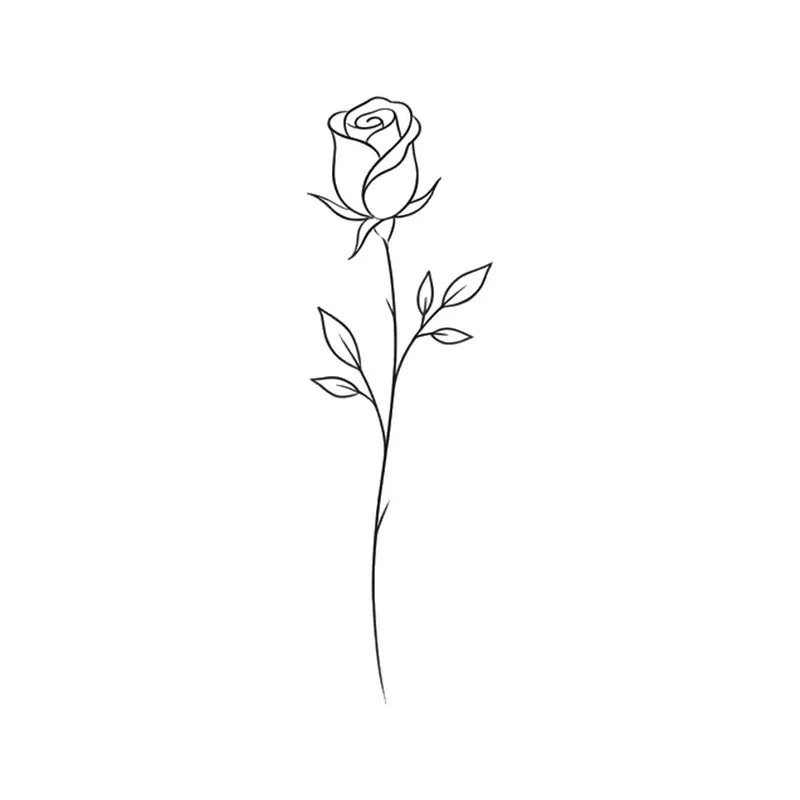
RosebudMinimalist · Wrist 
ButterflyPointillism · Forearm 
Pair of cherriesMinimalist · Wrist 
ButterflyTribal · Back 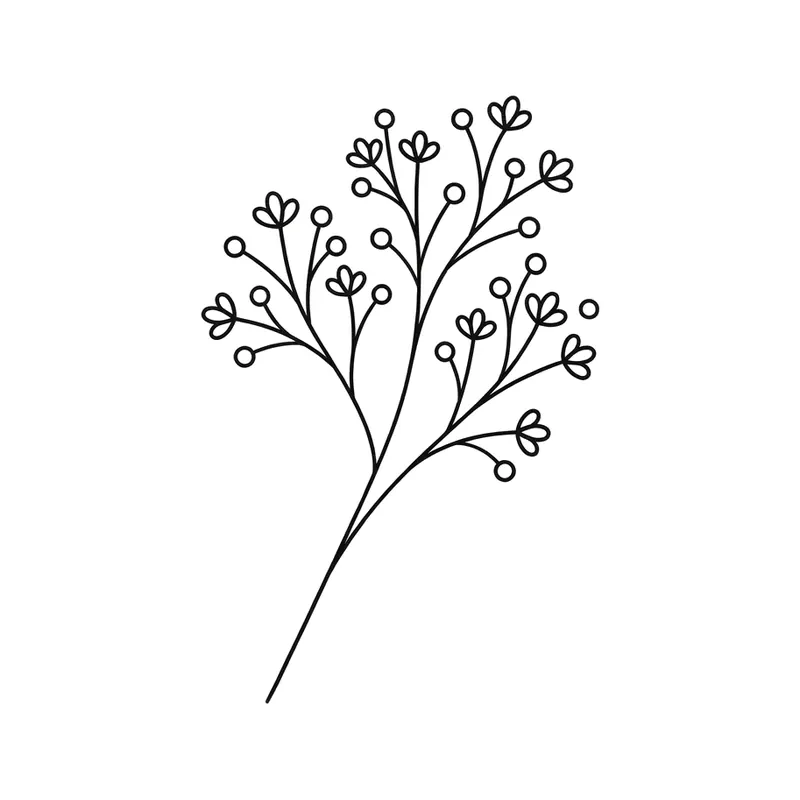
Baby's breath sprigMinimalist · Wrist 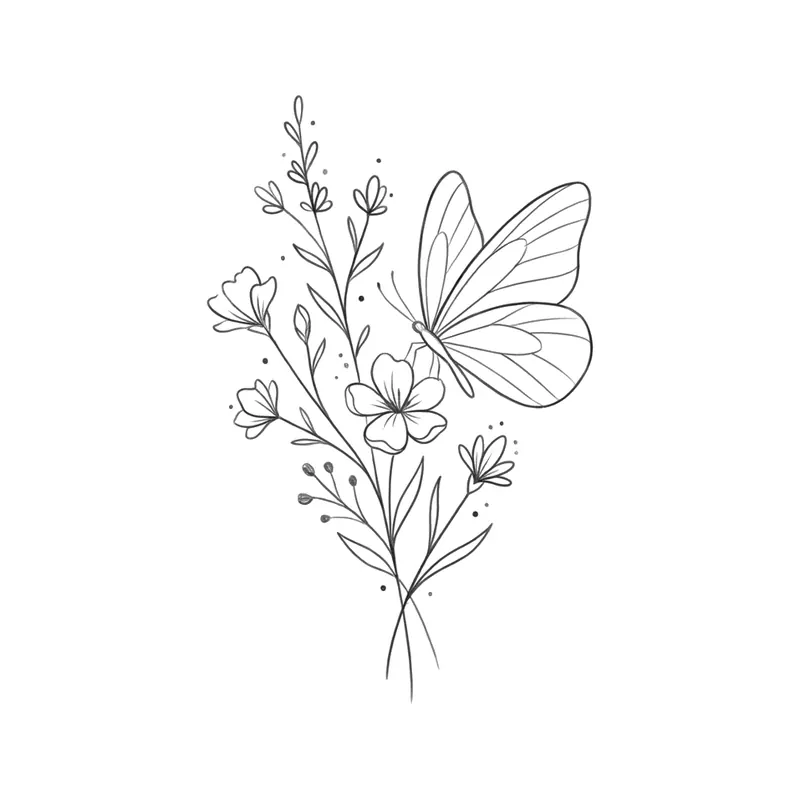
Butterfly on wildflowersMinimalist · Forearm 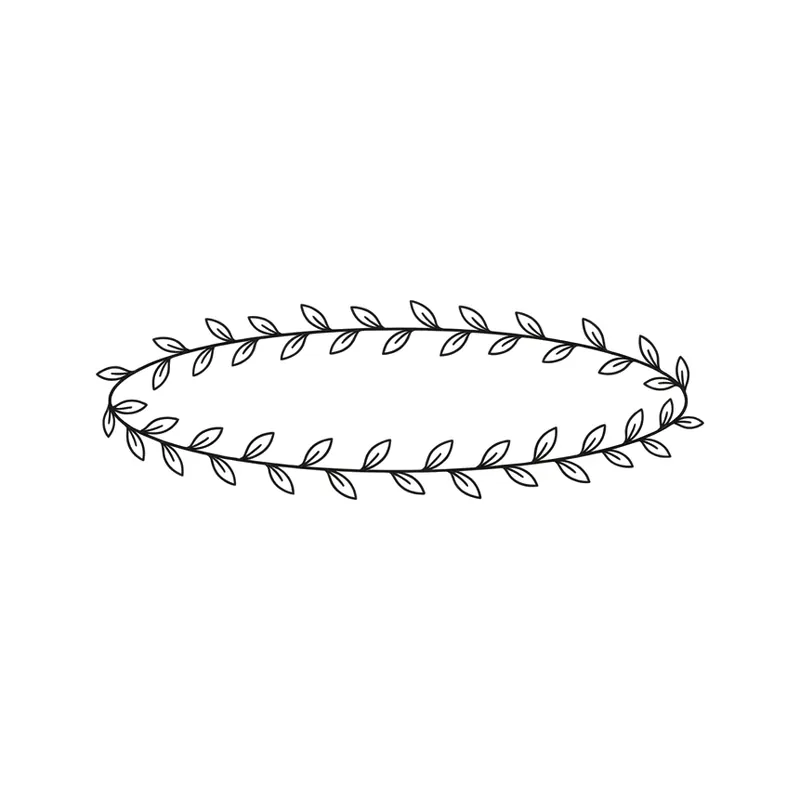
Leafy braceletMinimalist · Wrist 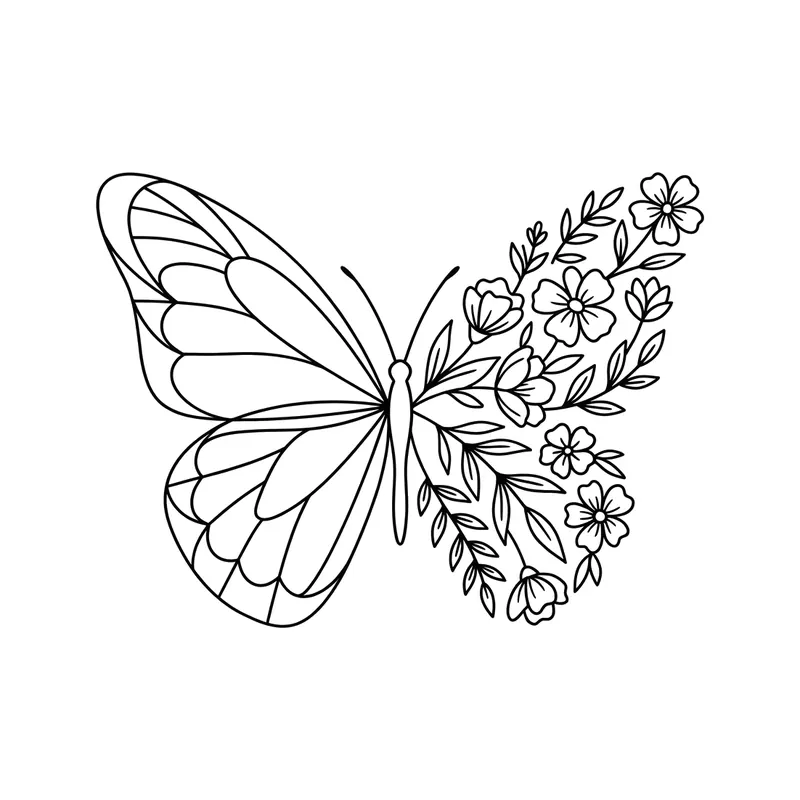
Butterfly with a wing made of flowersMinimalist · Wrist 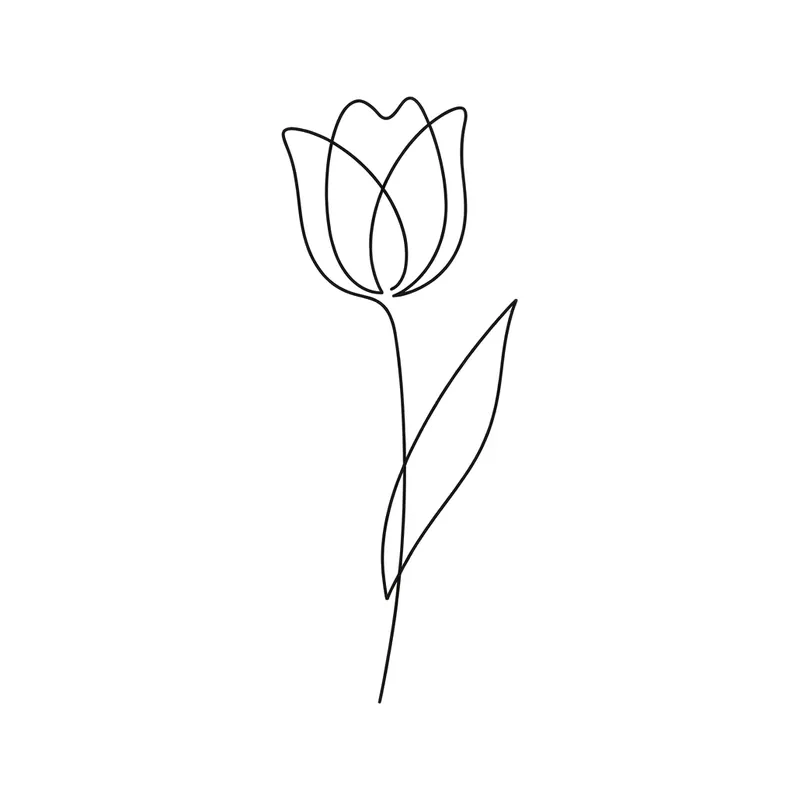
Small tulipMinimalist · Wrist 
Butterfly and crescent moonMinimalist · Wrist 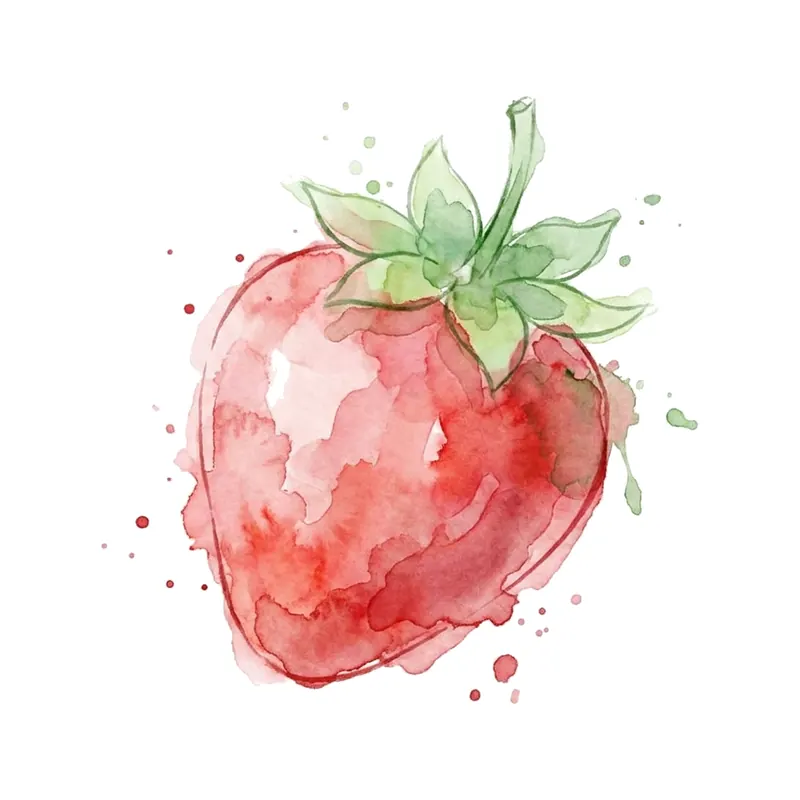
StrawberryWatercolor · Wrist 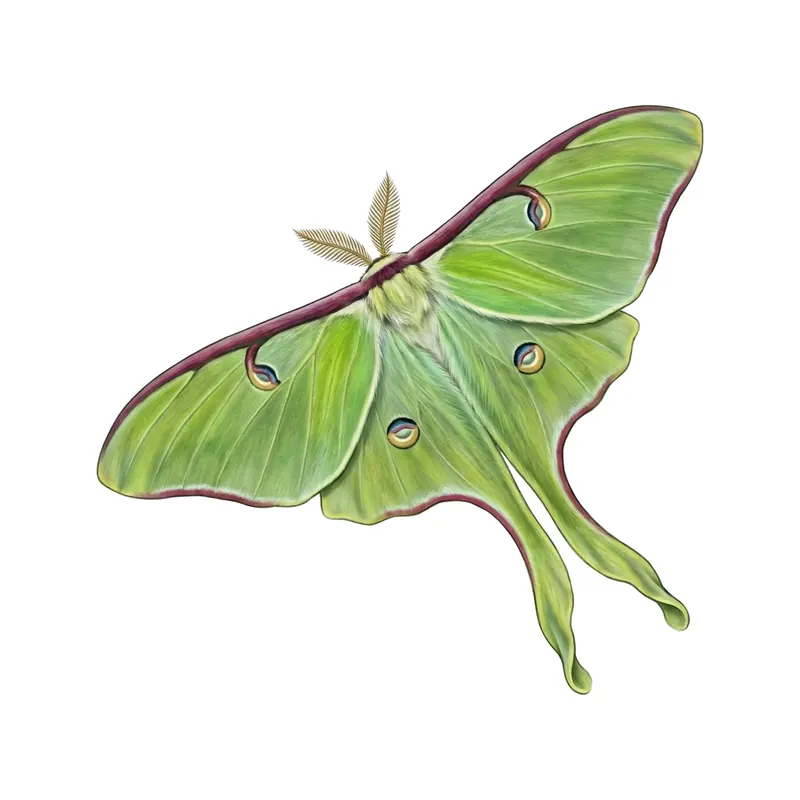
Luna mothRealistic · Chest 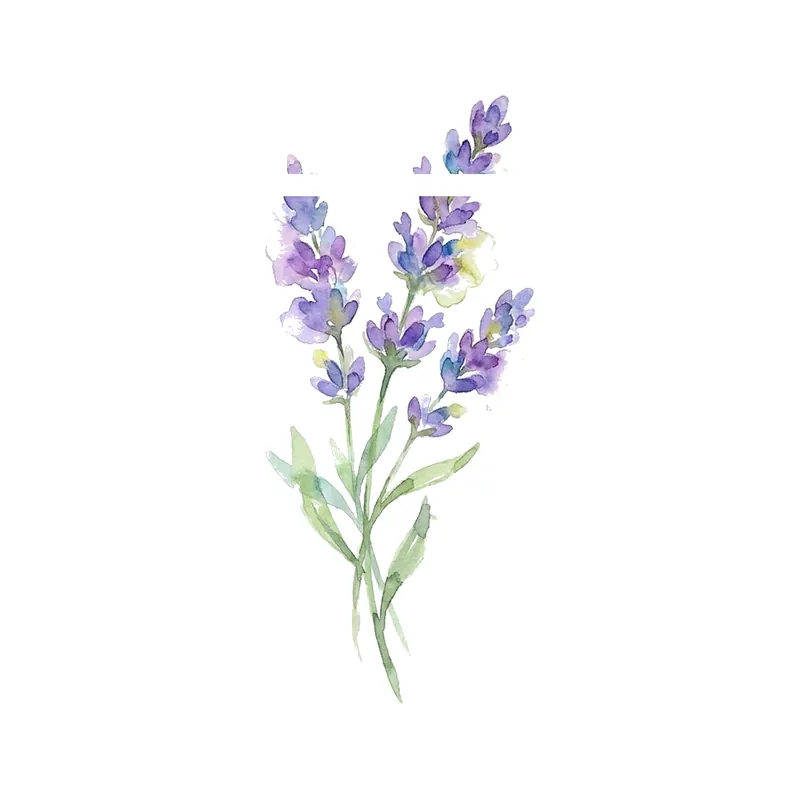
Lavender sprigWatercolor · Wrist 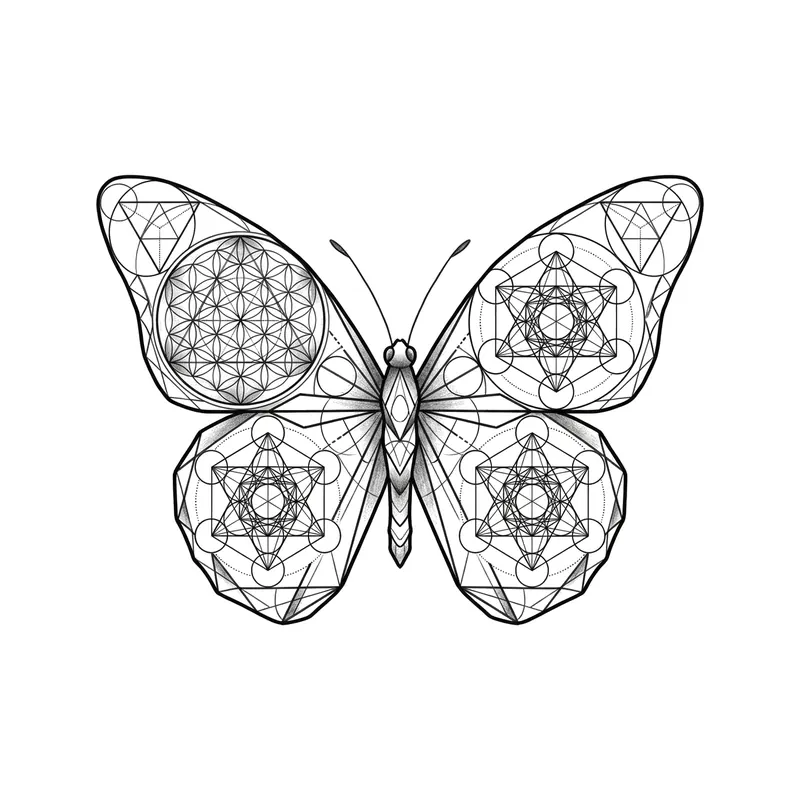
Butterfly and sacred geometryGeometric · Forearm 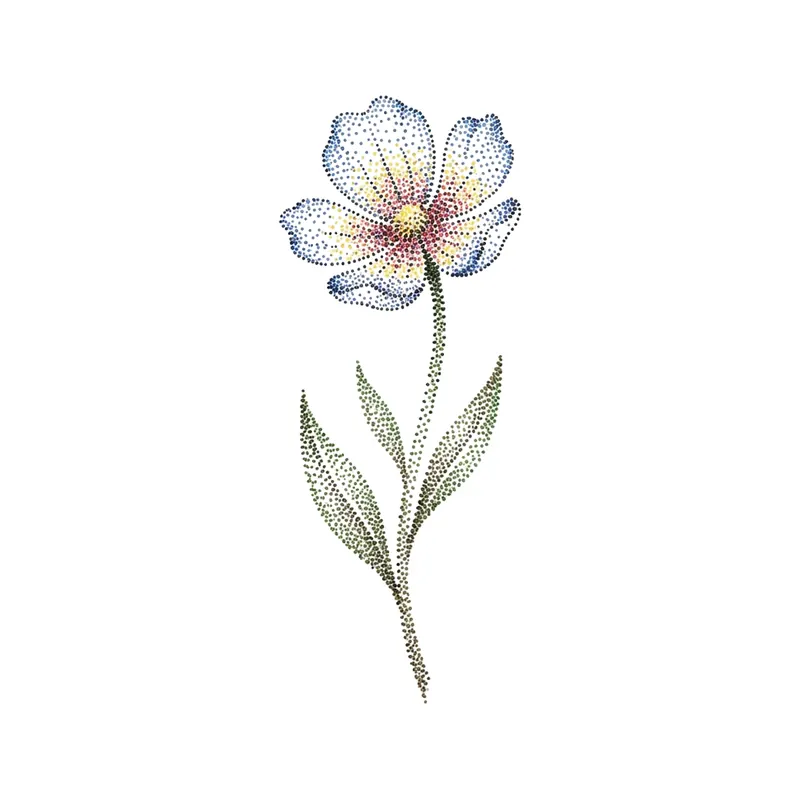
WildflowerPointillism · Wrist 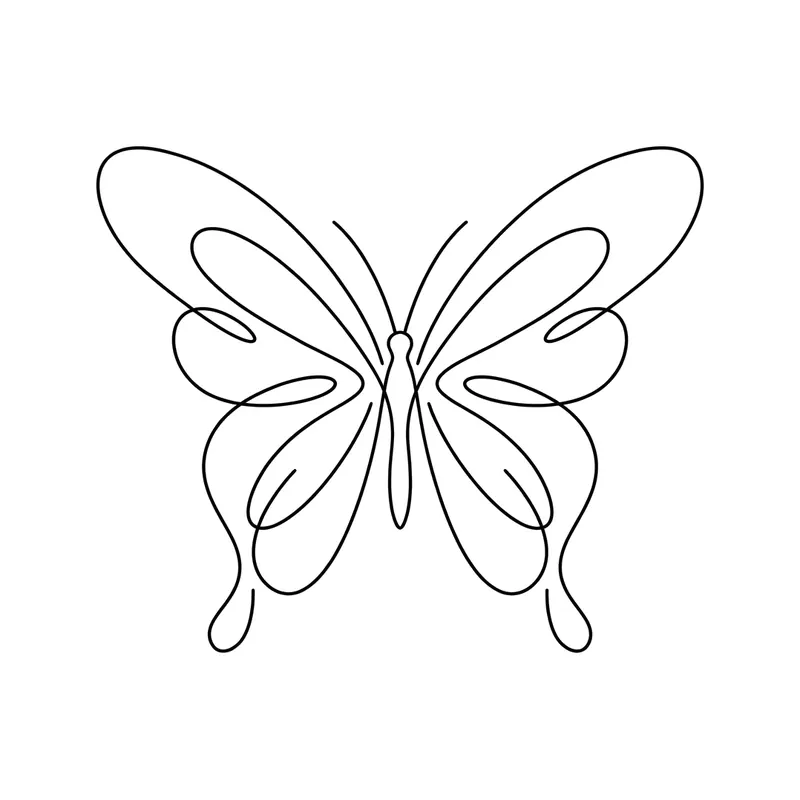
Butterfly outlineMinimalist · Wrist 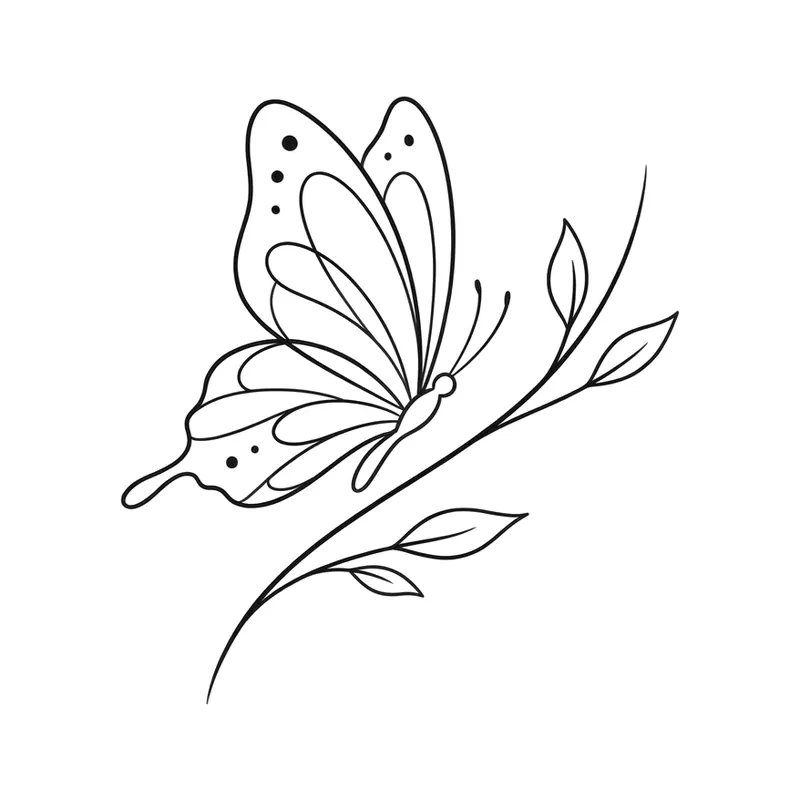
Butterfly on a branchMinimalist · Forearm 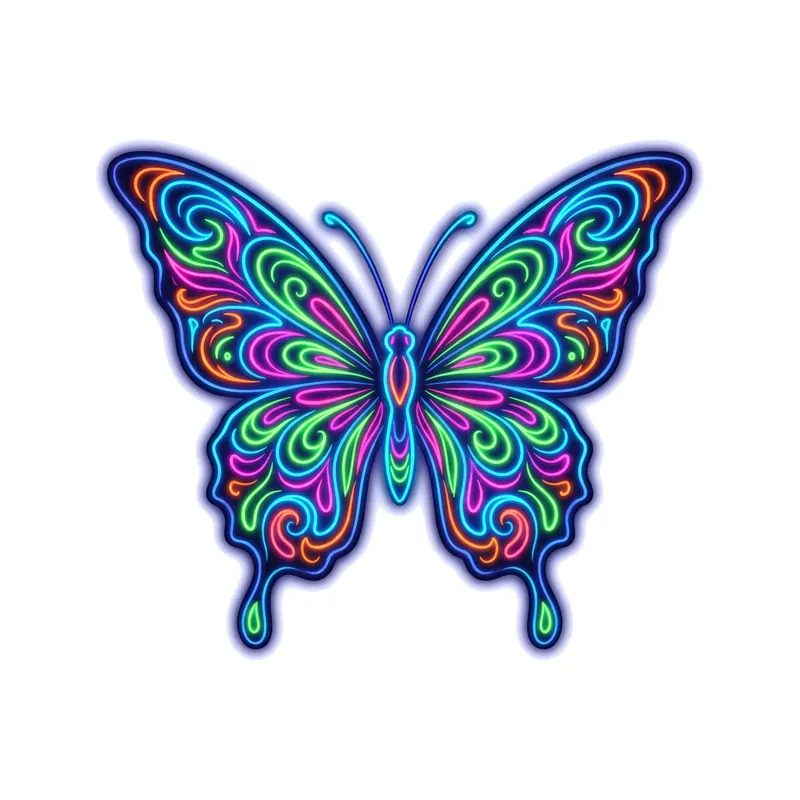
ButterflyFluorescent · Wrist 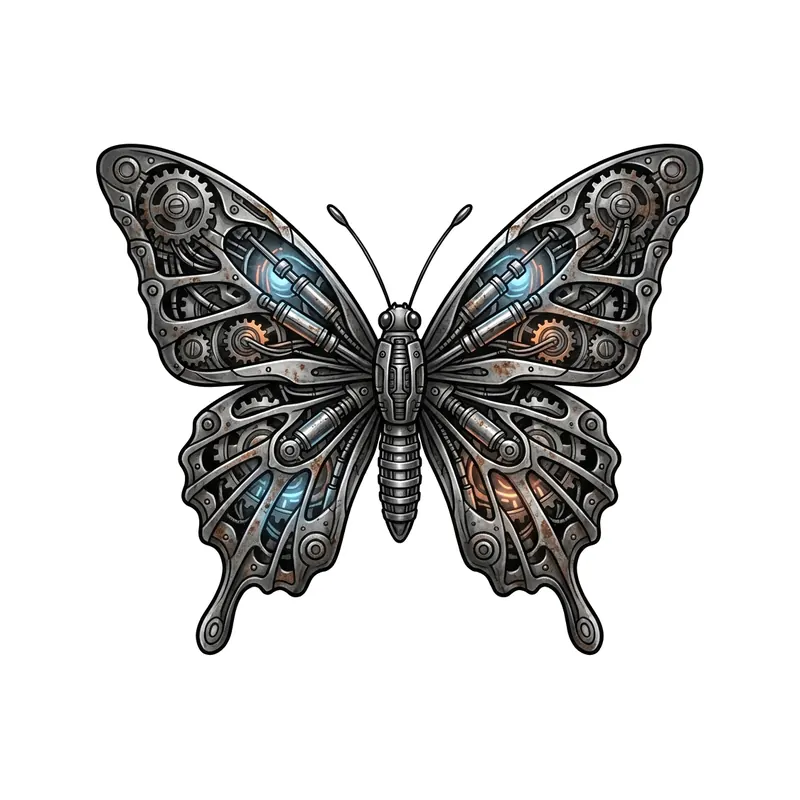
ButterflyBiomechanical · Forearm 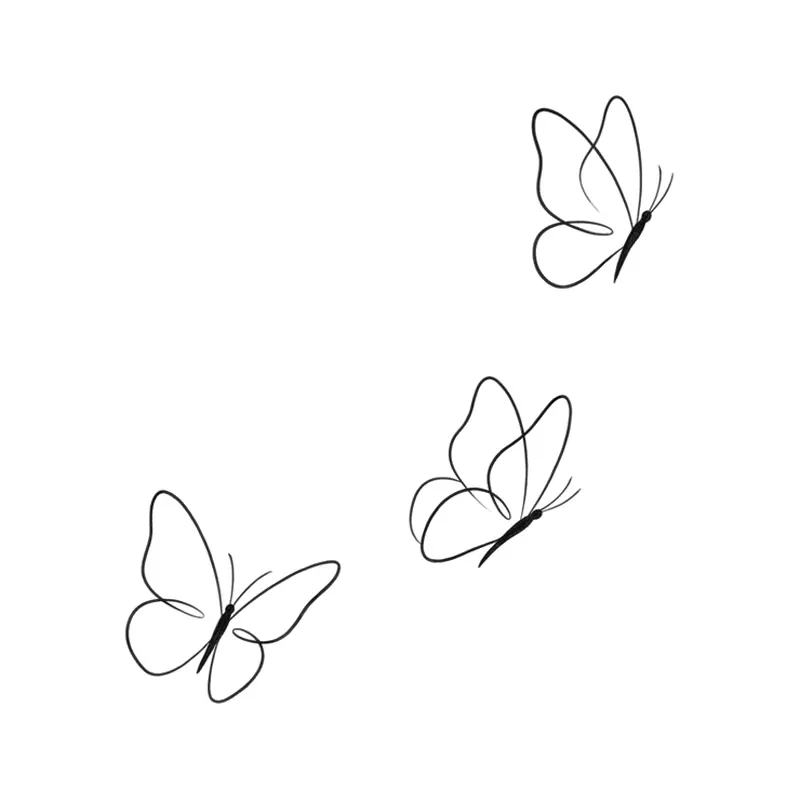
Three butterflies in flightMinimalist · Ribs 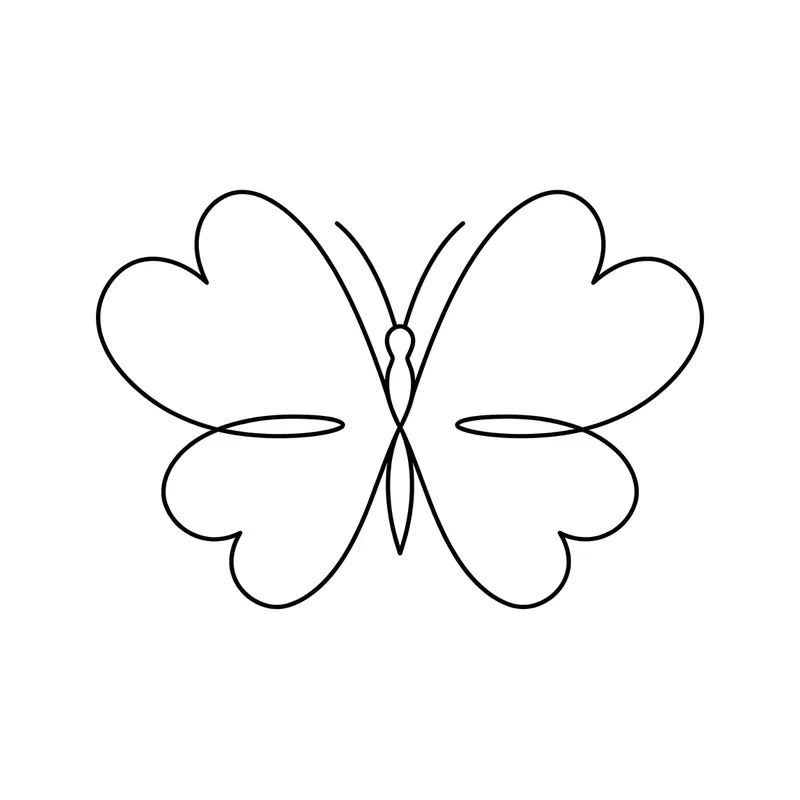
Butterfly with heart-shaped wingsMinimalist · Wrist 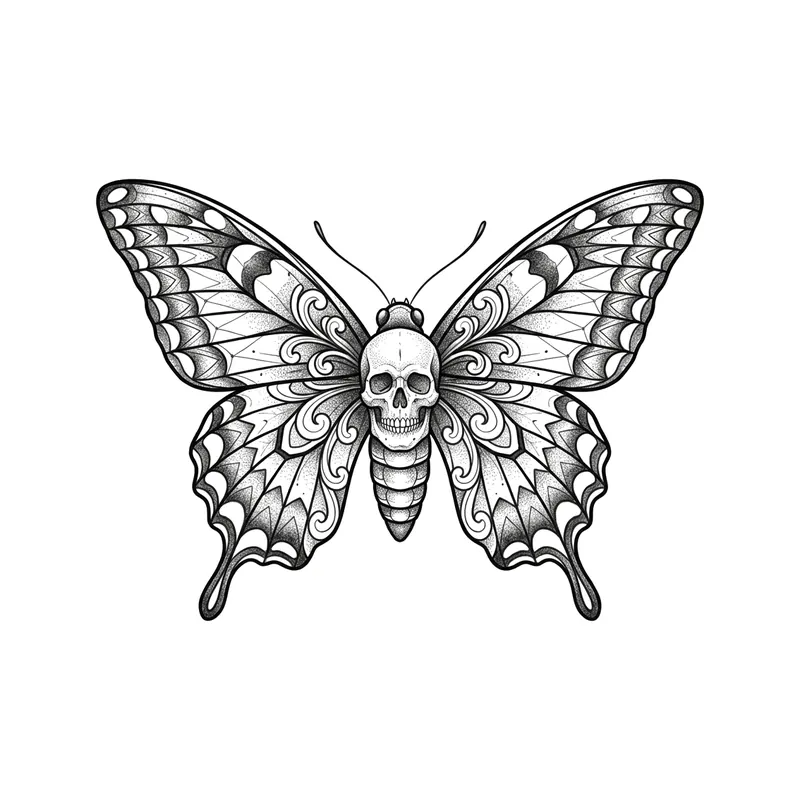
Butterfly with a skullBlackwork · Forearm 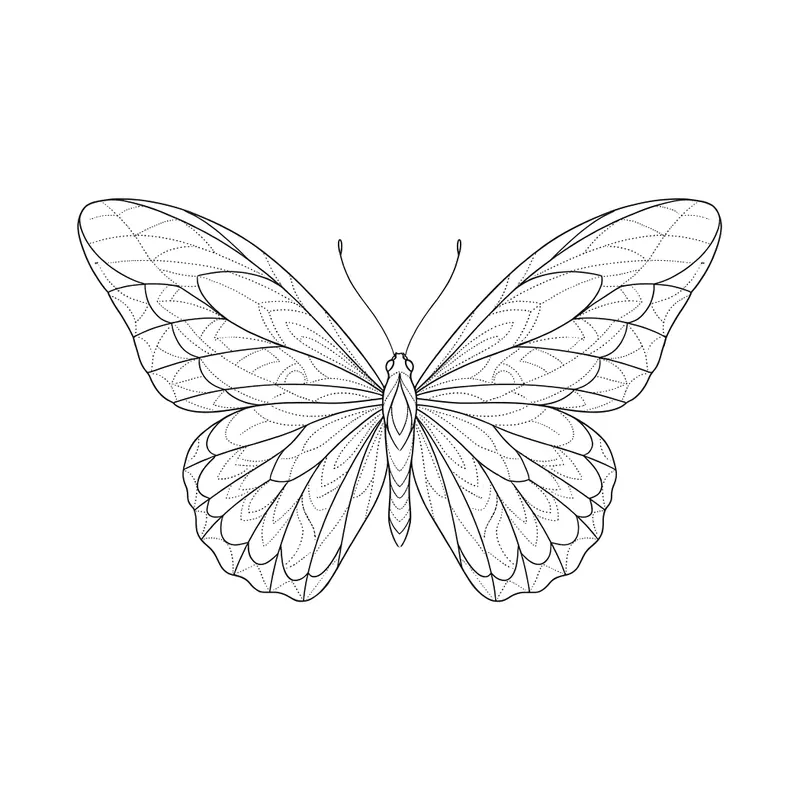
Butterfly with delicate wingsFine line · Wrist 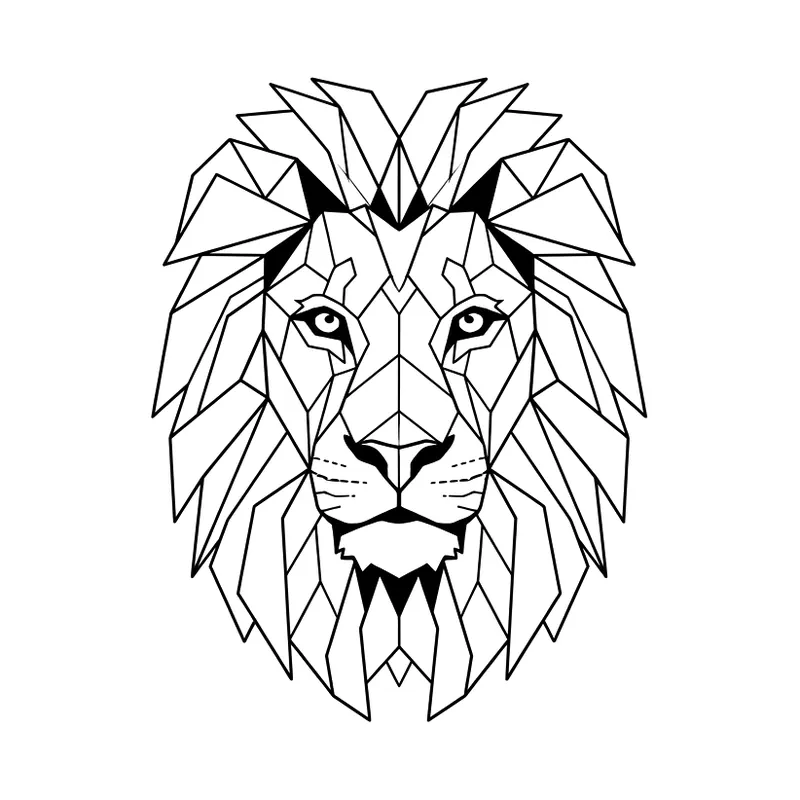
Geometric lionFine line · Forearm 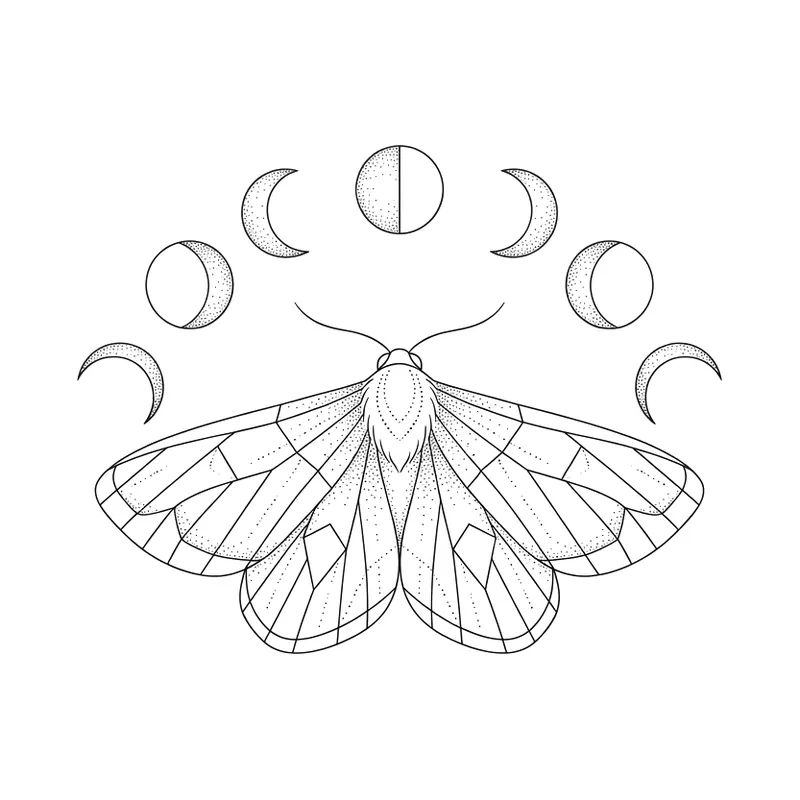
Moth with moon phasesFine line · Chest 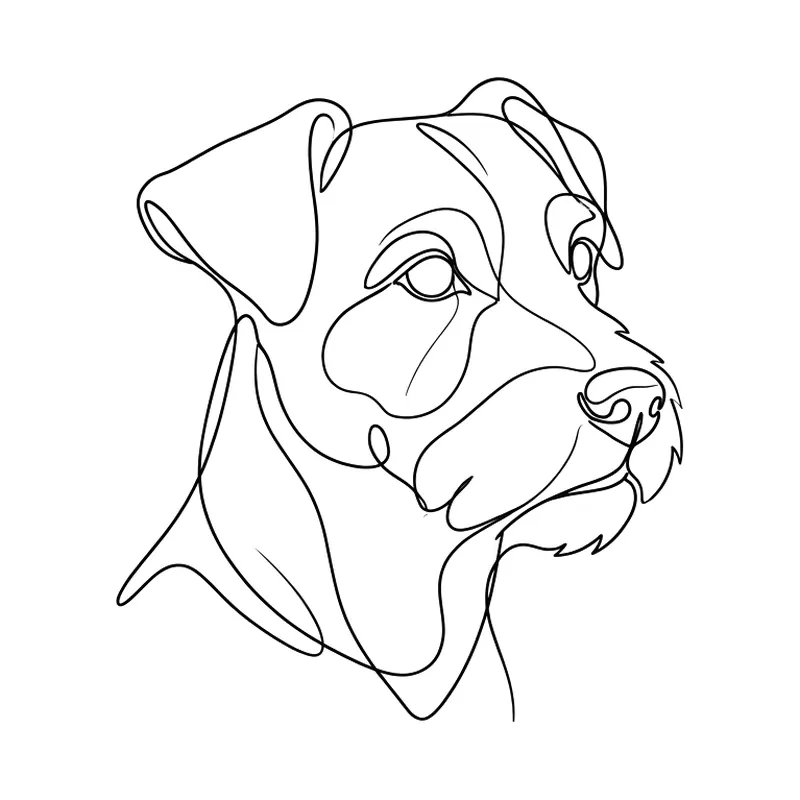
One-line dog faceFine line · Wrist 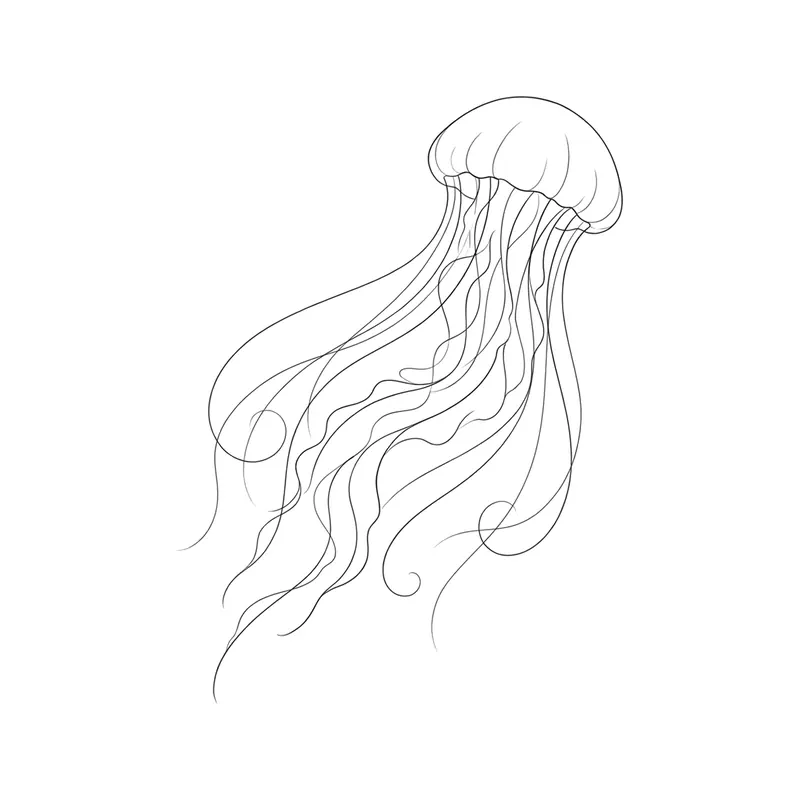
JellyfishFine line · Forearm 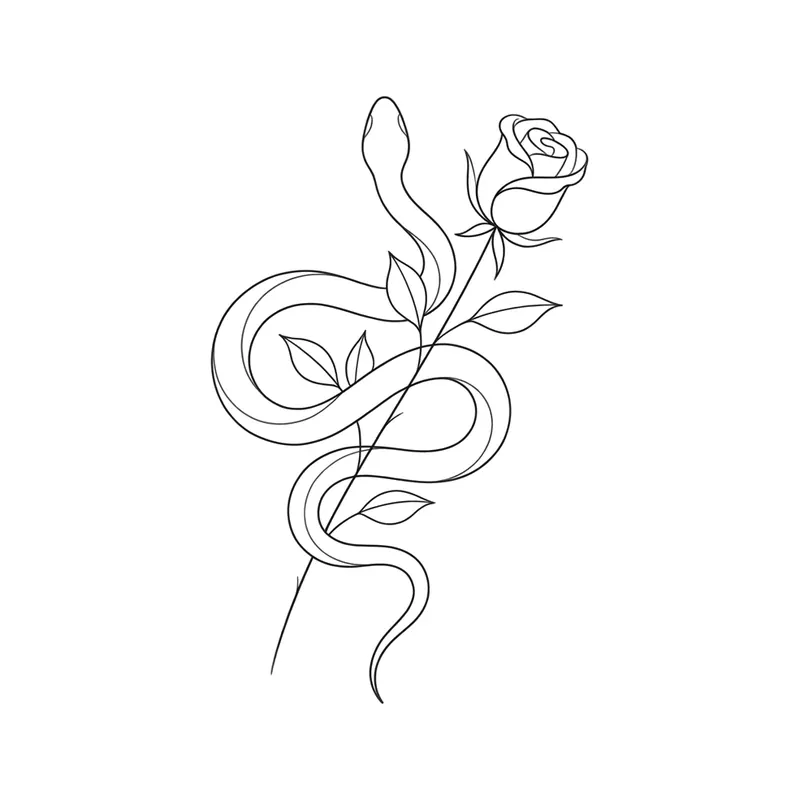
Snake wrapped around a roseFine line · Forearm 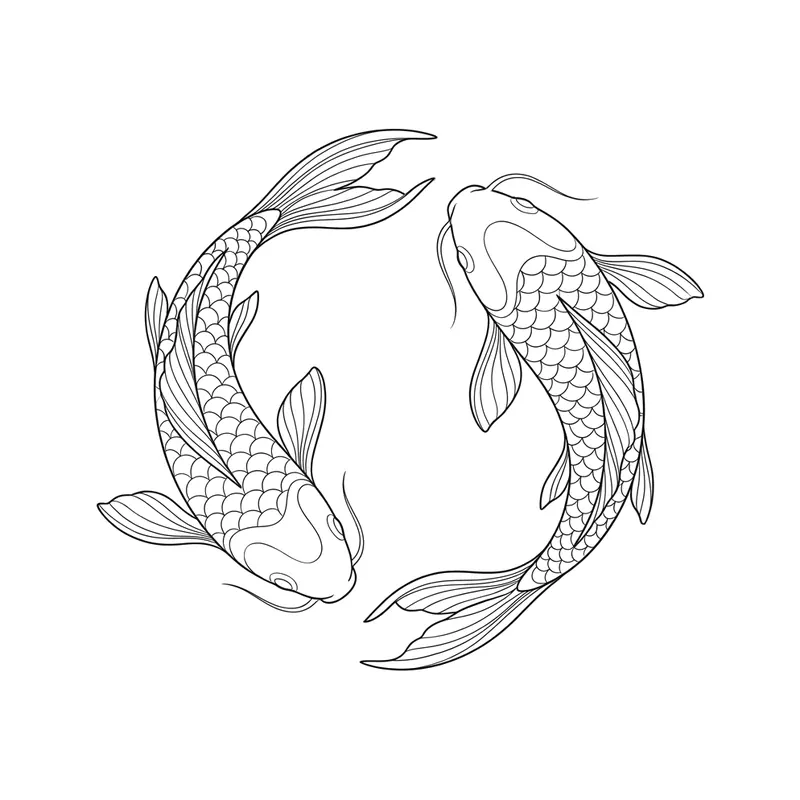
Two koi fish in a circleFine line · Forearm 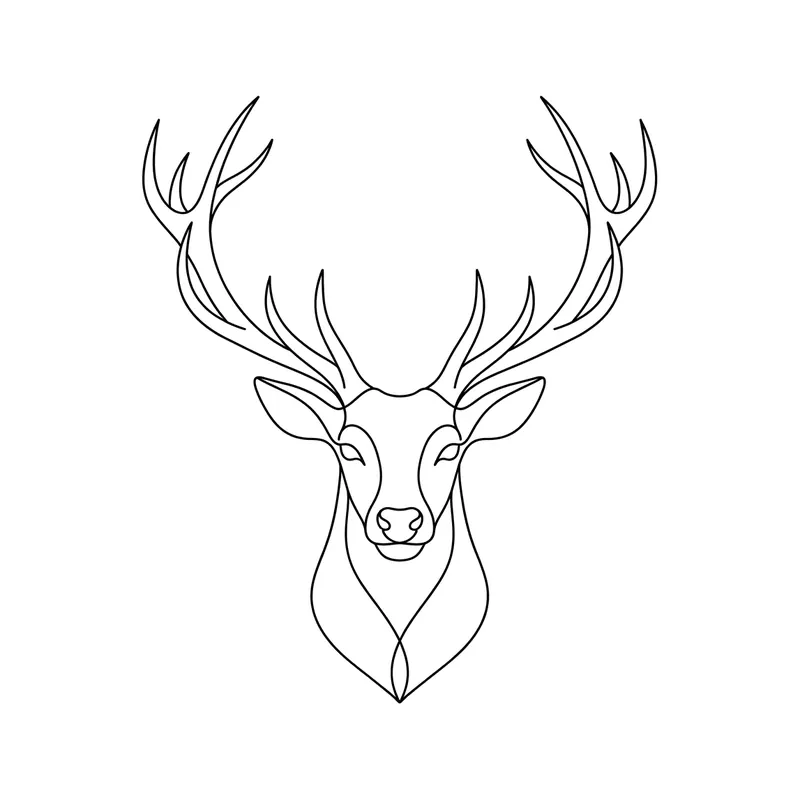
Deer headFine line · Forearm 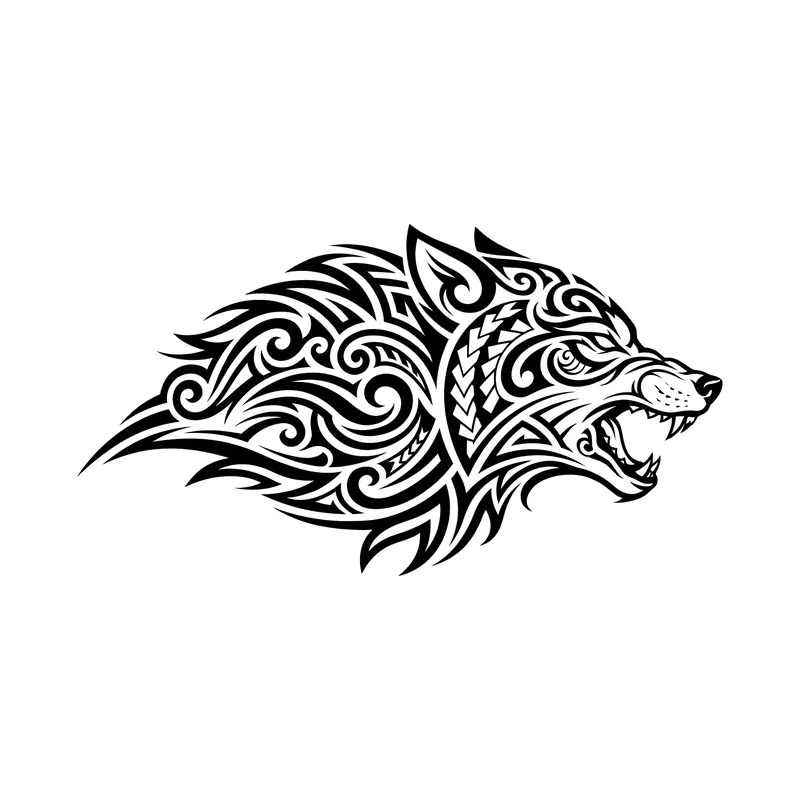
Wolf head with open jawsTribal · Forearm 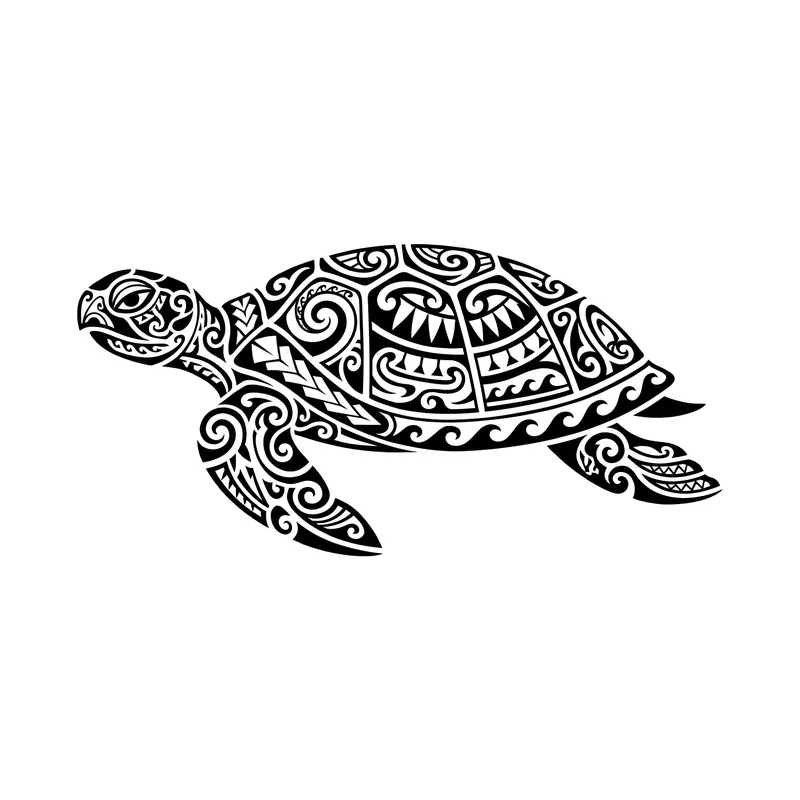
Polynesian-inspired sea turtleTribal · Forearm 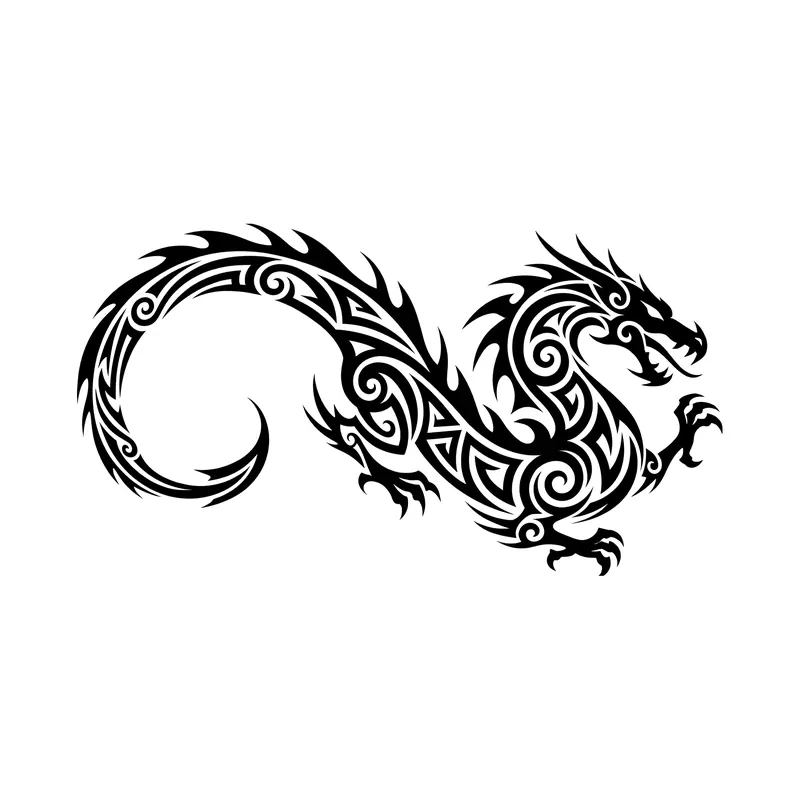
Dragon with a curved tailTribal · Upper arm & shoulder 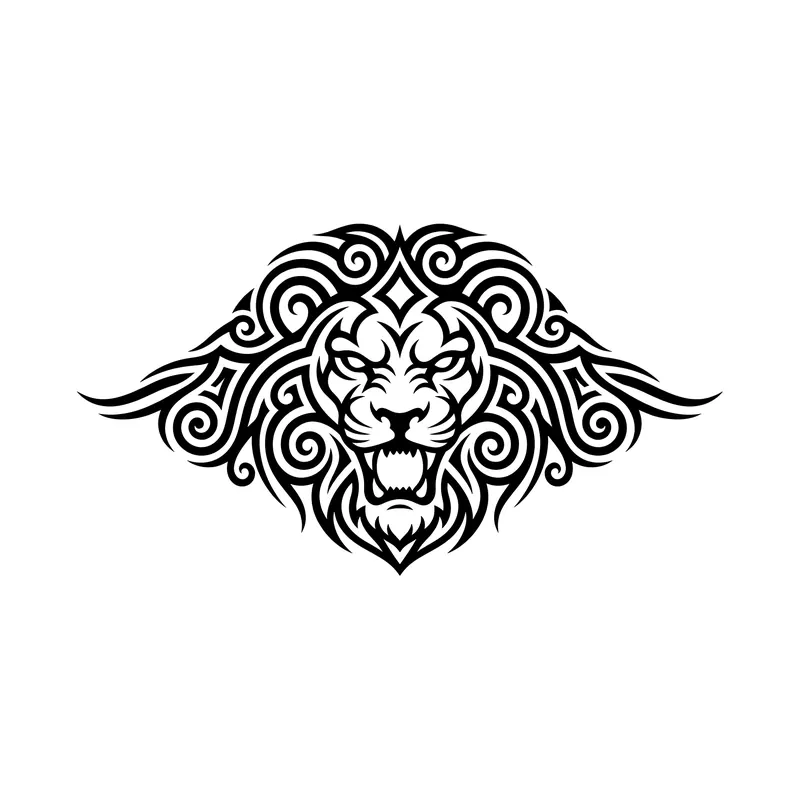
Roaring lion, front viewTribal · Chest 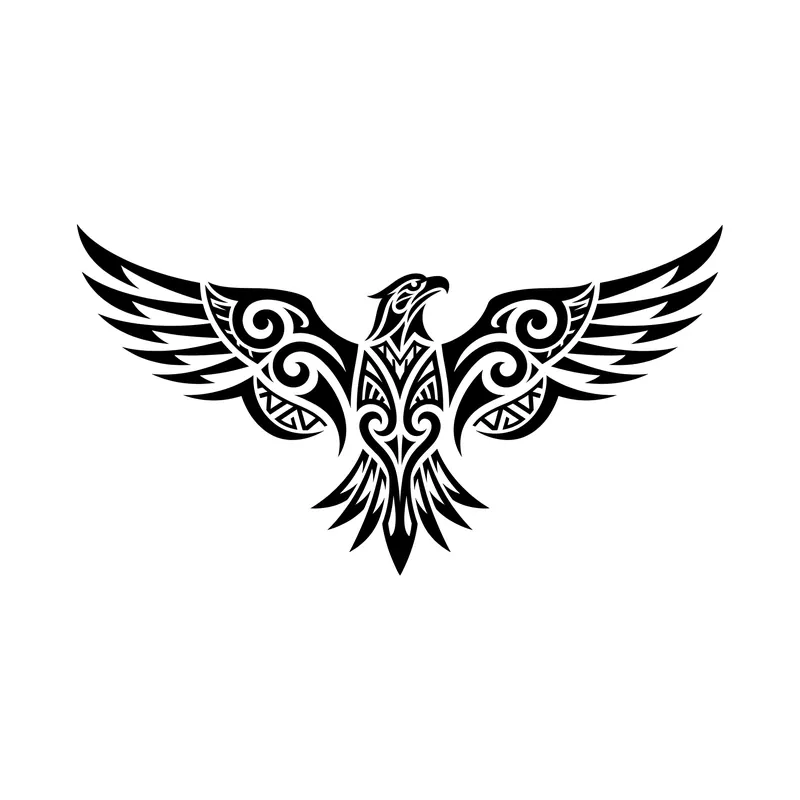
Eagle with outstretched wingsTribal · Chest 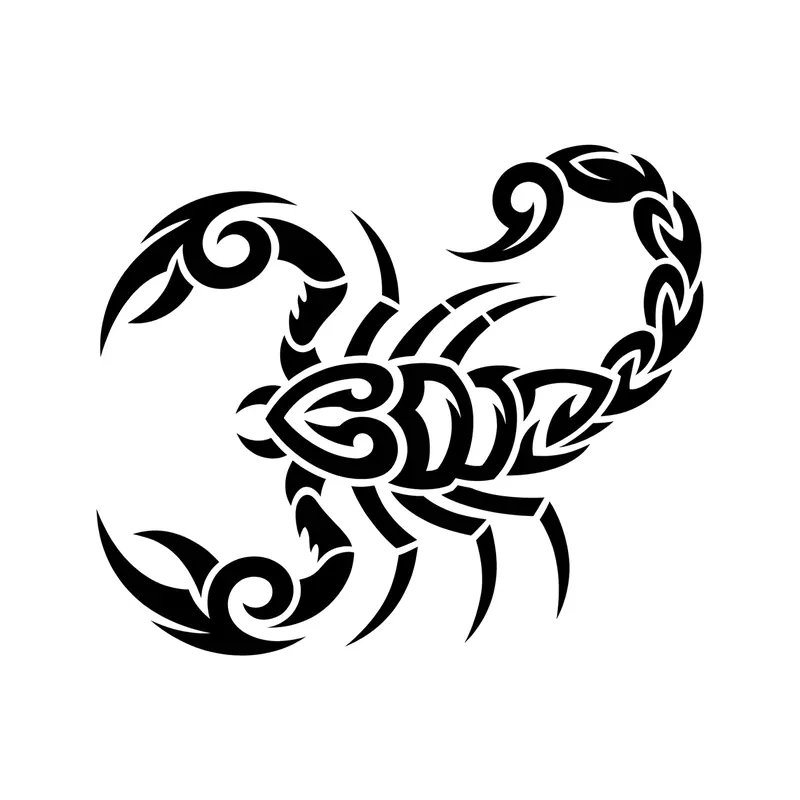
ScorpionTribal · Forearm 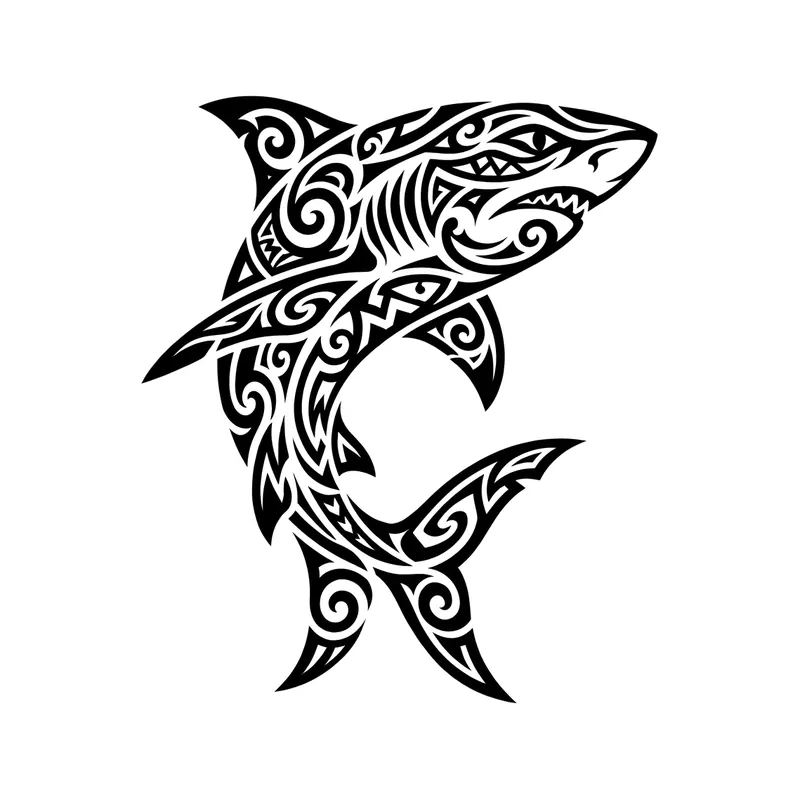
SharkTribal · Forearm 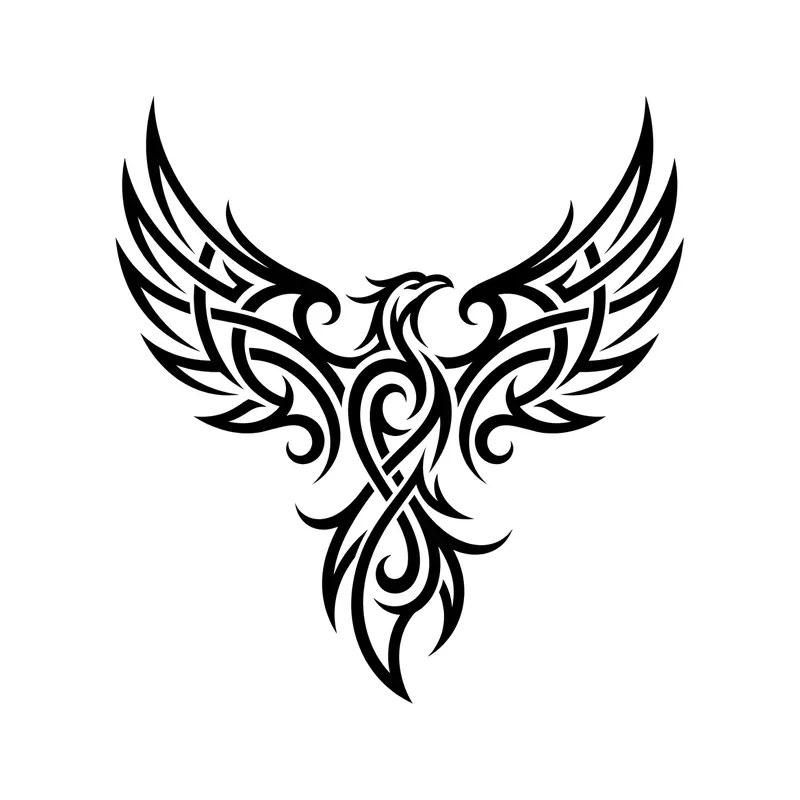
Phoenix with spread wingsTribal · Back 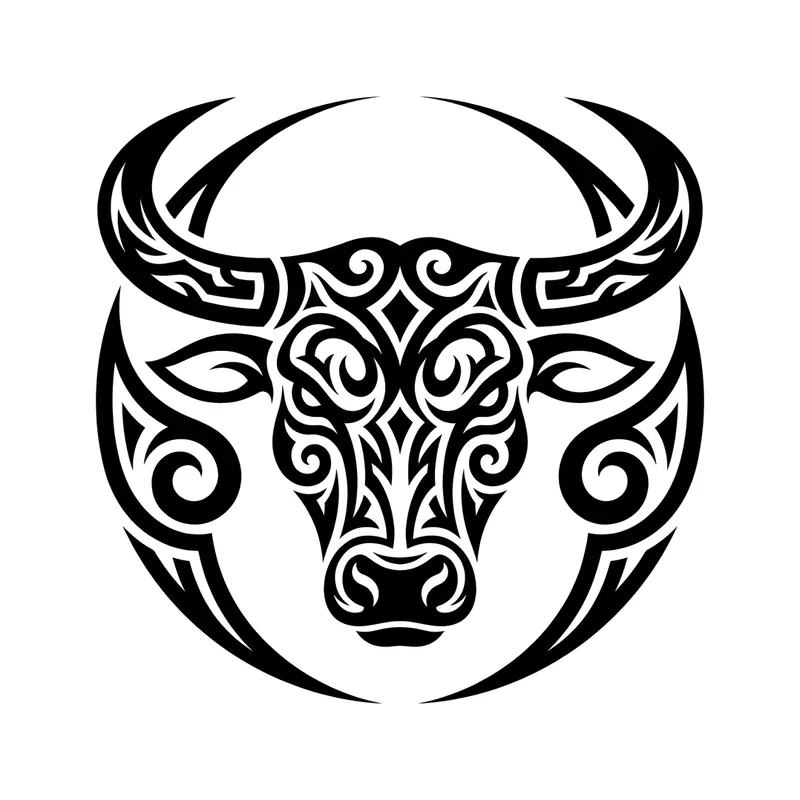
Bull headTribal · Chest 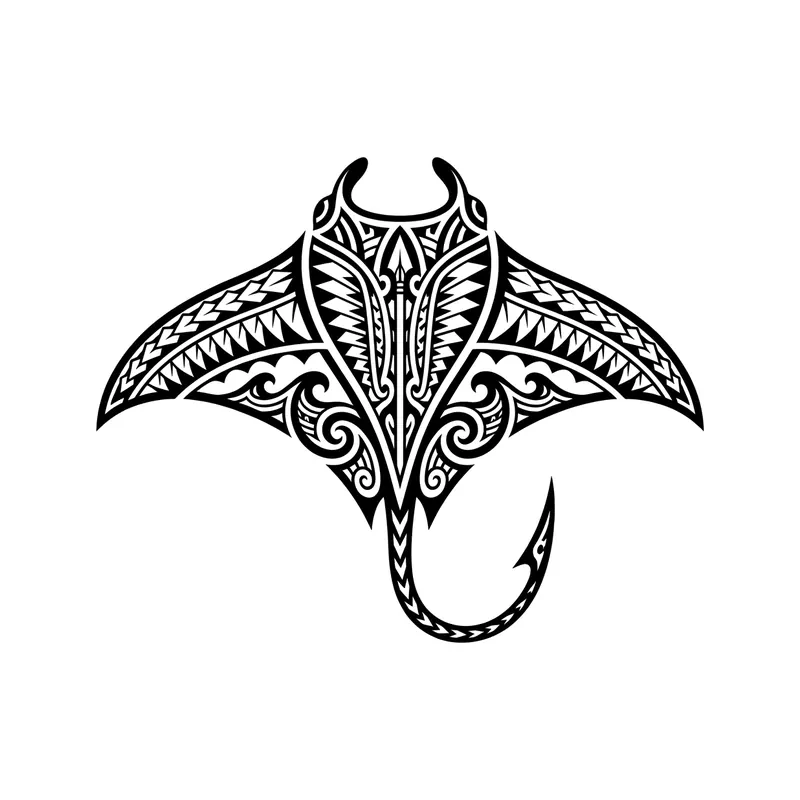
Polynesian-inspired manta rayTribal · Forearm 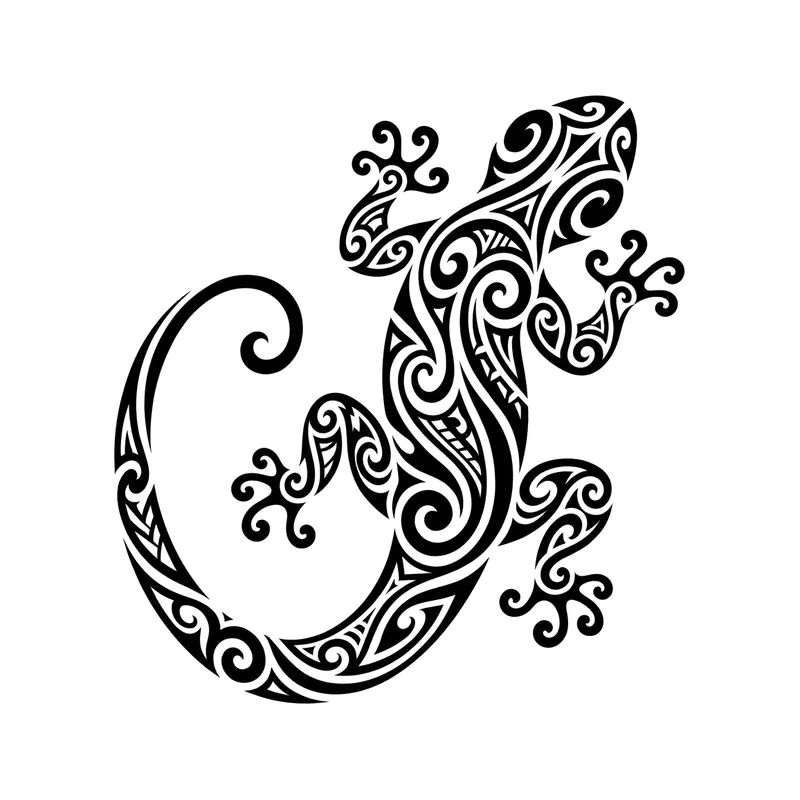
GeckoTribal · Forearm 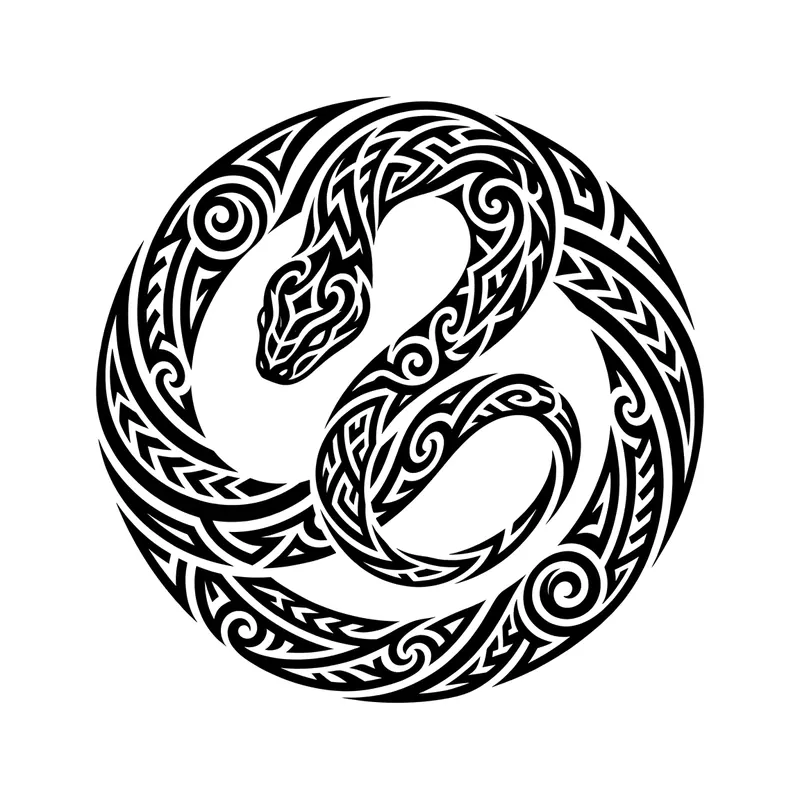
Coiled snakeTribal · Forearm 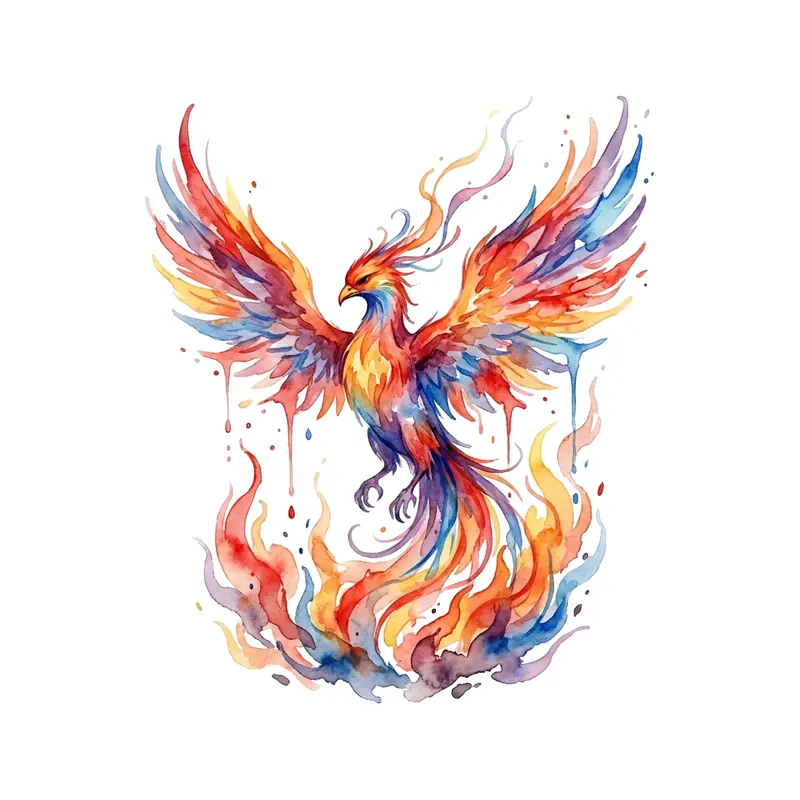
PhoenixWatercolor · Back 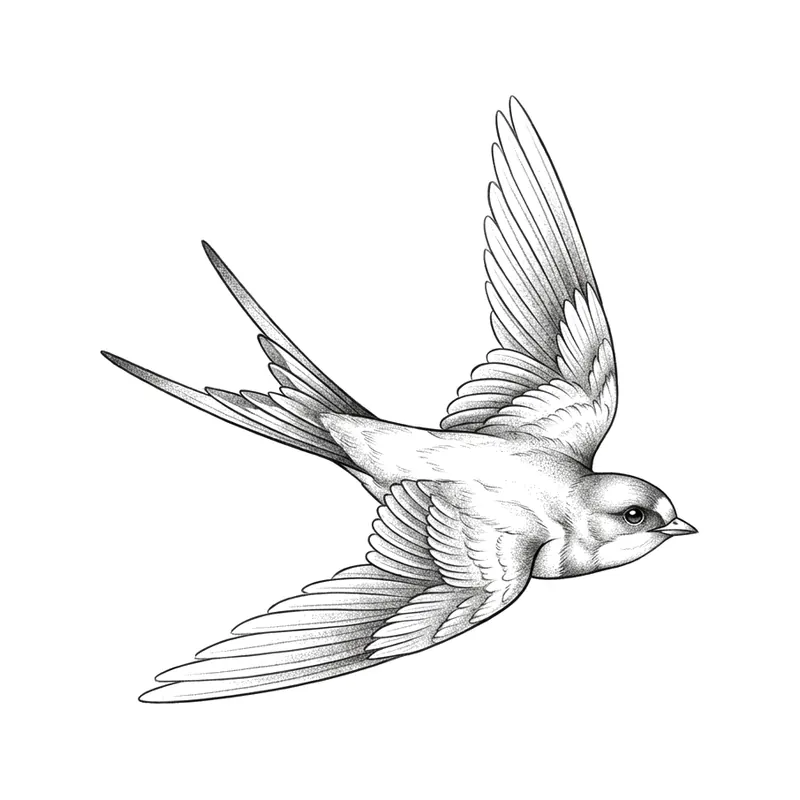
SwallowTraditional · Chest 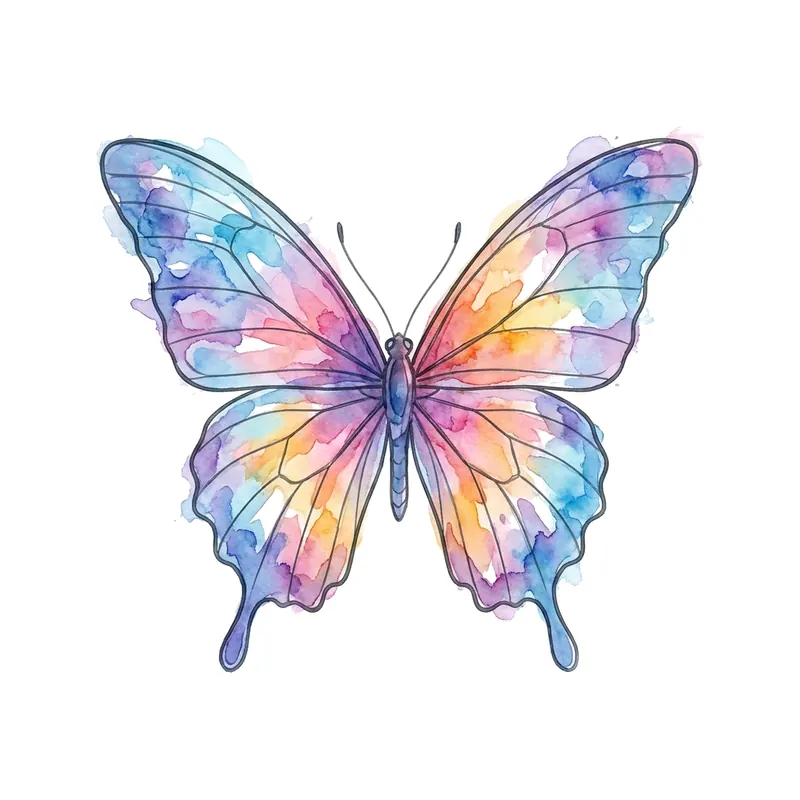
Colorful butterflyWatercolor · Forearm 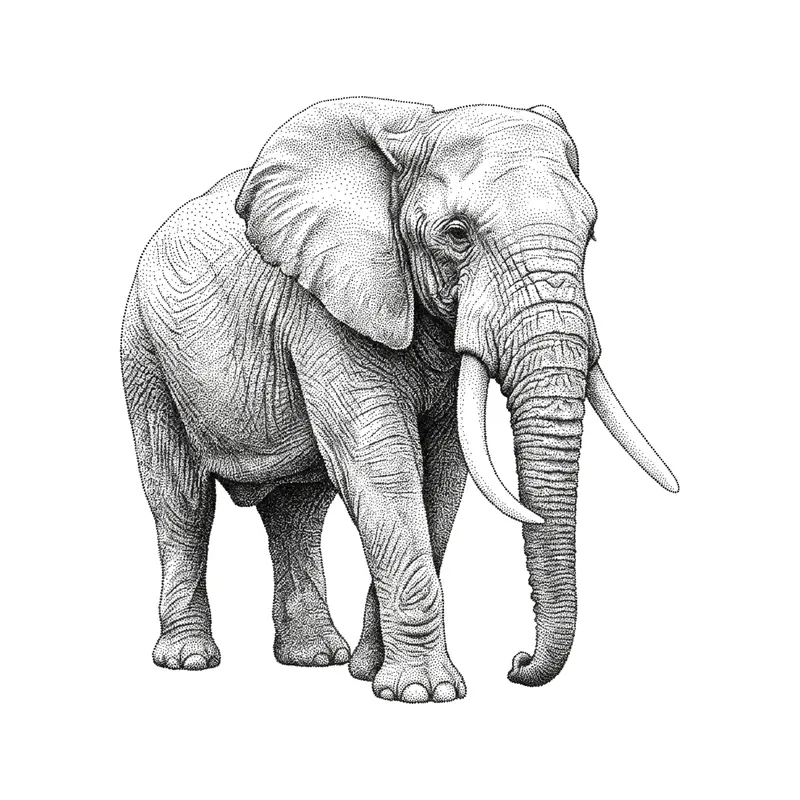
ElephantPointillism · Forearm 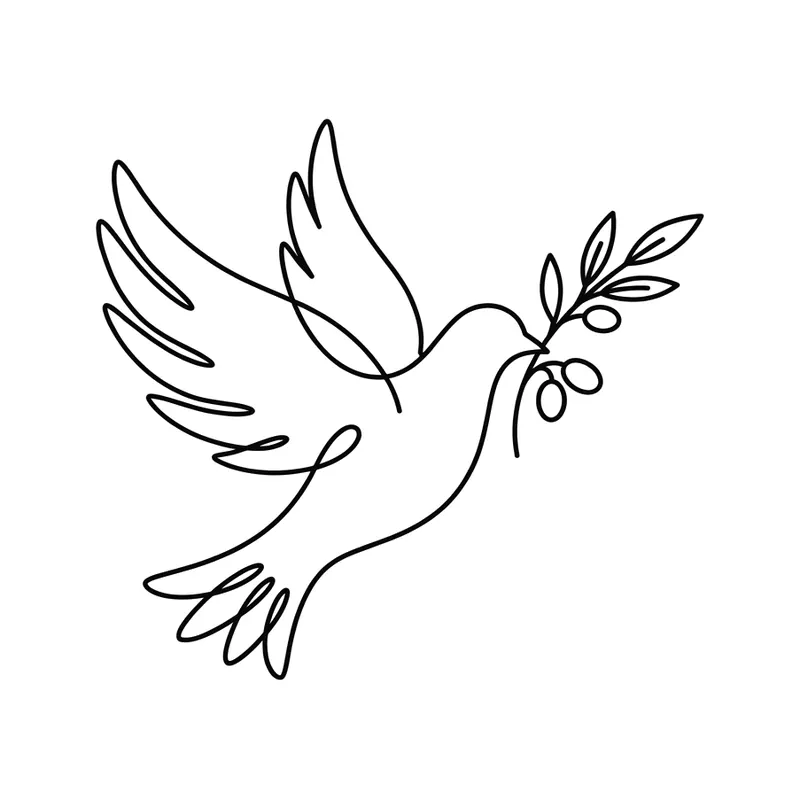
Dove of peaceMinimalist · Wrist 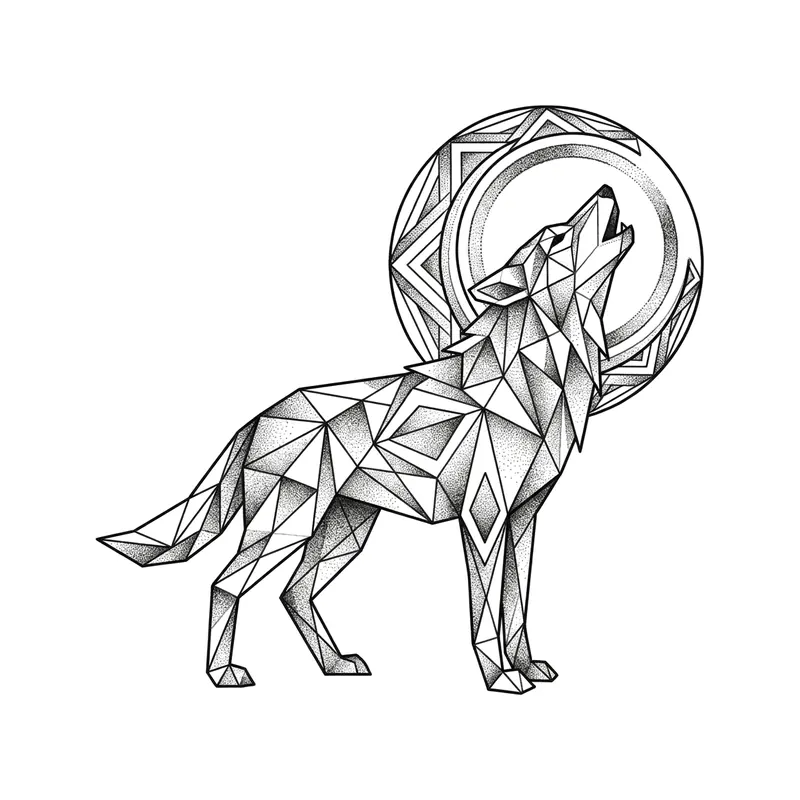
Wolf howling at the moonGeometric · Forearm 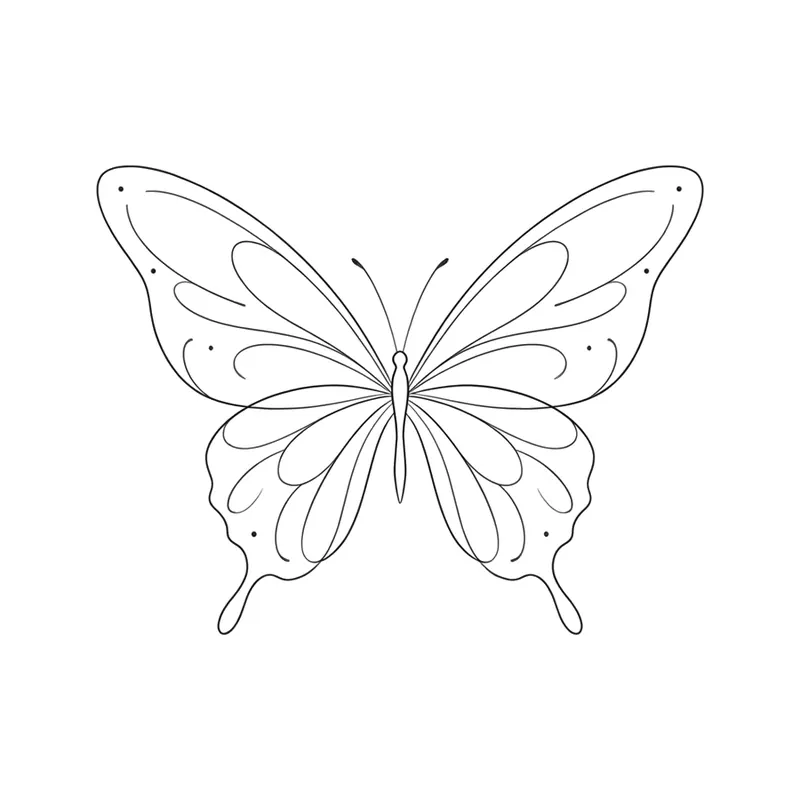
Tiny butterflyFine line · Wrist 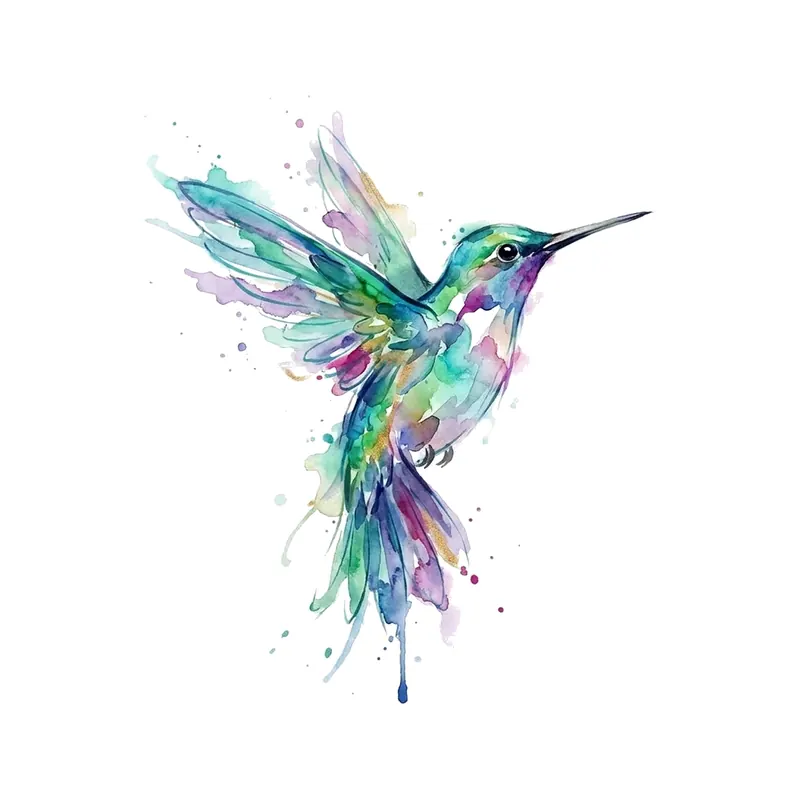
HummingbirdWatercolor · Wrist 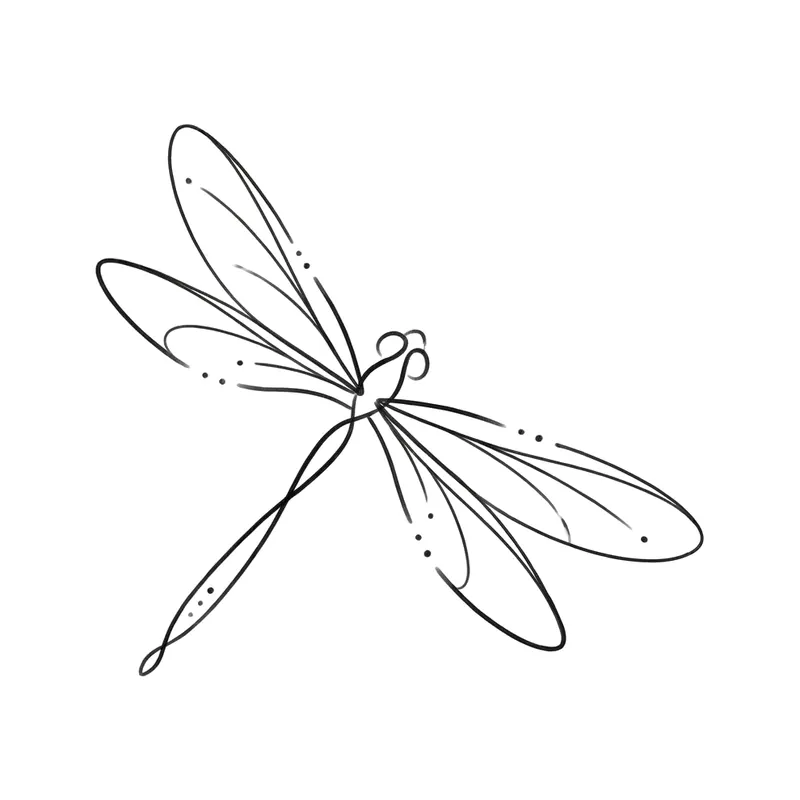
DragonflyMinimalist · Wrist 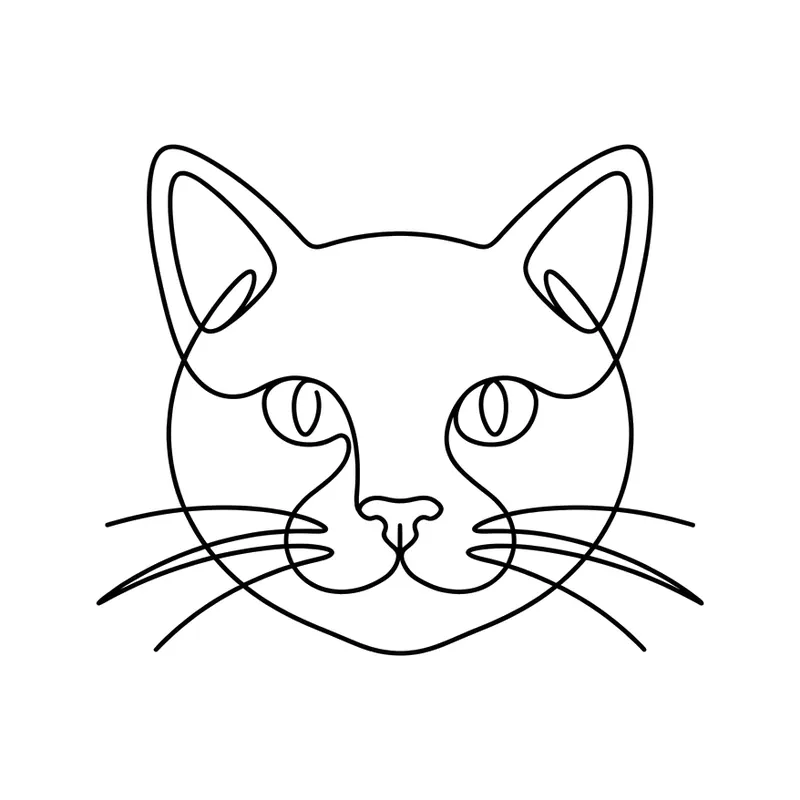
One-line catFine line · Wrist 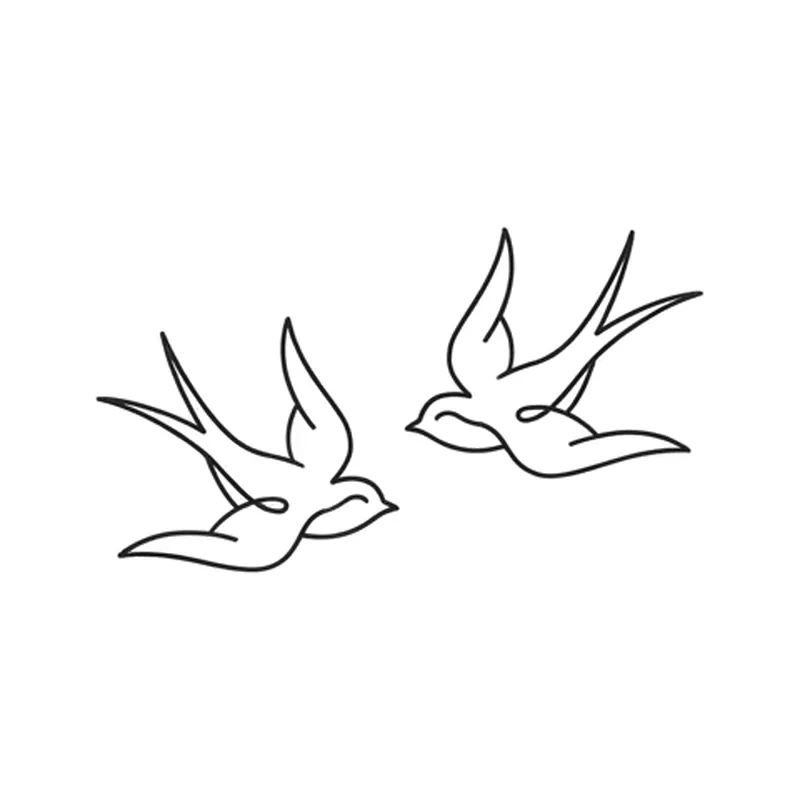
Two swallows in flightMinimalist · Chest
Can I use these designs?
Yes, for personal use: you can save them, get inspired by them, take them to your tattoo artist and get them tattooed. You may not sell them, use them on products you sell or publish them as your own collection. They were created with TatuaIA AI and are public, so other people may pick the same one. For any other use, write to us.
For a design that is only yours, tap Customize it under the design or describe your idea in the generator. The designs you create yourself can be used for your own purposes, as our terms say.
How to use the gallery
- 1
Filter the ideas
Pick a style, a theme or a body placement and only the matching designs stay. You can combine the three filters.
- 2
Customize the design
Tap Customize it under the design, or describe your idea in the box at the top: TatuaIA opens in your browser, where you choose the style and edit it with words ("thinner lines", "add a date").
- 3
Take it to your artist
Download the result and show it at the studio: your artist adapts it to the placement, the real size and their technique.
Which style for which placement
Under each design you will see its style and the placement where it works best. It is a suggestion based on shape and size: always decide with your tattoo artist.
- Wrist, ankle and behind the ear: fine line, minimalist, small names and dates
- Forearm: realistic, line art and geometric, ideally vertical
- Upper arm, shoulder and chest: realistic animals, tribal, mandalas
- Back and ribs: phoenixes, dragons, blossoming branches and long quotes
Frequently asked questions
Are the designs in the gallery free?
Yes: you can browse and filter them all and use them as inspiration to show your tattoo artist. For a design that is only yours, customize it with TatuaIA: in the browser your first design is free (with a small watermark), and TatuaIA Pro lets you create without limits.
Can I get a design tattooed as it is?
Yes, for personal use. Keep in mind the gallery is public and other people may pick the same design: if you want something unique, change a detail with Customize it. Your artist will adapt it to the placement and size anyway.
How does the tattoo generator work?
Describe the idea in words, pick one of 9 styles and TatuaIA draws the tattoo in seconds, on a white background. Then you edit it by writing what to change, or start from a photo. It works in the iPhone and Android app and in your browser.
Were these designs made with AI?
Yes: TatuaIA created them with the same engine as the app, and we reviewed them one by one, discarding any with spelling mistakes or odd elements. Before getting tattooed, always review the design with a professional.
What does the placement under each design mean?
It is the body part where that design works best for its shape and size: for example, small fine designs for the wrist and ankle, vertical ones for the forearm. It is a suggestion, not a rule.
More tools
- Small tattoo ideas: designs you can create with AI
- Script tattoo ideas: try the words and the font before you ink them
- Fine line tattoo ideas: delicate designs you can create with AI
- Tribal tattoo ideas: designs you can create with AI
- Tattoo stencil ideas: clean line art you can create yourself
- Roman numeral tattoo generator: convert your date, then design it
- Name tattoo ideas: fonts and designs for the name you carry
- Birth flower tattoo generator: find your month, then design it
- Morse code tattoo generator: translate your word, then design it
- Coordinates tattoo generator: format your place, then design it
- Binary code tattoo generator: turn a word into 0s and 1s
- Heartbeat tattoo generator: a name, a word or a heart in the line
- Sound wave tattoo generator: turn a voice note into a tattoo
- Tattoo font generator: see your words in 8 tattoo lettering styles
- TatuaIA home

Found your idea? Make it yours
Download TatuaIA or use it in your browser: describe the tattoo, pick the style and edit it with words. Your first designs are free.