Lettering
Script tattoo ideas: try the words and the font before you ink them
In a script tattoo the font matters as much as the words. With TatuaIA you type the exact words in quotes, name the style (cursive, serif, blackletter, chicano) and get the design in seconds. Try the same quote in several versions, add a heart or a date, and download the one you want to show your tattoo artist.

Quotes and fonts tried with TatuaIA
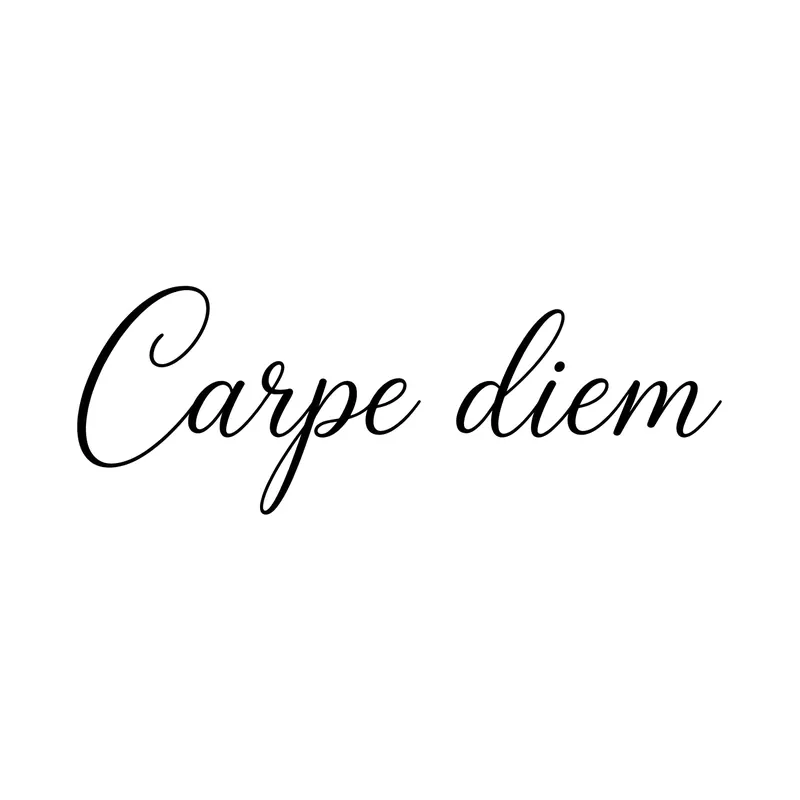
“Carpe diem” · script 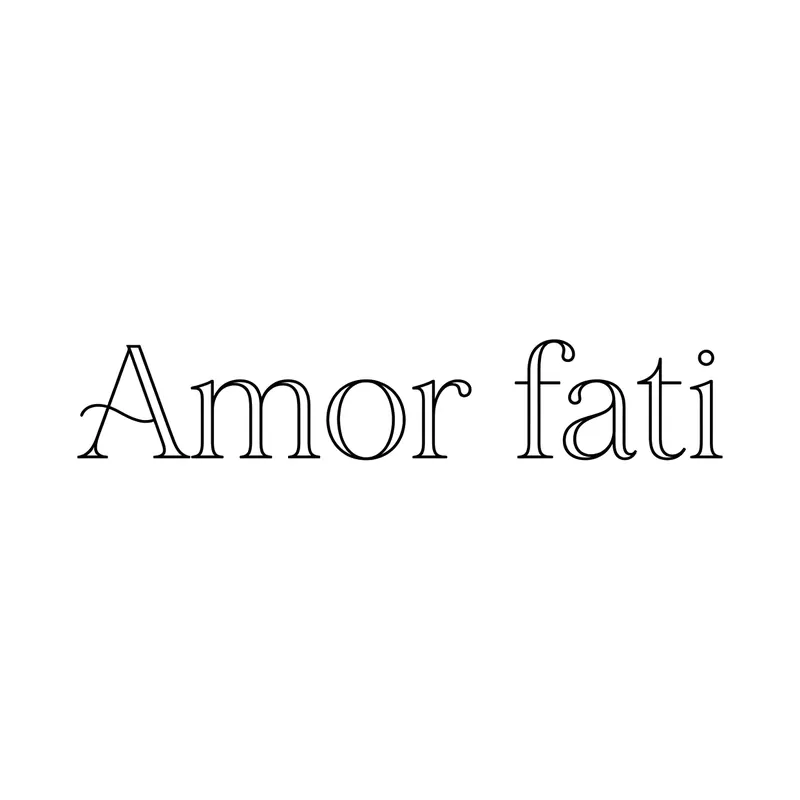
“Amor fati” · serif 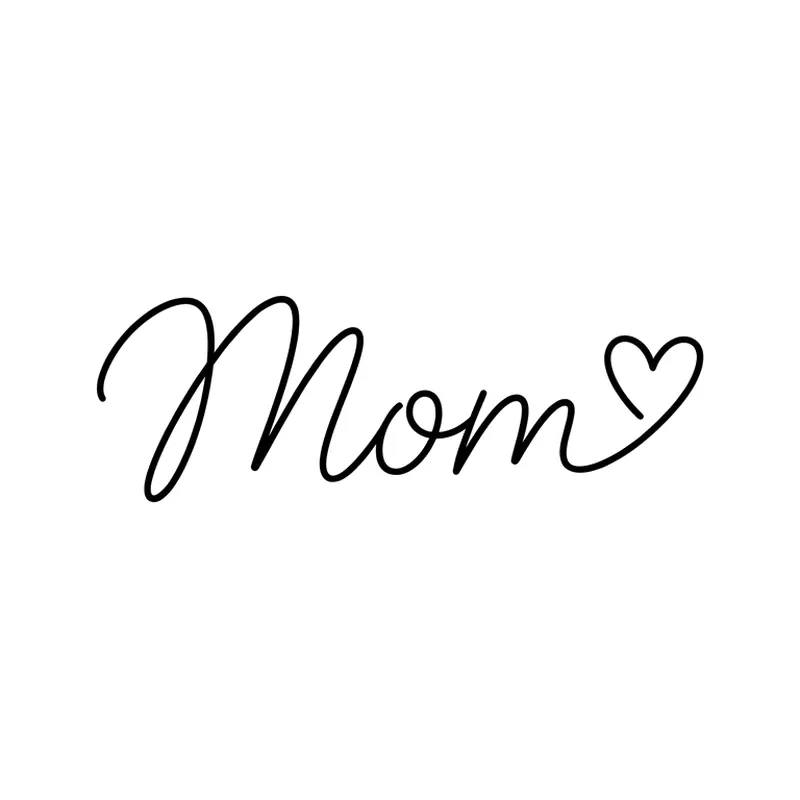
“Mom” with a heart · script 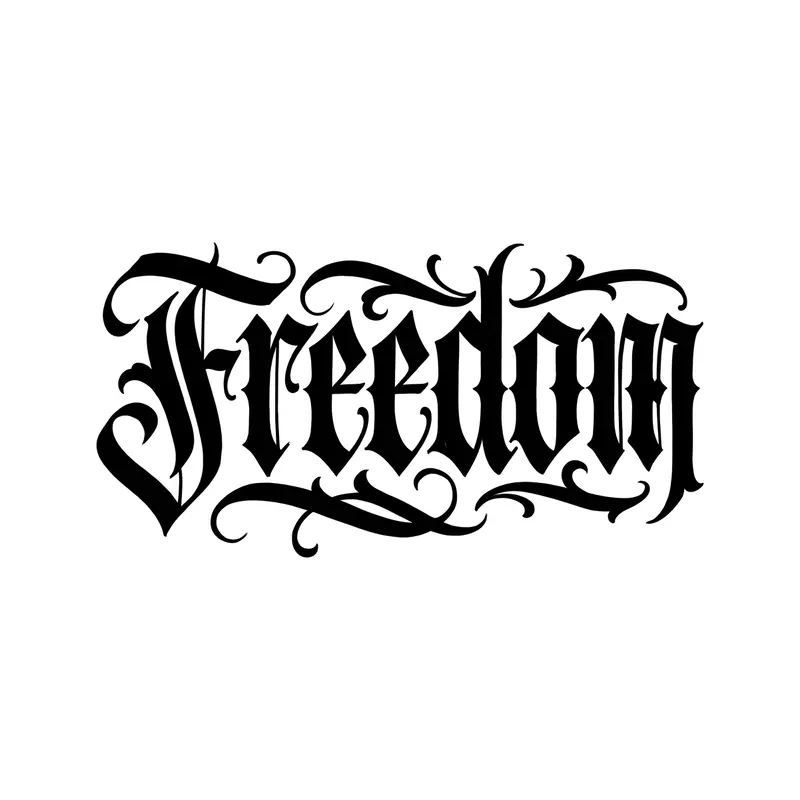
“Freedom” · blackletter 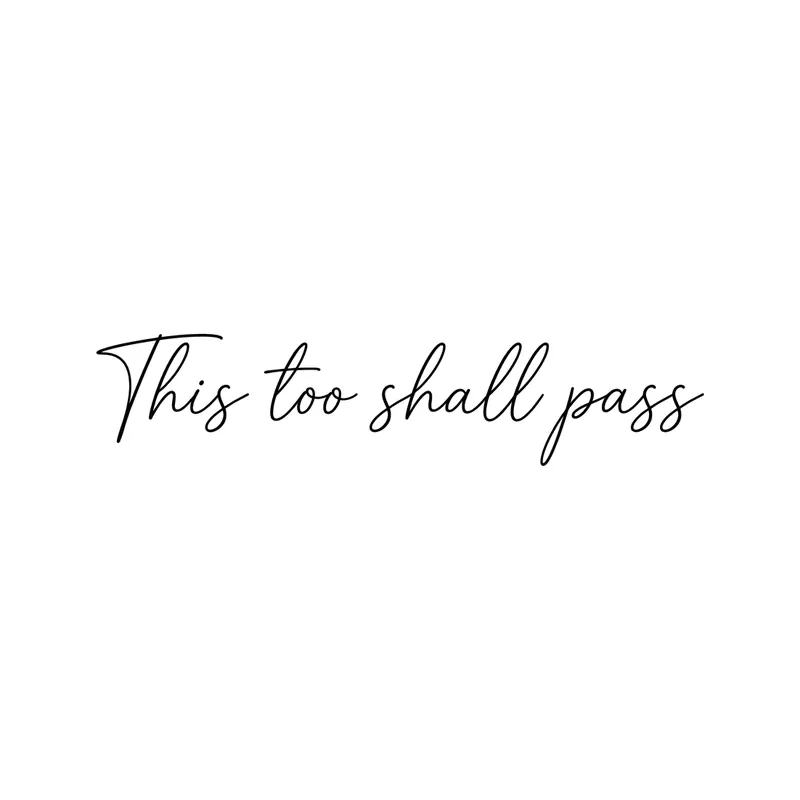
“This too shall pass” · script 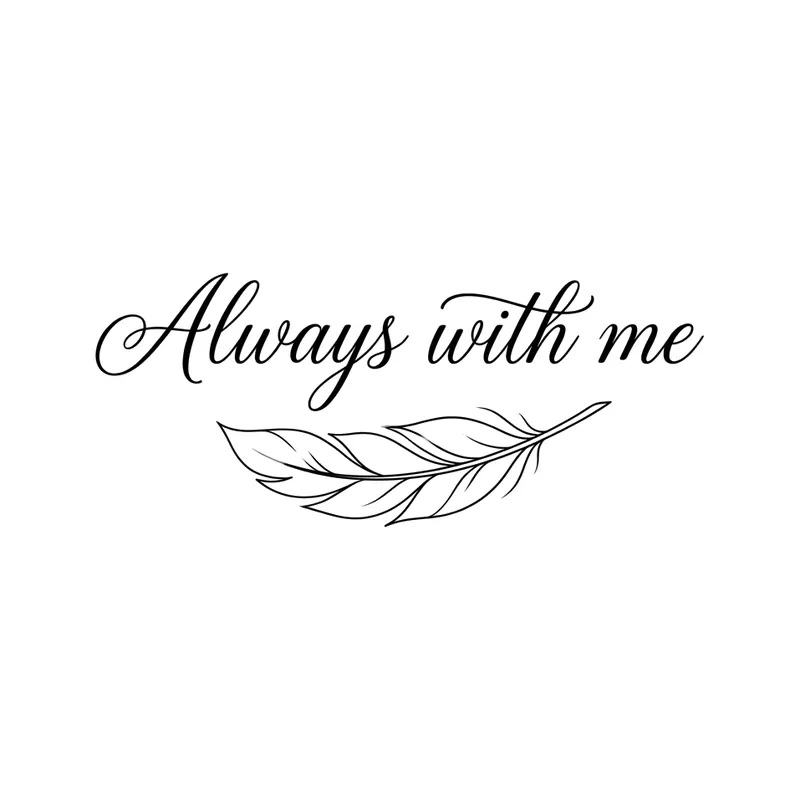
“Always with me” with a feather · script 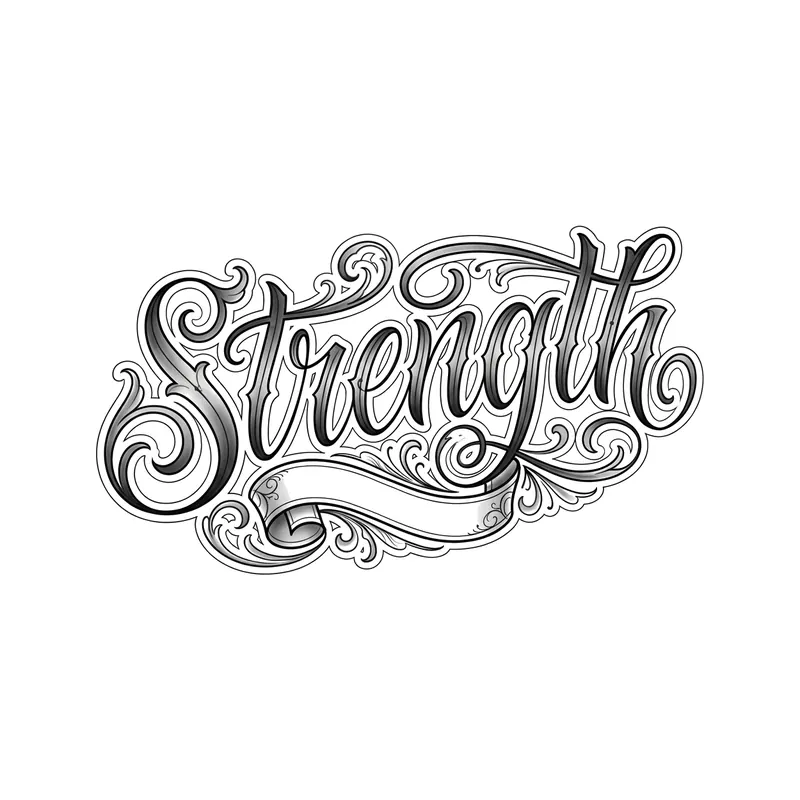
“Strength” · chicano lettering 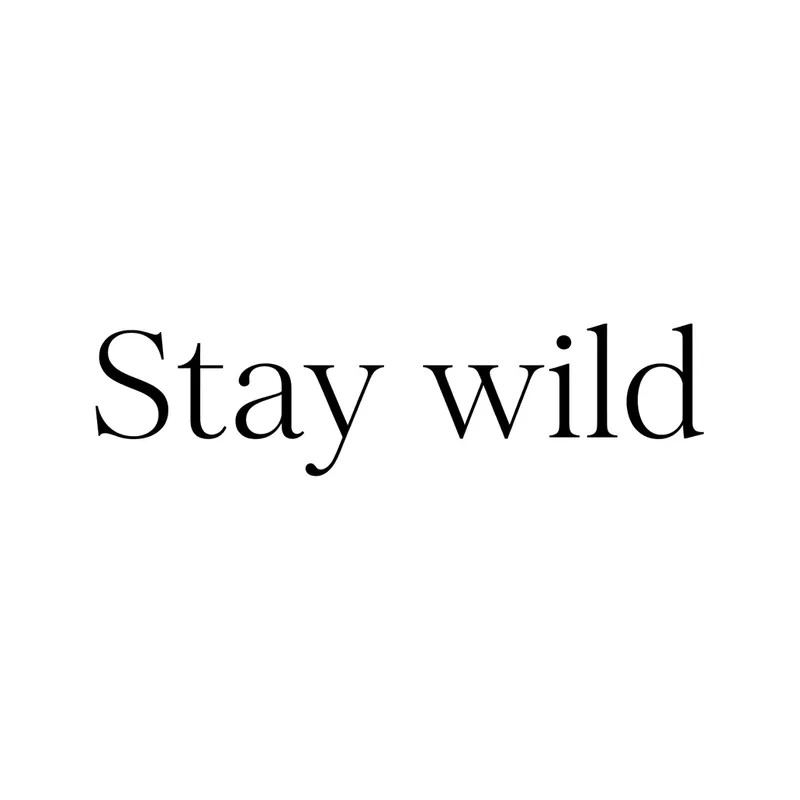
“Stay wild” · serif 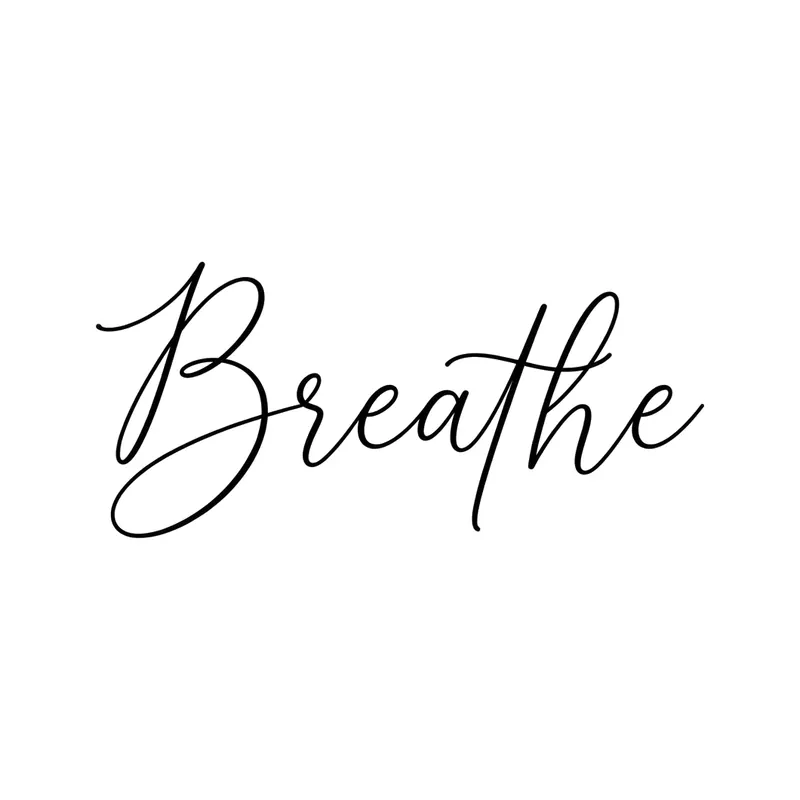
“Breathe” · script 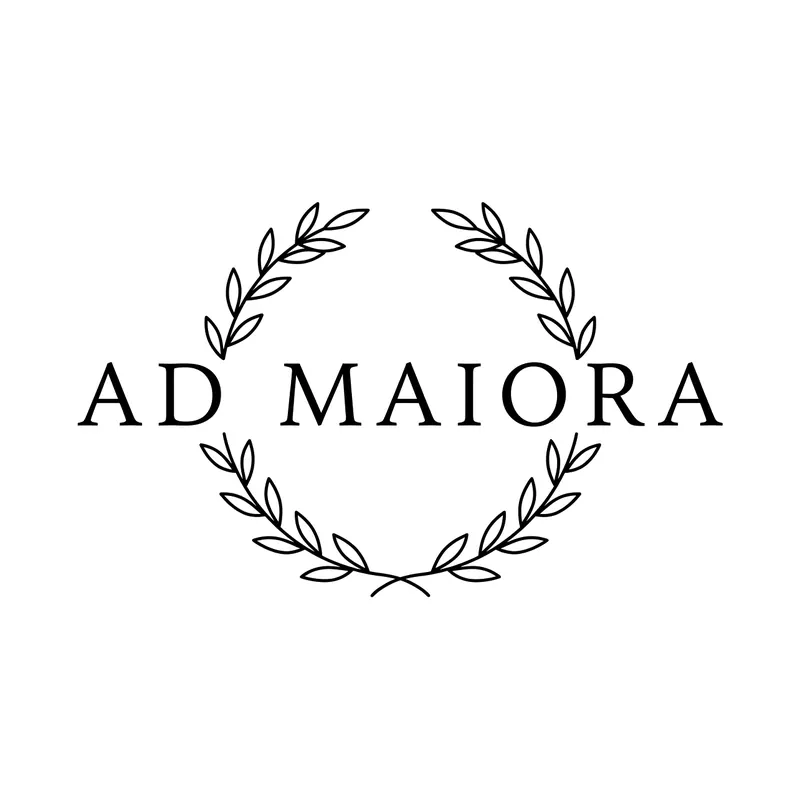
“Ad maiora” with laurel · serif 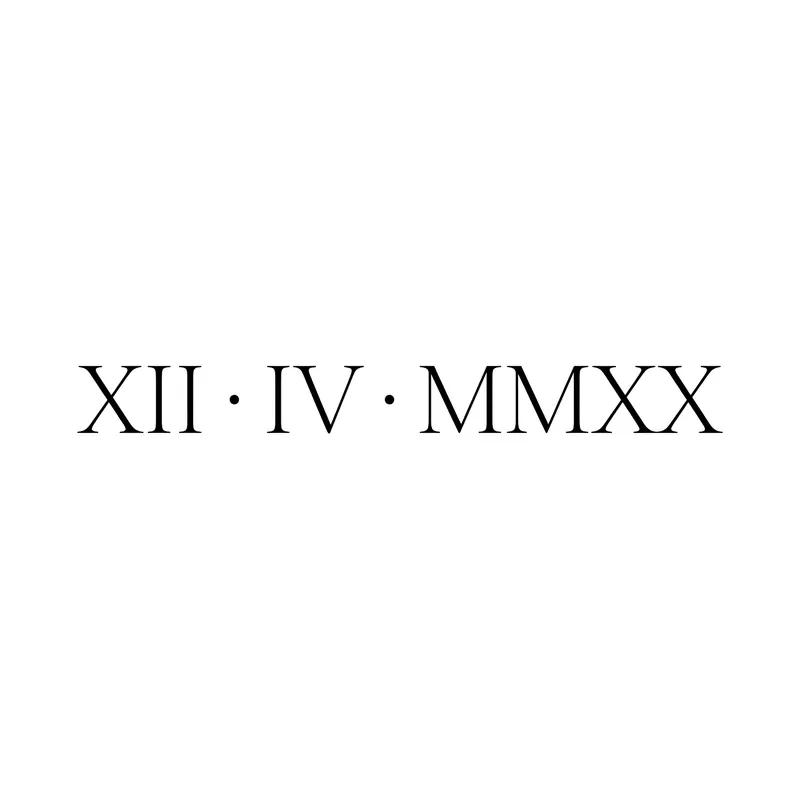
Date in Roman numerals · serif
How to create a script tattoo with TatuaIA
- 1
Type the words in quotes
For example: the words “This too shall pass” in thin cursive. Quotes help reproduce the exact wording.
- 2
Name the font and one detail
Cursive, serif, blackletter or chicano. If you like, add something small: a heart, a feather, a line.
- 3
Check every letter
Proofread spelling and punctuation, try again if needed and download the design. Your artist will adapt it to the placement.
Which font to choose
Thin cursive is the most requested for short quotes on the arm, wrist and ribs. A classic serif gives Latin words and dates an elegant look. Blackletter and chicano need more room: they work best with a single word in large letters.
Want to compare them with your own words? Try the tattoo font generator: it shows your text in 8 tattoo fonts and downloads each one as a PNG.
- Cursive: “Breathe”, “Always with me”, names
- Serif: “Stay wild”, “Amor fati”, Roman numeral dates
- Blackletter: a single word, such as “Freedom”
- Chicano: full lettering, great for forearm and chest
Before you get words tattooed
Proofread letter by letter (in the generated design too), especially apostrophes, accents and quotes in Latin or other languages. A long sentence on a small area becomes hard to read over the years: keep it short or give it a wider line. Want a name or a date? See our name tattoo ideas and the Roman numeral tattoo generator.
Frequently asked questions
Is the design unique?
Yes: TatuaIA doesn't pull designs from a catalog, it draws each one from scratch based on your description. Even if you repeat the same sentence you get a different version every time, and with Edit you can make it even more yours (a name, a date, a detail only you understand).
Can I take the design to my tattoo artist?
Yes, that's what it's for: download it and show it at the studio. Your artist will adapt it to the placement, the real size and their technique. Treat it as a faithful reference, not a ready-made stencil: the final say on the linework belongs to whoever tattoos it.
How much does it cost?
With TatuaIA your first designs are free (with a small watermark). To create without limits, edit and download without the watermark there's TatuaIA Pro, a subscription you'll see priced for your country in the app and can cancel anytime. The price of the actual tattoo is set by the studio: it depends on size, placement and hours of work.
Does the AI spell words correctly?
Usually yes, especially with short phrases in quotes, but it can get a letter or an accent wrong. Always proofread the design: if something is off, tap Try again or Edit and write the correction.
Can I write in Latin or another language?
Yes, the quote can be in any language that uses the Latin alphabet. Check the translation with a reliable source before getting it tattooed: the design reproduces the words you type, it doesn’t correct them.
More tools
- Small tattoo ideas: designs you can create with AI
- Fine line tattoo ideas: delicate designs you can create with AI
- Tribal tattoo ideas: designs you can create with AI
- Tattoo stencil ideas: clean line art you can create yourself
- Roman numeral tattoo generator: convert your date, then design it
- Name tattoo ideas: fonts and designs for the name you carry
- Birth flower tattoo generator: find your month, then design it
- Morse code tattoo generator: translate your word, then design it
- Coordinates tattoo generator: format your place, then design it
- Binary code tattoo generator: turn a word into 0s and 1s
- Heartbeat tattoo generator: a name, a word or a heart in the line
- Sound wave tattoo generator: turn a voice note into a tattoo
- Tattoo font generator: see your words in 8 tattoo lettering styles
- Tattoo ideas: a gallery of designs to filter and customize
- TatuaIA home

See your words before you ink them
Type the quote, choose the font and compare several versions in seconds.